
This is due to long delivery times and limited product warranties.
JBL speakers and headphones for pure and deep sound!
In cart {{totalProductsCount}} item(s)
Your cart is empty
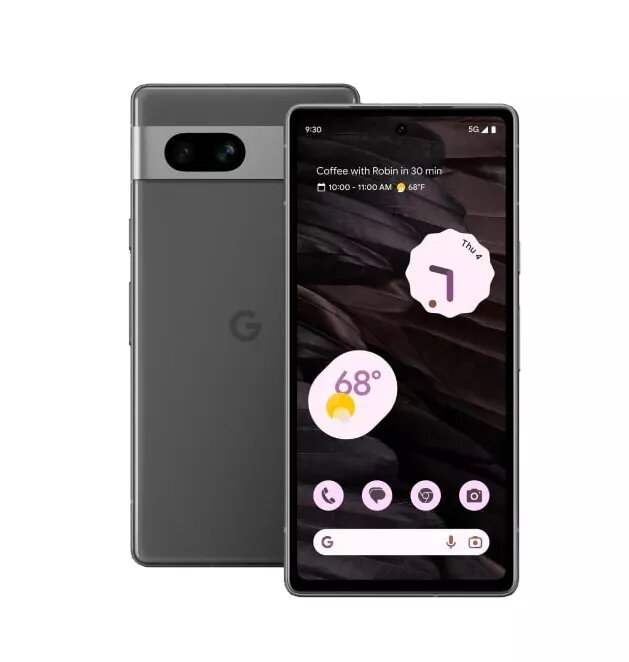
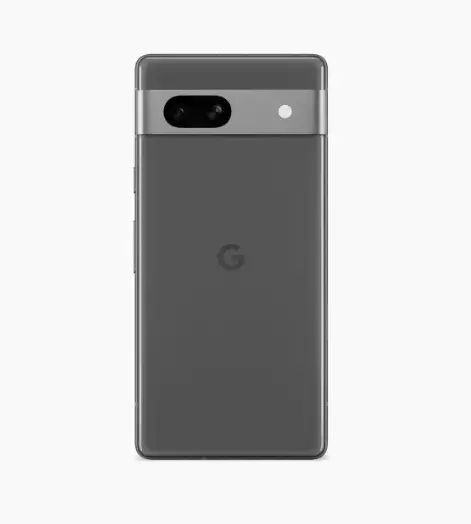
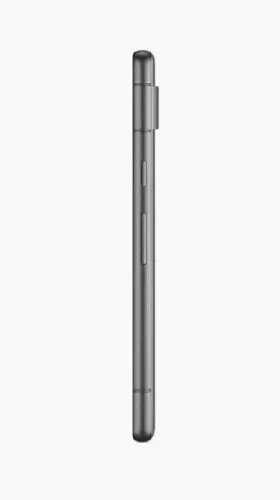
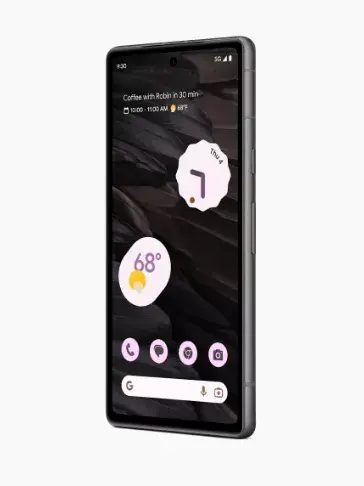
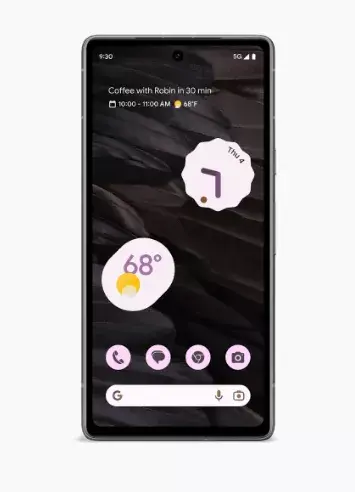
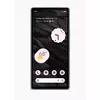
Smartphone Google Pixel 7a 6.1" 128 GB Black
The Google Pixel 7a is a high-performance smartphone featuring a 6.1-inch display and the advanced Google Tensor G2 processor. Designed for speed and security, this device combines 8 GB of RAM with 128 GB of internal storage to provide a smooth user experience. It is built with durable materials and offers resistance against dust, water, and scratches, ensuring reliability in various environments.
The device excels in photography with its 64 MP main camera and ultrawide lens, supported by intelligent image processing features like Magic Eraser and Photo Unblur. The Google Tensor G2 chip enhances overall efficiency, enabling features like real-time language translation, call screening, and improved voice clarity during phone calls. Users benefit from long-lasting battery life, which can be extended up to 72 hours, and the convenience of wireless charging. Security is a priority, with the Titan M2 chip and regular security updates providing robust protection for personal data.
The Google Pixel 7a may not be the ideal choice for users who require expandable storage via microSD cards, as the internal memory is fixed. Additionally, those who prefer a larger screen size for professional media editing or gaming might find the 6.1-inch display limiting compared to larger flagship models.
To begin using your Google Pixel 7a, insert your SIM card and follow the on-screen setup instructions to connect to Wi-Fi and sign in with your Google account. You can secure your device using the fingerprint sensor or face unlock features located in the settings menu. To capture photos, open the camera app and swipe between modes to utilize features like Night Sight or Portrait mode. Manage your apps and settings through the intuitive Android interface, and keep your device updated by checking for system updates in the settings.
Usage recommendations: To maximize battery longevity, utilize the Adaptive Battery feature and consider enabling Extreme Battery Saver mode during long trips. Regularly use the built-in security and privacy dashboard to review app permissions and keep your data protected.
{{highlightedFeature.featureTitle}}:
{{getProductFeatureValueById(product, highlightedFeature.featureId)}}