Dreame vacuums for fast and efficient cleaning!
In cart {{totalProductsCount}} item(s)
Your cart is empty
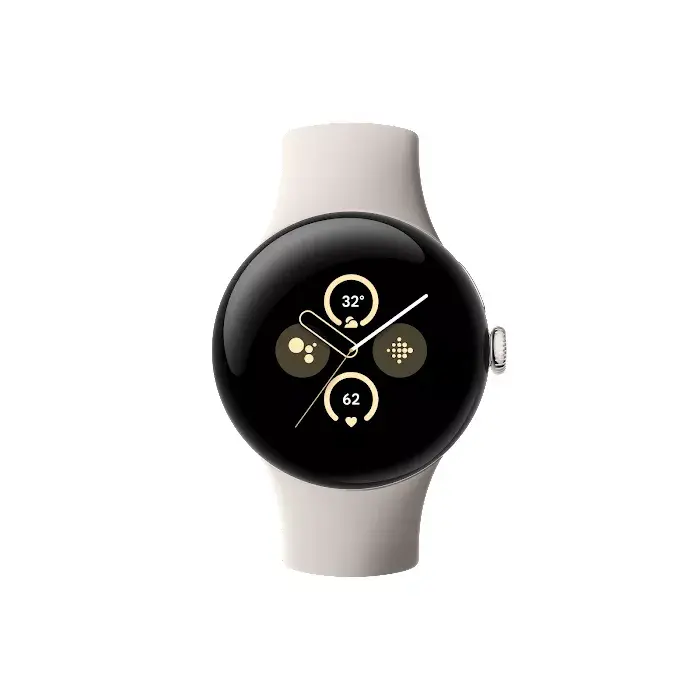
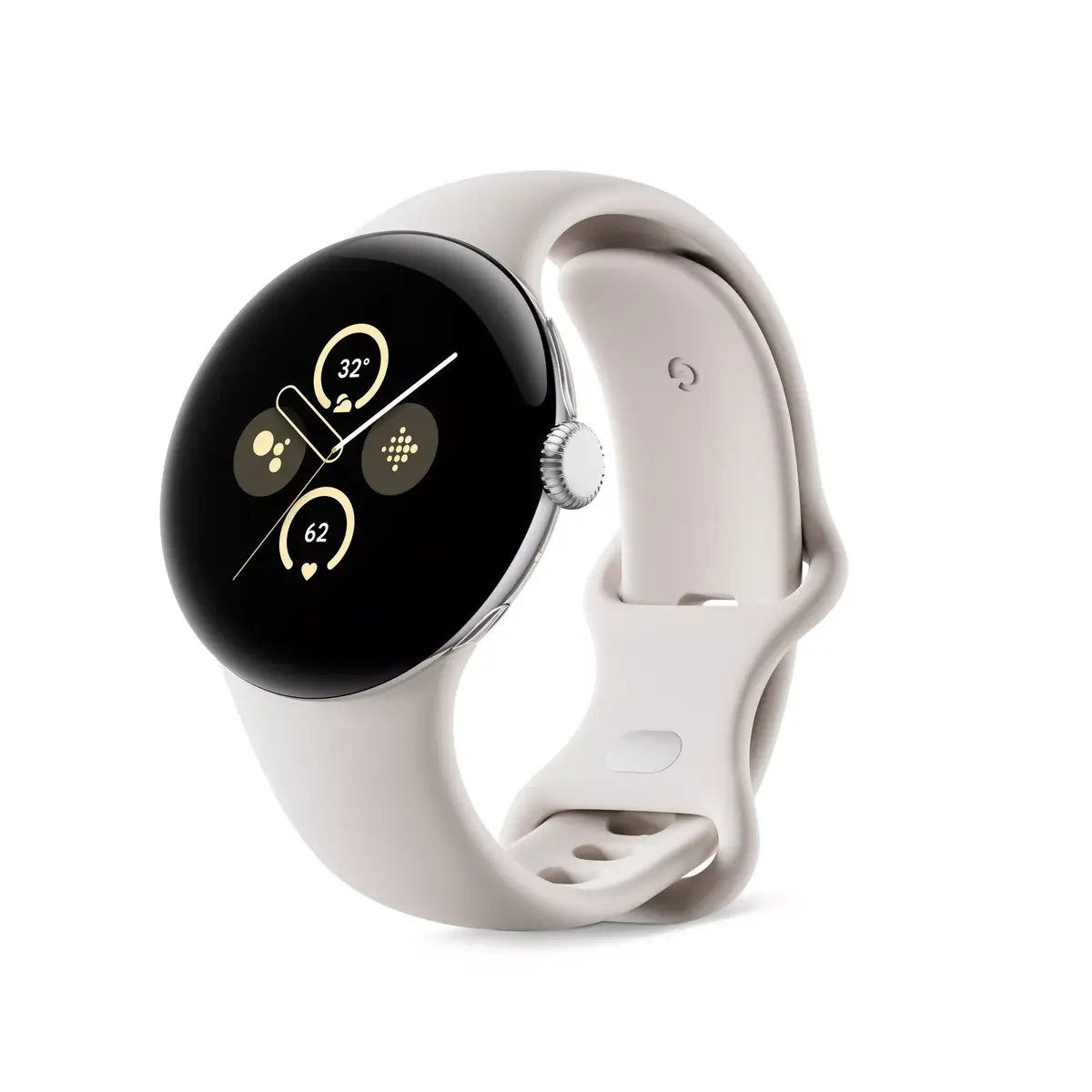
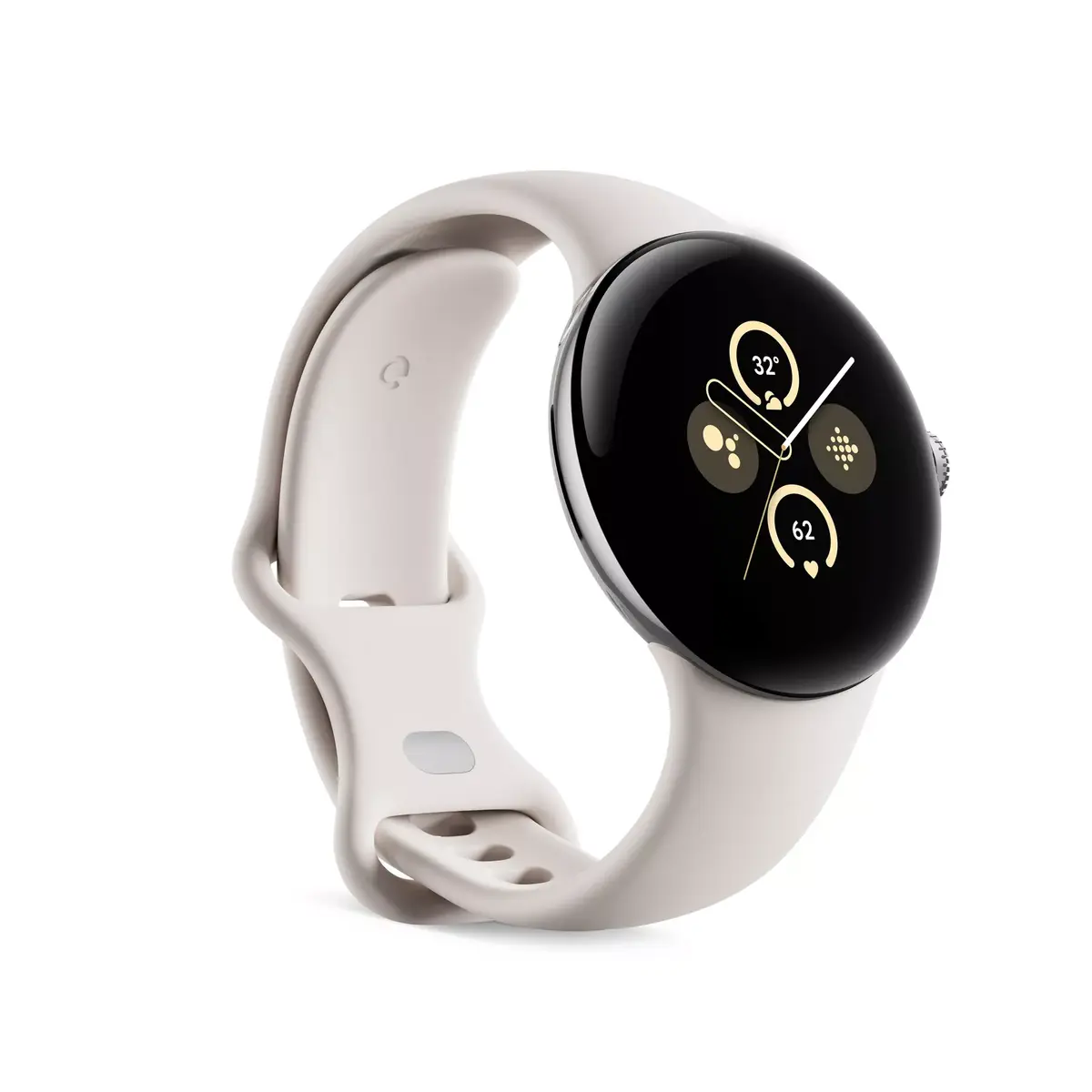
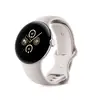
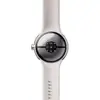
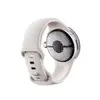
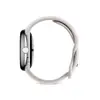
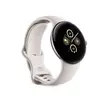
Google Pixel Watch 2 Smartwatch 41 mm Silver AMOLED Touchscreen 4G Wi-Fi GPS Wear OS 32 GB
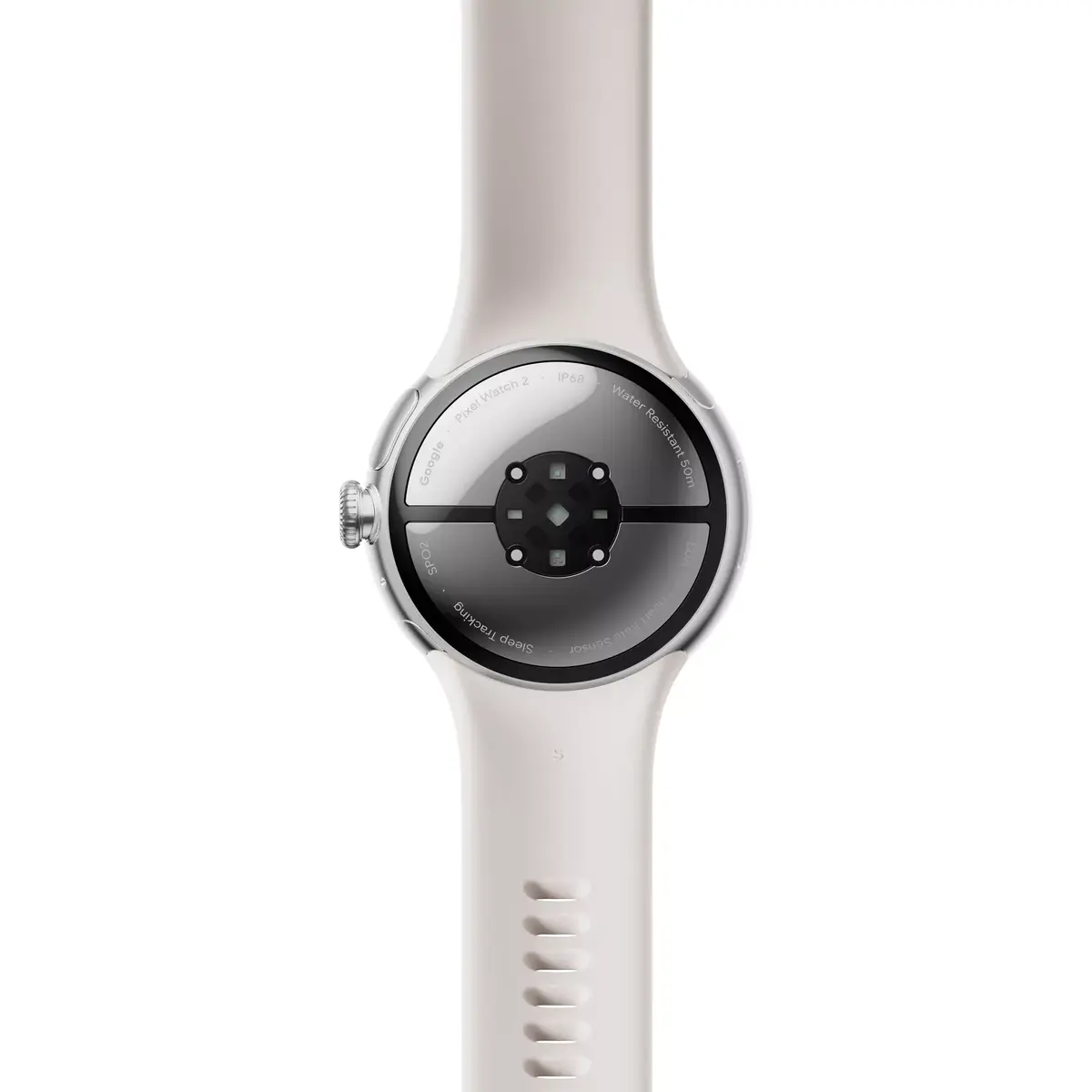
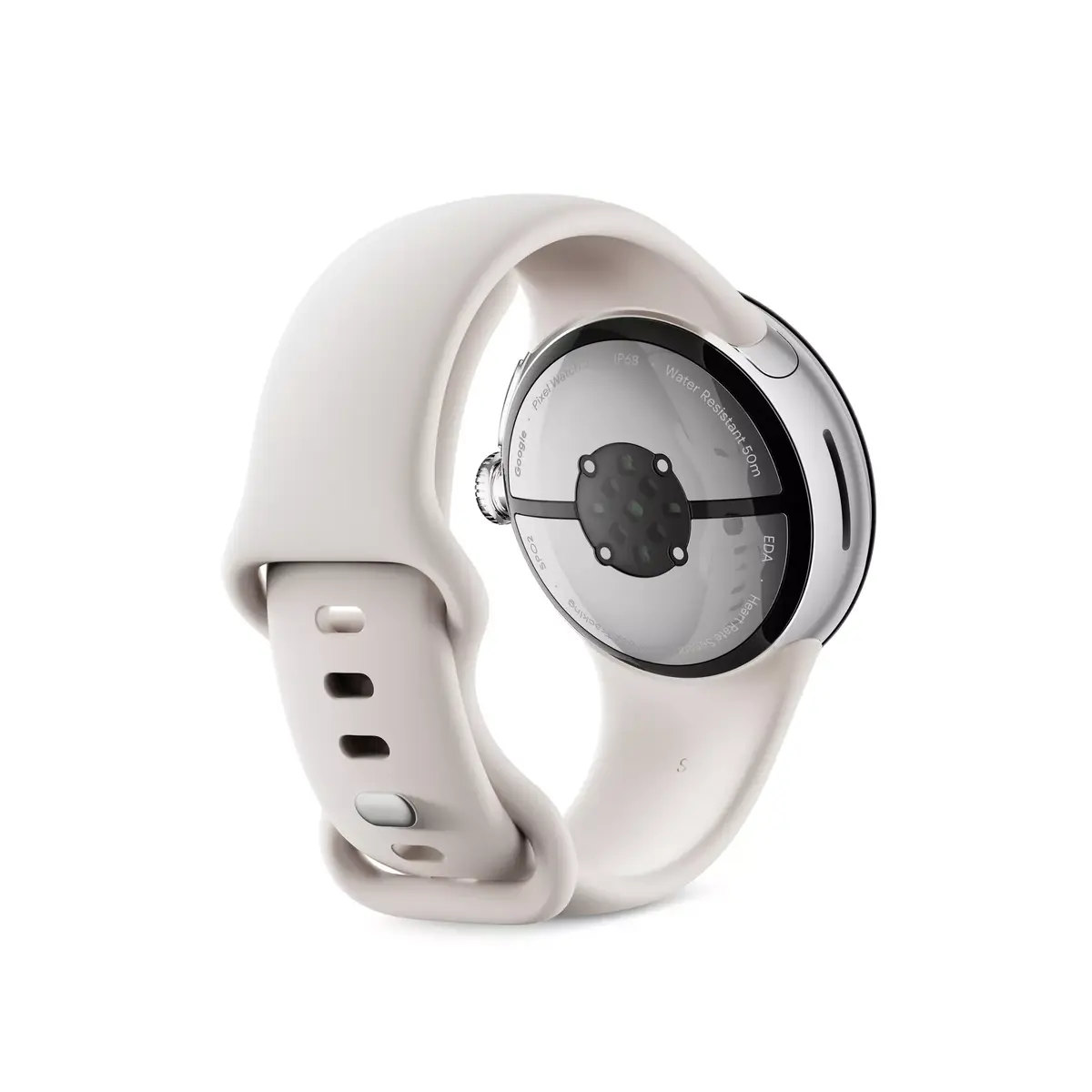
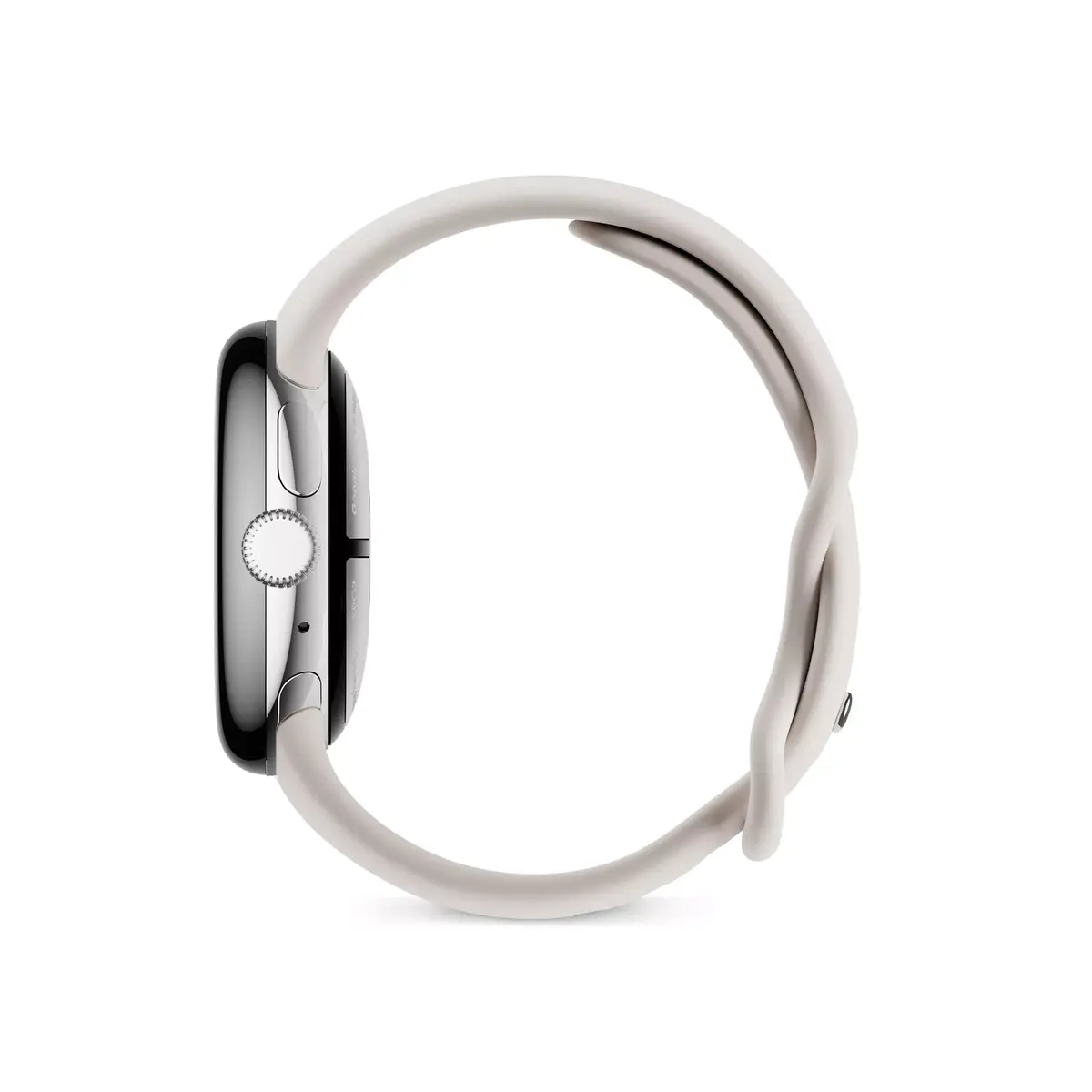
The Google Pixel Watch 2 Smartwatch 41 mm Silver AMOLED Touchscreen 4G Wi-Fi GPS Wear OS 32 GB is a modern connected timepiece designed to keep you on track throughout your day. Featuring a stylish 41 mm silver aluminum case paired with a round AMOLED touchscreen, this wearable device combines functionality with a sleek aesthetic. Operating on the intuitive Wear OS platform, it integrates seamlessly with supported Android mobile operating systems to deliver notifications, health data, and smart features directly to your wrist. With built-in 4G LTE connectivity, Wi-Fi, Bluetooth, NFC, and GPS, you stay connected and navigate easily without always needing your phone nearby.
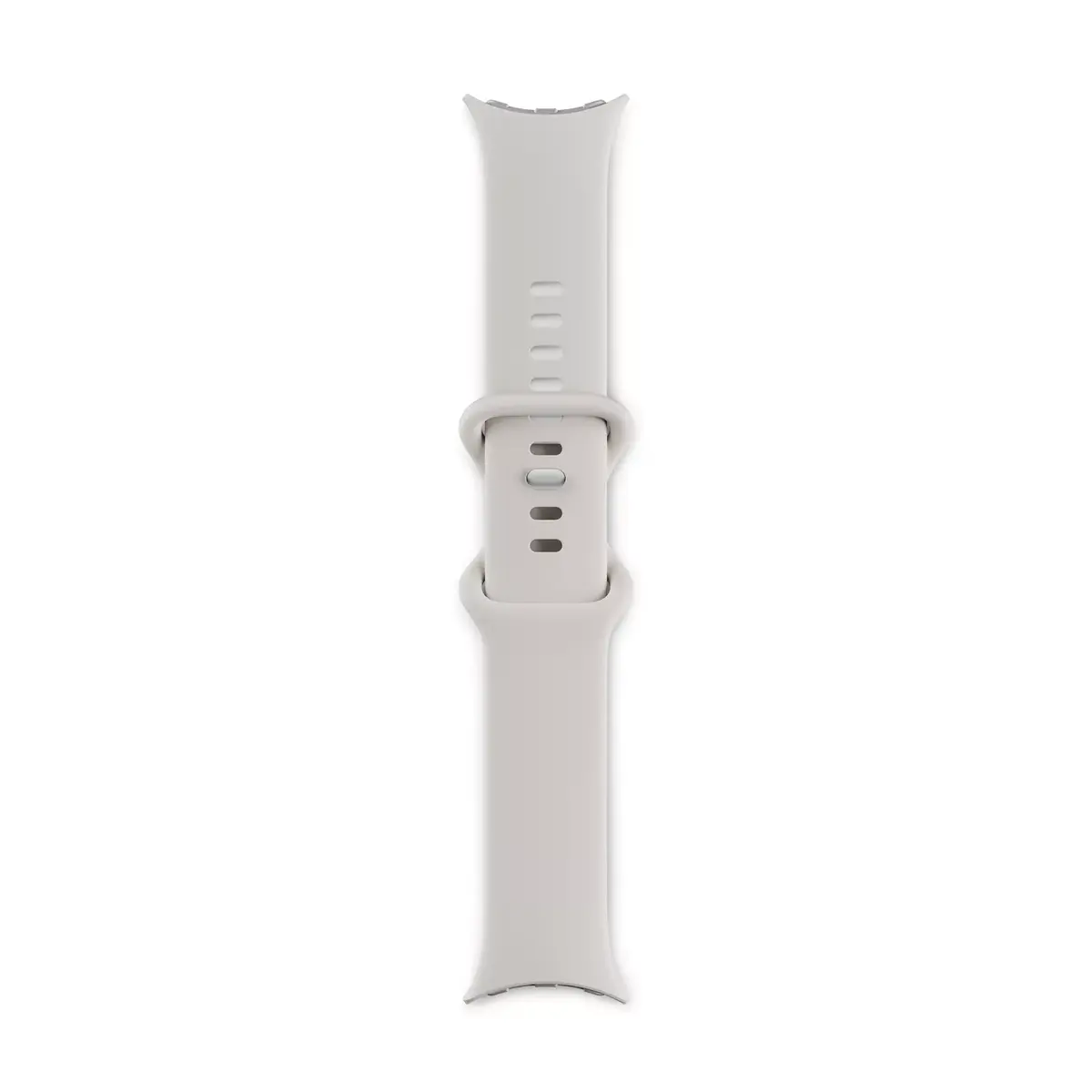
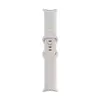
This Google Pixel Watch 2 offers advanced health tracking capabilities, including an integrated heart rate monitor to help you monitor your physical well-being continuously. The inclusion of a built-in speaker and microphone allows for convenient interactions and direct communication capabilities. With 32 GB of flash memory and 2000 MB of RAM, the device provides sufficient space and processing capability for apps and data. The lightweight silver aluminum construction ensures comfortable daily wear, while the included grey fluoroelastomer band in sizes S and L accommodates various wrist dimensions securely.
This smartwatch may not meet the needs of users seeking multi-day battery life, as the maximum battery duration is up to 24 hours per charge. Additionally, compatibility is restricted to supported Android mobile operating systems, meaning it is not suitable for users who rely primarily on other mobile platforms.
To begin using the Google Pixel Watch 2, charge the device fully using the provided charging accessories and power it on. Follow the on-screen prompts to pair the smartwatch with a compatible smartphone running a supported Android operating system using Bluetooth and the companion application. Once connected, adjust your notification settings, set up your health tracking preferences, and personalize the watch face through the touchscreen interface. Manage applications and connectivity options directly from the menu to suit your daily routines.
For optimal performance and battery longevity, ensure the operating system is updated regularly and manage background connectivity features according to your daily usage patterns.
{{highlightedFeature.featureTitle}}:
{{getProductFeatureValueById(product, highlightedFeature.featureId)}}
{{ productComparisonGenerationError }}