
Leave your address - as soon as the price of the product goes down, you'll know about it right away
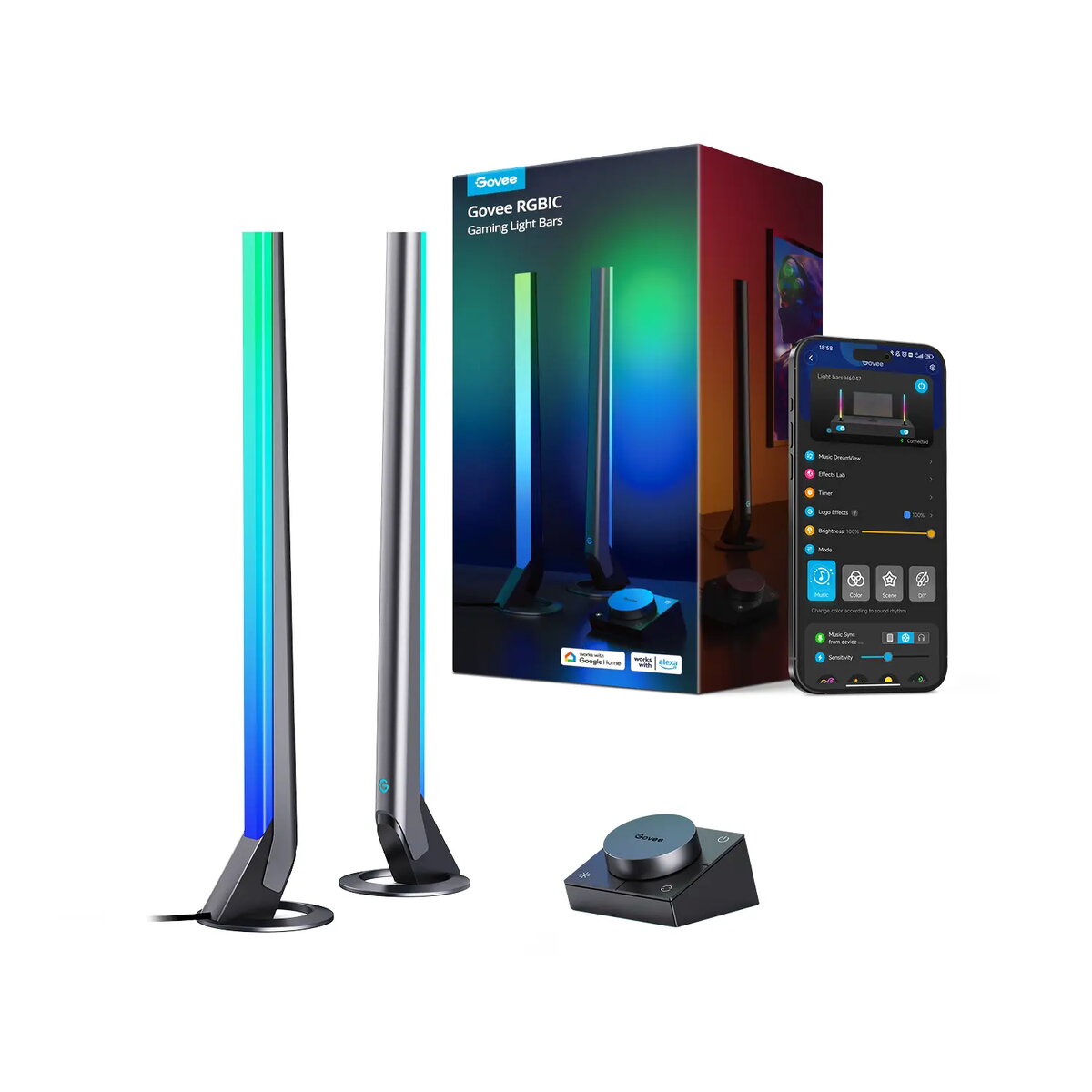
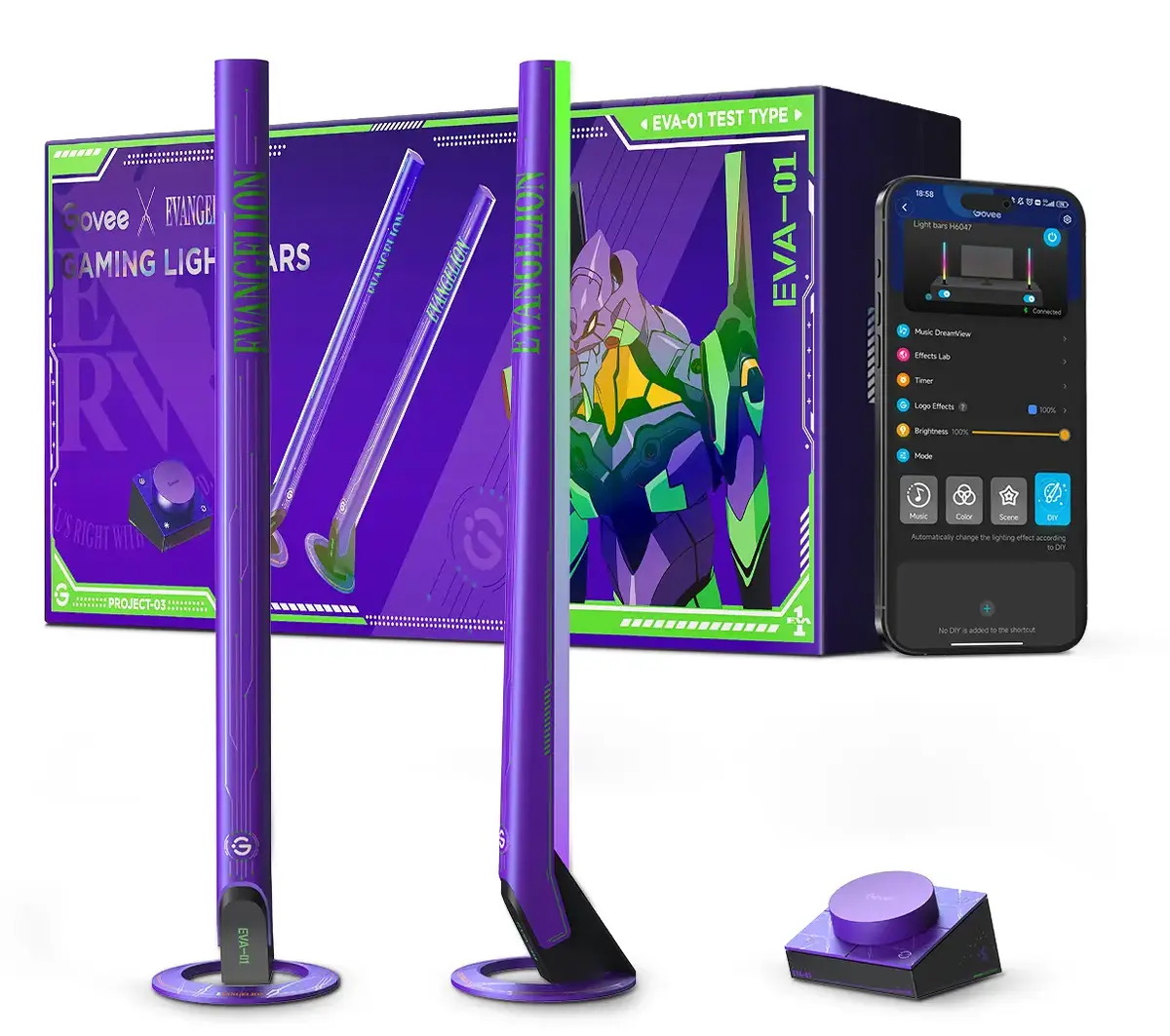
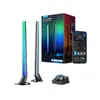
Smart lighting kit Govee H6047, Wi‑Fi/Bluetooth, 12V 24W, black, 5 pieces
In cart {{totalProductsCount}} item(s)
Your cart is empty
Smart lighting kit Govee H6047, Wi‑Fi/Bluetooth, 12V 24W, black, 5 pieces
Leave your address - as soon as the price of the product goes down, you'll know about it right away
Smart lighting kit Govee H6047, Wi‑Fi/Bluetooth, 12V 24W, black, 5 pieces
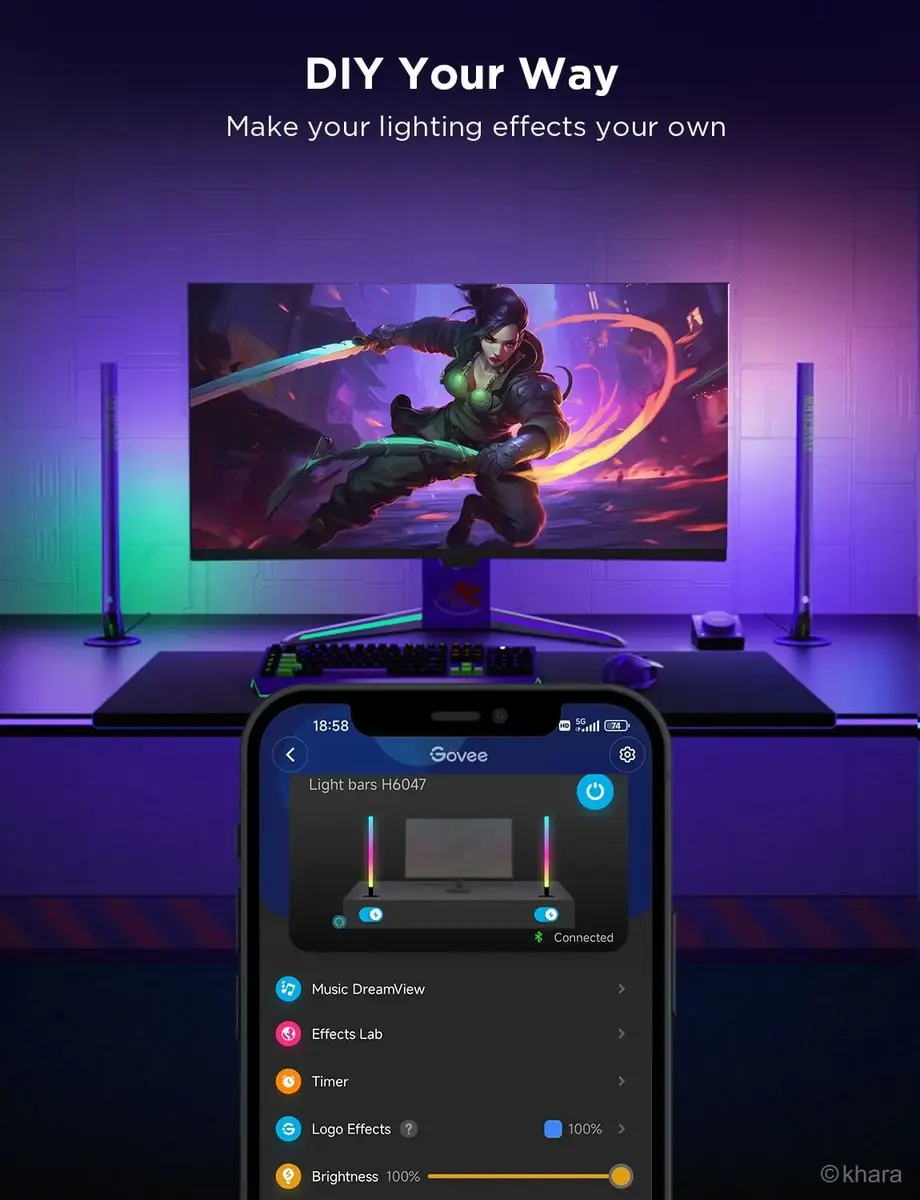
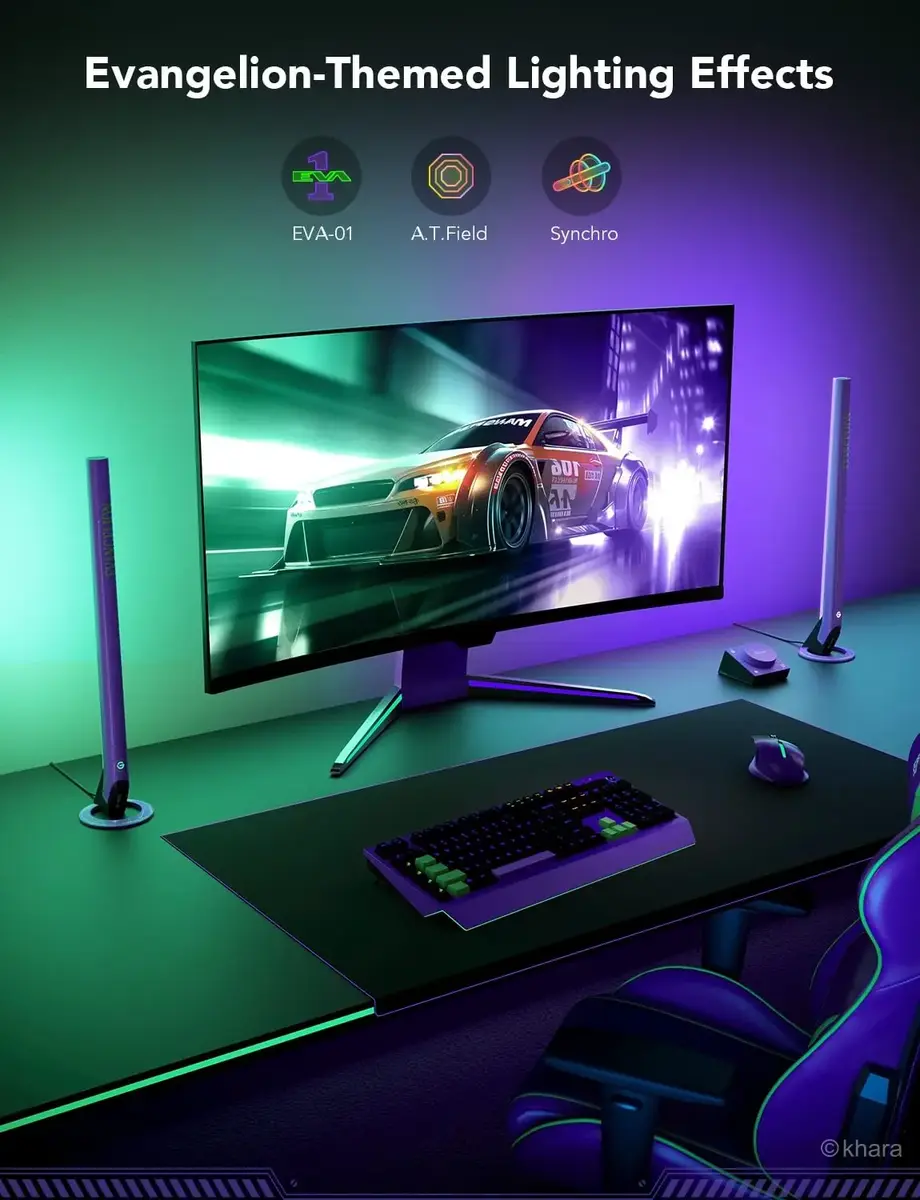
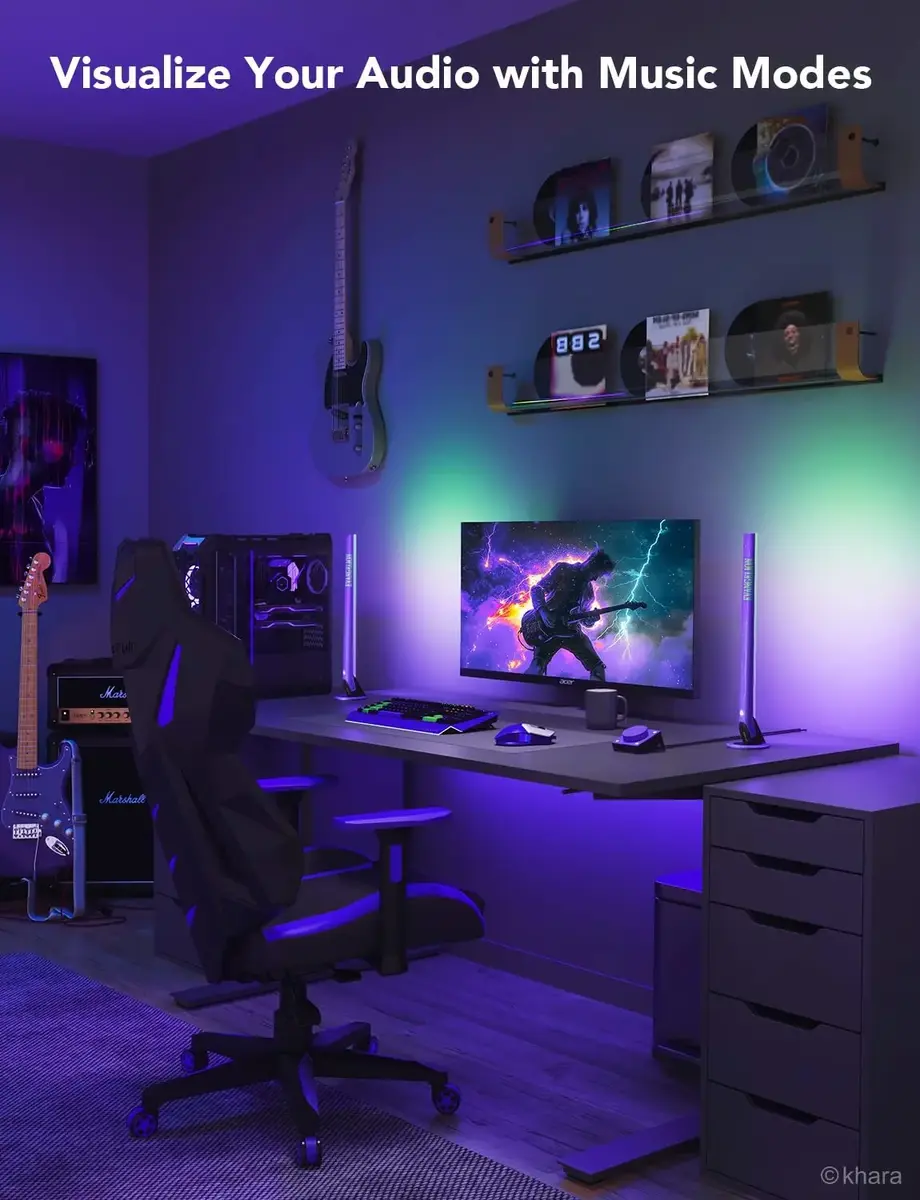
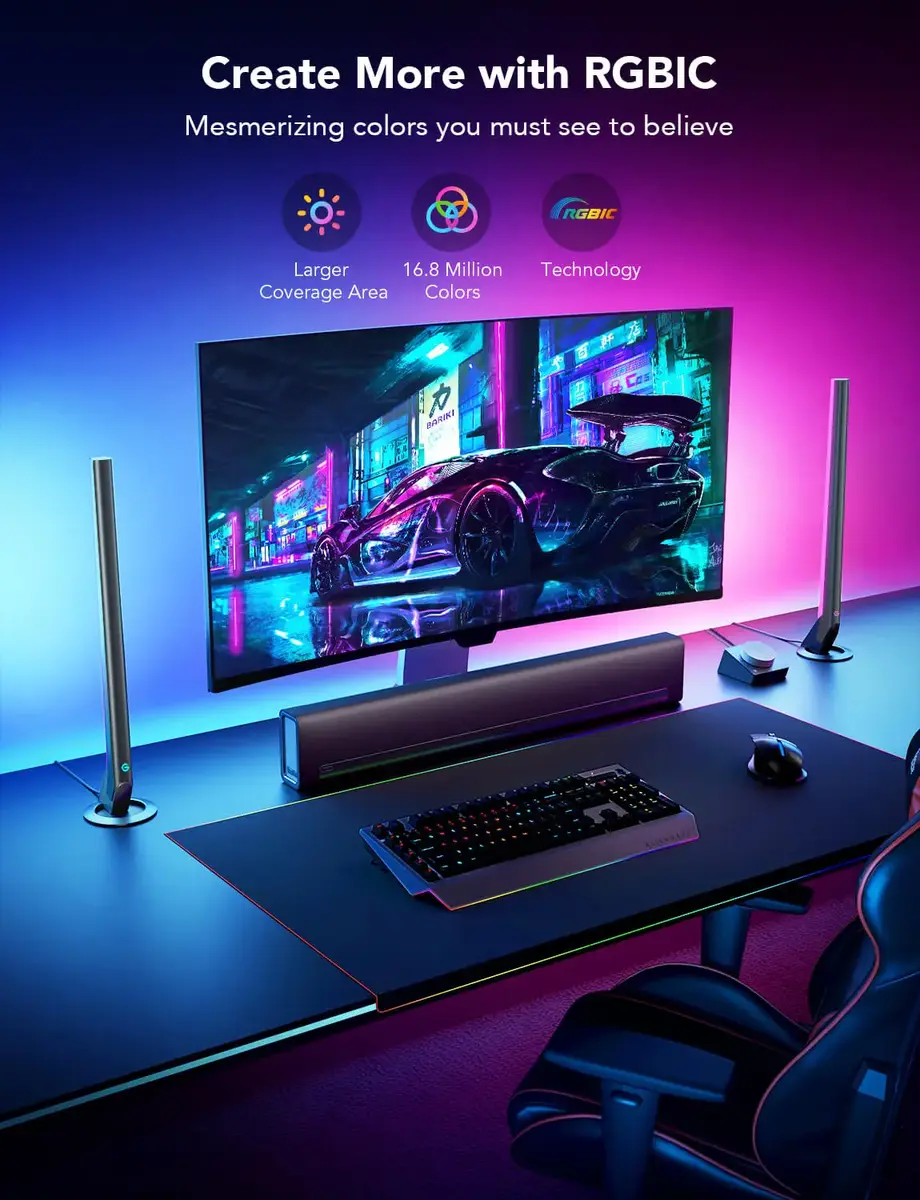
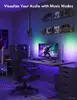
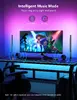
Govee H6047 is a smart lighting kit designed for adaptable ambient and gaming illumination. The black kit comprises five light units operating at 12 V with a total rated power of 24 W. Connectivity is provided via Wi‑Fi and Bluetooth and setup, control and scene management are handled through the Govee Home app for Android and iOS. The system supports RGBIC effects and mobile control, enabling independent zone colors, audio-reactive behavior and synchronized effects across multiple bars.
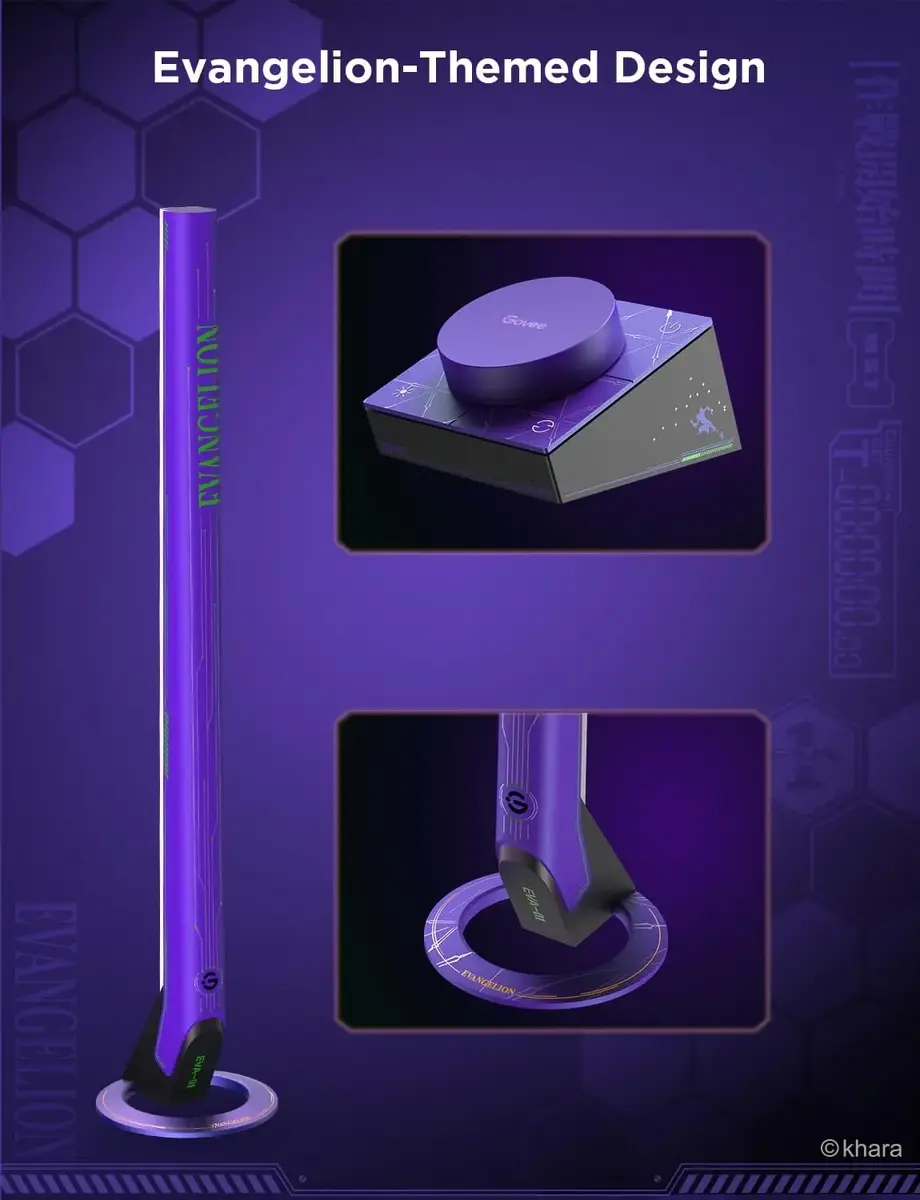
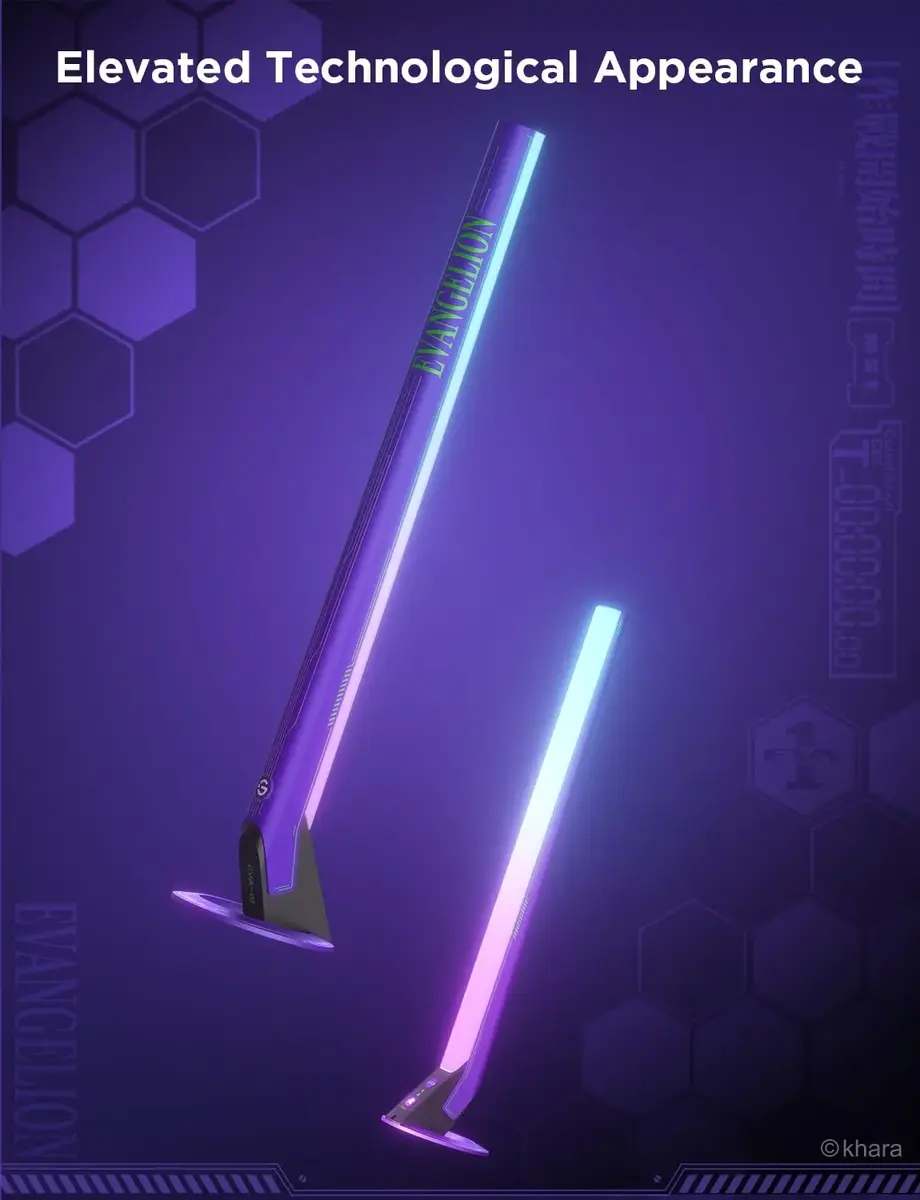
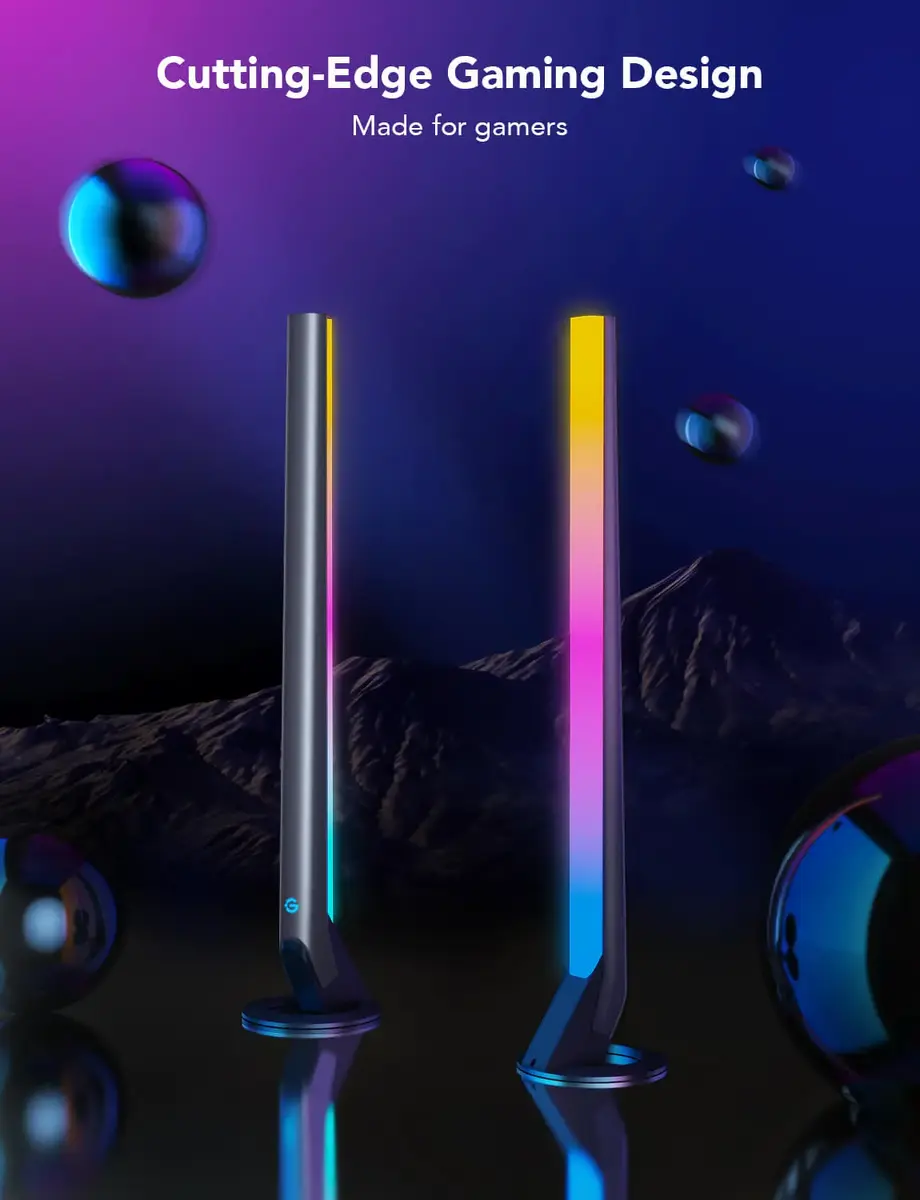
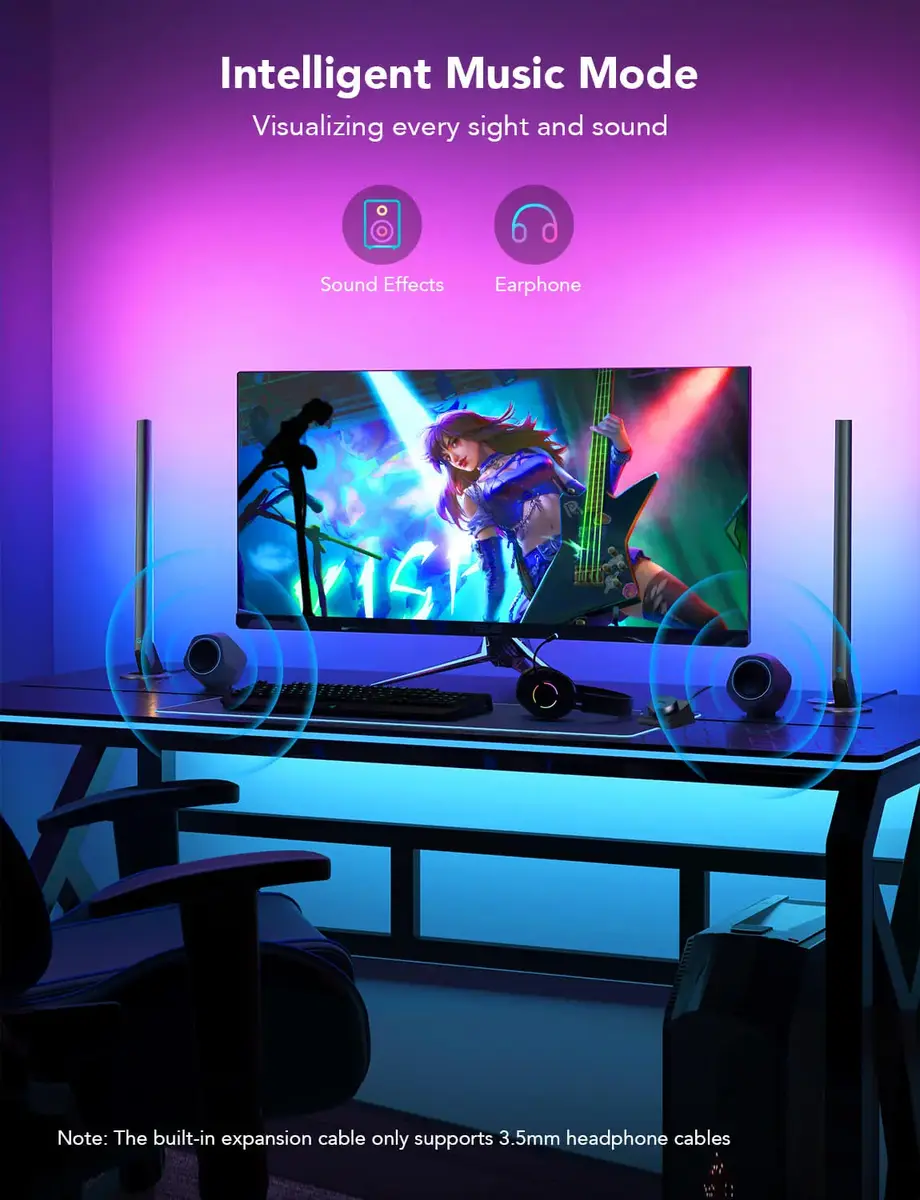
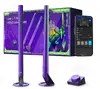
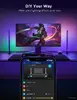
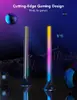
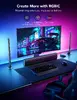
The Govee H6047 offers multi-protocol connectivity with both Wi‑Fi and Bluetooth for flexible local and remote control. With RGBIC technology, each light unit can display multiple colors simultaneously, allowing smoother gradients and layered lighting effects. Integrated audio visualization and app-based DIY tools let users create tailored scenes and reactive effects. The included black light bars have a compact design suitable for mounting or placement in gaming setups, behind monitors, on shelves or under furniture.
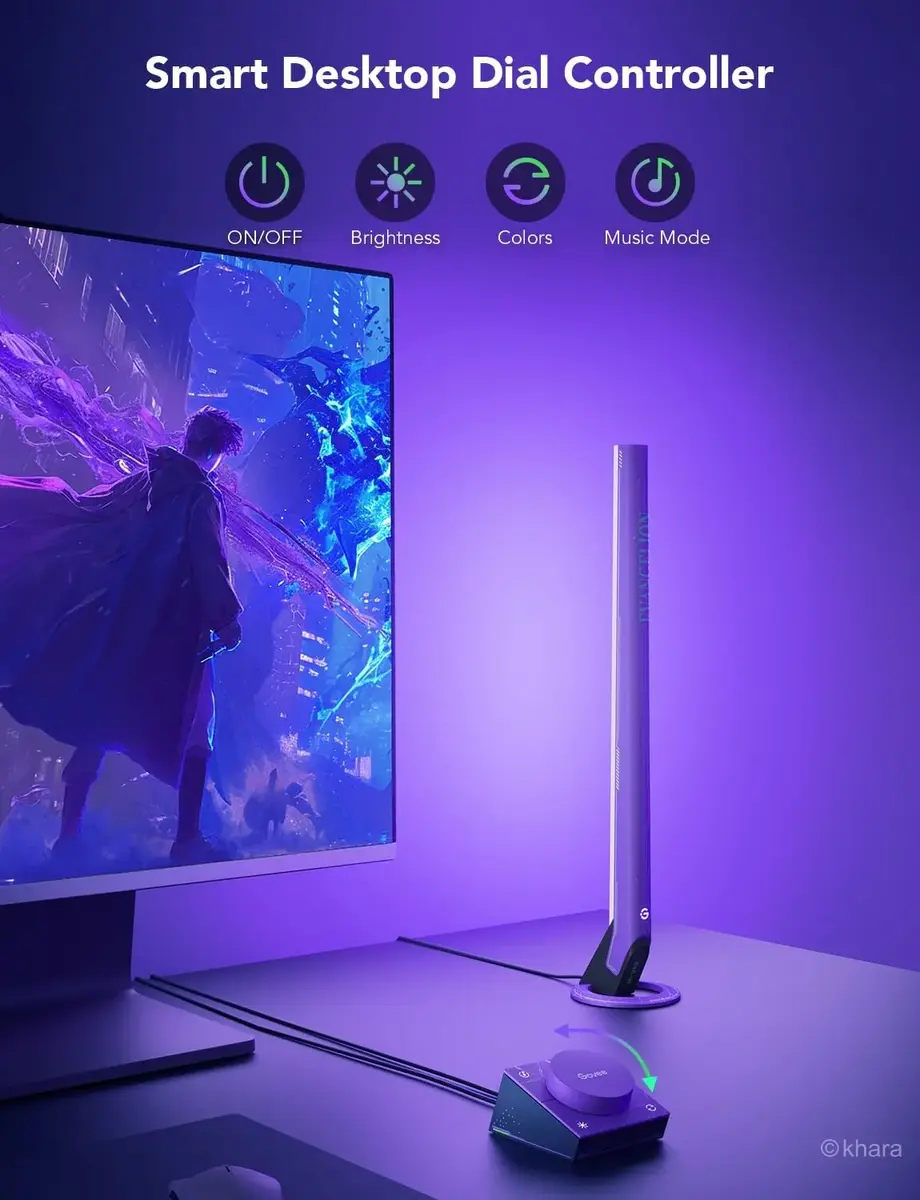
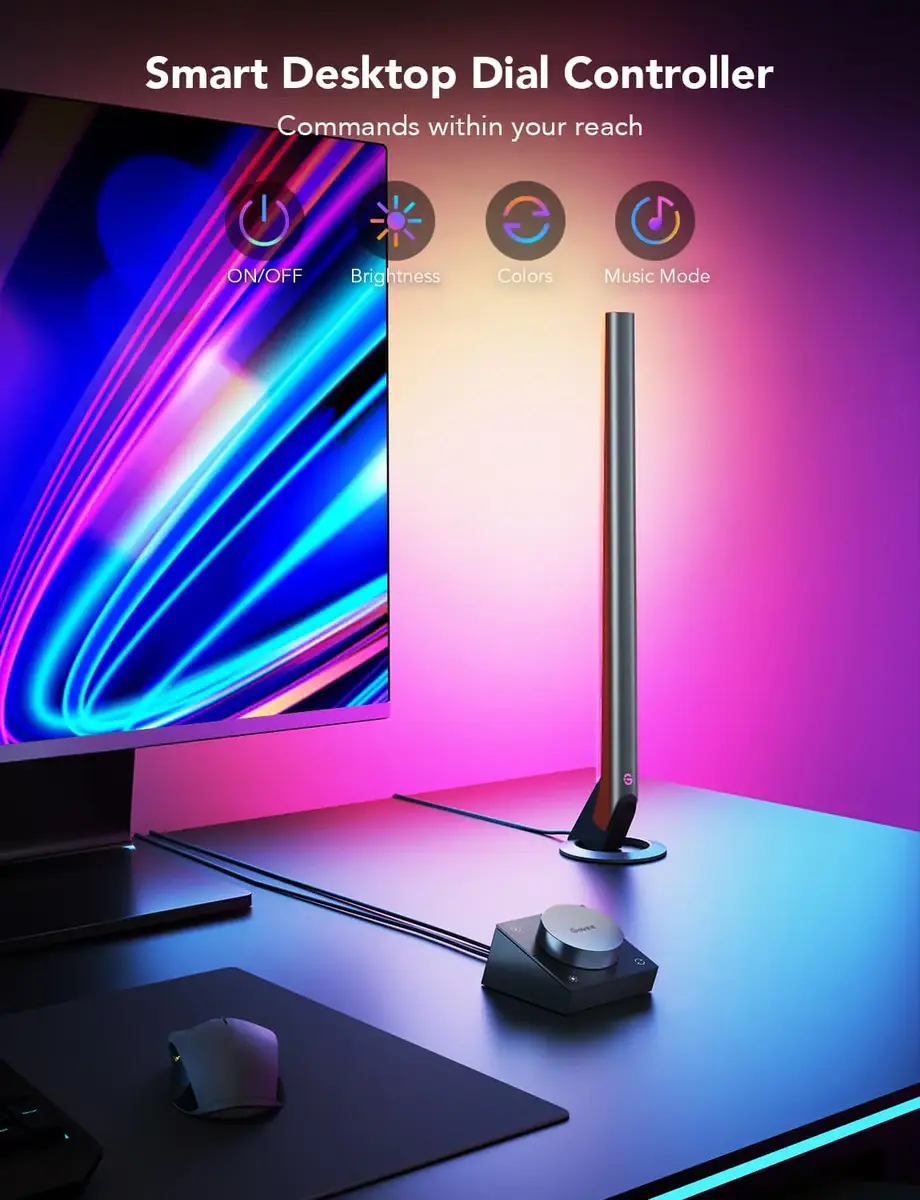
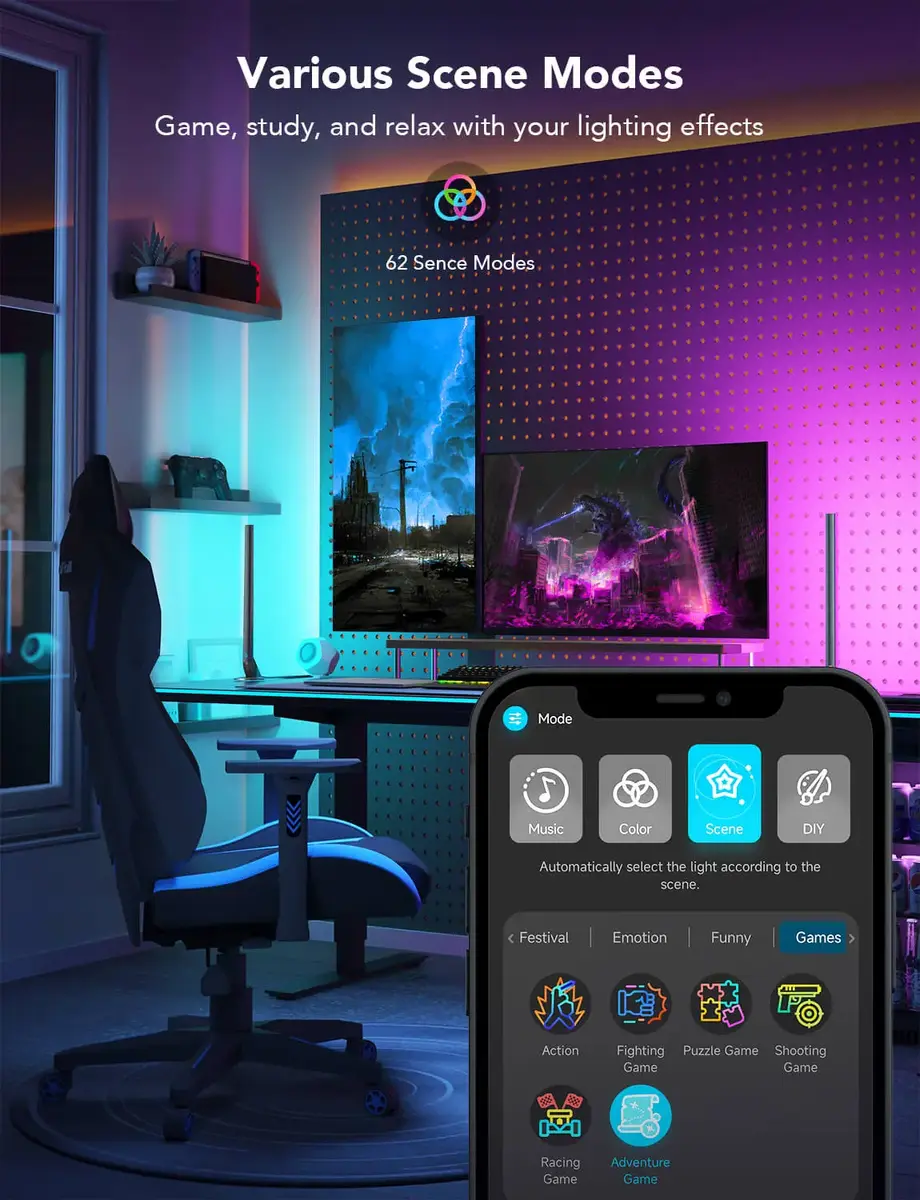
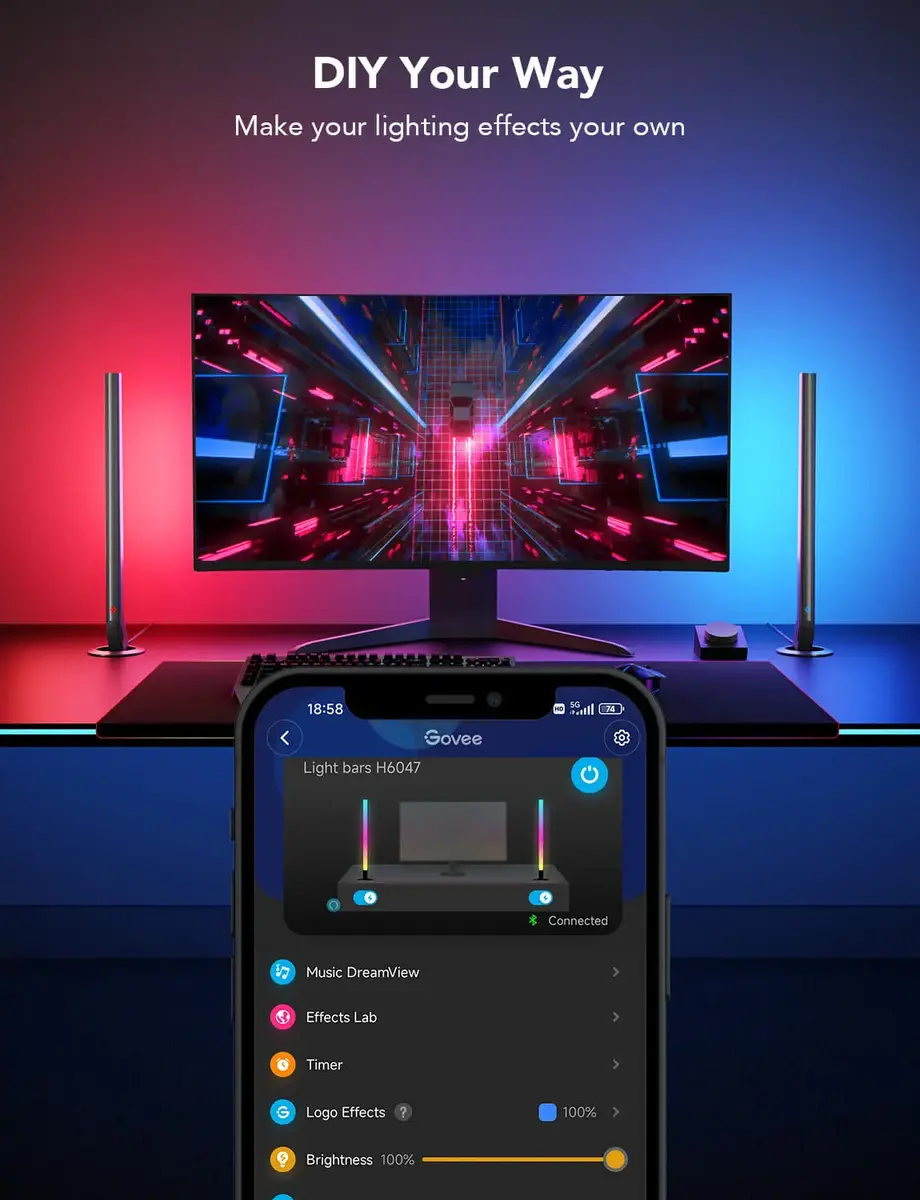
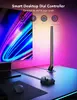
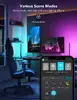
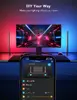
Install the light bars in the desired positions using the included mounting accessories or place them on flat surfaces. Connect the power supply to a 12 V outlet and pair the kit with the Govee Home app via Bluetooth for initial setup, then switch to Wi‑Fi for remote control and cloud features. Use the app to assign zones, select scenes, create custom DIY effects and enable audio-reactive modes. Physical controls can be used for quick adjustments if a compatible controller is present.
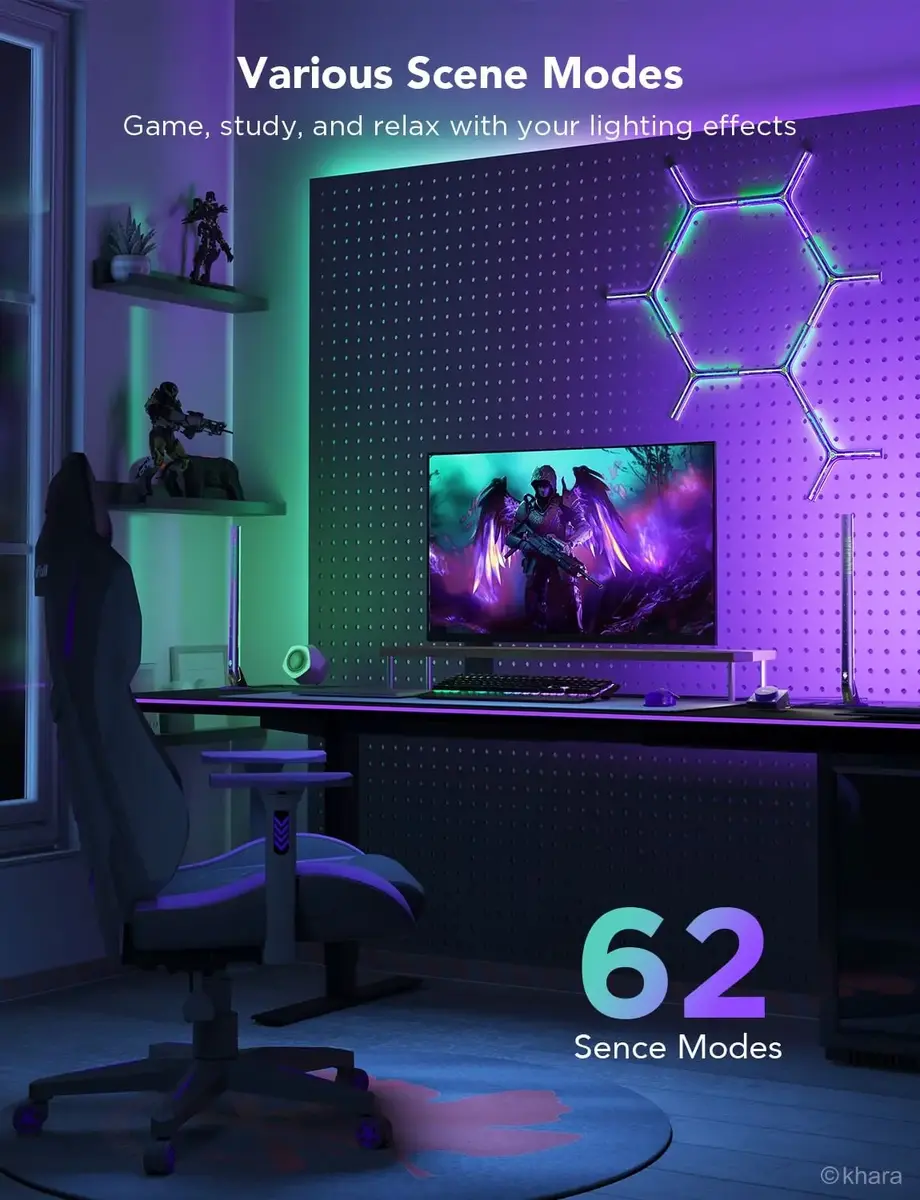
For best results in gaming and streaming environments, position the light bars behind monitors or along the edges of desks to create depth and reduce screen glare. Use the app’s scene scheduling to automate lighting changes during play sessions or content recording, and enable Wi‑Fi for remote access and synchronization across multiple devices.
{{highlightedFeature.featureTitle}}:
{{getProductFeatureValueById(product, highlightedFeature.featureId)}}