

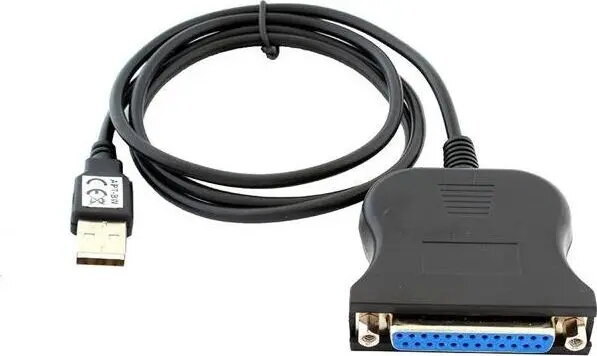
USB to IEEE 1284 (LPT) Cable HERTZ AK72, USB-A to Parallel, 1 m, Black
6.49 €
Keep track of price changes
You keep track of price changes
Watch the price drop
Leave your address - as soon as the price of the product goes down, you'll know about it right away
You keep track of price changes
USB to IEEE 1284 (LPT) Cable HERTZ AK72, USB-A to Parallel, 1 m, Black
{{email}}
You keep track of price changes
USB to IEEE 1284 (LPT) Cable HERTZ AK72, USB-A to Parallel, 1 m, Black
{{email}}
{{selectedOffer && selectedOffer.price | formatAmount}}
Short description
HERTZ AK72 is a 1 m cable that converts USB-A to an IEEE 1284 (LPT) parallel interface for connecting legacy printers and parallel devices to modern USB ports. The black cable supports direct device connection where a parallel port is required, enabling data transfer and printing from computers without native LPT ports. Intended for legacy peripheral compatibility and basic print/data operations.
Deliver the order:
to the Customer Service Center at Kengaraga 2b, Riga
07.07.2026
{{selectedOffer.officeDeliveryString}}
free
Customer service center
2b. Kengaraga str., Riga, Latvia, LV-1063
07.07.2026
{{selectedOffer.officeDeliveryString}}
free
Courier Delivery
Please note that in case of a large parcel additional delivery costs may apply!
From 4.99 €
Parcel couriers
Latvijas Pasts pakomāts / Unisend / DPD Paku skapis / Omniva / Venipak Pickup / Venipak Locker / Latvijas Pasts nodaļa
10.07.2026
{{selectedOffer.parcelStationDeliveryString}}
From 1.99 €

Payment Methods:
Bank transfer, Bank cards on-line, Apple Pay, Google Pay


