Dreame vacuums for fast and efficient cleaning!
In cart {{totalProductsCount}} item(s)
Your cart is empty
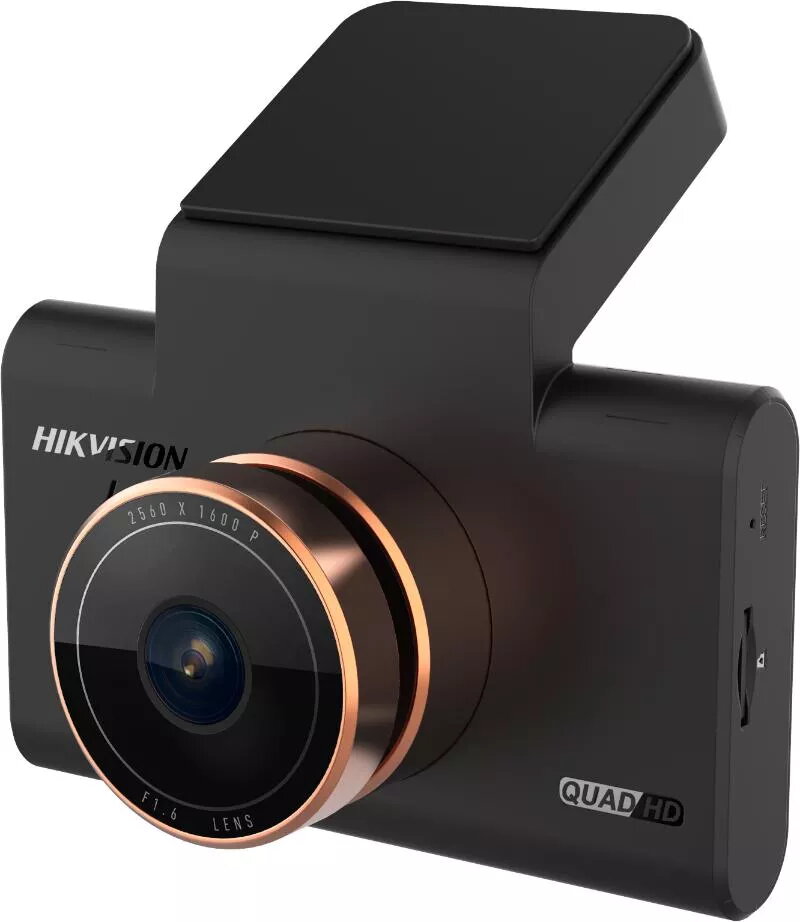
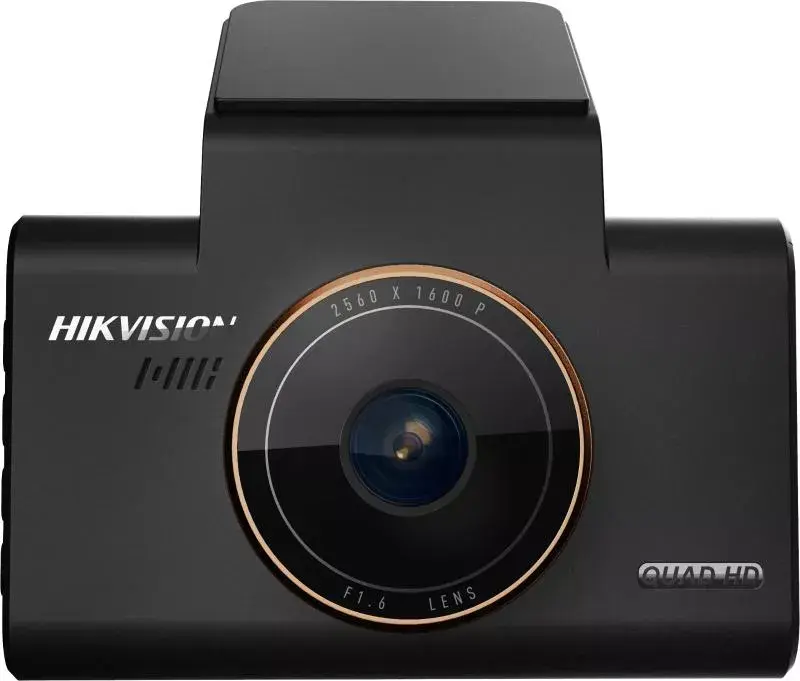
Dashcam Hikvision AE-DC5313-C6PRO Wi-Fi 1080p 1440p 1600p
The Hikvision AE-DC5313-C6PRO dashcam is a compact in-car camera designed to record driving footage with high resolution and efficient compression. It features a narrow 15° viewing angle, an integrated 3" IPS display for live preview and playback, and supports video recording resolutions up to 1600p. The camera uses H.265 video compression to reduce file sizes while preserving image detail, and accepts MicroSD cards up to 128 GB for local storage. Built-in Wi‑Fi enables easy transfer of clips and remote preview through a compatible mobile application.
The unit provides high-resolution recording up to 1600p, offering clearer detail than standard 1080p recordings. H.265 compression reduces storage demands without significant quality loss, extending available recording time on a single memory card. The 3" IPS display allows clear visibility of live view and recorded clips from different angles, and the compact form factor simplifies mounting on the windshield or dashboard. Built-in Wi‑Fi facilitates quick offload of footage and on-the-fly configuration using a smartphone.
Mount the dashcam securely on the windshield or dashboard within the driver’s line of sight while avoiding obstruction of the windshield. Insert a compatible MicroSD card formatted according to the device instructions, then power the unit from the vehicle’s power outlet or a hardwire kit if available. Configure resolution, loop recording, and other settings through the onboard menu displayed on the 3" IPS screen or via the mobile app over Wi‑Fi. During operation the camera will automatically record according to the selected mode and overwrite the oldest files when the card reaches capacity if loop recording is enabled.
For reliable long-term recording, use a high-endurance MicroSD card from a reputable manufacturer and format it in the device before first use. Choose H.265 encoding and an appropriate resolution to balance image clarity and storage time. Regularly check firmware updates and app compatibility to ensure stable Wi‑Fi connections and feature support.
{{highlightedFeature.featureTitle}}:
{{getProductFeatureValueById(product, highlightedFeature.featureId)}}