Save time and money with our discounts!
In cart {{totalProductsCount}} item(s)
Your cart is empty
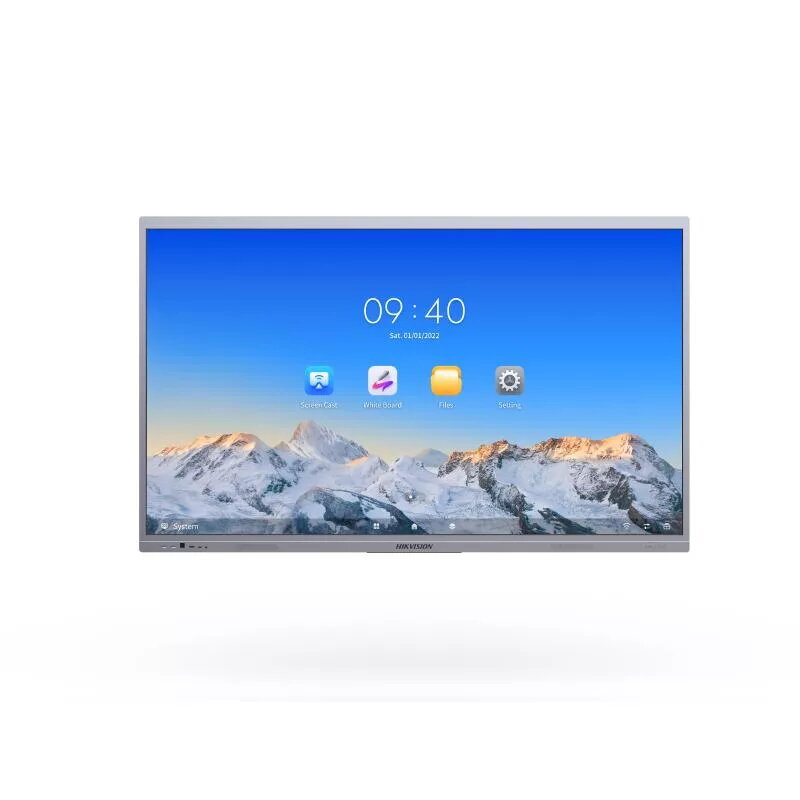
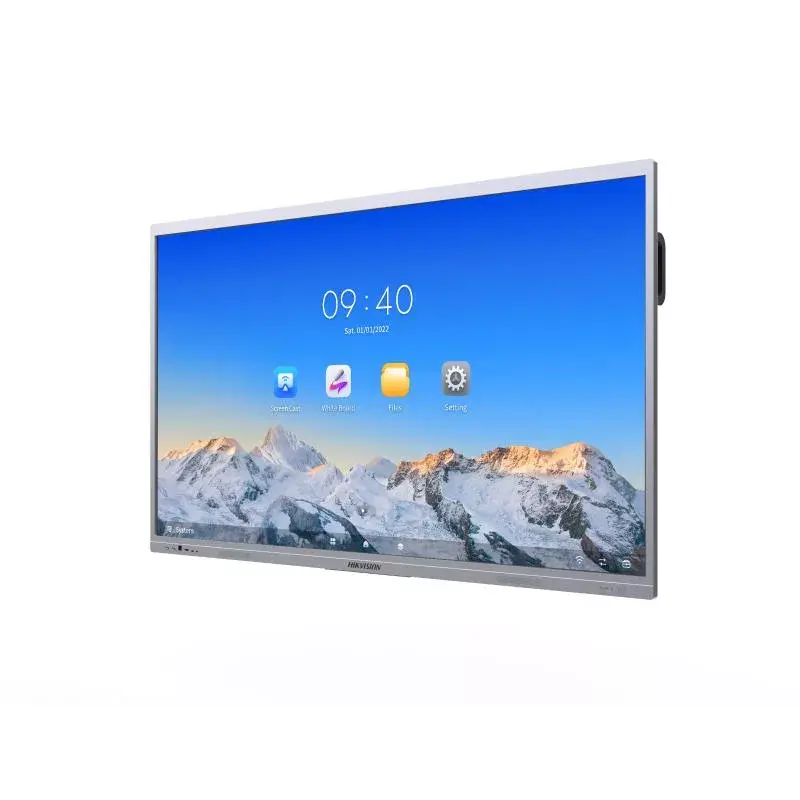
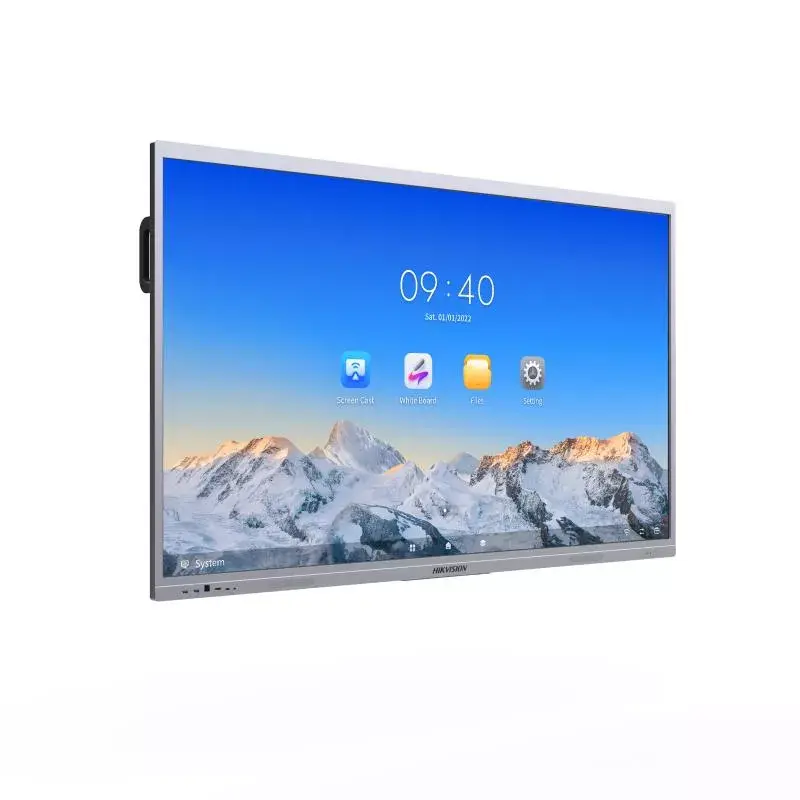
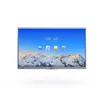
Interactive Flat Panel Display Hikvision Ultra Series DS-D5C65RB/A — 65" (165.1 cm) 4K LED, 400 cd/m², Wi‑Fi, Android
Hikvision Ultra Series DS-D5C65RB/A is a 65" (165.1 cm) interactive flat panel with a 4K Ultra HD (3840×2160) LED display and 400 cd/m² brightness. The multi-touch touchscreen and built-in Android processor provide direct content playback, whiteboarding and collaboration without the need for an external PC. Integrated Wi‑Fi enables wireless screen sharing and cloud connectivity, while the panel’s display and audio features support use in meeting rooms, classrooms and public spaces.
The panel combines a high-resolution 4K LED screen with a responsive multi-touch surface for precise input and annotation. Built-in Android and Wi‑Fi simplify content management and support native apps for digital signage and collaboration. Intelligent meeting features such as auto framing, speaker tracking and an acoustic baffle improve remote and hybrid communication by keeping participants visible and reducing background noise. The 400 cd/m² brightness ensures legible images in most indoor lighting conditions.
Mount the panel at a comfortable viewing height in a meeting room, classroom or public area and connect to power and the local network via Wi‑Fi. Use the built-in Android interface to launch presentation apps, digital signage content or whiteboard applications. For hybrid meetings, place participants within the camera’s field of view to allow auto framing and speaker tracking to operate effectively; use the touchscreen for annotation, page navigation and interactive controls. External devices can be connected wirelessly or through standard ports supported by the panel.
Position the panel to minimize direct glare from windows and overhead lighting, and ensure the microphone array faces the usual speaker locations. For best performance of auto framing and speaker tracking, maintain clear sightlines to participants and avoid excessive background noise. Use the built-in Android apps for quick content updates and consider a central management system for large deployments.
{{highlightedFeature.featureTitle}}:
{{getProductFeatureValueById(product, highlightedFeature.featureId)}}
{{ productComparisonGenerationError }}