
Dreame vacuums for fast and efficient cleaning!
In cart {{totalProductsCount}} item(s)
Your cart is empty
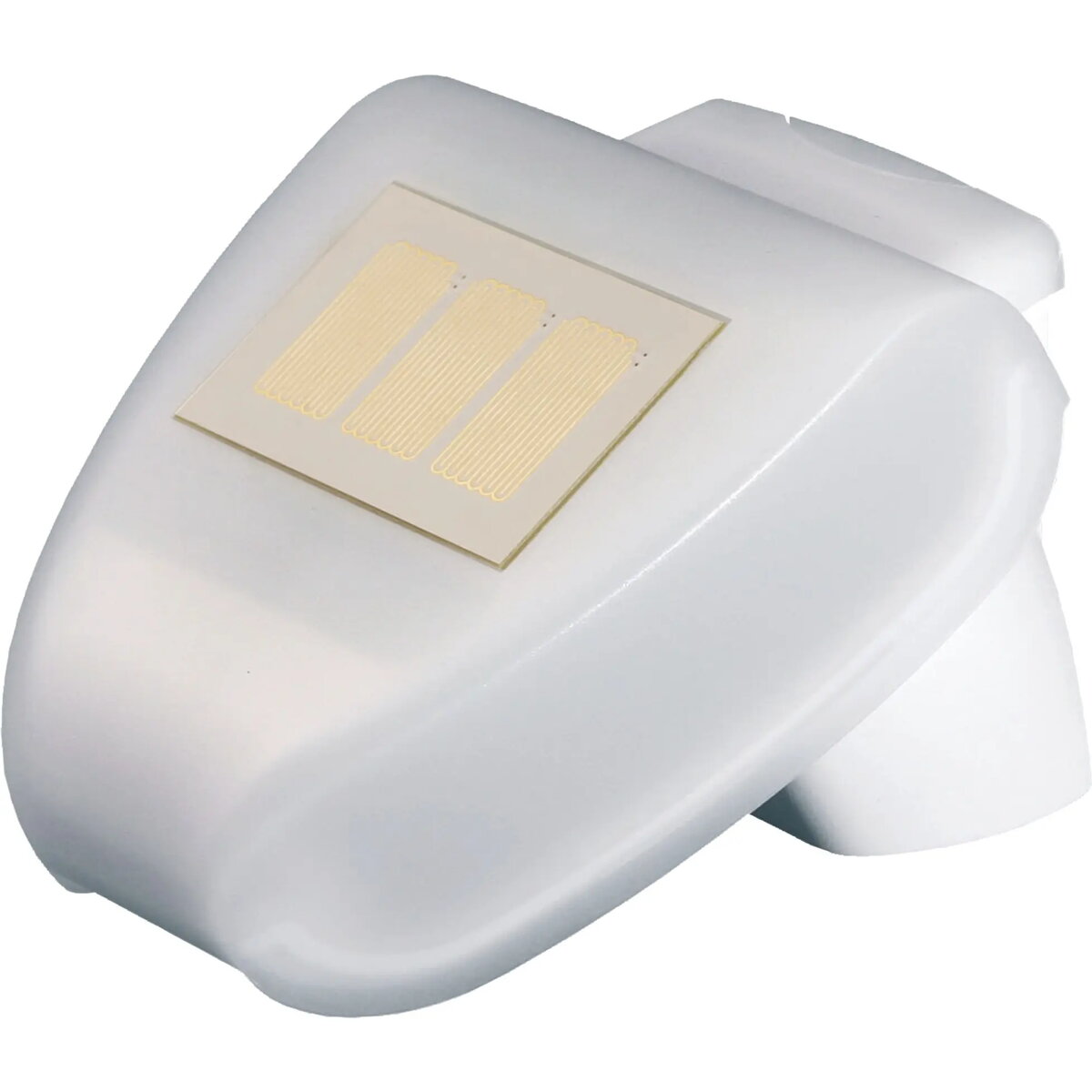
Weather sensor HOMEPILOT 10771001 Smart White — wireless environmental sensor for home monitoring
HOMEPILOT Weather Sensor 10771001 Smart White is a compact wireless environmental sensor designed to monitor local weather conditions for home automation. Intended for indoor or sheltered outdoor placement, the sensor measures environmental parameters used by compatible HOMEPILOT systems and smart home setups to trigger automation routines such as heating, ventilation or shading. The device supports remote status checks and provides continuous condition data to the connected system.
The sensor’s compact design and wireless connectivity make installation flexible and unobtrusive. Integration with HOMEPILOT-compatible systems enables automated responses based on local conditions without manual intervention. Its suitability for sheltered outdoor placement allows measurement of near-exterior conditions while protecting the unit from direct exposure. The white finish and small footprint minimize visual impact in living spaces.
Install the HOMEPILOT Weather Sensor in a sheltered location or indoors where it can reliably detect local environmental conditions. Follow the manufacturer’s instructions to pair the device with a compatible HOMEPILOT gateway or smart home controller; pairing typically involves the system’s device discovery procedure. Position the sensor away from direct heat sources, open flames, or areas of heavy water spray to ensure accurate measurements and prolonged operation. After pairing, configure automation rules in the HOMEPILOT system to use the sensor’s data for heating, ventilation, or shading control and verify readings via the system’s interface.
Place the sensor under an overhang or inside a protected outdoor enclosure when used outside to avoid direct rain and prolonged sunlight exposure. Regularly check the connected system for communication status and update device firmware via the HOMEPILOT interface when updates are available to maintain compatibility and accuracy.
{{highlightedFeature.featureTitle}}:
{{getProductFeatureValueById(product, highlightedFeature.featureId)}}
{{ productComparisonGenerationError }}