
Powerful EcoFlow stations for energy anywhere!
In cart {{totalProductsCount}} item(s)
Your cart is empty
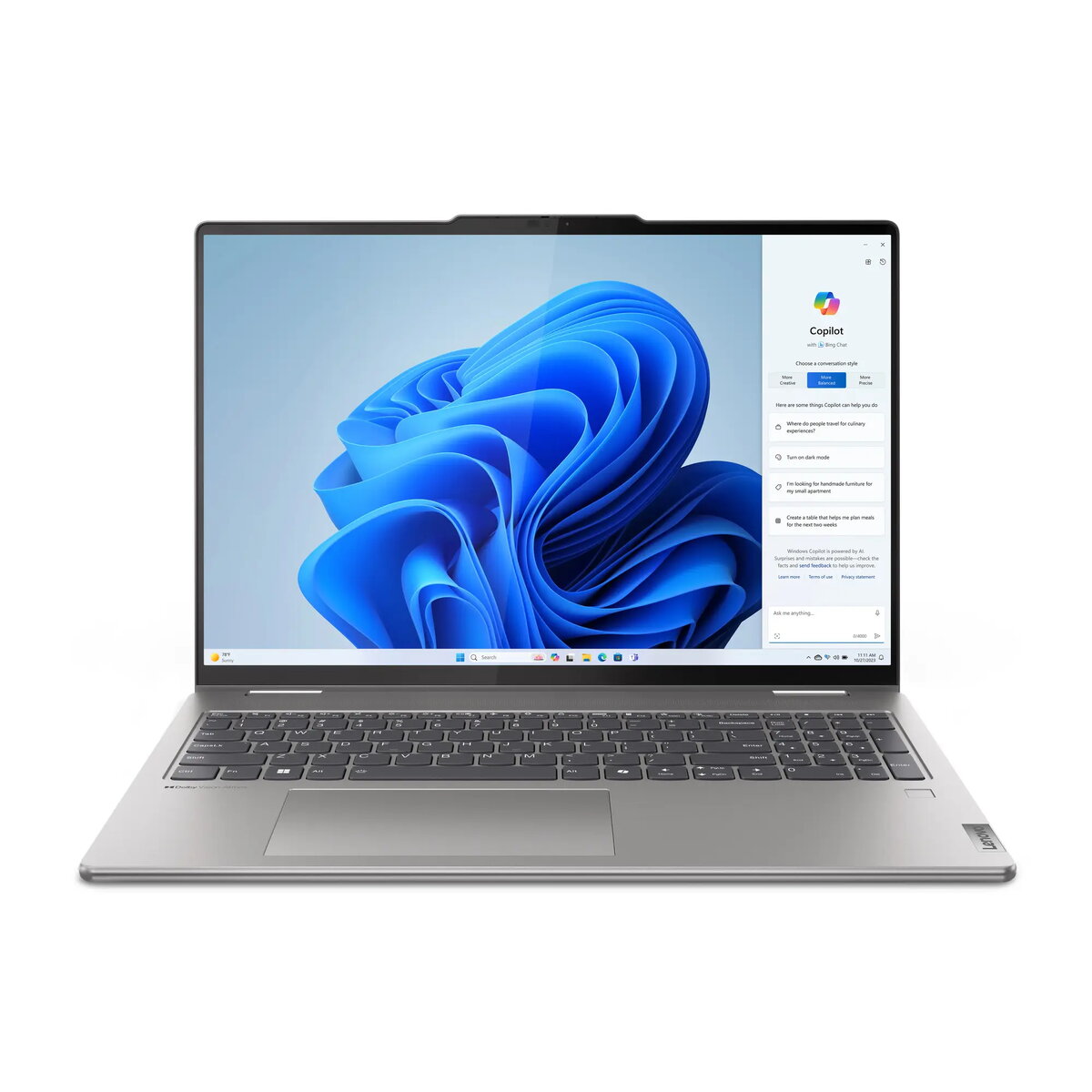
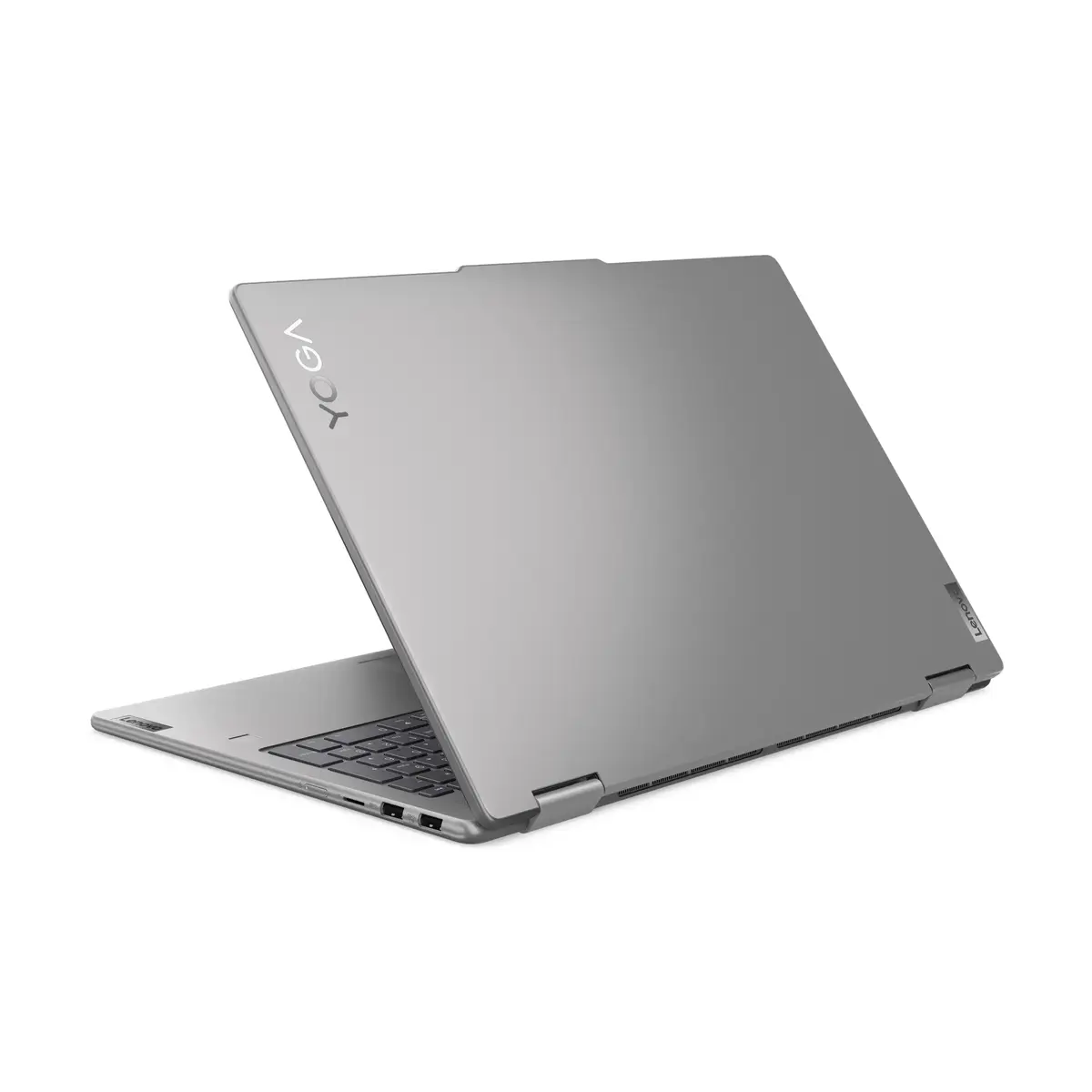
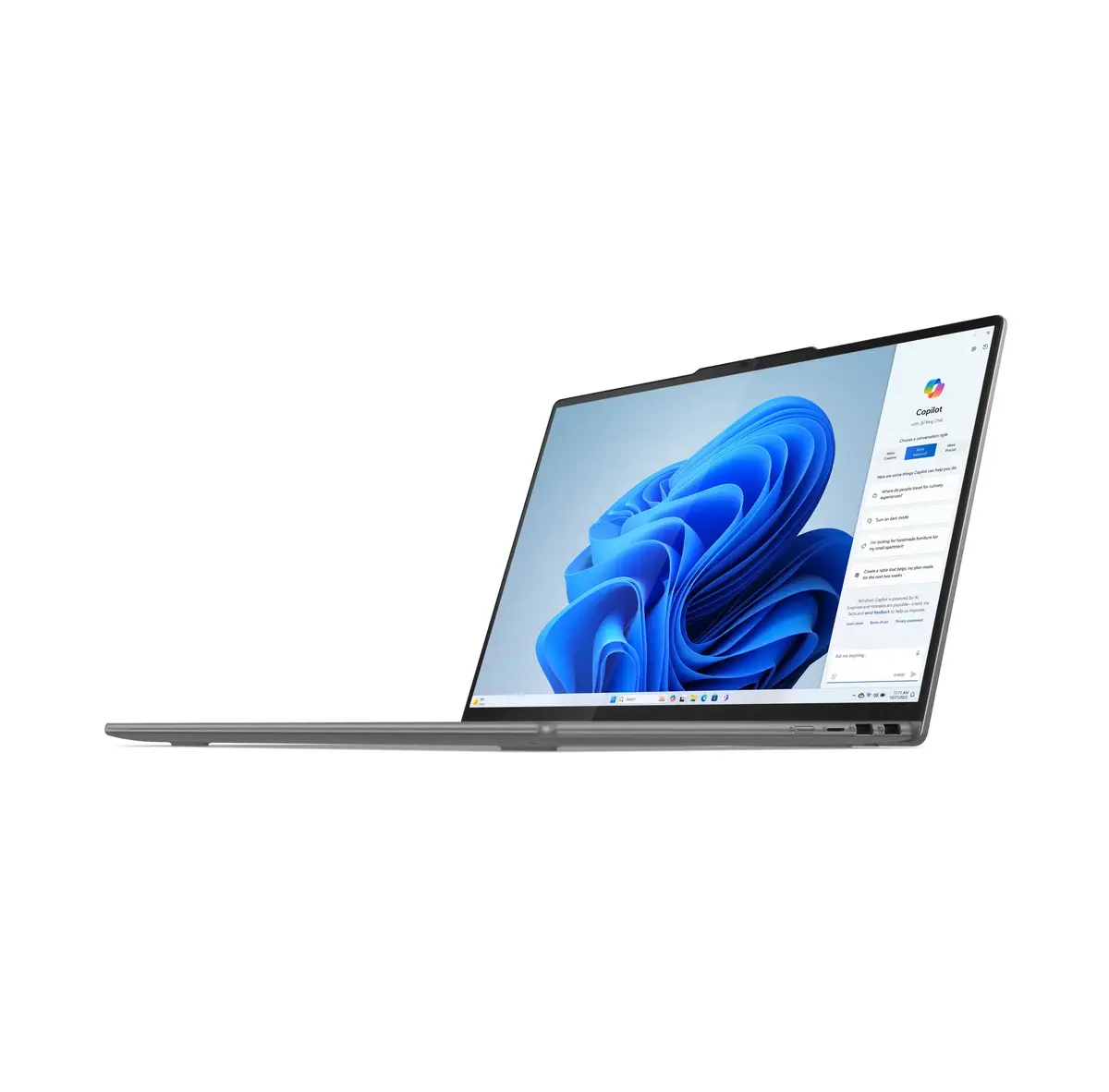
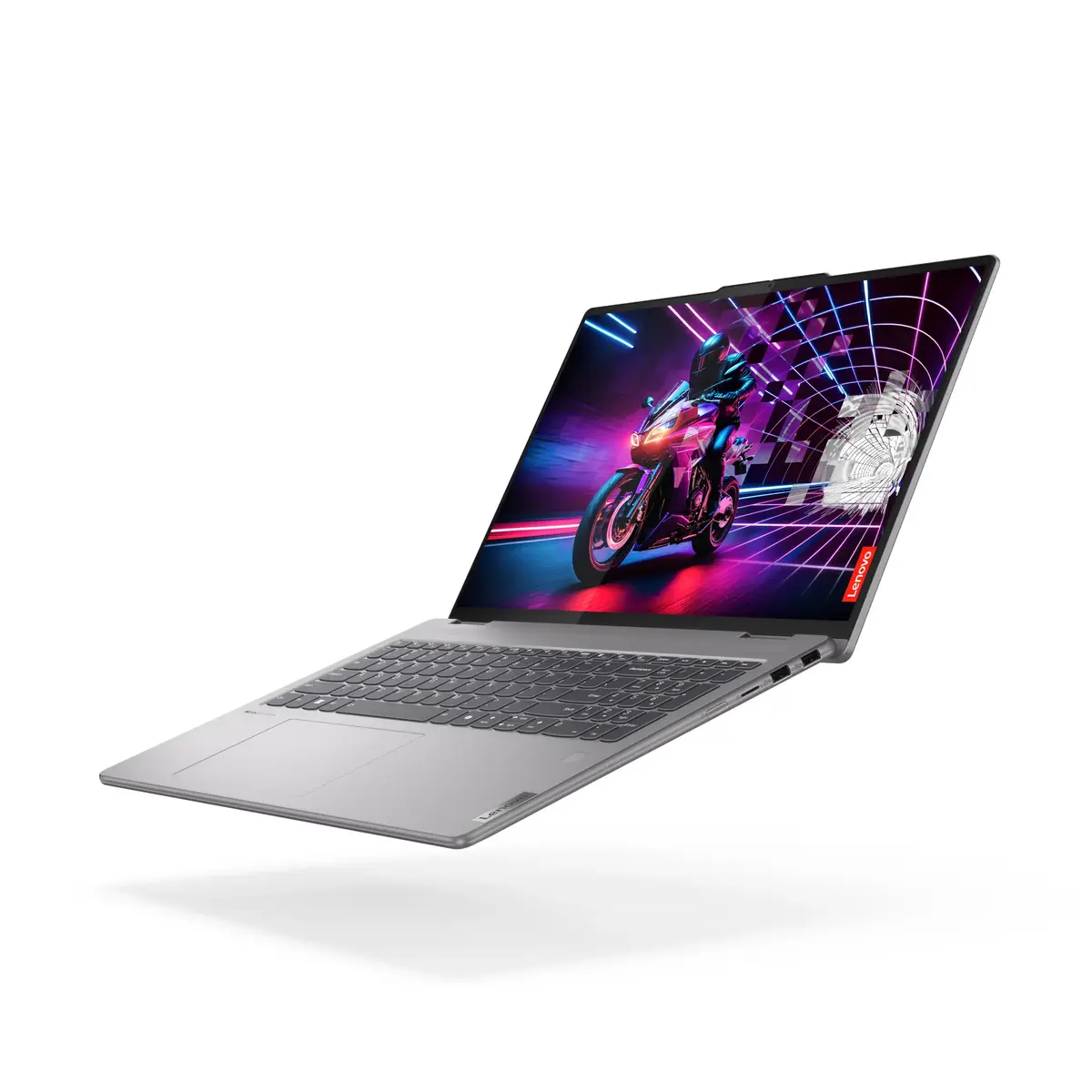
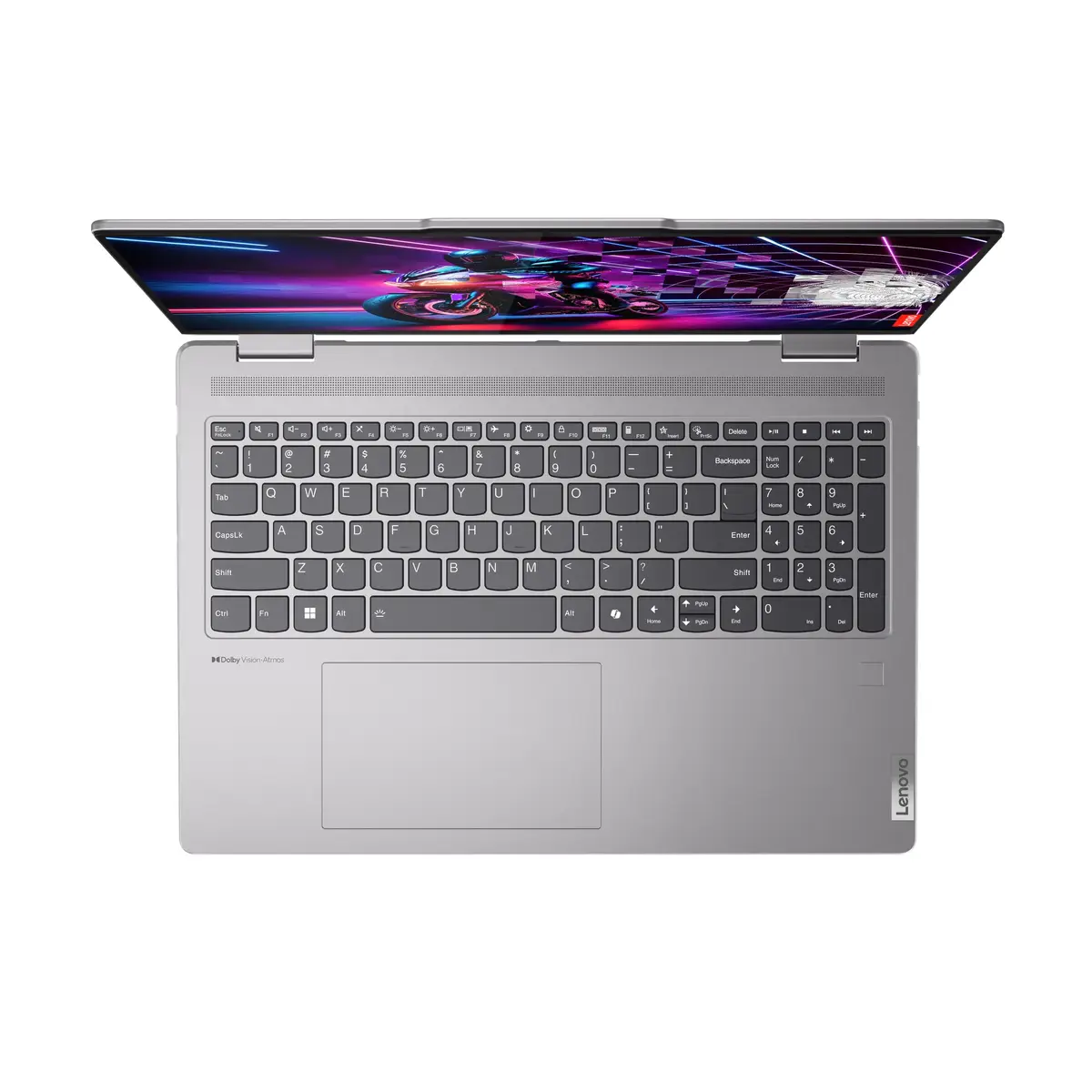
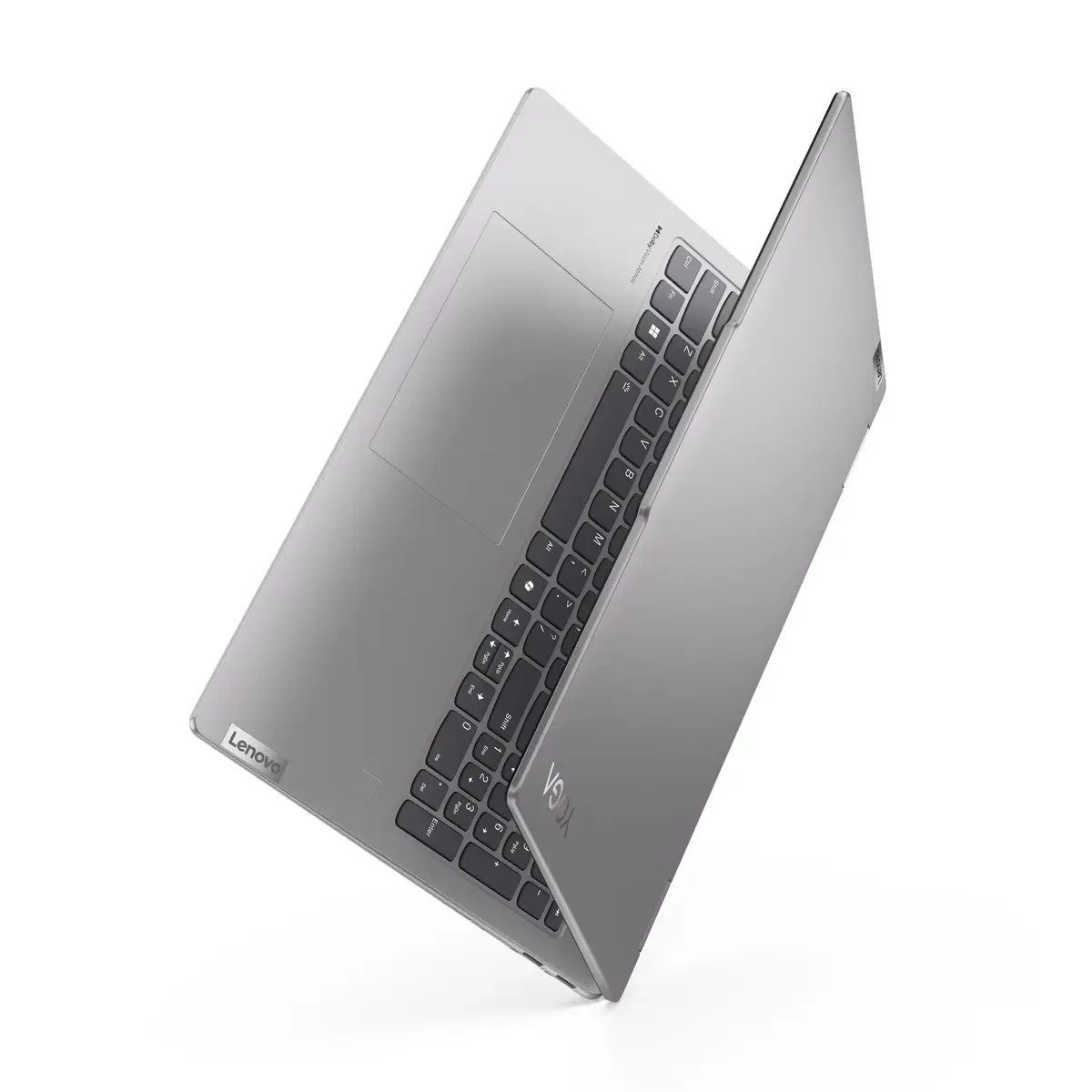
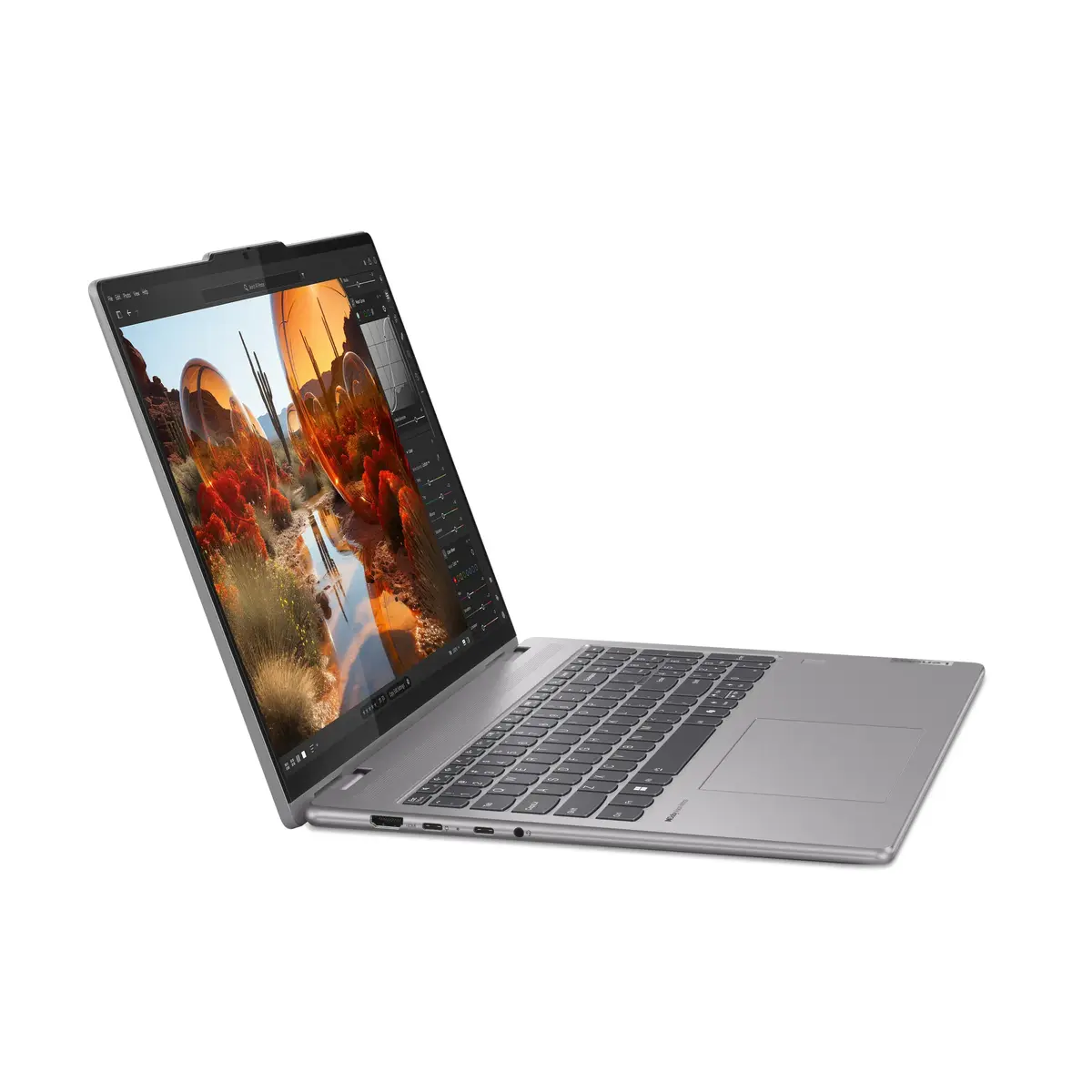
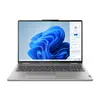
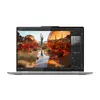
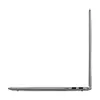
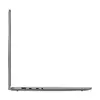
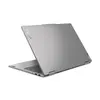
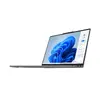
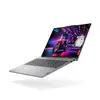
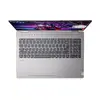
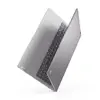
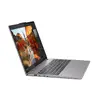
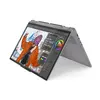
Lenovo Yoga 7 2-in-1 16AHP9 Convertible Laptop, AMD Ryzen 7 8840HS, 16" WUXGA Touchscreen, 16GB RAM, 512GB SSD, Windows 11 Home, Grey
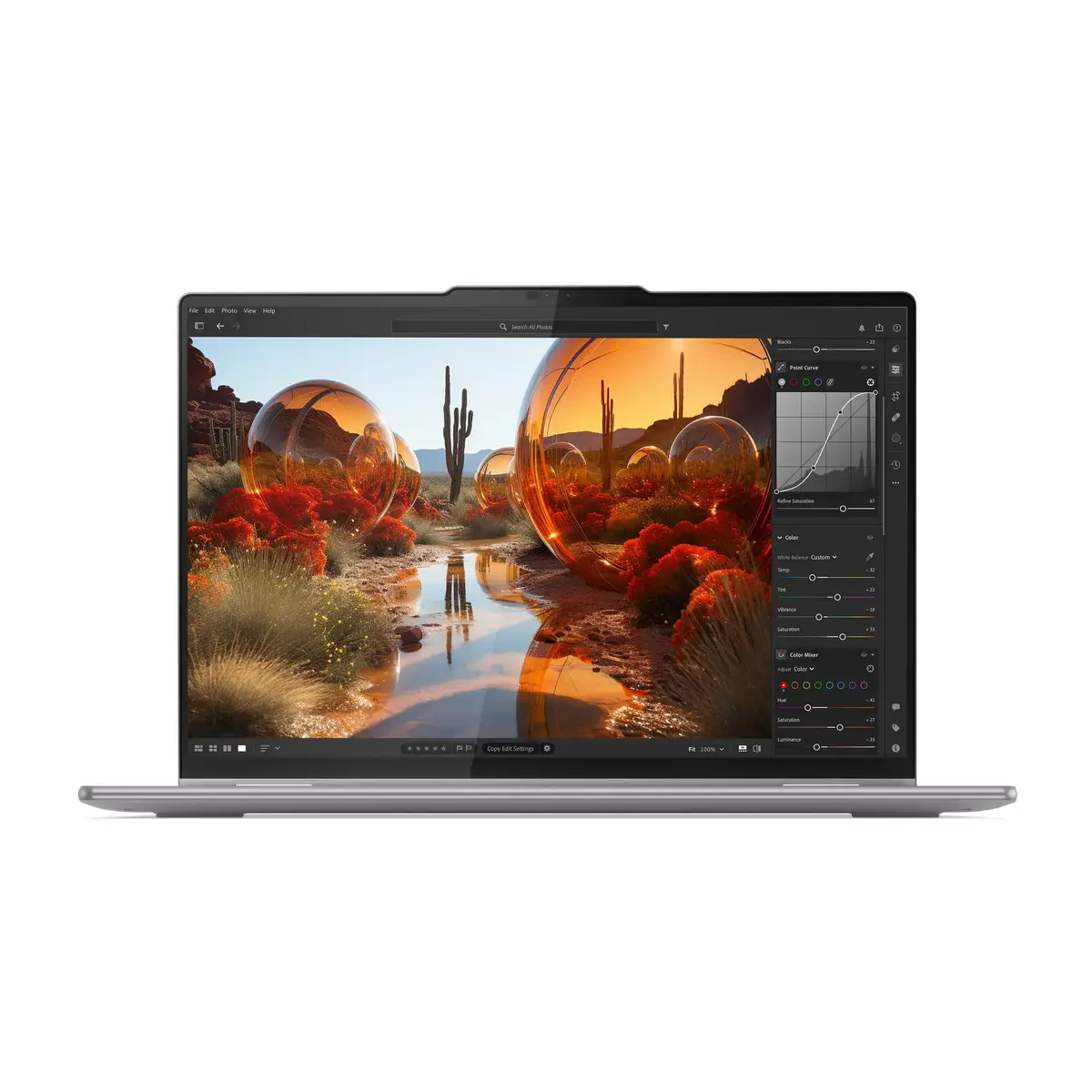
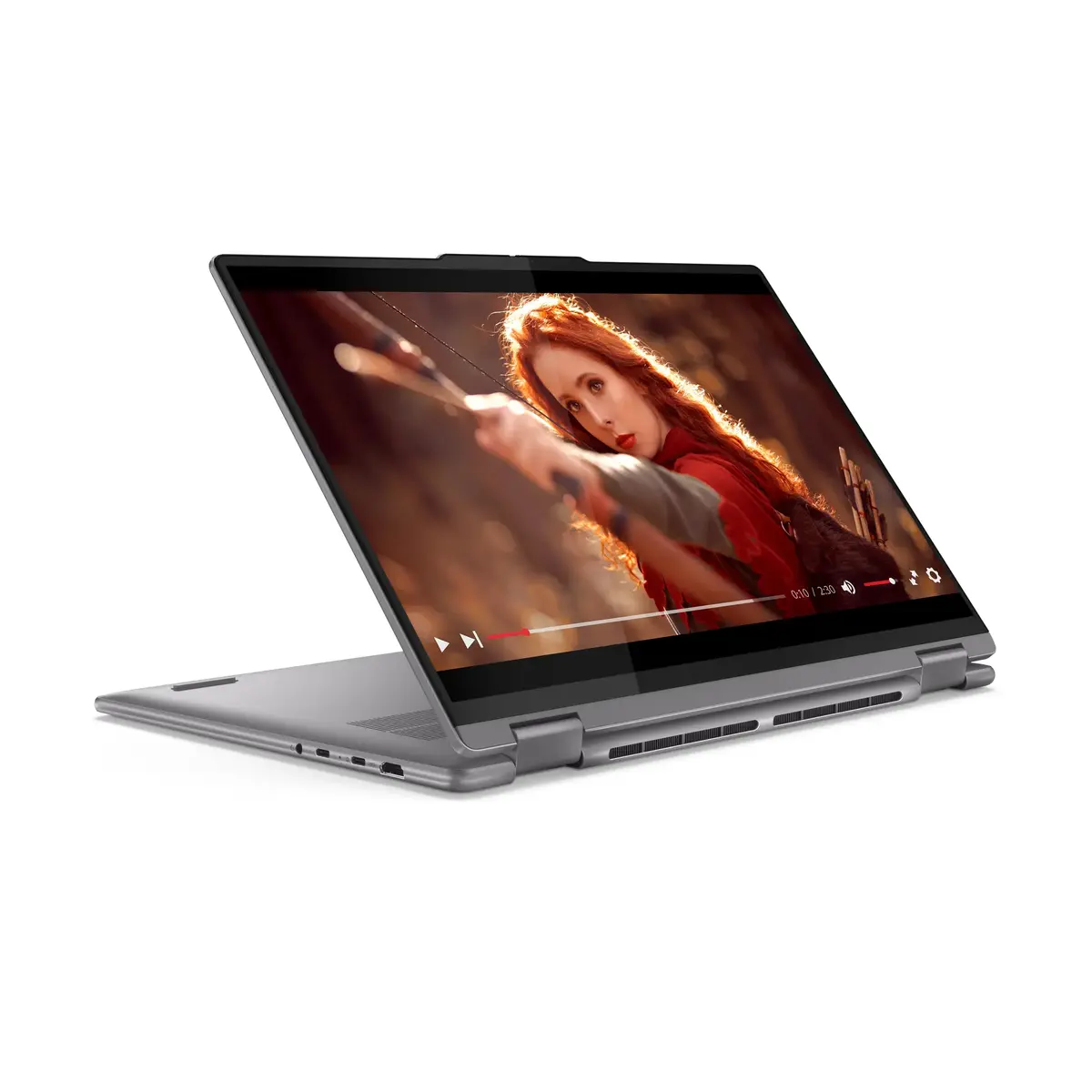
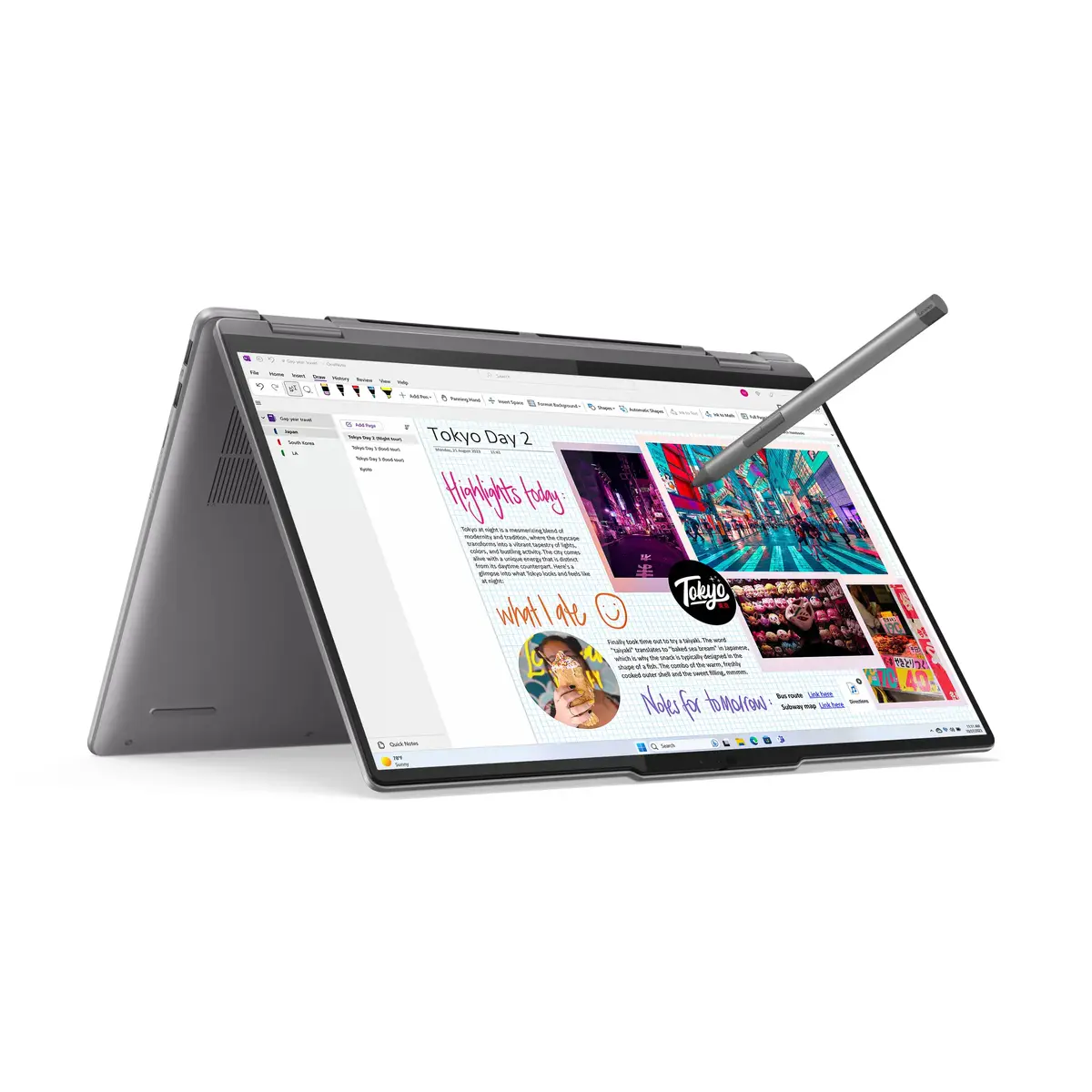
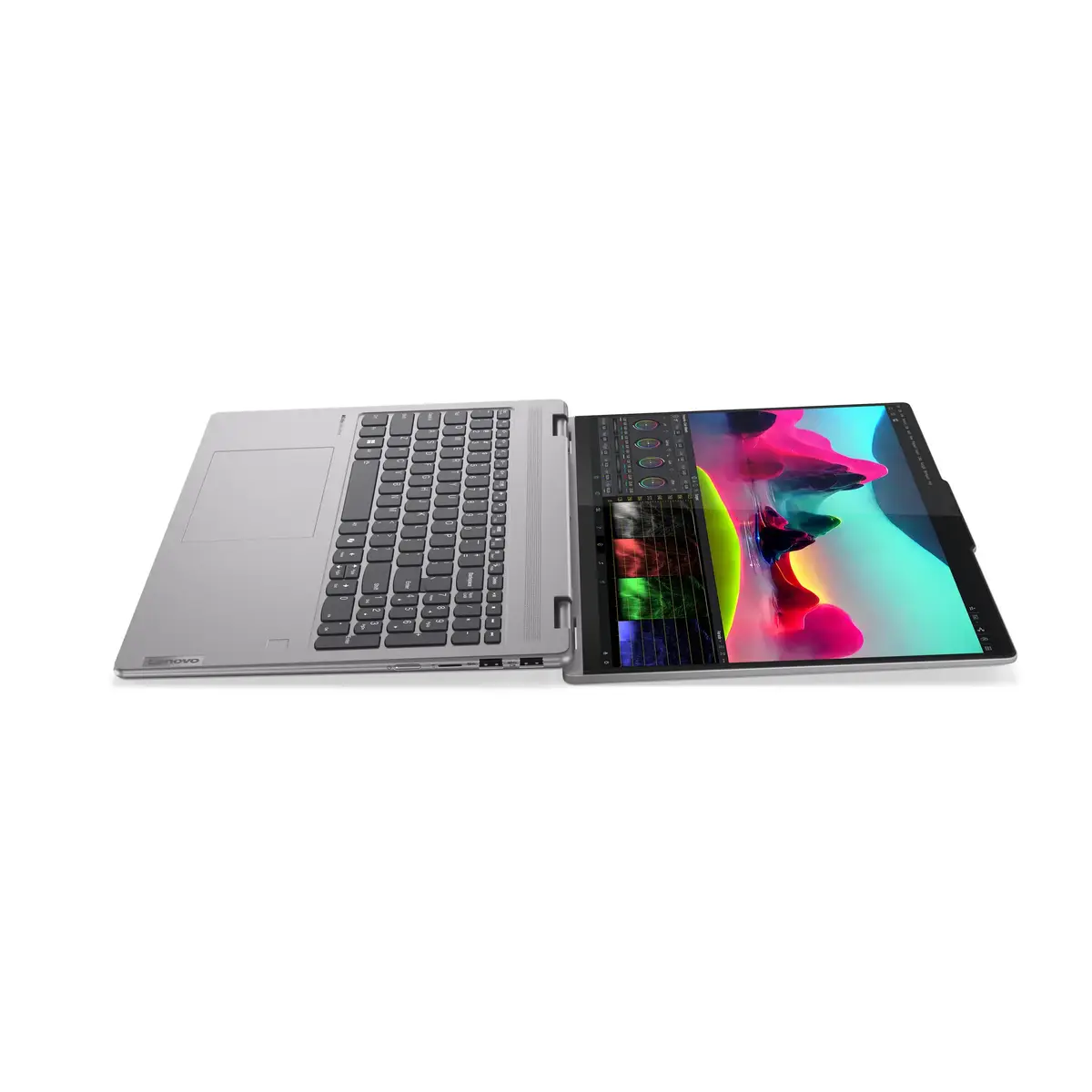
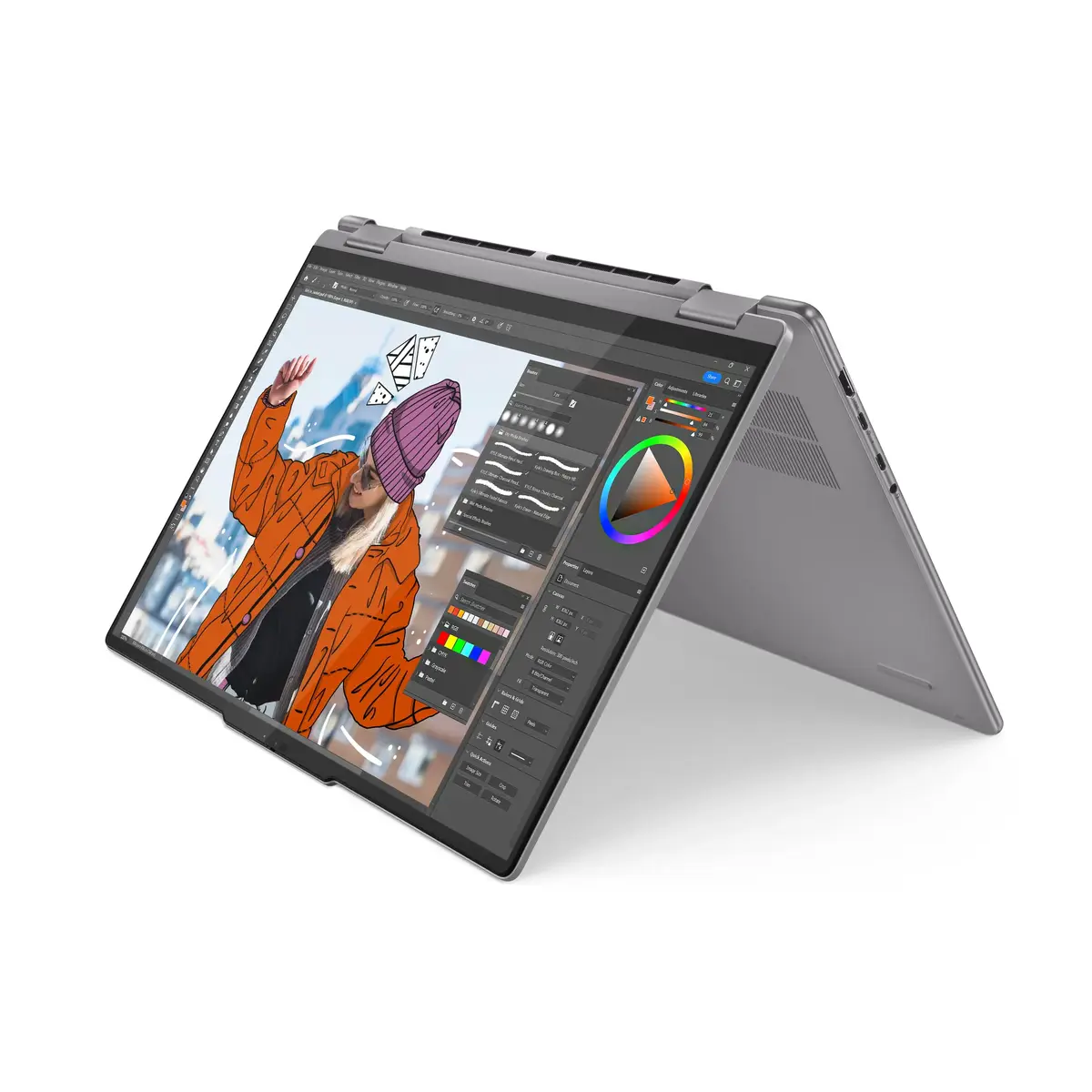
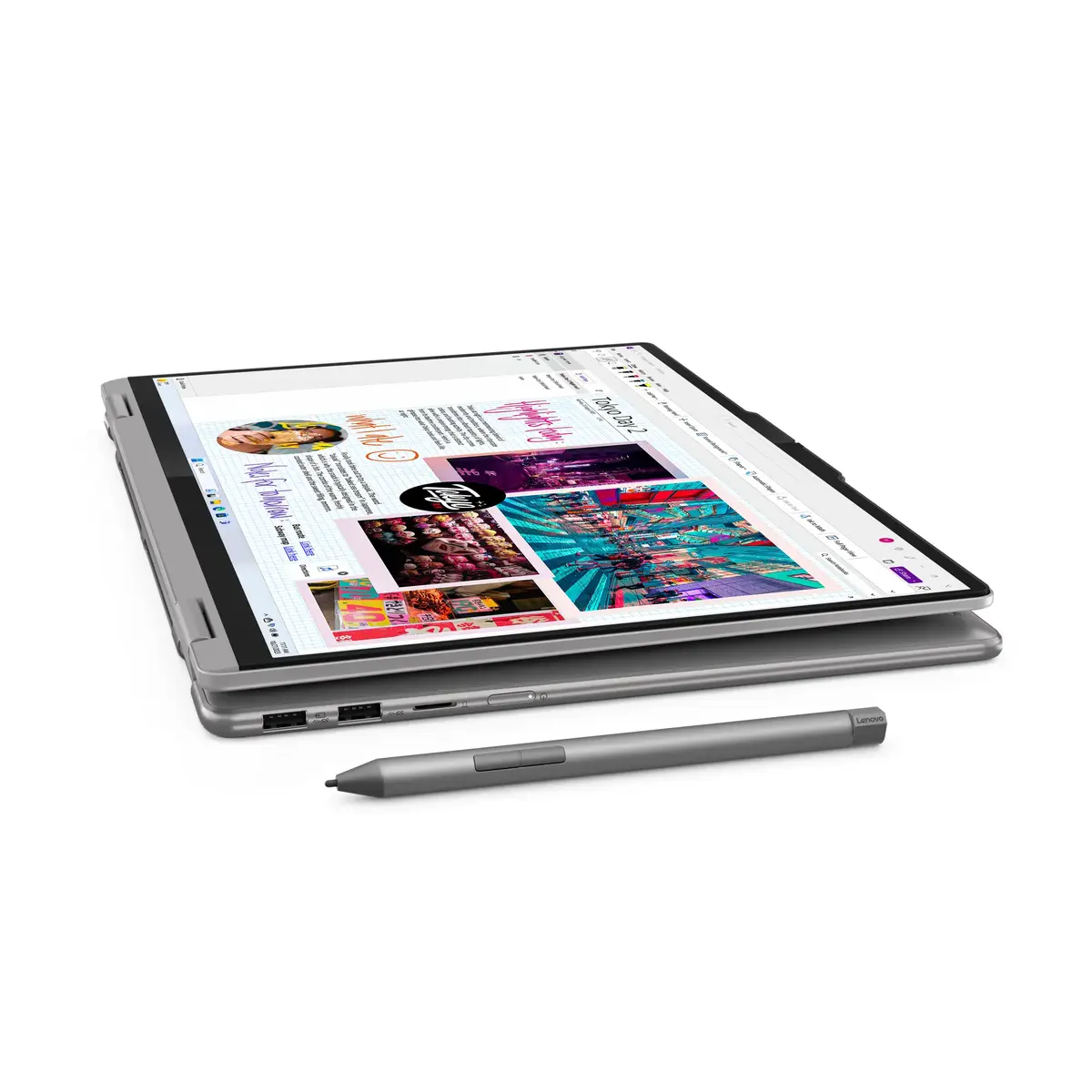
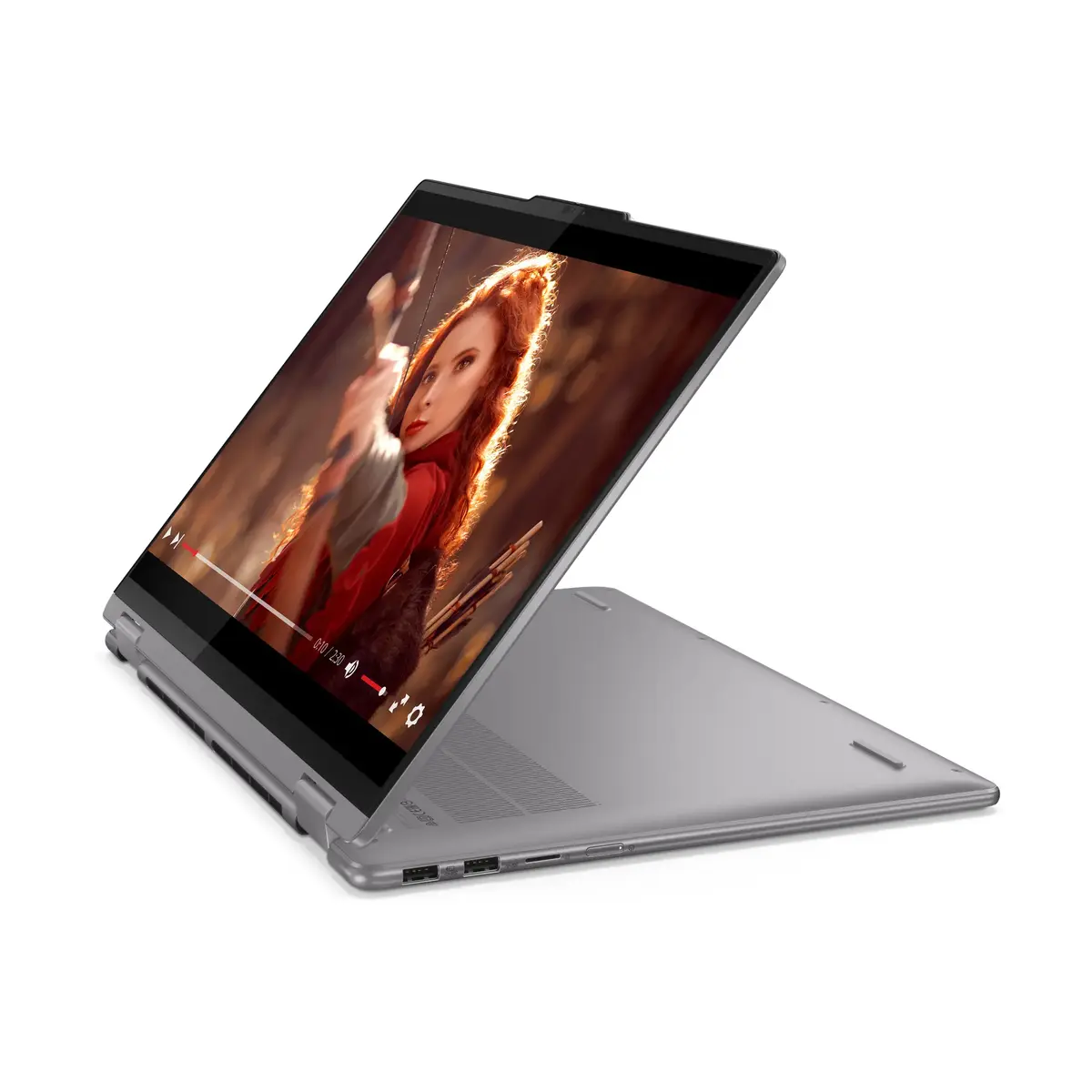
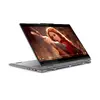
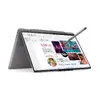
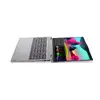
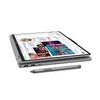
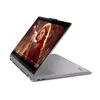
The Lenovo Yoga 7 2-in-1 16AHP9 is a versatile convertible laptop designed to adapt to your professional and creative needs. Featuring a 16-inch WUXGA touchscreen, this device combines the power of an AMD Ryzen 7 8840HS processor with a sleek, portable grey chassis. Its 360-degree hinge allows for seamless transitions between laptop, tablet, stand, and display modes, providing flexibility for any environment. With 16GB of LPDDR5x RAM and a 512GB SSD, it delivers responsive performance for multitasking, while the integrated AMD Radeon 780M graphics ensure smooth visuals for multimedia and light creative work.
This hybrid laptop offers exceptional versatility through its 2-in-1 design, allowing users to switch effortlessly between productivity tasks and media consumption. The high-resolution WUXGA touchscreen provides a vibrant and expansive workspace, enhanced by a 16:10 aspect ratio that reduces the need for scrolling. Powered by the efficient AMD Ryzen 7 processor, the device balances high-speed performance with smart power management, ensuring you can handle demanding applications without constant interruptions. The inclusion of a high-quality FHD camera with noise-canceling technology makes it an excellent tool for remote collaboration and video conferencing. Furthermore, the durable unibody construction and long-lasting battery life with rapid charging capabilities make it a reliable companion for users on the move.
This laptop may not be the ideal choice for users who require dedicated high-end graphics hardware for professional 3D rendering or intensive AAA gaming. Additionally, those who prioritize extreme portability might find the 16-inch form factor larger than traditional ultra-portable 13-inch devices.
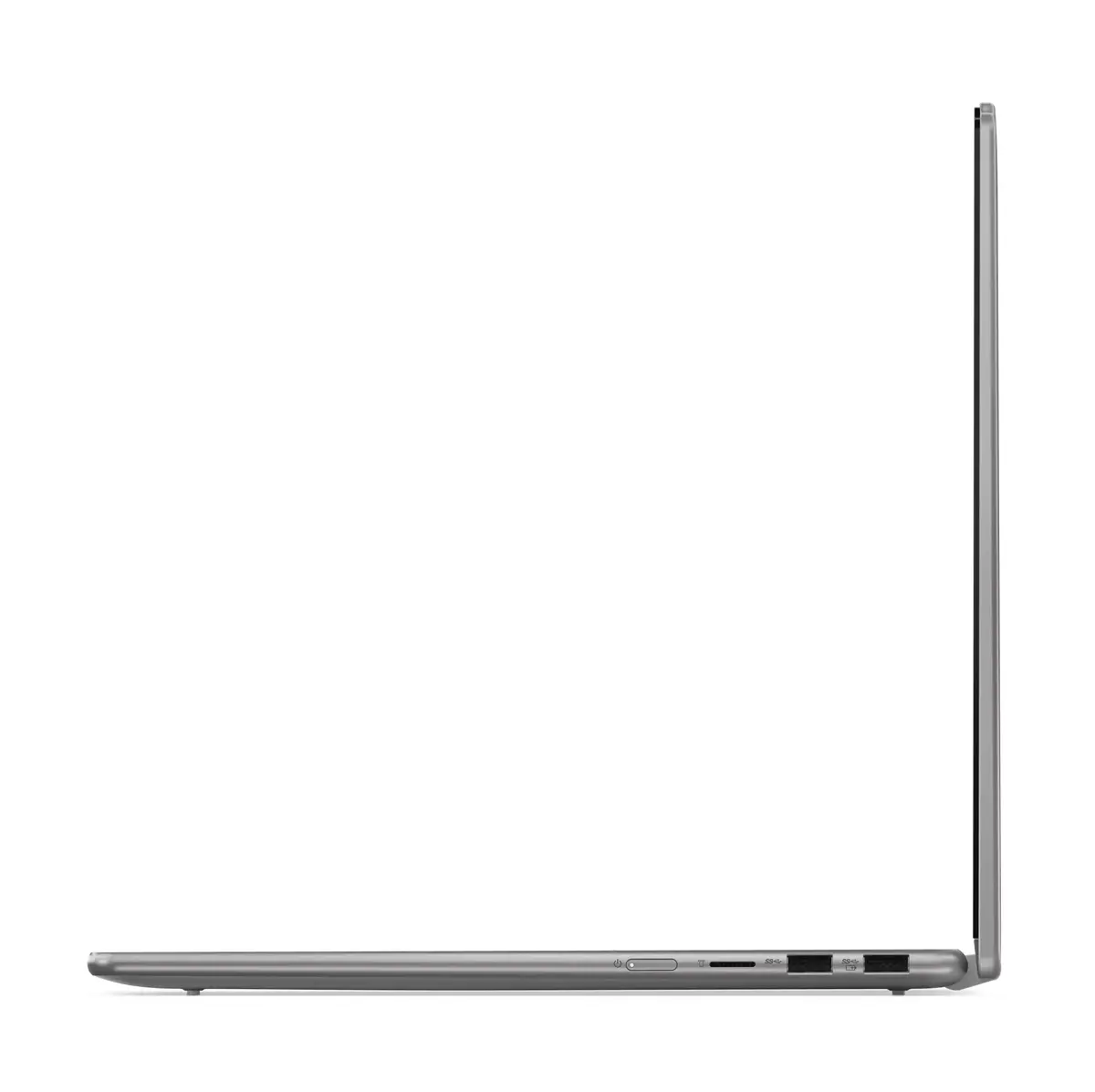
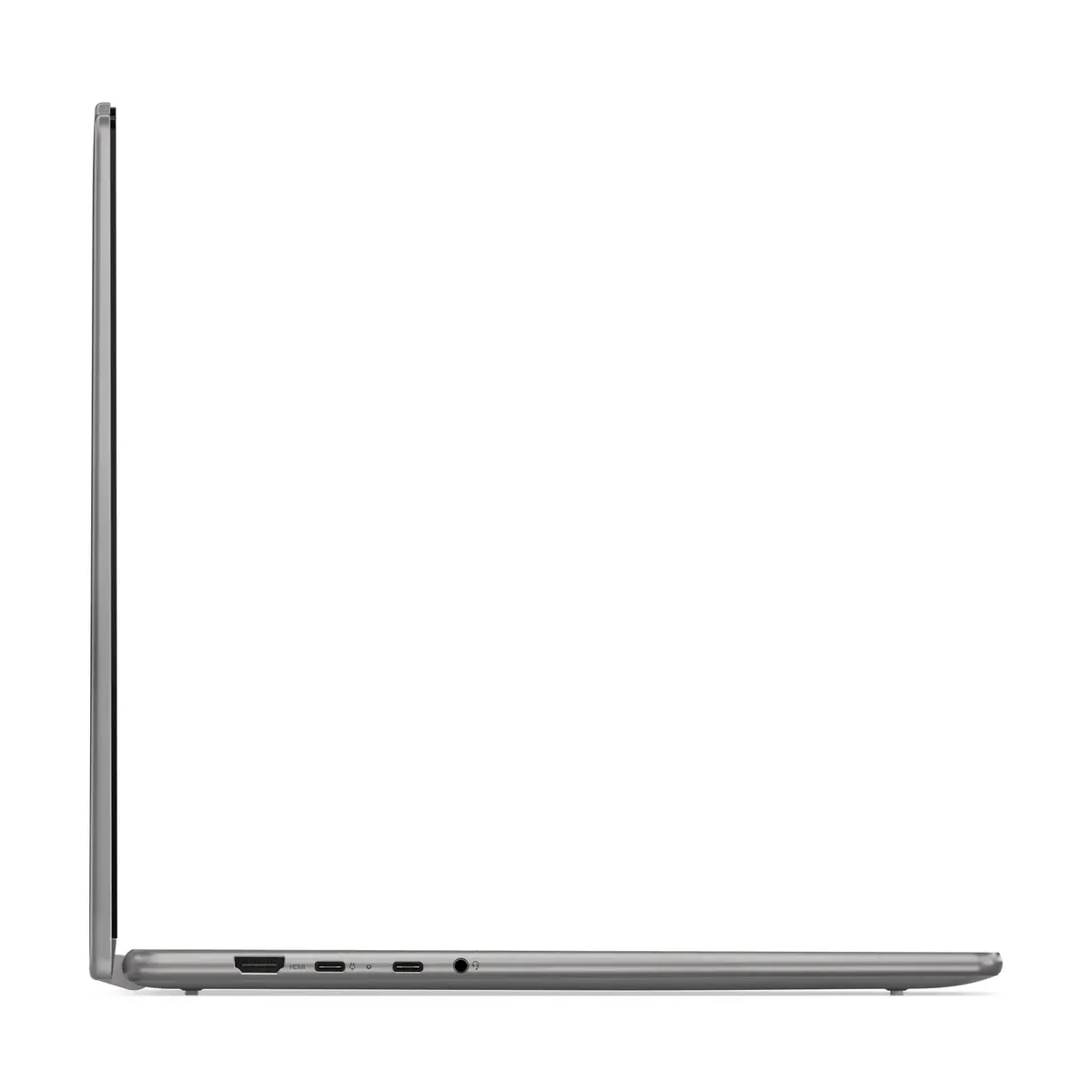
To begin, power on the device using the side-mounted button and follow the Windows 11 setup prompts. You can use the laptop in traditional clamshell mode for typing or rotate the screen 360 degrees to utilize tablet mode for touch-based navigation and digital pen input. For presentations or watching videos, fold the device into stand or tent mode. Connect external peripherals via the available USB-C and HDMI ports. Keep the device updated through the system settings to ensure optimal performance and security.
Usage recommendations: To maintain the longevity of your battery, utilize the Rapid Charge Express feature only when necessary and keep the device firmware updated. Clean the touchscreen regularly with a soft, microfiber cloth to maintain clarity and touch sensitivity.
{{highlightedFeature.featureTitle}}:
{{getProductFeatureValueById(product, highlightedFeature.featureId)}}
{{ productComparisonGenerationError }}
