
Leave your address - as soon as the price of the product goes down, you'll know about it right away
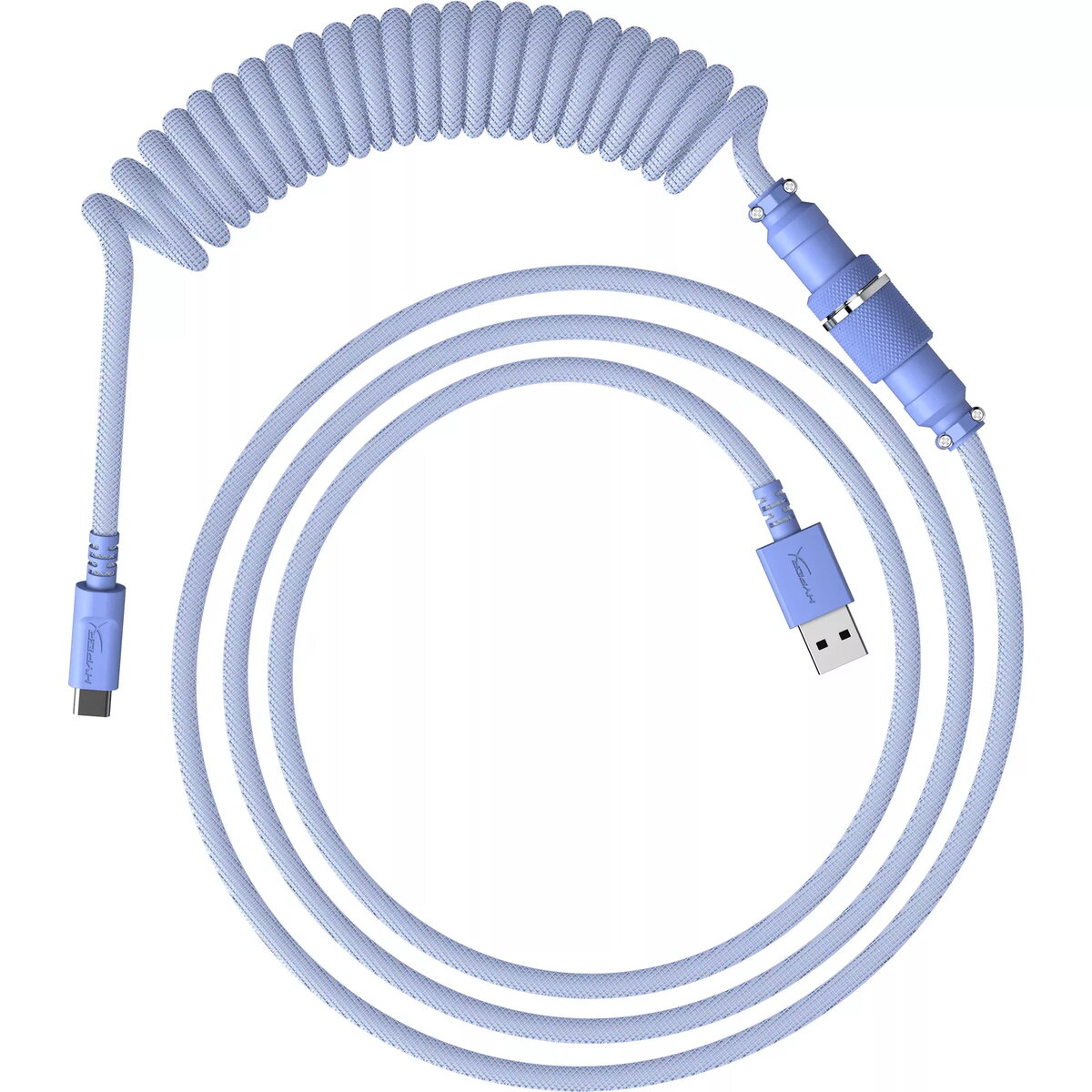
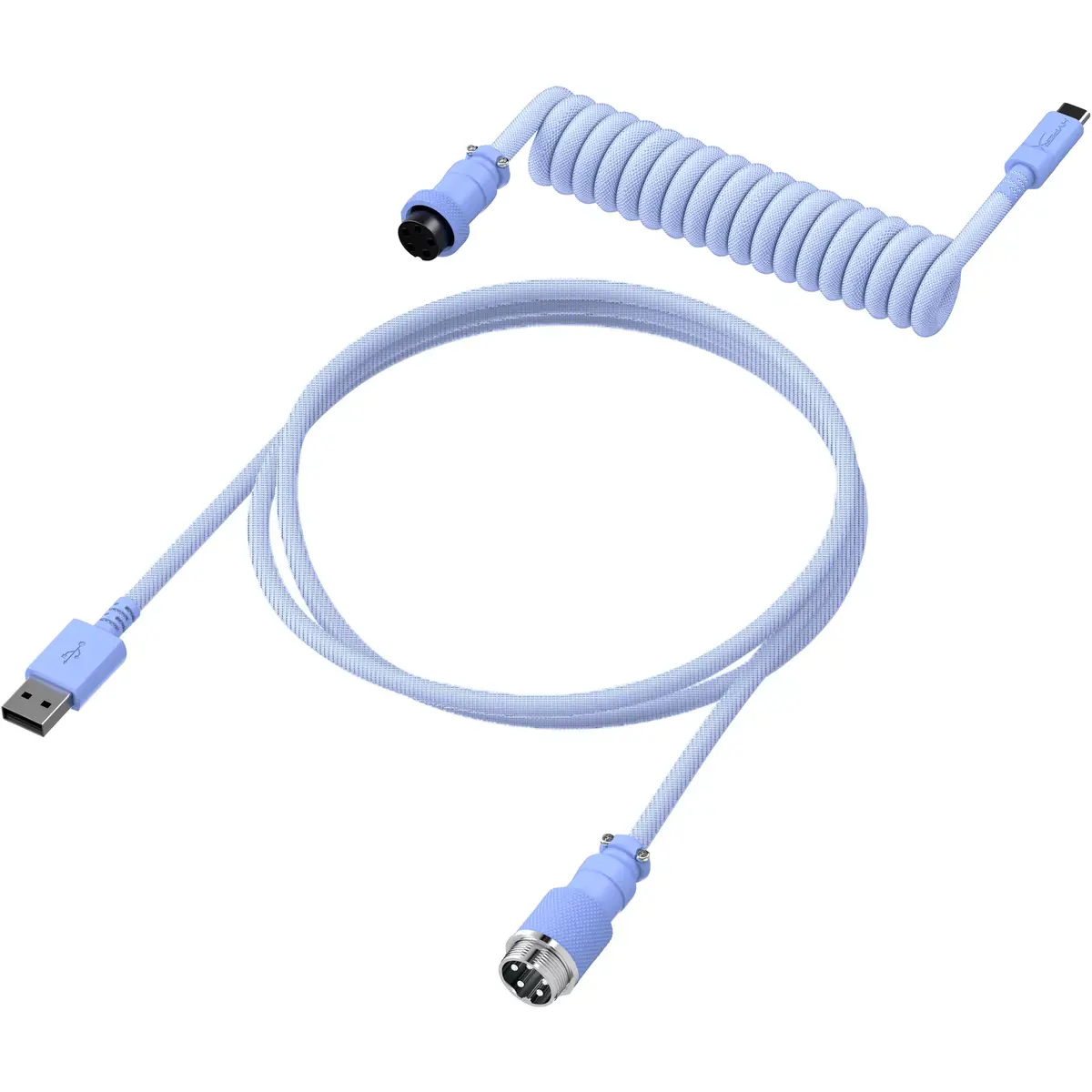
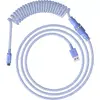
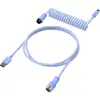
HyperX keyboard/mouse cable 6J682AA Purple 1.37m USB Type-A USB Type-C
In cart {{totalProductsCount}} item(s)
Your cart is empty
HyperX keyboard/mouse cable 6J682AA Purple 1.37m USB Type-A USB Type-C
Leave your address - as soon as the price of the product goes down, you'll know about it right away
HyperX keyboard/mouse cable 6J682AA Purple 1.37m USB Type-A USB Type-C
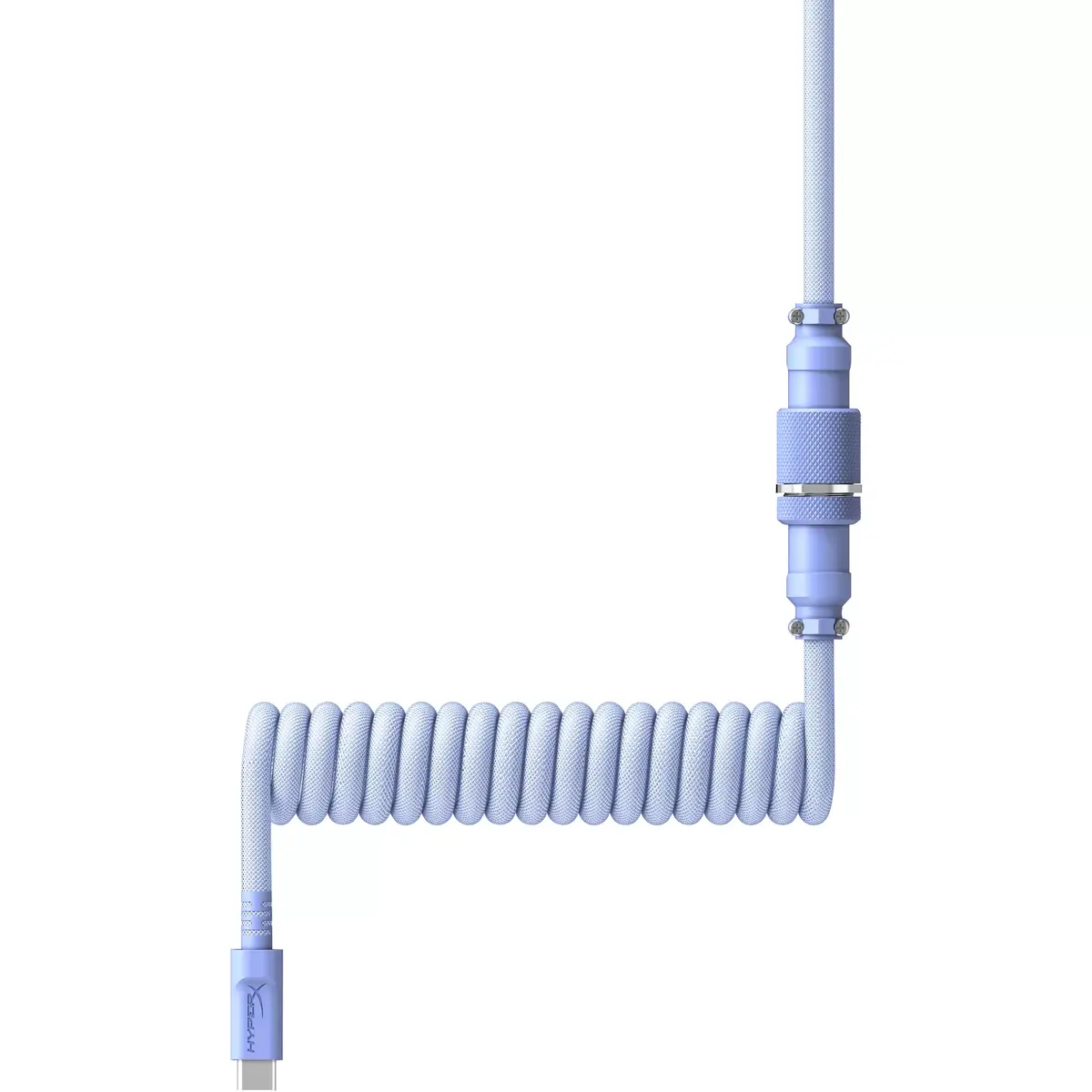
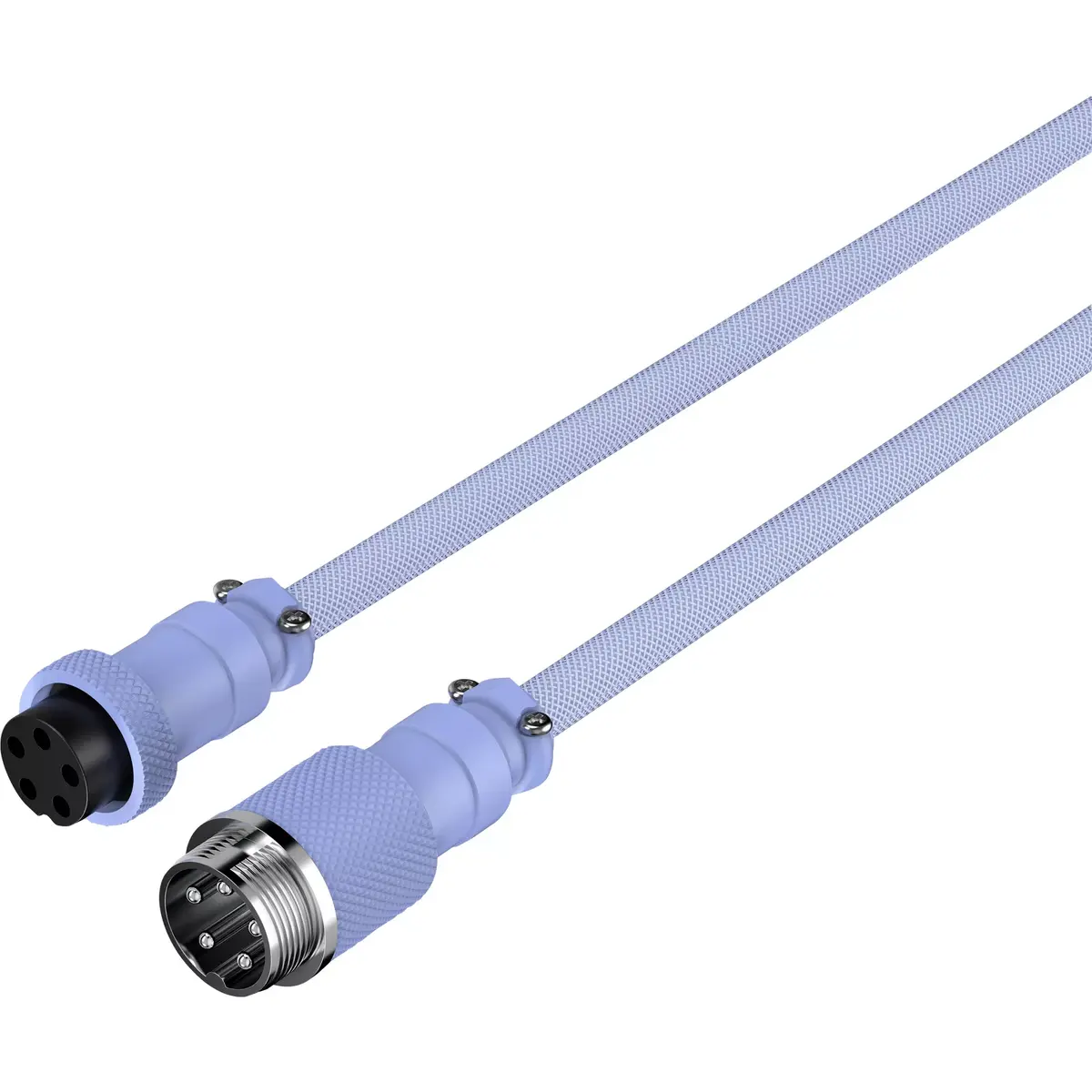
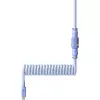
The HyperX keyboard/mouse cable 6J682AA Purple 1.37m USB Type-A USB Type-C is a coiled connectivity cable designed to provide a reliable wired connection between USB Type-A hosts and USB Type-C peripherals. At 1.37 meters in length when partially extended, the cable combines a dual-layer construction with a coiled design to reduce desk clutter while maintaining flexibility and strain resistance. The purple finish offers a visible accent for desktop setups where cable color coordination is desired.
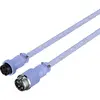
This coiled cable uses a durable dual-layer jacket for enhanced abrasion resistance and longevity. The coiled form factor helps manage excess cable length and keeps the workspace neater compared with a straight cable of similar maximum reach. Compatibility with USB Type-A hosts and USB Type-C devices provides straightforward plug-and-play connectivity without additional adapters on supported systems. The visible purple color allows easy identification and integrates with color-themed peripherals.
Plug the USB Type-A connector into an available USB Type-A port on your computer or hub and insert the USB Type-C connector into the compatible port on your keyboard or mouse. Allow the coiled section to remain relaxed on the desk so it can expand or retract as you move the device; avoid stretching it to its full length continuously to reduce mechanical stress. For best performance, ensure both host and peripheral ports are free of debris and fully seated during connection.
For long-term reliability, avoid sharp bends near the connectors and prevent heavy objects from pinning the cable. If using with a high-traffic keyboard, periodically check connector seating and cable jacket integrity. Match the cable color with other peripherals if visual consistency is important for your setup.
{{highlightedFeature.featureTitle}}:
{{getProductFeatureValueById(product, highlightedFeature.featureId)}}
