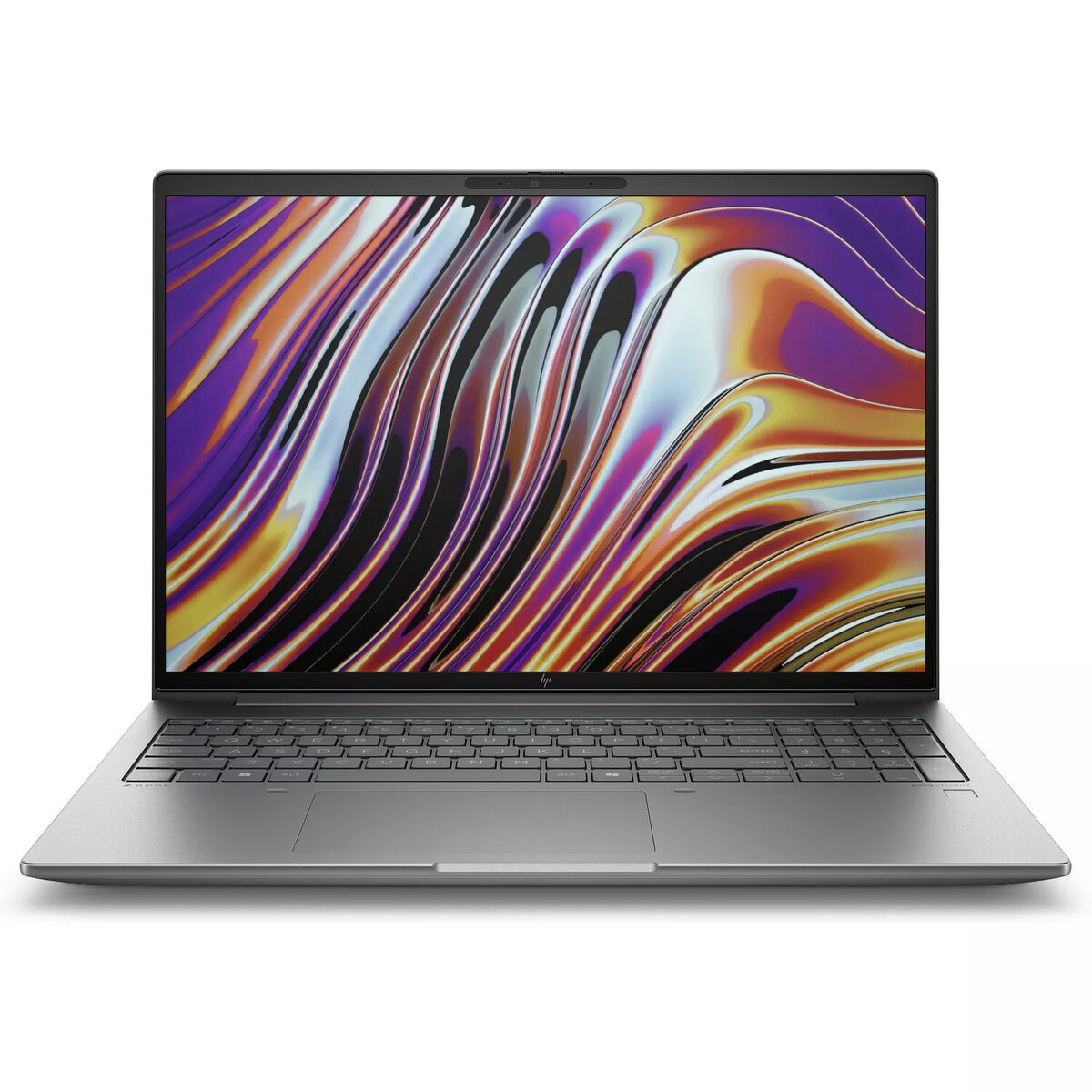
The HP ZBook 16" R7-8845HS is a mobile workstation designed for professional use. It integrates a 16" 2560x1600 display, a high-performance AMD Ryzen 7 8845HS processor, 32 GB of system memory and a 2 TB solid-state drive to deliver fast, responsive performance for design, engineering and content-creation workflows. The laptop includes an NVIDIA RTX 2000A-class GPU and runs Windows 11 Pro, providing a balance of compute power, graphics capability and enterprise-ready software features in a silver chassis.
Advantages
This ZBook combines a high-resolution 16" panel with a capable mobile CPU and a professional-grade GPU to handle demanding applications such as 3D modelling, rendering and high-resolution video editing. The large 2 TB SSD enables rapid file access and project storage while 32 GB of RAM supports extensive multitasking and large datasets. Running Windows 11 Pro ensures business features, security improvements and broad compatibility with professional software.
Suitable for
- 3D modelling and CAD workflows
- Video editing and colour grading
- Graphic design and digital content creation
- Engineering simulations and data analysis
- Multitasking with virtual machines and development environments
When it may not be suitable
This laptop is optimized for professional workloads rather than casual web browsing or light office tasks; its capabilities exceed what is necessary for basic use. It may be larger and heavier than ultraportable consumer laptops, so it may not be the best choice if extreme mobility and minimal weight are the primary requirements.
Key specifications
- Display: 16" IPS, 2560 x 1600 resolution
- Processor: AMD Ryzen 7 8845HS (high-performance mobile CPU)
- Memory: 32 GB RAM
- Storage: 2 TB NVMe solid-state drive
- Graphics: NVIDIA RTX 2000A-class GPU (professional mobile GPU)
- Operating system: Windows 11 Pro
- Chassis colour: Silver
How to use
Set up the HP ZBook on a stable surface and connect any external displays, peripherals or network cables as required. Use the preinstalled Windows 11 Pro environment to install professional software such as CAD, DCC or editing suites, and configure power and performance settings in the operating system or ZBook utilities for the best balance between thermal noise and sustained performance. Back up important projects to external storage or cloud services to preserve data on the 2 TB SSD.
What to consider before purchase
- Confirm that your required professional applications are supported and certified for the installed GPU and driver model.
- Check battery life expectations for mobile use versus plugged-in performance; heavy workloads reduce battery runtime.
- Consider weight and dimensions relative to your typical travel needs if frequent transport is required.
Usage recommendations
For demanding rendering or simulation tasks, keep the ZBook on AC power and use an external cooling-friendly setup when possible; update graphics drivers and system firmware regularly to maintain performance and compatibility with professional software.