
JBL speakers and headphones for pure and deep sound!
In cart {{totalProductsCount}} item(s)
Your cart is empty
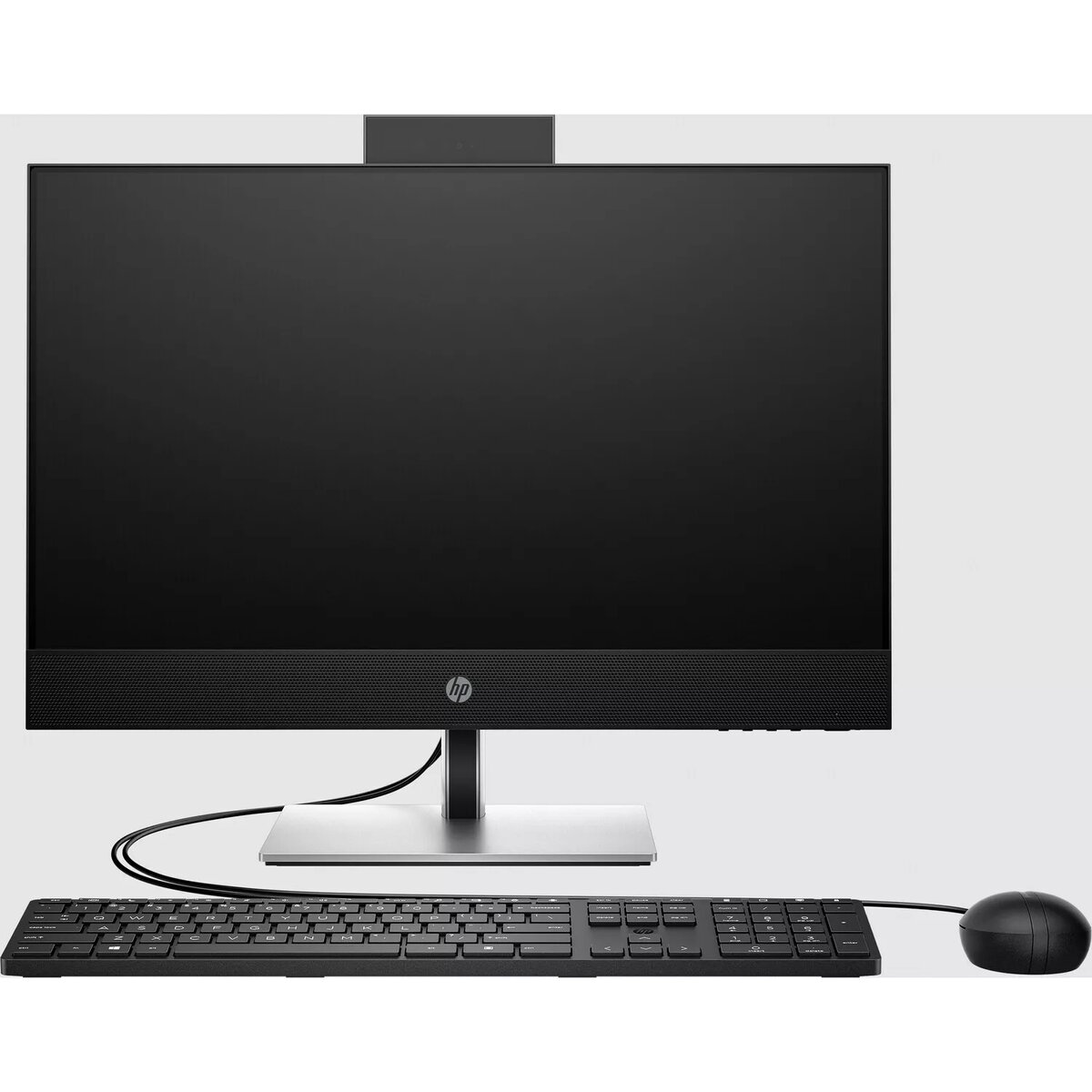
Computer HP ProOne 440 G9 i5-14500T 16GB 512GB SSD RX 6300M W11P
The HP ProOne 440 G9 i5-14500T 16GB 512GB SSD RX 6300M W11P is an all-in-one desktop that integrates display, compute, storage and graphics into a single compact unit. Equipped with an Intel Core i5-14500T processor, 16 GB of system memory and a 512 GB solid-state drive, this model delivers responsive performance for office workflows, multimedia playback and general productivity. The discrete RX 6300M graphics engine provides added capability for graphics-accelerated tasks, while Windows 11 Pro enables enterprise-grade management and security features.
The integrated all-in-one design reduces desk clutter and simplifies setup by combining monitor and PC components in one chassis. The 14th-gen Intel i5-14500T balances energy efficiency and multi-threaded performance, supporting simultaneous applications and browser tabs. A 512 GB SSD offers fast system boot and application load times, and 16 GB of RAM supports smooth multitasking. The RX 6300M graphics card enhances display performance for content creation, light 3D work and hardware-accelerated video tasks. Windows 11 Pro brings built-in security, remote management tools and business-oriented features suitable for corporate environments.
Place the HP ProOne 440 G9 on a stable, flat surface and connect the power cable. Follow the on-screen setup assistant to configure Windows 11 Pro, create a user account and apply network settings. Install necessary drivers and business applications from official sources or company deployment tools. Use the built-in display, USB and networking ports to connect peripherals such as keyboard, mouse, external storage and wired or wireless networks. Regularly update Windows and device drivers to maintain security and performance.
For consistent performance, keep available storage above 15% of the SSD capacity and enable Windows Update for the latest security patches. For business deployments, use centralized management tools and create a restore point or system image after initial configuration. Position the unit to allow adequate ventilation and avoid blocking vents during extended use.
{{highlightedFeature.featureTitle}}:
{{getProductFeatureValueById(product, highlightedFeature.featureId)}}
{{ productComparisonGenerationError }}
