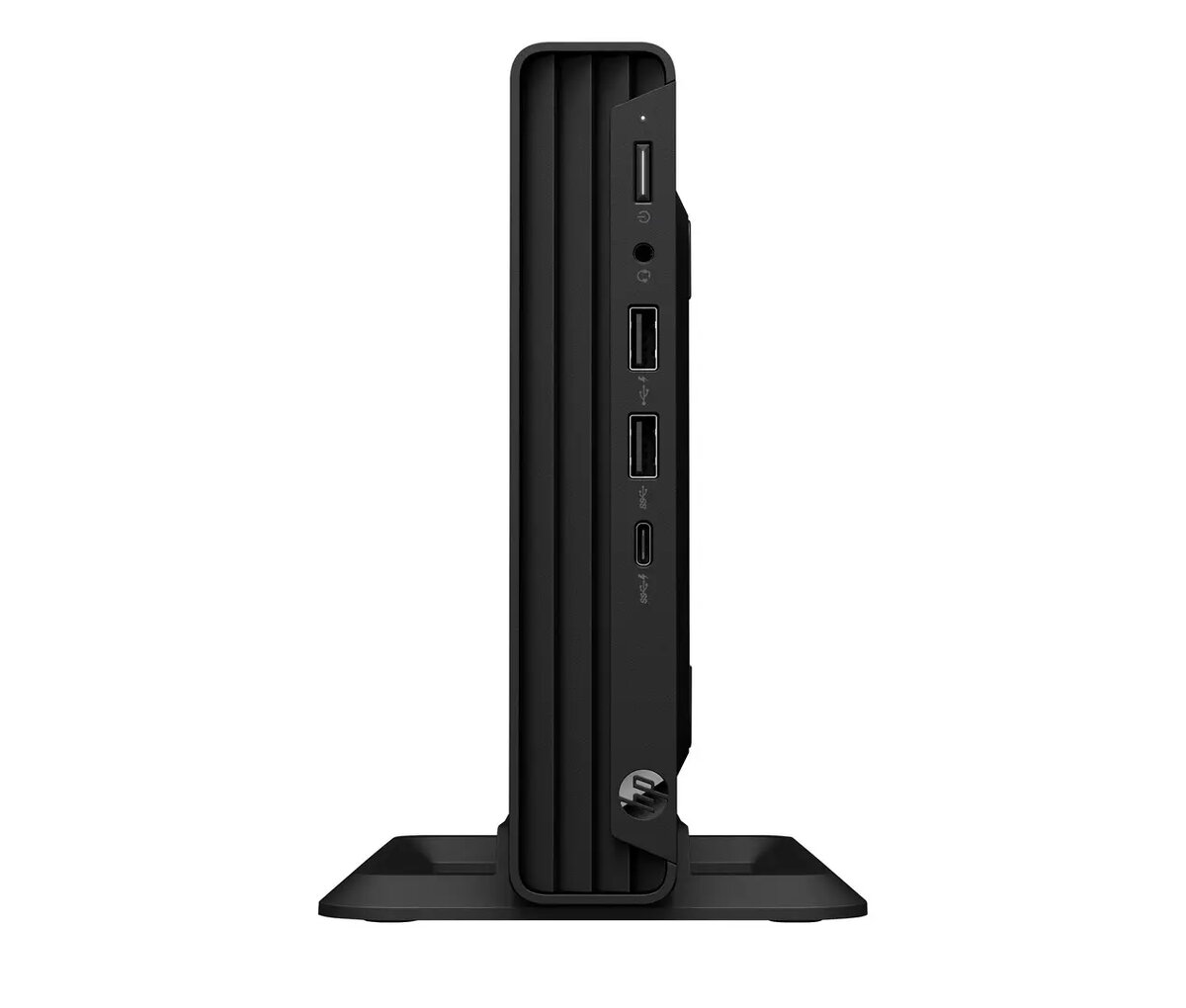
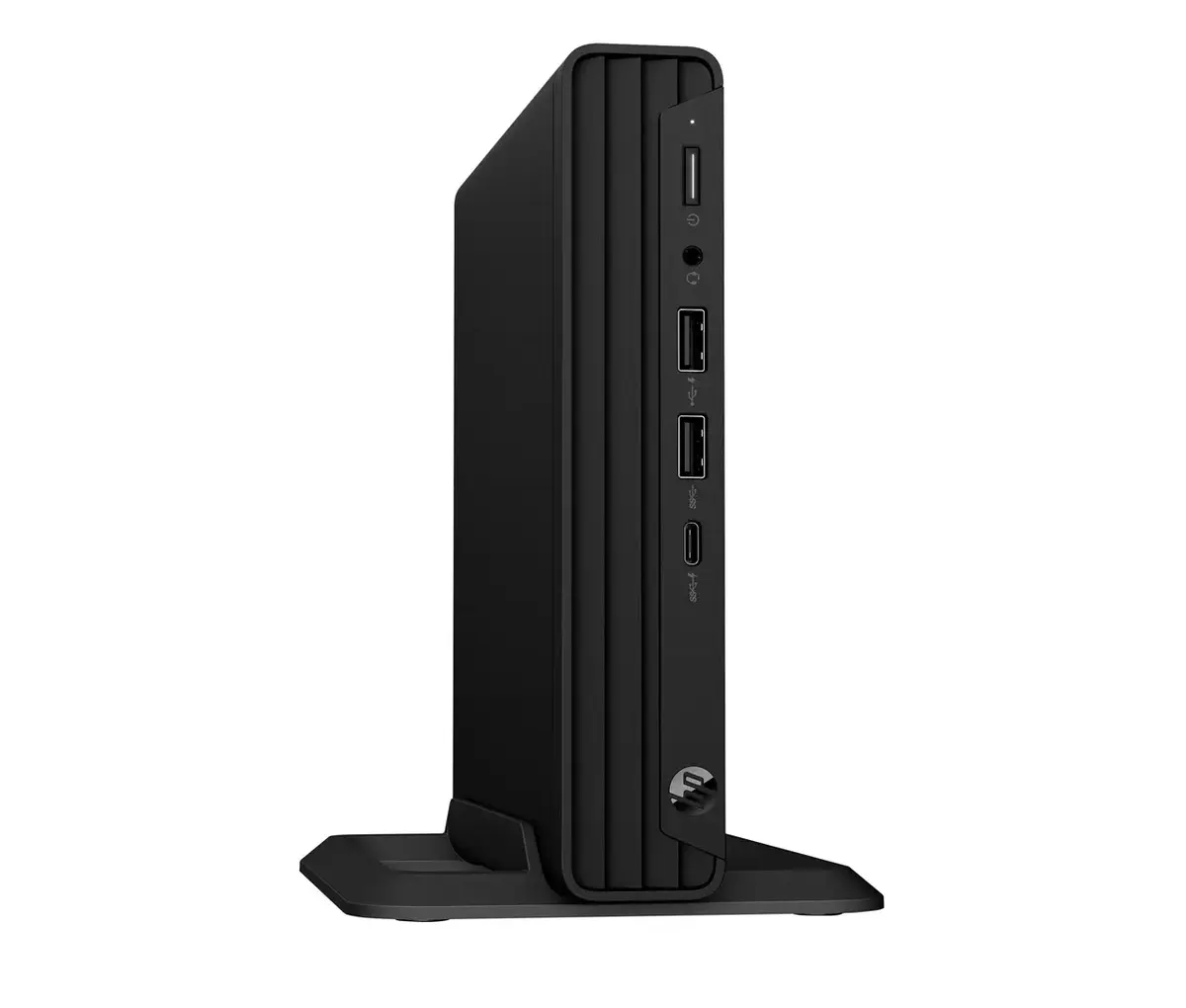
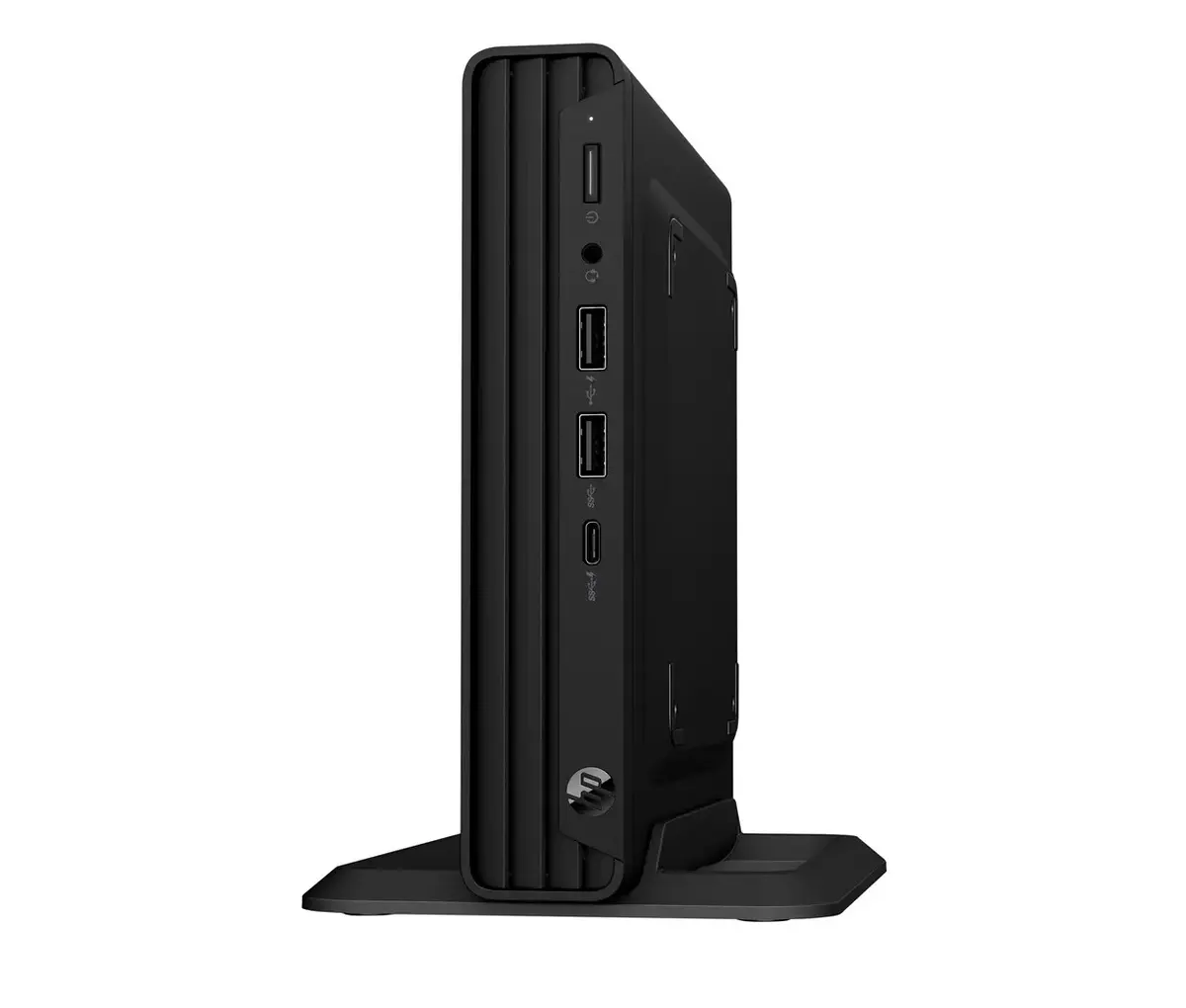
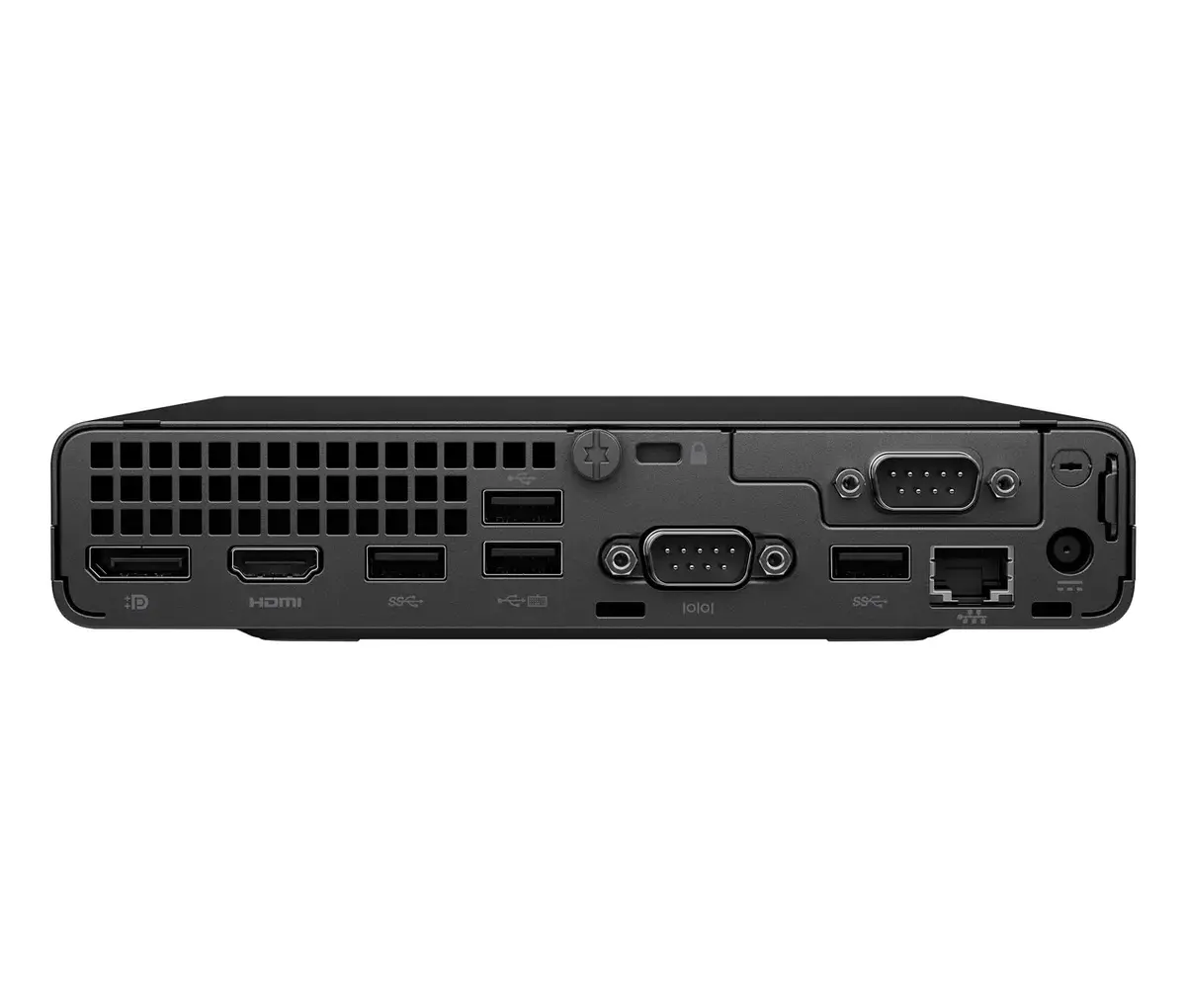
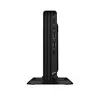
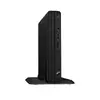
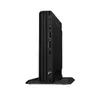
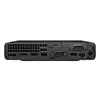
Compact mini PC HP Mini Pro 260 G9 with a 13th generation Intel Core i5-1335U (10 cores, 12 threads, up to 4.6 GHz boost) designed for proven productivity in space-constrained environments. The system includes 16 GB DDR4 (3200 MHz) in a single SO-DIMM slot, expandable up to 64 GB, and a 512 GB M.2 NVMe SSD (PCIe) for fast storage. Graphics are handled by integrated Intel Iris Xe, and connectivity includes Wi‑Fi 6 (Realtek RTL8852BE), Bluetooth 5.3, Gigabit Ethernet, DisplayPort 1.4a and HDMI 1.4b, plus multiple USB-A and USB-C ports. The unit ships with Windows 11 Pro, TPM 2.0 security, wired keyboard and mouse, and a cable-lock slot for physical security.
Advantages
The HP Mini Pro 260 G9 combines a modern low‑power 13th gen Intel Core CPU with fast NVMe storage and 16 GB of DDR4 memory to deliver smooth multitasking and responsive system performance in a compact chassis. Built‑in security features such as TPM 2.0, BIOS password protection and a cable‑lock slot support business deployments, while integrated Wi‑Fi 6 and Gigabit Ethernet provide flexible network options. The small footprint and included wired keyboard and mouse simplify deployment in offices, kiosks or limited desk space.
Suitable for
- Office productivity and multitasking (spreadsheets, email, web browsing)
- Point‑of‑sale terminals, kiosks and digital signage
- Remote workstations and meeting room PCs
- Light content creation and media playback using integrated Intel Iris Xe graphics
Key specifications
- Processor: Intel Core i5-1335U, 10 cores (2 performance + 8 efficient), 12 threads, up to 4.6 GHz boost, 55 W turbo power, 15 W base power
- Memory: 16 GB DDR4‑3200 (1 x 16 GB), 2x SO‑DIMM slots, maximum 64 GB
- Storage: 512 GB M.2 NVMe SSD (PCIe)
- Graphics: Integrated Intel Iris Xe Graphics
- Networking: Wi‑Fi 6 (Realtek RTL8852BE, 2x2), Bluetooth 5.3, Gigabit Ethernet (RJ‑45)
- Ports: 1 x HDMI 1.4b, 1 x DisplayPort 1.4a, 1 x USB-C (USB 3.2 Gen 2), 3 x USB-A (USB 3.2 Gen 1), 3 x USB 2.0, 1 x serial, combo headphone/mic, 1 x SATA connector
- Power supply: 65 W
- Operating system: Windows 11 Pro (preinstalled)
- Security & management: TPM 2.0, BIOS password protection, HP management tools and diagnostics
- Form factor & dimensions: Mini PC chassis, approx. 177 x 177 x 175 mm, weight ~1.42 kg
- Environmental operating range: 10–35 °C, 10–90% relative humidity
How to use
Unpack the mini PC, connect the included wired keyboard and mouse, attach a display via DisplayPort or HDMI, and connect network via Wi‑Fi or Ethernet. Install the power adapter and power on the system; Windows 11 Pro is preinstalled with HP setup and management utilities available. Use the available SO‑DIMM slot to add memory up to the 64 GB maximum, and replace or add an M.2 SSD if additional storage is required. For physical security, engage a cable lock through the provided slot and configure BIOS and TPM settings as needed for enterprise deployment.
Usage recommendations
For balanced performance and longevity, keep the unit in a well‑ventilated location within the specified operating temperature (10–35 °C). Use official HP driver updates and HP Support Assistant for firmware and security updates. When expanding memory or storage, follow anti‑static precautions and consult HP documentation for supported modules and installation steps.