
Hurry and order now – up to 50% off!
In cart {{totalProductsCount}} item(s)
Your cart is empty
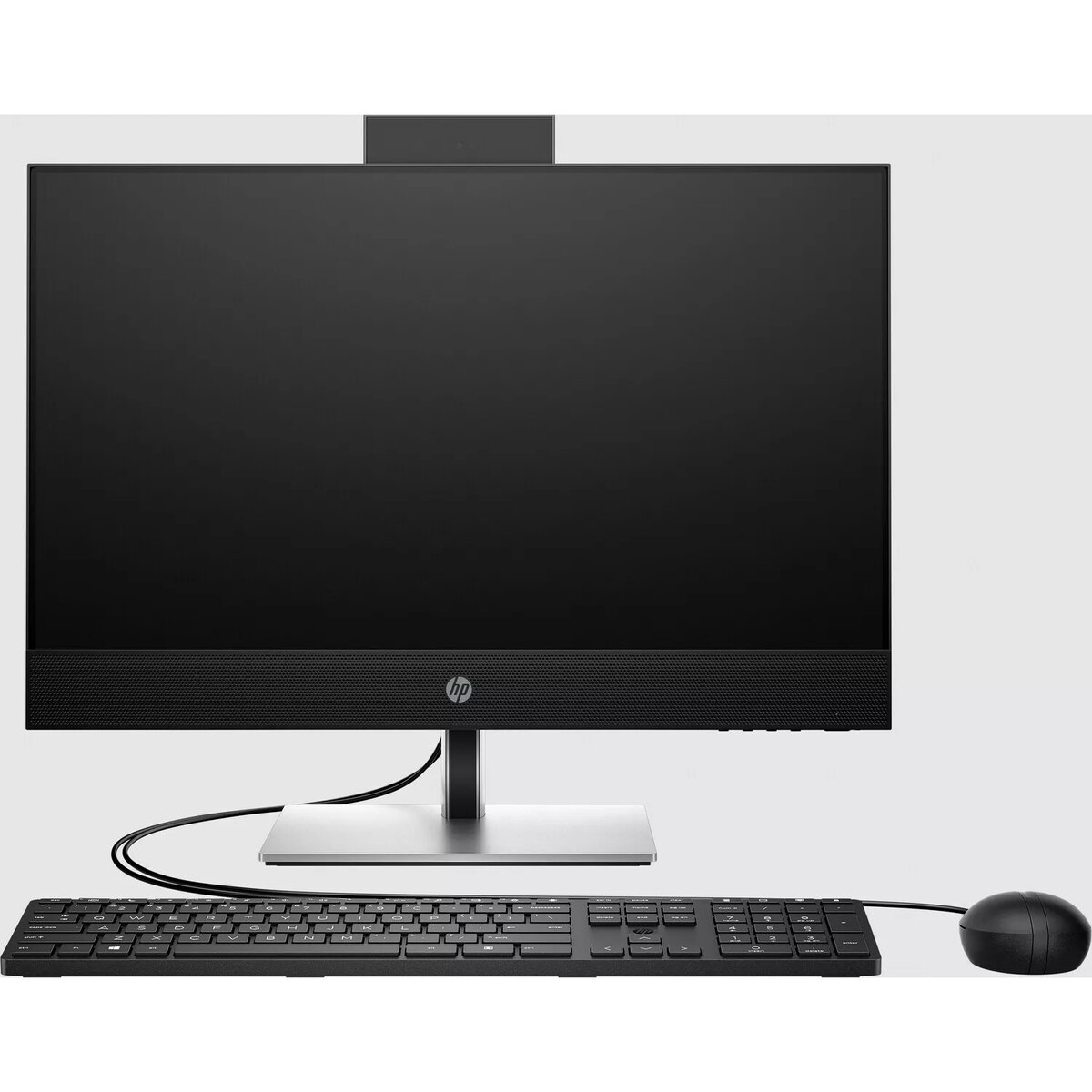
Computer HP ProOne 440 G9 i5-14500T 16GB 512GB SSD UHD 770 W11P Slv-Black
The HP ProOne 440 G9 i5-14500T 16GB 512GB SSD UHD 770 W11P Slv-Black is an all-in-one desktop designed for professional environments where space efficiency and reliable performance are required. It integrates a 23.8-inch Full HD display with an Intel Core i5-14500T processor, 16 GB of system memory and a 512 GB solid-state drive, delivering quick system responsiveness, fast application launches and smooth everyday multitasking. Integrated Intel UHD 770 graphics provide adequate visual performance for office software, video playback and browser-based applications. The unit ships with Windows 11 Pro for enhanced security and management features suited to managed IT environments.
This all-in-one design reduces desktop clutter by combining display and system components into a single chassis while maintaining a professional appearance in a silver and black finish. The combination of a modern 14th-generation Intel processor and SSD storage ensures lower boot times and faster file access compared with traditional hard drives. The 23.8-inch FHD panel offers consistent viewing angles and legible text for extended work sessions, and the integrated graphics support common multimedia tasks without the need for a discrete GPU. Windows 11 Pro provides business-oriented features such as domain join, BitLocker encryption support and remote management capabilities.
Place the HP ProOne 440 G9 on a stable desk surface at a comfortable viewing height, connect the power cable and any required peripherals such as keyboard, mouse and network cable or configure Wi-Fi. Power on the system and follow the initial Windows 11 Pro setup prompts to configure user accounts, network settings and security options. Install required business applications from trusted sources or your organization’s software repository. Use built-in display controls to adjust brightness and color settings for optimal viewing and configure power plans to suit performance and energy use requirements.
For reliable day-to-day operation, keep the system firmware and Windows updates current, use reputable antivirus and endpoint protection solutions, and store backups of important data on network storage or cloud services. When deploying multiple units in a business environment, consider centralized management tools and group policy configuration to streamline updates and security settings.
{{highlightedFeature.featureTitle}}:
{{getProductFeatureValueById(product, highlightedFeature.featureId)}}
{{ productComparisonGenerationError }}
