






Dreame vacuums for fast and efficient cleaning!
In cart {{totalProductsCount}} item(s)
Your cart is empty
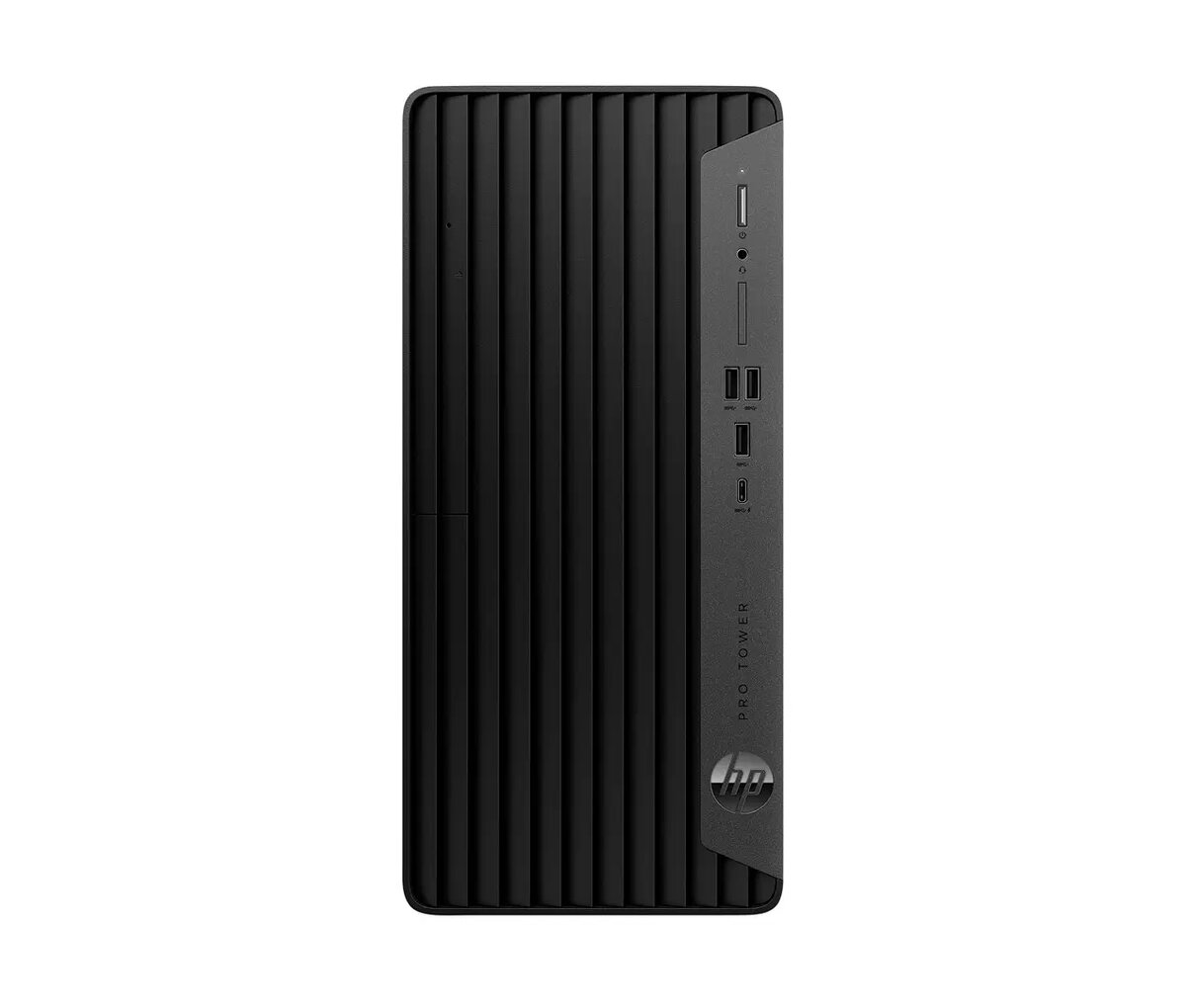
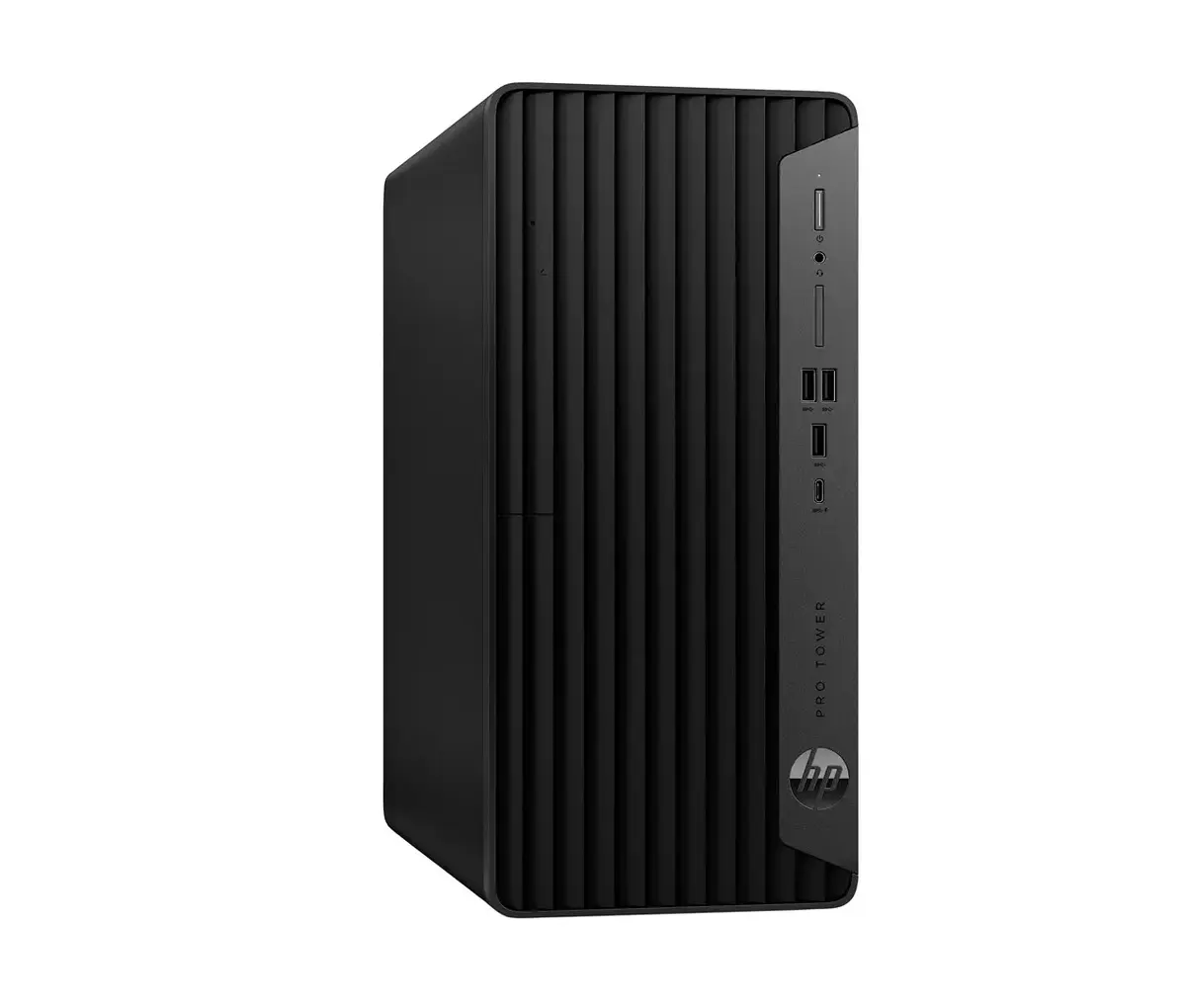
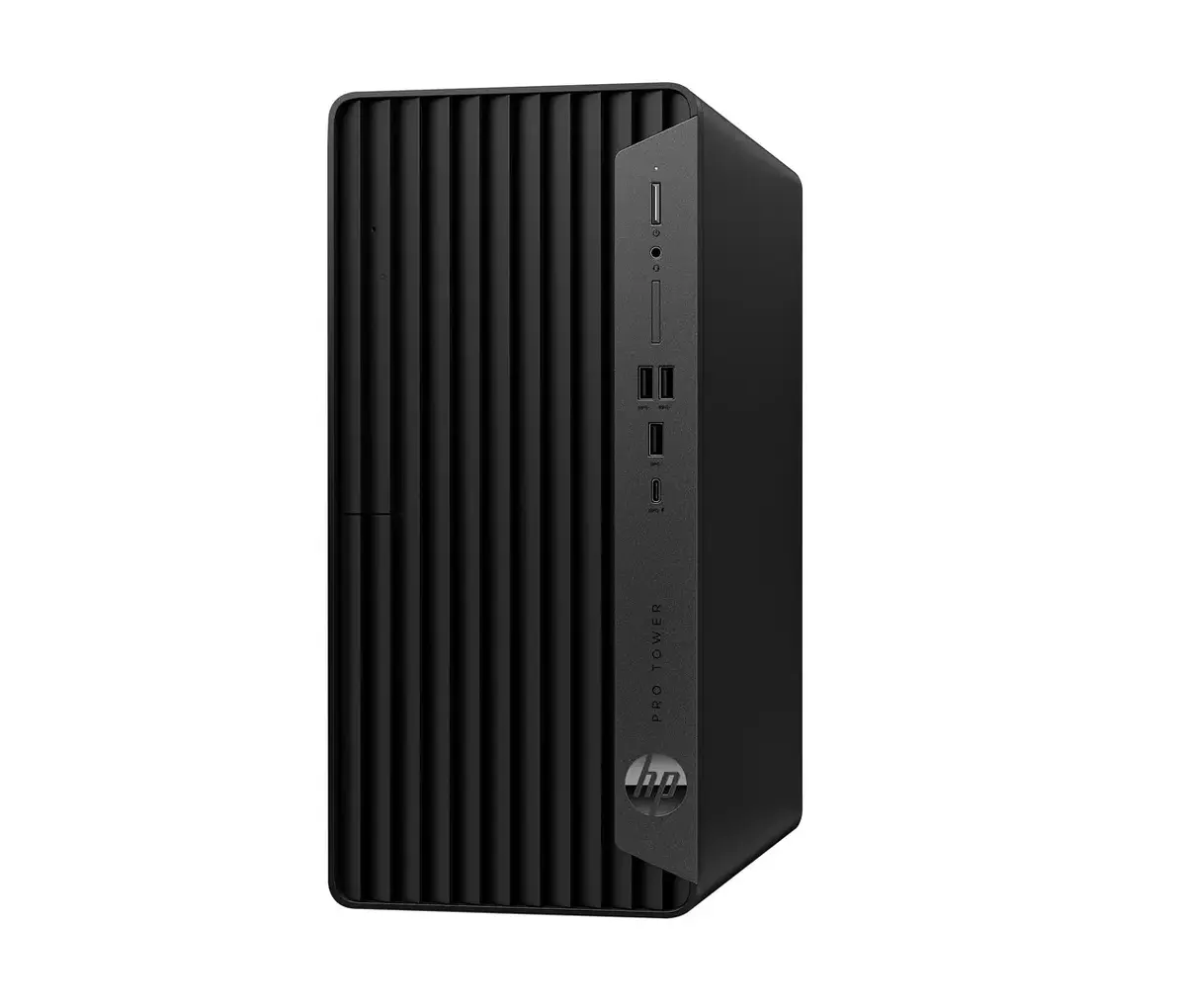
PC tower HP Pro Tower 400 G9 — Intel Core i5-14500 14th Gen, 16 GB DDR5 4800, 1 TB NVMe SSD, Intel UHD 770, Windows 11 Pro
HP Pro Tower 400 G9 is a business desktop tower equipped with an Intel Core i5-14500 14th generation processor, 16 GB of DDR5-4800 memory and a 1 TB NVMe SSD. The system uses integrated Intel UHD Graphics 770 and runs Windows 11 Pro. Designed as a compact tower with a black finish and vertical placement, it includes wired keyboard and mouse and offers built-in networking with Intel Wi‑Fi 6E AX211 and Bluetooth 5.3. Security and manageability features include TPM 2.0, power-on password protection and HP management tools preinstalled.
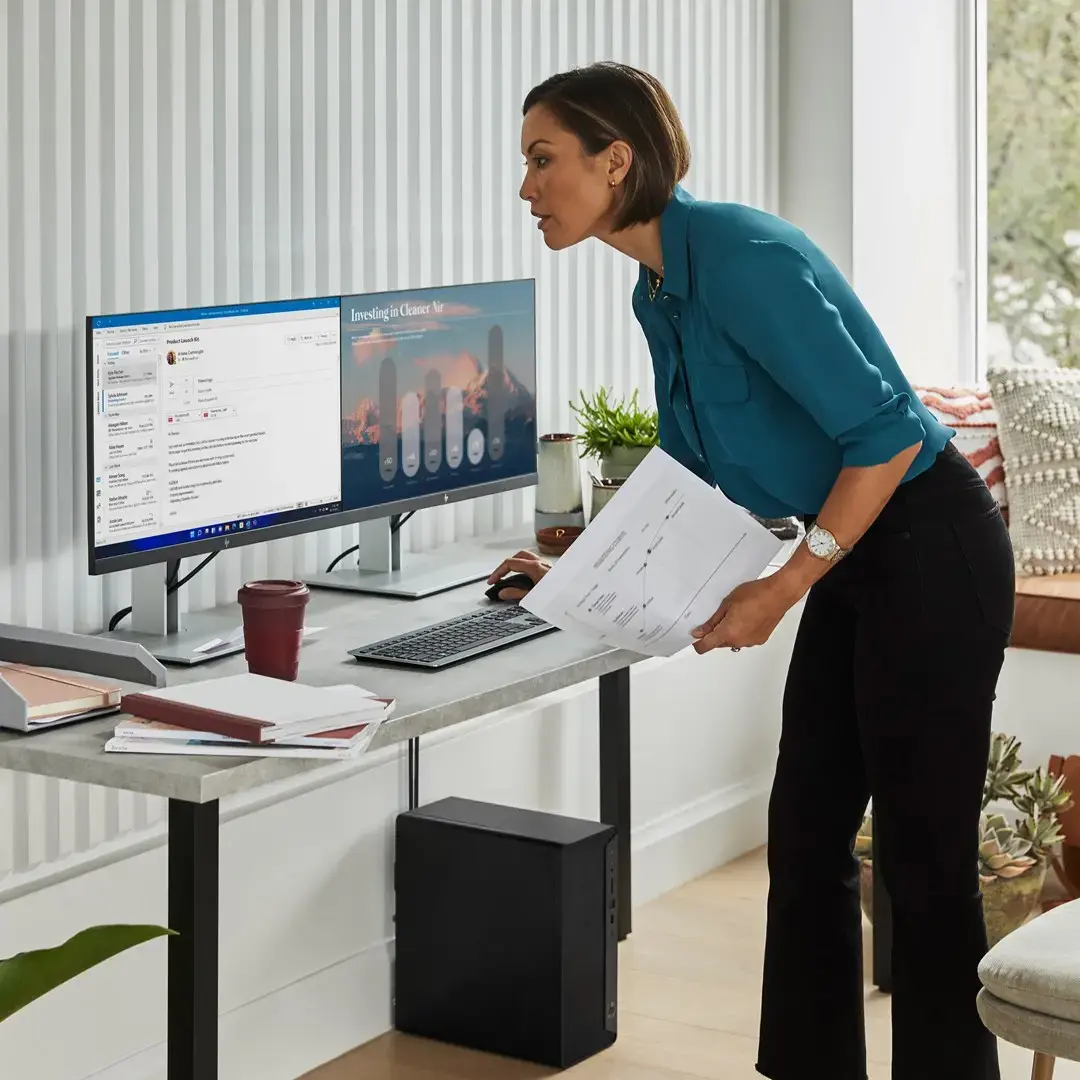
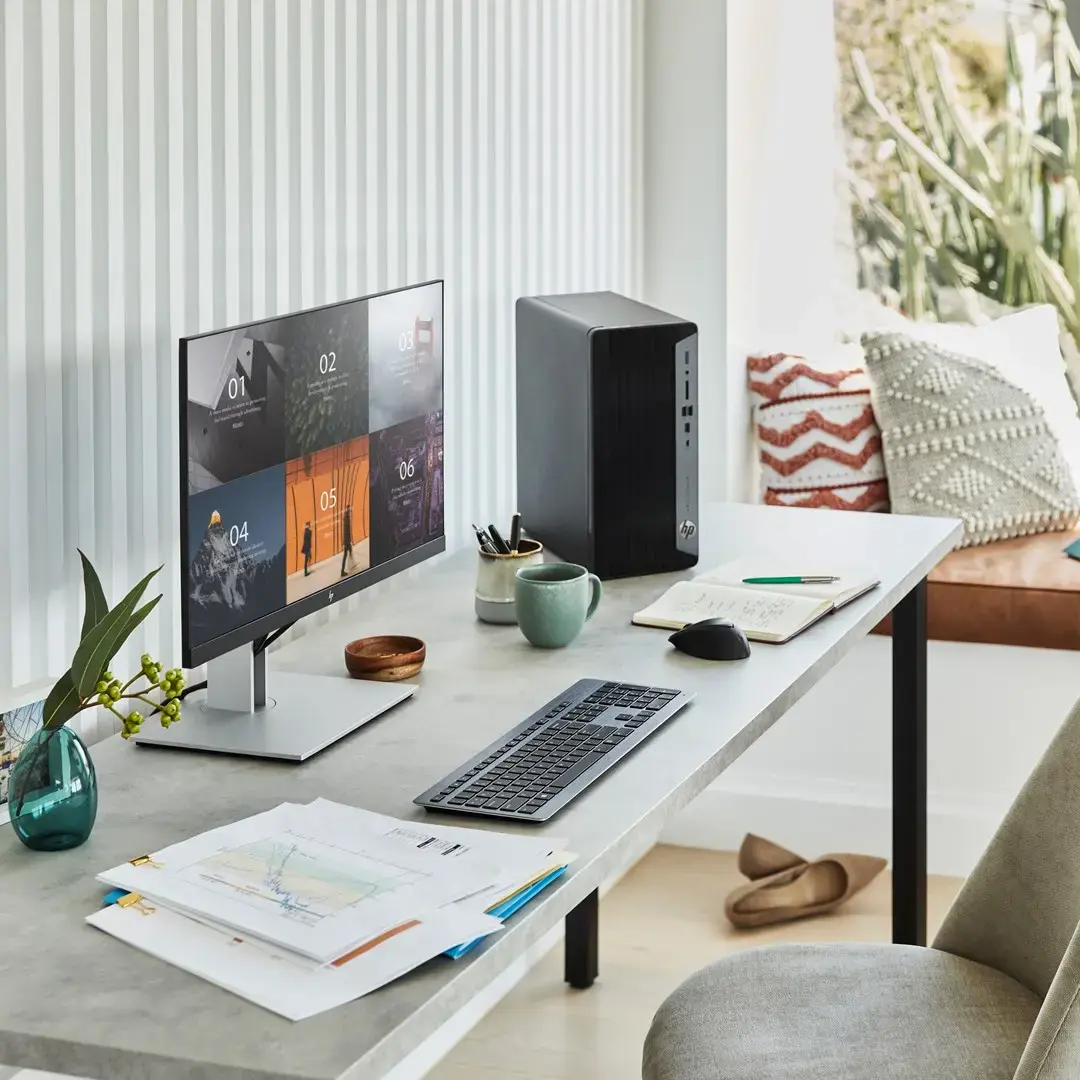
The HP Pro Tower 400 G9 combines a modern 14-core hybrid CPU with DDR5 memory and fast NVMe storage to deliver responsive performance for productivity and multitasking. Its integrated Intel UHD Graphics 770 supports everyday visual tasks without a discrete GPU. Built-in enterprise features such as TPM 2.0, Intel Wi‑Fi 6E, and HP management utilities facilitate deployment and device management in business environments. The compact tower chassis with multiple expansion slots provides upgradeability while maintaining a small footprint.
Unpack the HP Pro Tower 400 G9, connect the included wired keyboard and HP 125 wired mouse, and attach a compatible display to the HDMI or DisplayPort output. Connect the power cable to a grounded outlet and power on the system. Complete the initial Windows 11 Pro setup and install any required company management profiles or HP management utilities. Use the available DIMM slots and PCIe expansion slots for memory or add-on cards when additional performance or connectivity is required. For network connectivity, enable Wi‑Fi 6E or connect an Ethernet cable to the RJ-45 port.
For reliable business performance, keep Windows and HP support software up to date, and configure TPM and power-on password protection as part of your security policy. When planning upgrades, match DDR5 memory speed and use compatible PCIe Gen4 add-in cards for best throughput. Operate the system within recommended temperature and humidity conditions and maintain adequate airflow around the tower chassis.
{{highlightedFeature.featureTitle}}:
{{getProductFeatureValueById(product, highlightedFeature.featureId)}}
{{ productComparisonGenerationError }}
