









Hurry and order now – up to 50% off!
In cart {{totalProductsCount}} item(s)
Your cart is empty
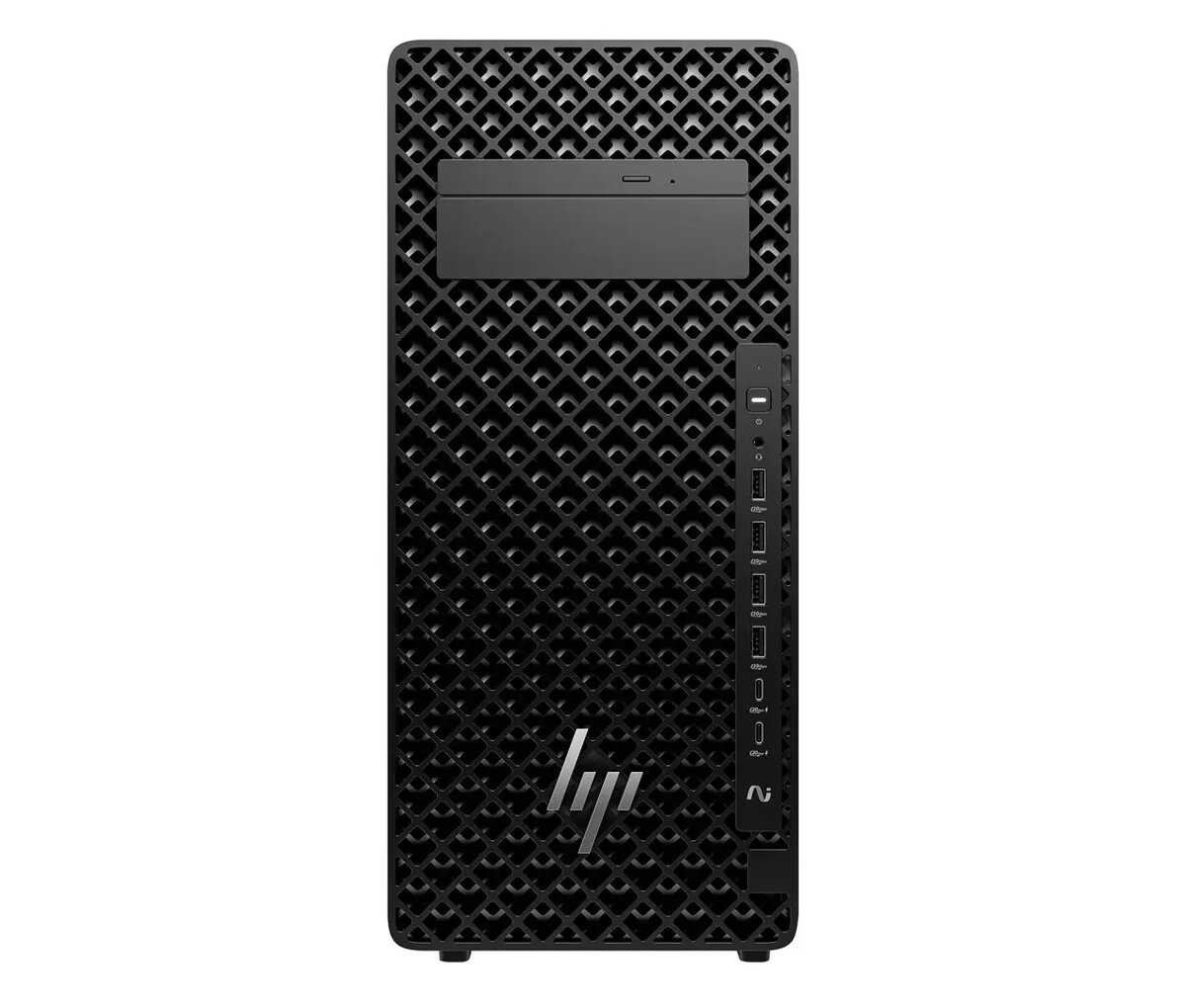
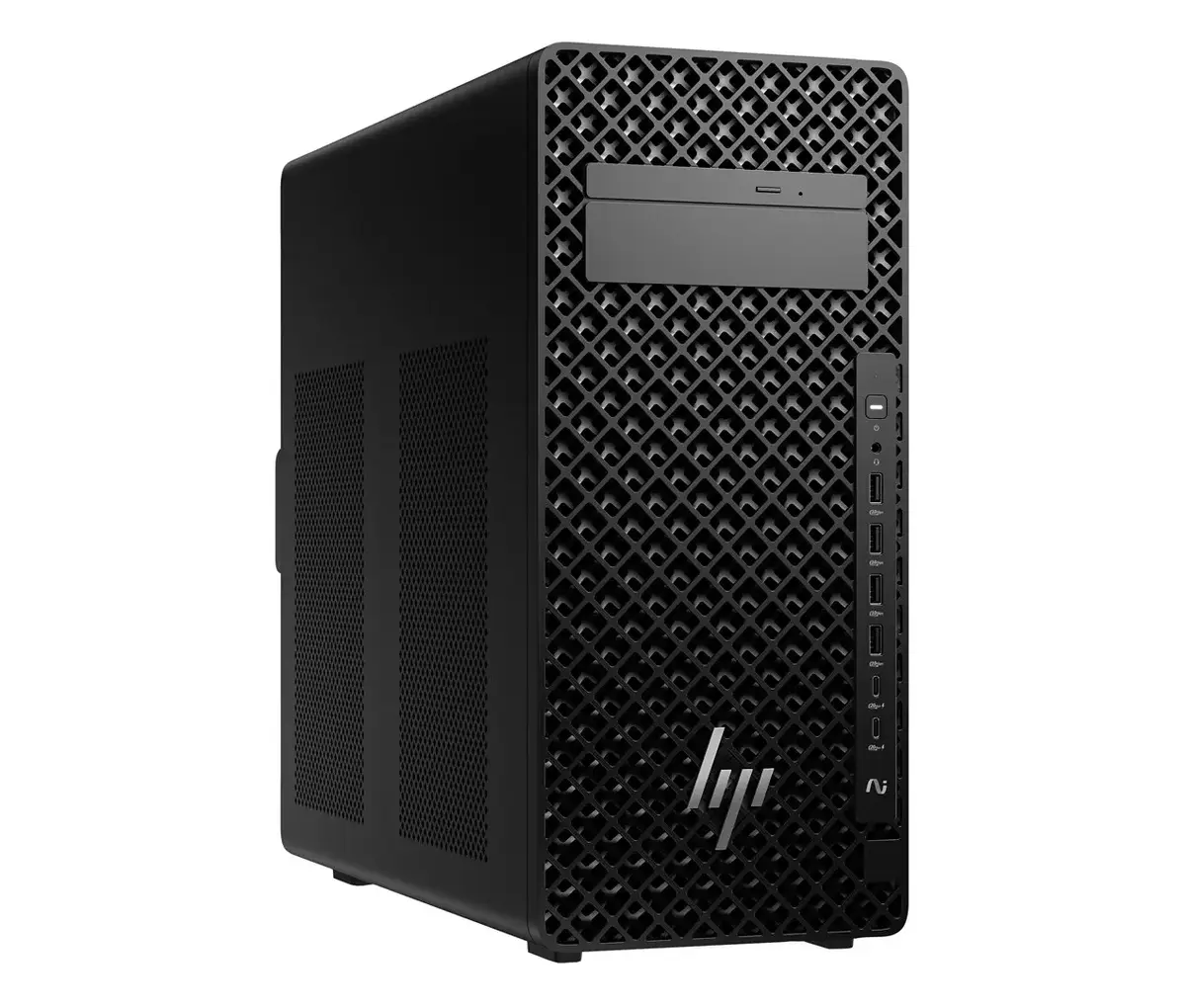
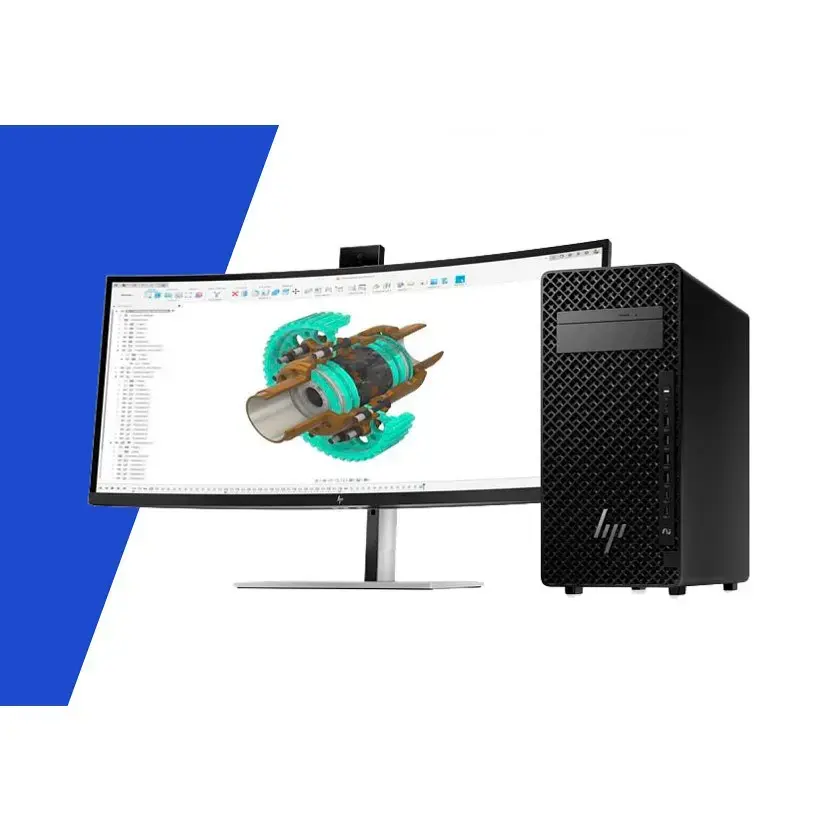
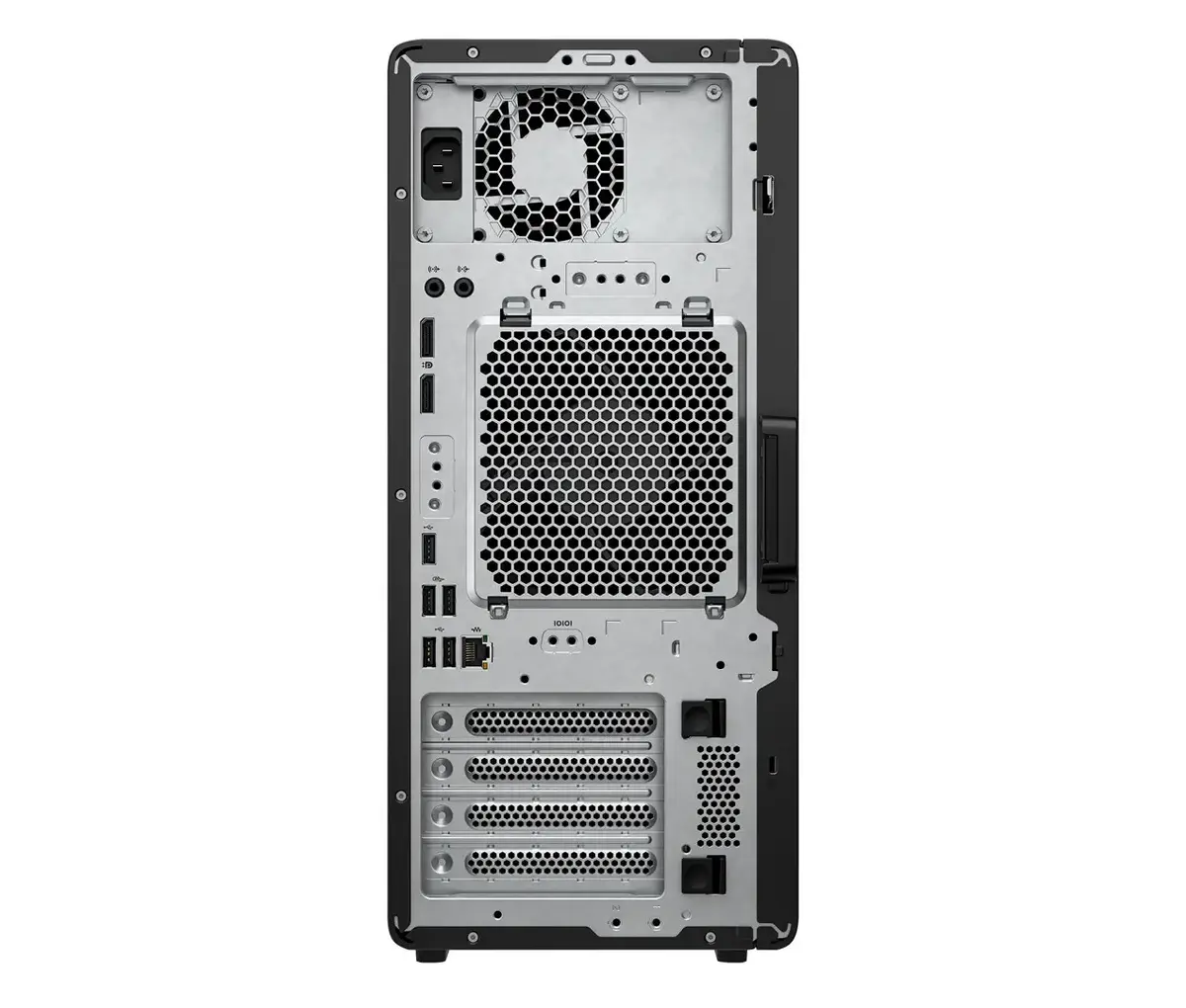
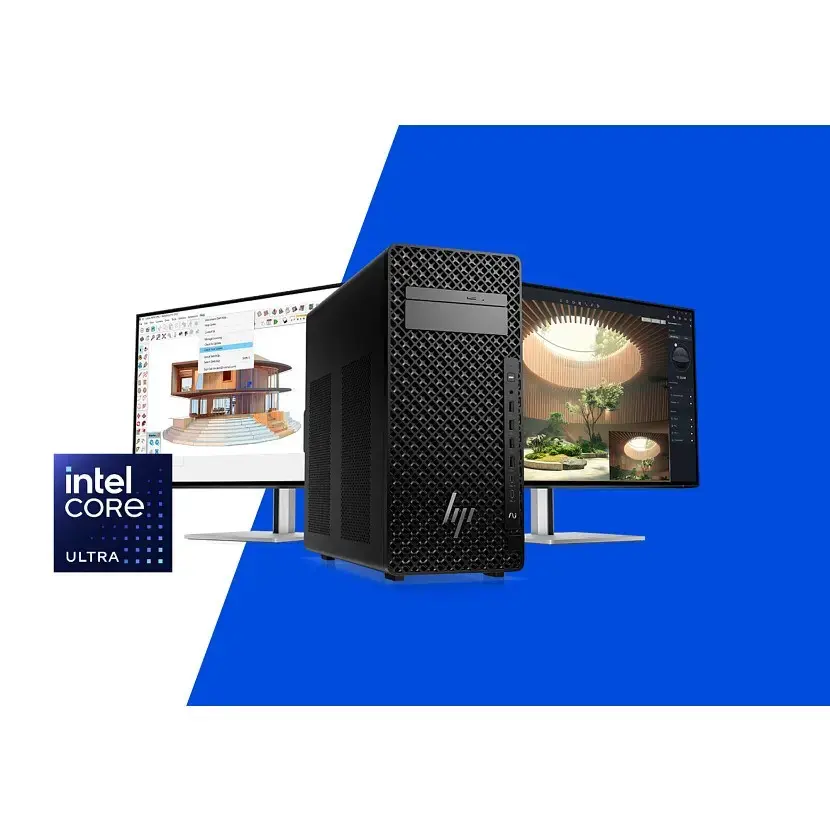
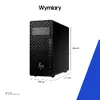
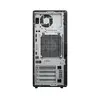
Workstation HP Z2 Tower G1i Ultra 7 265 vPro – 20-core Intel Core Ultra 7 265, 16GB DDR5‑5600, 512GB NVMe SSD, NVIDIA RTX A400 4GB, DVD‑RW, 500W, Wind...
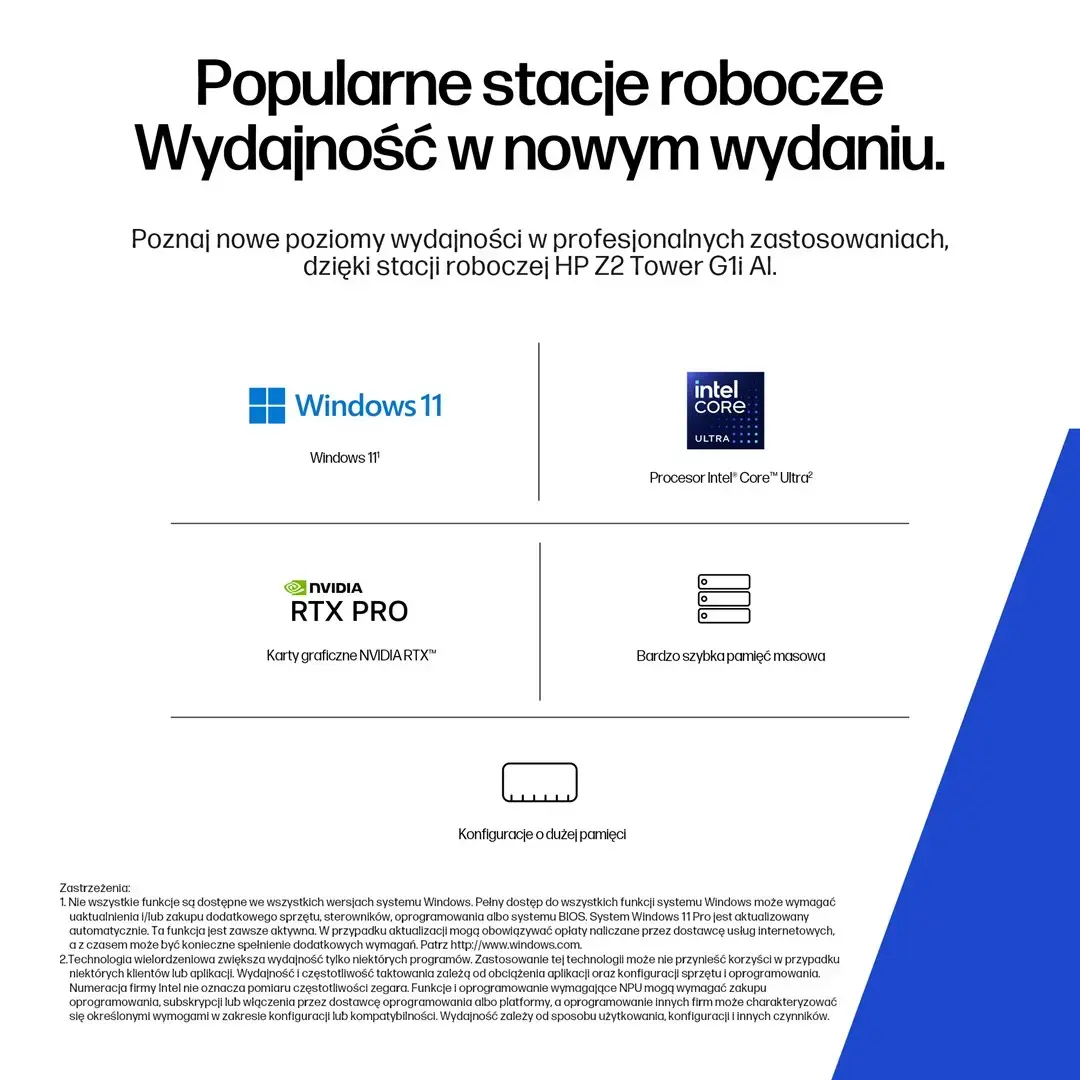
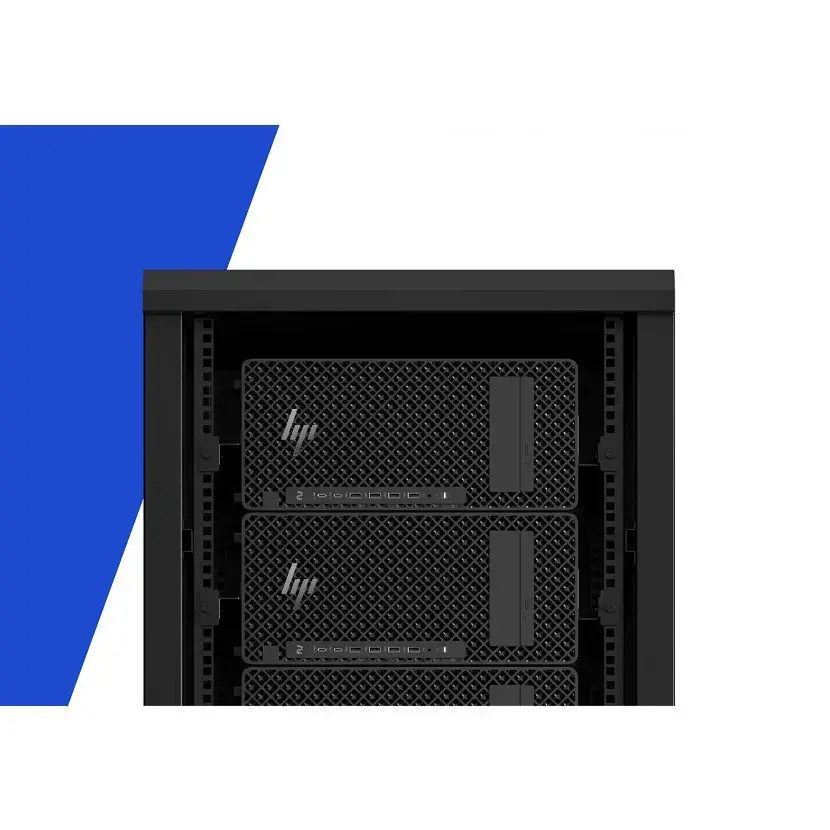
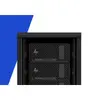
HP Z2 Tower G1i Ultra 7 265 vPro is a desktop workstation built for professional design, engineering and content-creation tasks. Featuring an Intel Ultra 7 265 vPro processor, 16GB DDR5‑5600 memory, a 512GB SSD and an NVIDIA RTX A400 4GB professional graphics card, this HP Z2 Tower G1i delivers a balance of single-thread and multithread performance, fast storage responsiveness and GPU-accelerated workflows. The system includes an internal DVD‑RW drive, a 500W power supply and ships with Windows 11 Pro. Onsite 3‑year support is provided for business continuity and serviceability.
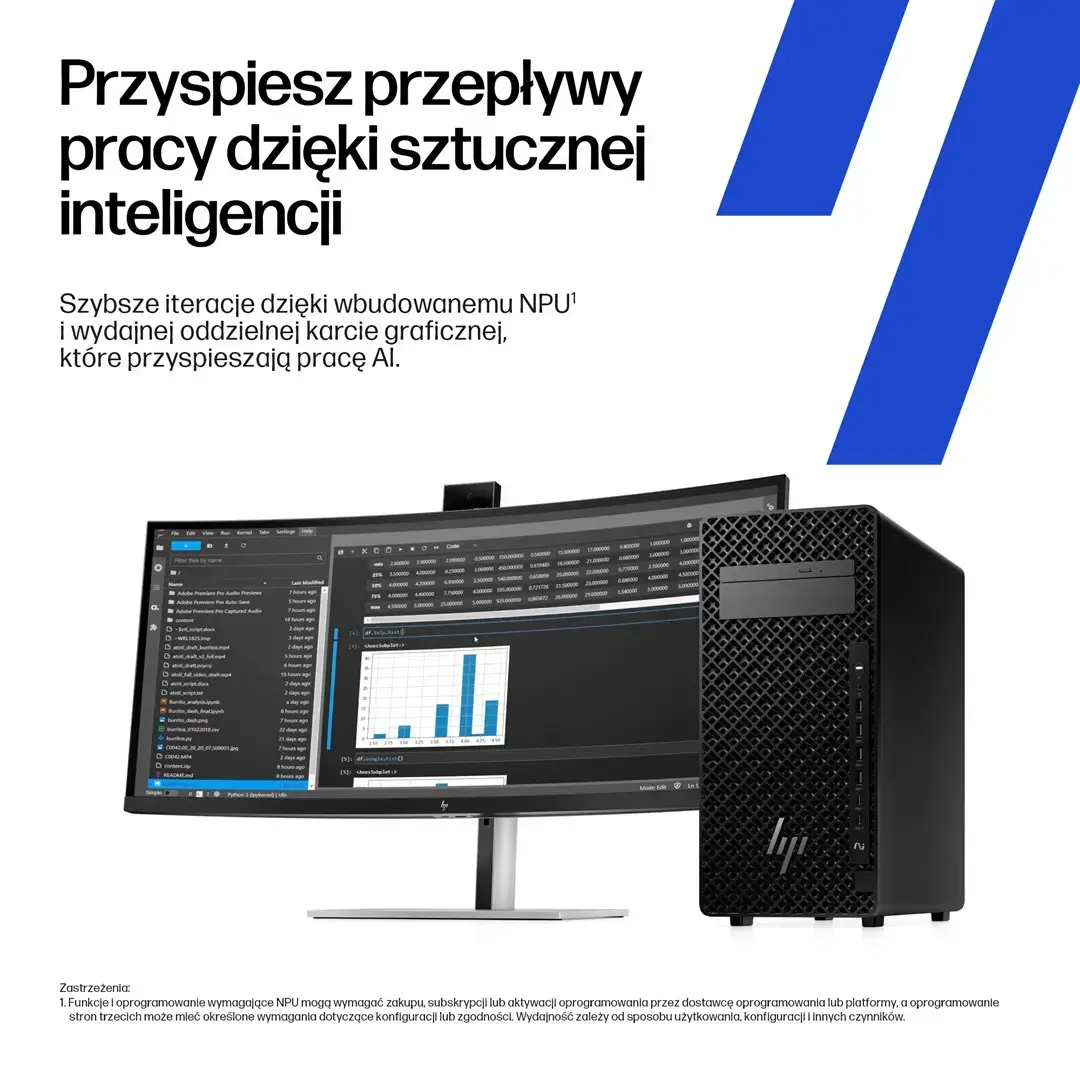
The combination of the Intel Ultra 7 265 vPro CPU and 16GB DDR5‑5600 RAM provides improved application responsiveness and multitasking for CAD, simulation and content-editing software. The 512GB SSD ensures rapid boot and application load times, while the NVIDIA RTX A400 4GB GPU offers certified drivers and hardware acceleration for professional visualization and GPU compute tasks. The included 500W PSU and internal DVD‑RW maintain compatibility with legacy media and allow for future component upgrades. Windows 11 Pro enables enterprise features, security and manageability suitable for professional environments.
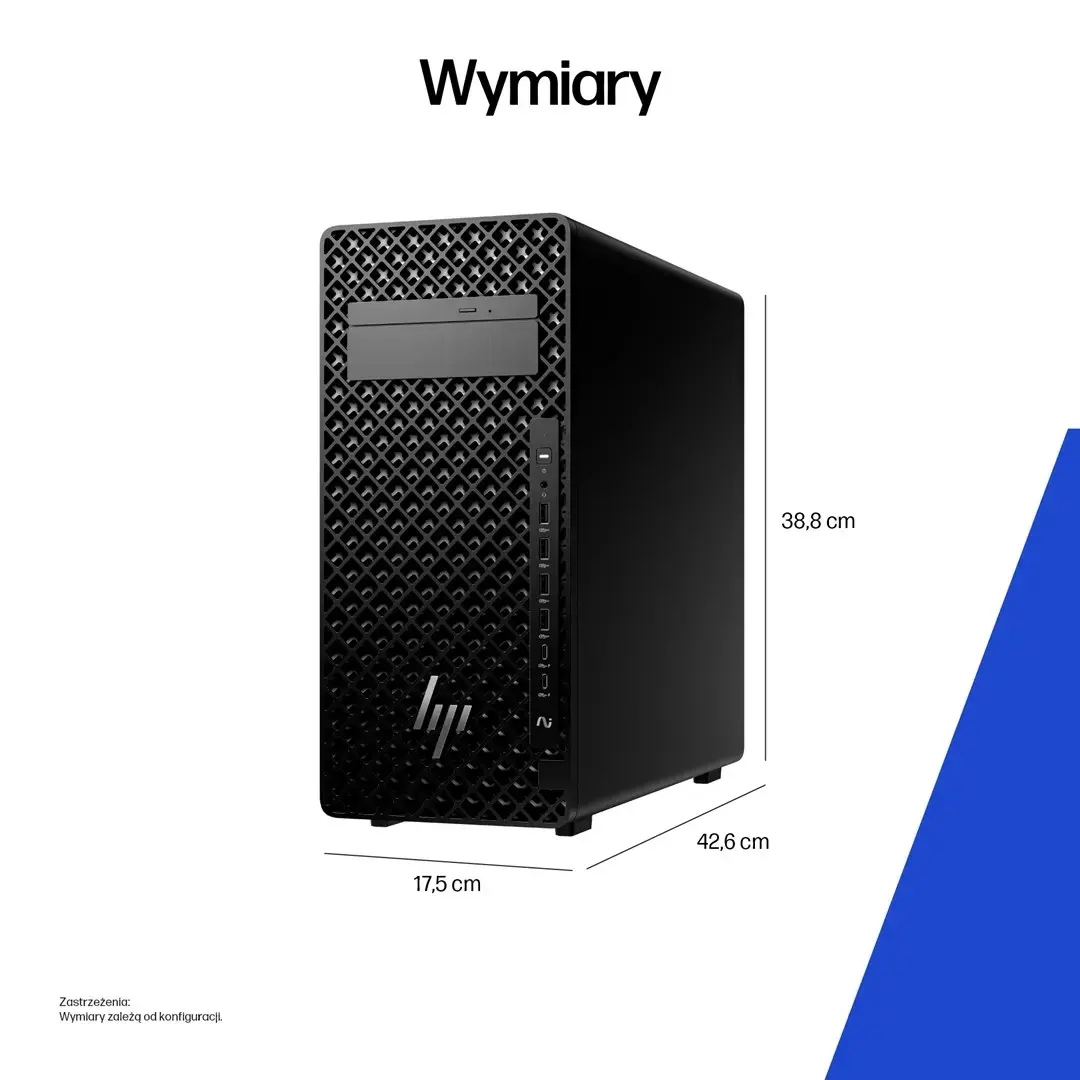
Set the HP Z2 Tower G1i on a stable surface with adequate ventilation. Connect display(s) to the GPU outputs, attach keyboard, mouse and network cables or configure Wi‑Fi through Windows 11 Pro. For initial setup follow the Windows OOBE (out-of-box experience) prompts to create user accounts, configure system updates and install required professional applications and certified drivers for the NVIDIA RTX A400. Use the 512GB SSD as the system drive for operating system and primary applications; consider adding secondary storage or network storage for large project files.
Ensure drivers and firmware are kept up to date using HP Support and NVIDIA professional driver channels. For sustained heavy workloads, confirm adequate cooling and consider upgrading memory or storage to match project demands. Use Windows 11 Pro security and management features to integrate the workstation into corporate IT policies.
{{highlightedFeature.featureTitle}}:
{{getProductFeatureValueById(product, highlightedFeature.featureId)}}
{{ productComparisonGenerationError }}
