
Filters you can trust. Pure water every day.
In cart {{totalProductsCount}} item(s)
Your cart is empty
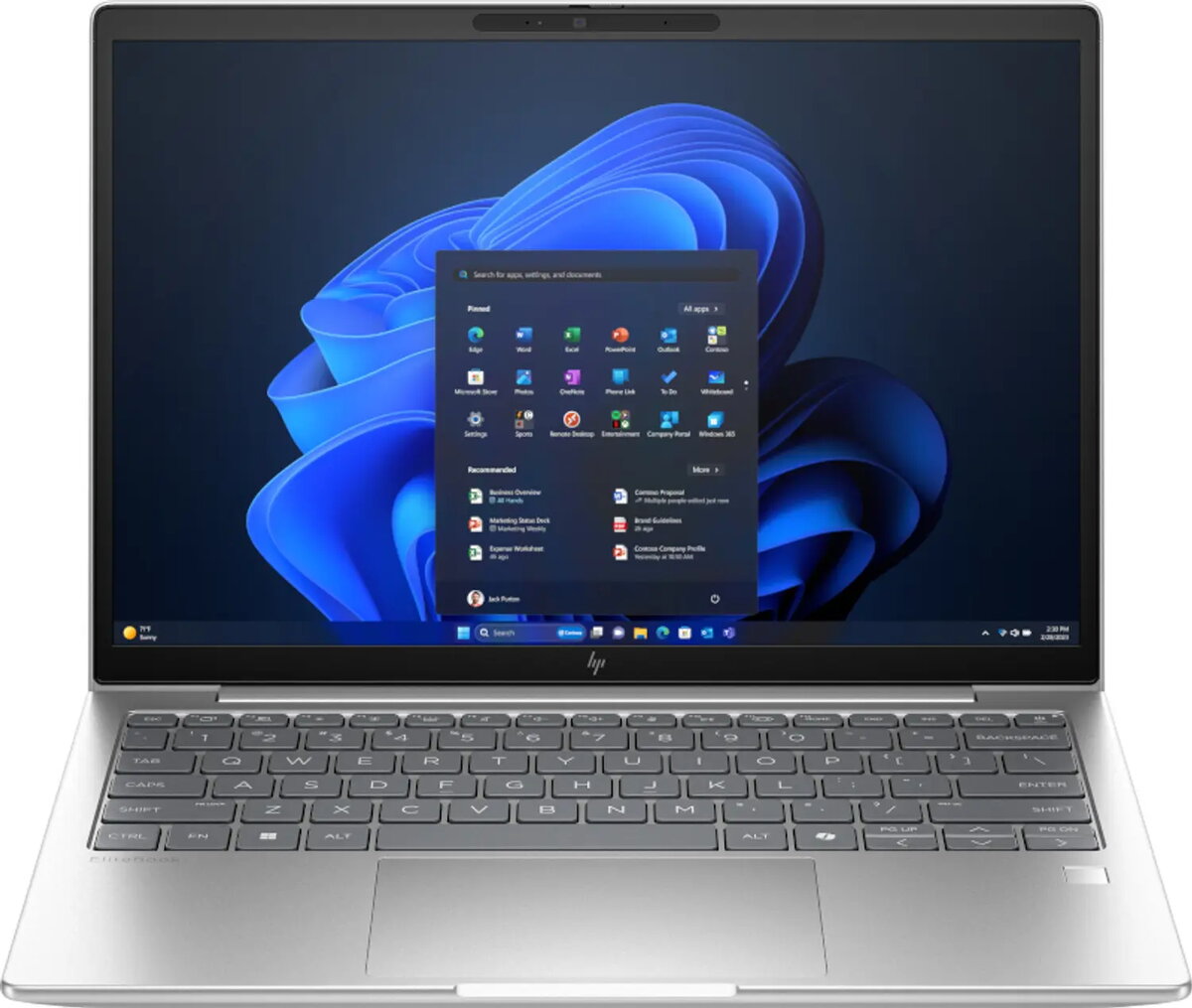
HP EliteBook 6 G1i Laptop, Intel Core Ultra 5 225U, 13.3" WUXGA, 16GB RAM, 512GB SSD, Windows 11 Pro, Silver
The HP EliteBook 6 G1i is a professional-grade laptop engineered for business efficiency and mobile productivity. Featuring the Intel Core Ultra 5 225U processor and 16GB of high-speed DDR5 RAM, this device provides the performance necessary for demanding multitasking and modern office applications. Its compact 13.3-inch WUXGA display with a 1920 x 1200 resolution offers crisp visuals, while the 512GB SSD ensures rapid data access and system responsiveness. Housed in a durable silver chassis, this AI-ready PC is designed to meet the rigorous demands of professional environments.
This laptop excels in portability and performance, weighing only 1.3 kg, which makes it an ideal companion for professionals on the move. The integration of the latest Intel Core Ultra processor architecture provides a balance of power and energy efficiency, supported by advanced Wi-Fi 7 connectivity for seamless networking. The inclusion of Windows 11 Pro offers enterprise-grade security and management features, ensuring that sensitive data remains protected. Furthermore, the high-quality IPS display panel provides clear viewing angles, while the robust build quality ensures longevity in daily use.
This device is not intended for high-end gaming or professional-grade 3D rendering, as it relies on integrated graphics rather than a dedicated GPU. Additionally, users requiring a larger screen for complex design work or extensive spreadsheet analysis may find the 13.3-inch display size limiting for their specific workflow.
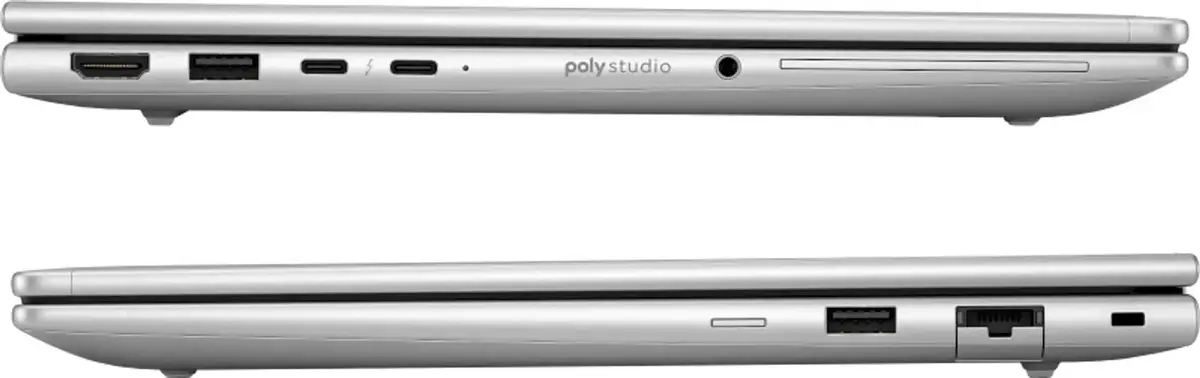
To begin using your HP EliteBook 6 G1i, connect the provided power adapter to the charging port and allow the battery to reach a full charge. Upon powering on the device, follow the on-screen Windows 11 Pro setup instructions to configure your user account, network settings, and security preferences. The laptop is equipped with modern ports for peripheral connectivity; ensure you use compatible accessories to maintain optimal performance. Keep the system updated via the built-in update utility to ensure the latest security patches and driver optimizations are installed.
To maintain the longevity of your laptop, keep the ventilation areas clear of obstructions to ensure proper cooling. It is recommended to use the device on flat, stable surfaces and to keep the display clean using a soft, lint-free microfiber cloth.
{{highlightedFeature.featureTitle}}:
{{getProductFeatureValueById(product, highlightedFeature.featureId)}}
{{ productComparisonGenerationError }}
