
Dreame vacuums for fast and efficient cleaning!
In cart {{totalProductsCount}} item(s)
Your cart is empty
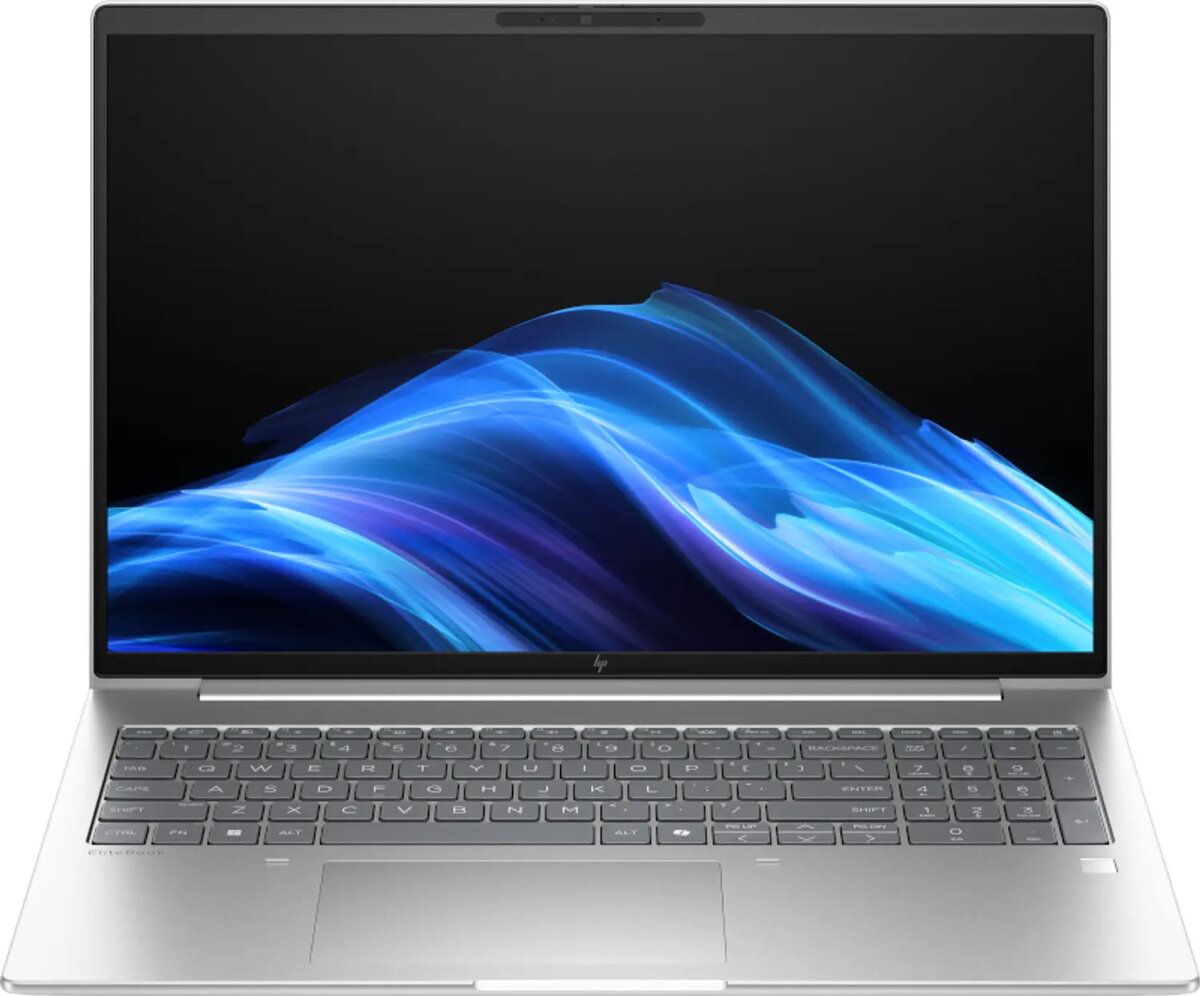
HP EliteBook 6 G1i Laptop, 16" WUXGA, Intel Core Ultra 7 255U, 16GB RAM, 512GB SSD, Windows 11 Pro, Silver
The HP EliteBook 6 G1i is a professional-grade laptop designed to meet the demands of modern business environments. Featuring a 16-inch WUXGA display with a resolution of 1920 x 1200 pixels, this device offers a spacious workspace for multitasking and detailed content creation. Powered by the Intel Core Ultra 7 255U processor and equipped with 16GB of high-speed DDR5-SDRAM, it delivers reliable performance for complex office applications and daily computing tasks. The sleek silver chassis houses a 512GB SSD, ensuring fast data access and ample storage for professional files.
This laptop stands out due to its robust build quality and integration of the latest connectivity standards, including Wi-Fi 7 for high-speed wireless networking. The inclusion of Windows 11 Pro provides advanced security and management features essential for enterprise use. Its efficient thermal design and balanced hardware configuration make it a dependable tool for professionals who require consistent performance throughout the workday. The large 16-inch screen provides an immersive viewing experience, while the lightweight design ensures portability for those who work on the go.
This laptop is not designed for high-end gaming or intensive 3D rendering tasks, as it relies on integrated Intel Graphics rather than a dedicated GPU. Users requiring extreme graphical performance for specialized engineering or video editing software may find the hardware limitations restrictive.
To begin using the HP EliteBook 6 G1i, connect the provided power adapter to charge the battery fully before the first startup. Press the power button to initiate the Windows 11 Pro setup process, following the on-screen instructions to configure your user account and network settings. Once initialized, you can connect external peripherals via the available ports or use the built-in wireless connectivity to access your office network. Keep the device updated through the system settings to ensure optimal security and performance.
To maintain the longevity of your laptop, keep the air vents clear of obstructions to ensure proper cooling. Regularly clean the screen with a microfiber cloth and avoid placing heavy objects on the lid to prevent damage to the display panel.
{{highlightedFeature.featureTitle}}:
{{getProductFeatureValueById(product, highlightedFeature.featureId)}}
{{ productComparisonGenerationError }}
