
JBL speakers and headphones for pure and deep sound!
In cart {{totalProductsCount}} item(s)
Your cart is empty
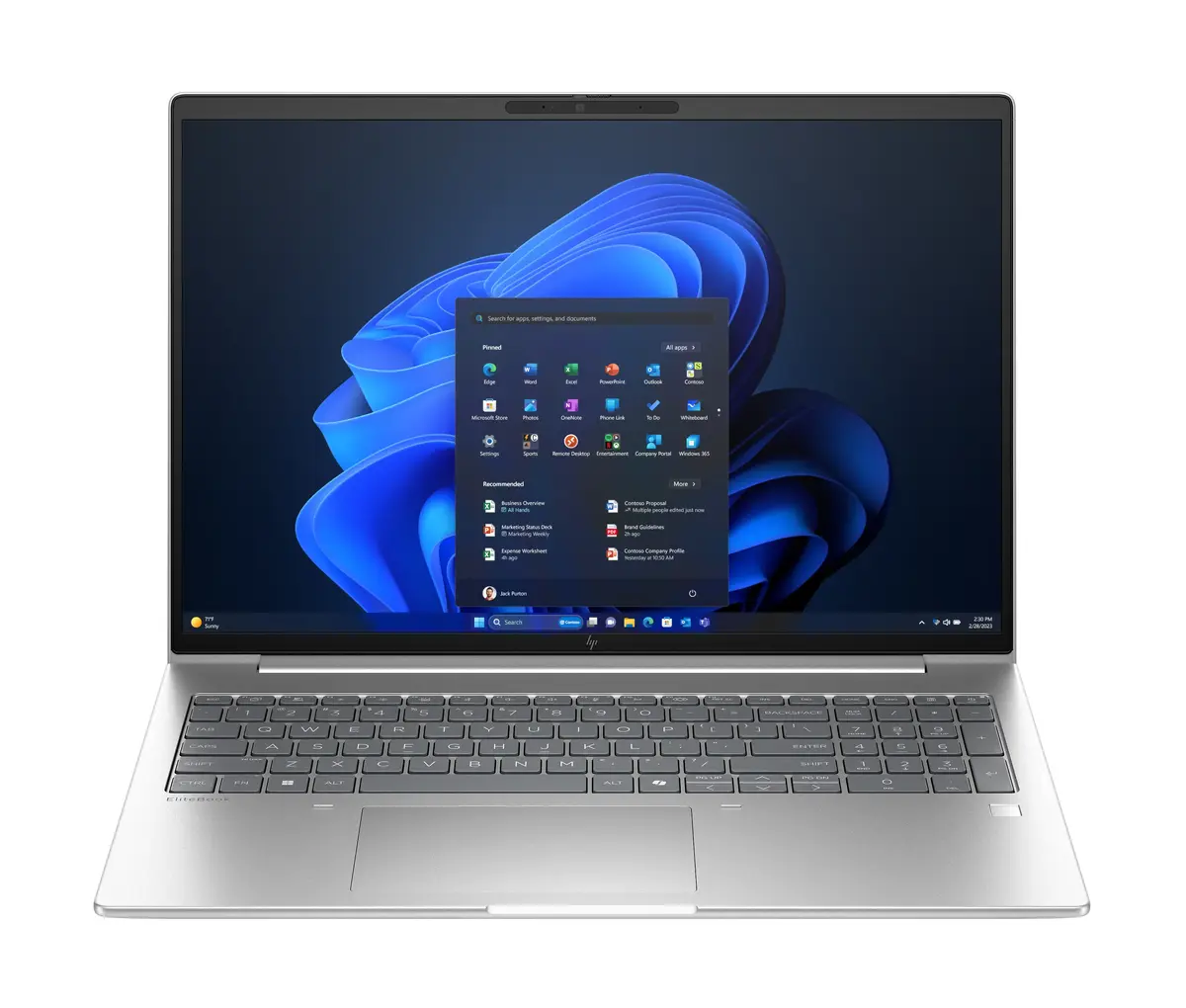
HP EliteBook 6 G1a Laptop, 16" WUXGA, AMD Ryzen 7 250, 16GB RAM, 512GB SSD, Windows 11 Pro, Silver
The HP EliteBook 6 G1a is a professional-grade laptop designed to meet the rigorous demands of modern business environments. Featuring a 16-inch WUXGA display with a resolution of 1920 x 1200 pixels, this device offers a spacious and clear workspace for productivity. Powered by an AMD Ryzen 7 250 processor and 16GB of high-speed DDR5 RAM, it delivers reliable performance for multitasking and complex applications. The sleek silver chassis houses a 512GB SSD, providing fast storage access and quick system boot times, while the integrated AMD Radeon 780M graphics ensure smooth visual performance for everyday professional tasks.
This laptop stands out due to its robust build quality and advanced connectivity options, including Wi-Fi 7 and Bluetooth 5.4, which ensure stable and high-speed network performance. The inclusion of Windows 11 Pro provides enterprise-level security and management features, making it an ideal choice for corporate settings. Its lightweight design, weighing only 1.75 kg, combined with a long-lasting 56 Wh battery, offers excellent portability for professionals who work on the go. The large 16-inch screen provides an immersive viewing experience, reducing the need for external monitors during travel.
This laptop may not be the optimal choice for users requiring high-end dedicated graphics for professional 3D rendering, heavy video editing, or intensive gaming, as it relies on integrated graphics. Additionally, users who prioritize extreme portability over screen size might find the 16-inch form factor larger than standard ultra-portable devices.
To use the HP EliteBook 6 G1a, simply power on the device using the button located on the keyboard deck. Follow the initial Windows 11 Pro setup prompts to configure your user account, network settings, and security preferences. Once configured, you can utilize the high-speed ports to connect peripherals such as external drives, monitors, or docking stations to expand your workstation capabilities.
For optimal performance and longevity, ensure the laptop is kept in a well-ventilated area during heavy use and keep the operating system updated to receive the latest security patches and driver improvements.
{{highlightedFeature.featureTitle}}:
{{getProductFeatureValueById(product, highlightedFeature.featureId)}}
{{ productComparisonGenerationError }}
