
Powerful EcoFlow stations for energy anywhere!
In cart {{totalProductsCount}} item(s)
Your cart is empty
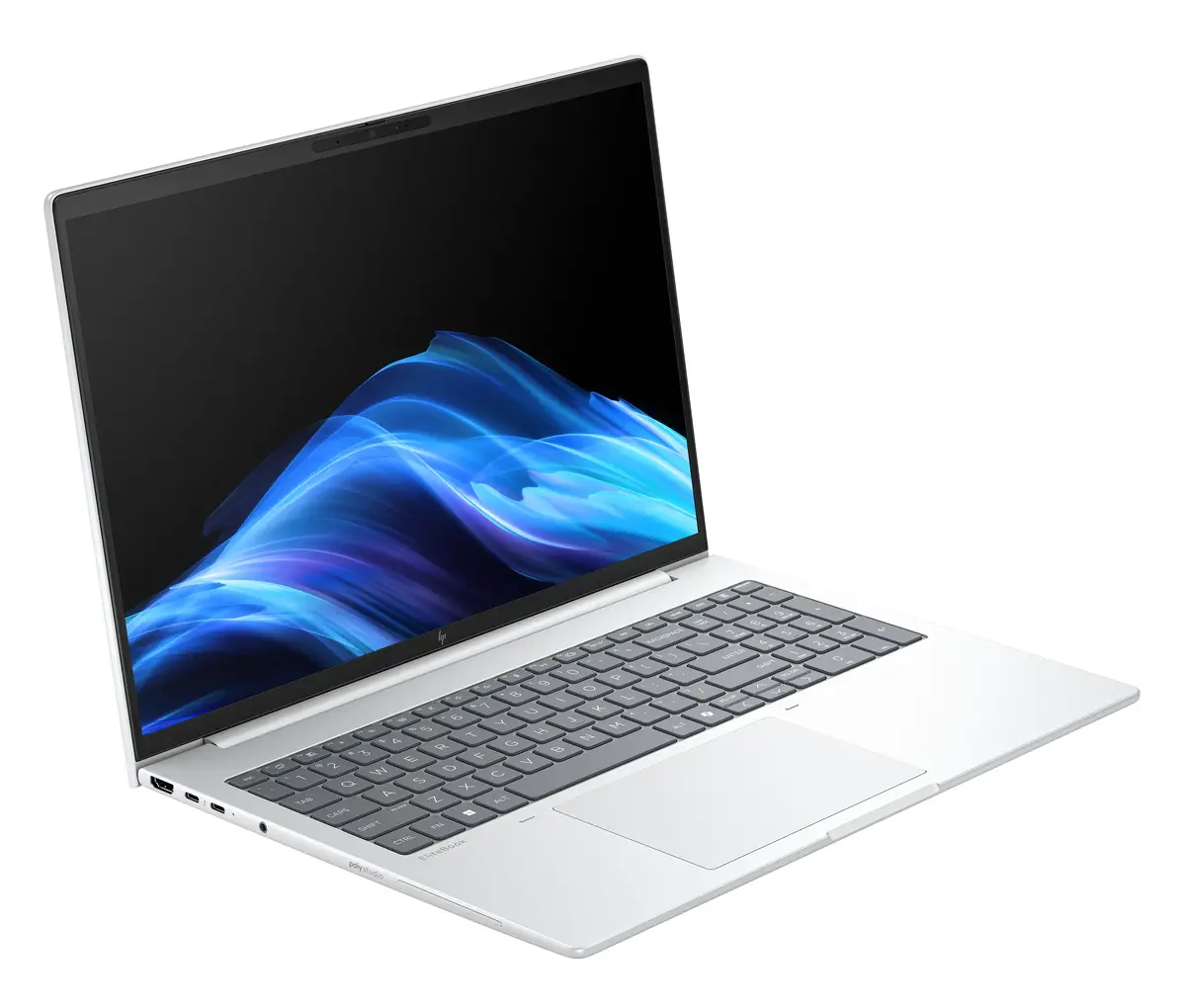
HP EliteBook 8 G1i Laptop, 16-inch WUXGA, Intel Core Ultra 5 225U, 16GB RAM, 512GB SSD, Intel Arc Graphics, Windows 11 Pro, Silver
The HP EliteBook 8 G1i is a professional-grade laptop engineered for high-level business productivity and reliable daily performance. Featuring a spacious 16-inch WUXGA display with a 1920 x 1200 resolution, this device offers a clear and expansive workspace for multitasking. It is powered by the efficient Intel Core Ultra 5 225U processor and integrated Intel Arc Graphics, ensuring smooth operation for office applications, web browsing, and content creation. Housed in a durable silver aluminum chassis, this laptop combines a sleek aesthetic with the robust build quality expected from the EliteBook series.
This laptop excels in providing a balanced computing experience by integrating modern hardware components such as high-speed DDR5 memory and a responsive 512GB SSD. The inclusion of Wi-Fi 7 ensures future-proof connectivity, allowing for faster and more stable wireless networking in busy office environments. Its 16-inch display with a 16:10 aspect ratio provides more vertical space, which is particularly beneficial for document editing and data analysis. Furthermore, the pre-installed Windows 11 Pro operating system offers advanced security and management features tailored for professional users.
This laptop is not designed for high-end gaming or intensive 3D rendering tasks, as it relies on integrated graphics rather than a dedicated GPU. Users requiring massive local storage for large media libraries may find the 512GB SSD capacity limiting without external storage solutions.
To begin using your HP EliteBook 8 G1i, connect the provided power adapter to the charging port and allow the battery to reach a full charge. Press the power button to initiate the Windows 11 Pro setup process, following the on-screen instructions to configure your language, network settings, and user account. Once set up, you can utilize the various ports to connect peripherals such as external monitors, mice, or keyboards. Keep the device updated through the Windows Update settings to ensure optimal performance and security.
For optimal battery longevity, avoid keeping the laptop plugged into power at 100% charge for extended periods. Utilize the built-in power management settings in Windows 11 Pro to balance performance and energy efficiency based on your current tasks.
{{highlightedFeature.featureTitle}}:
{{getProductFeatureValueById(product, highlightedFeature.featureId)}}
{{ productComparisonGenerationError }}
