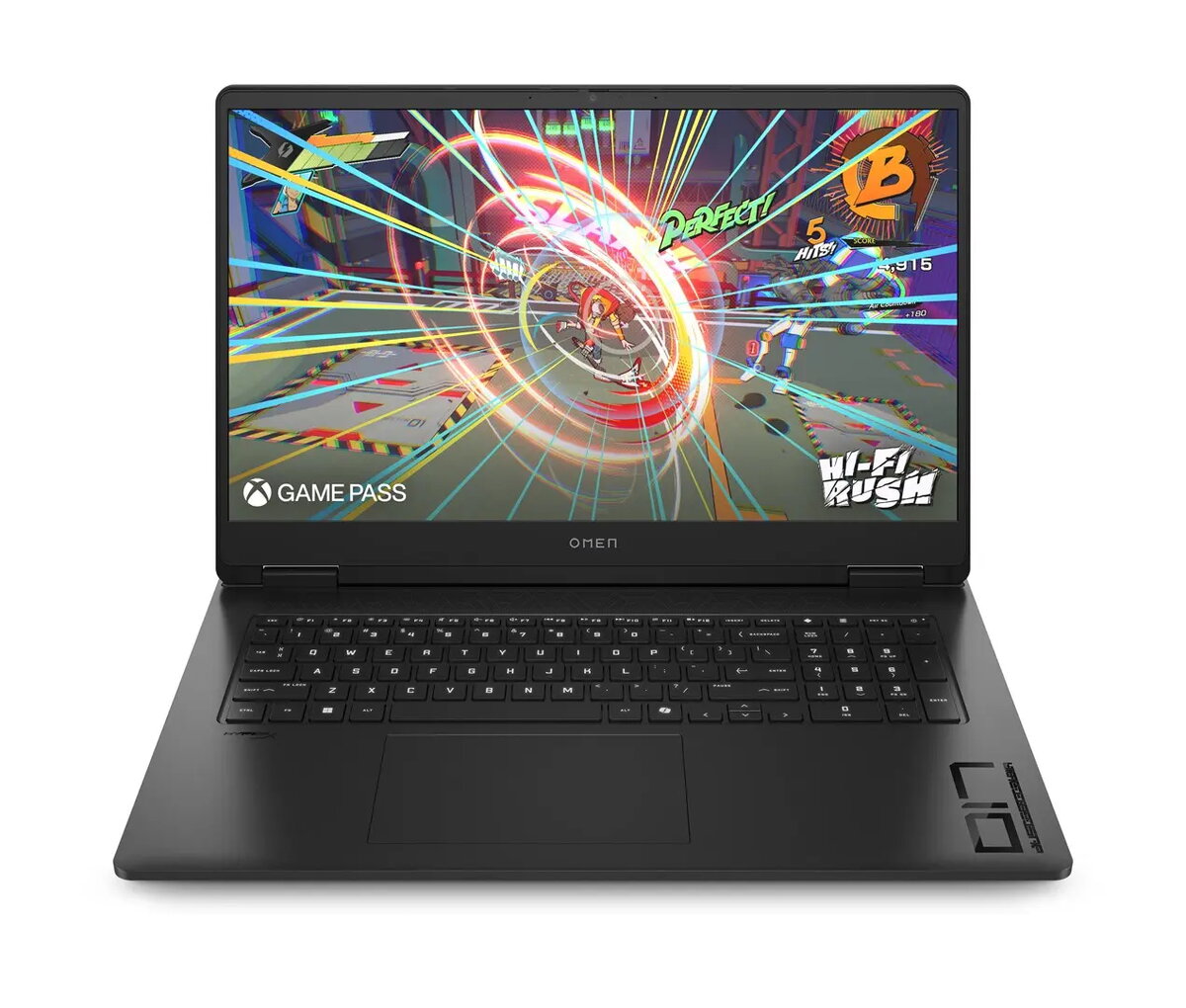
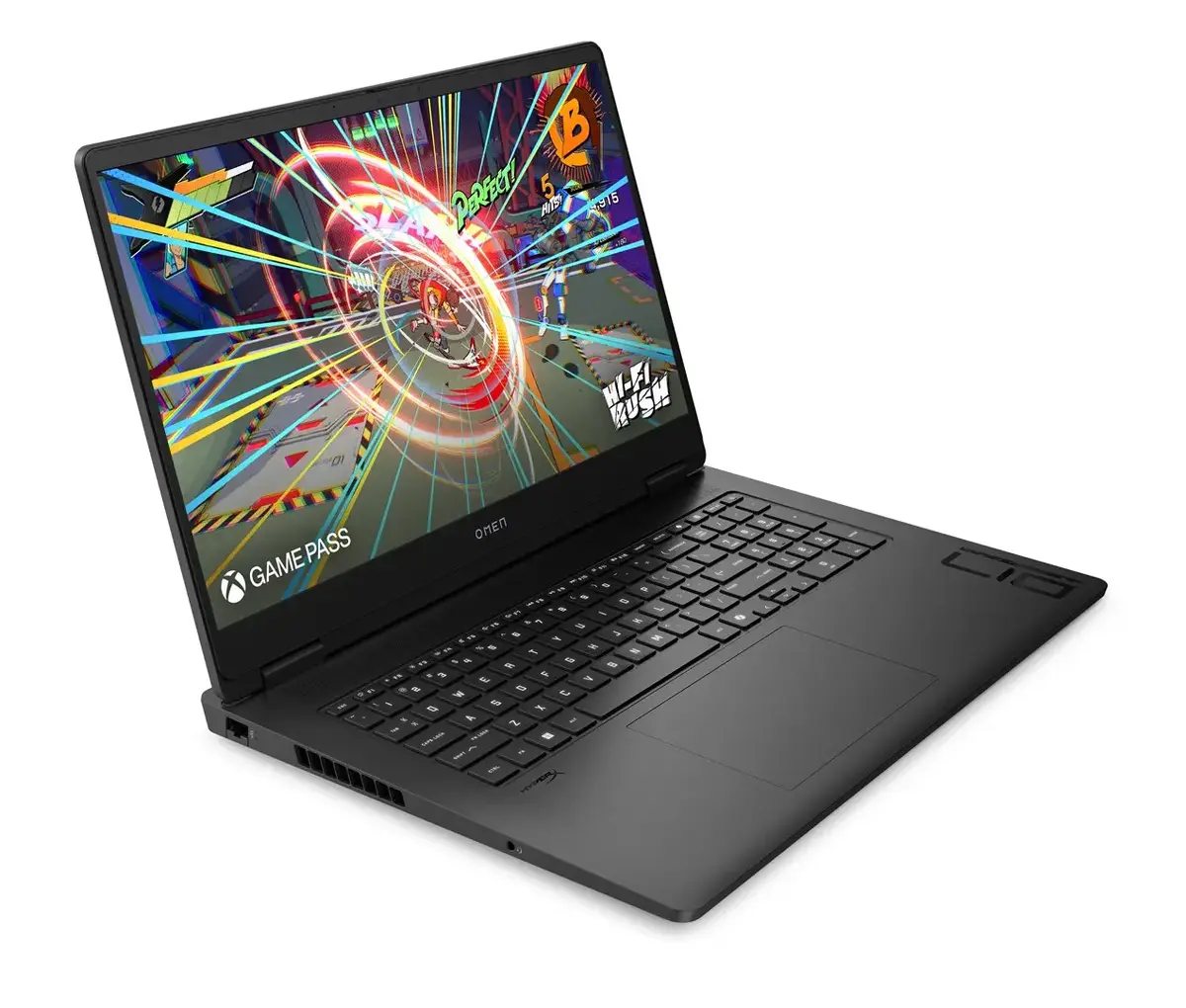
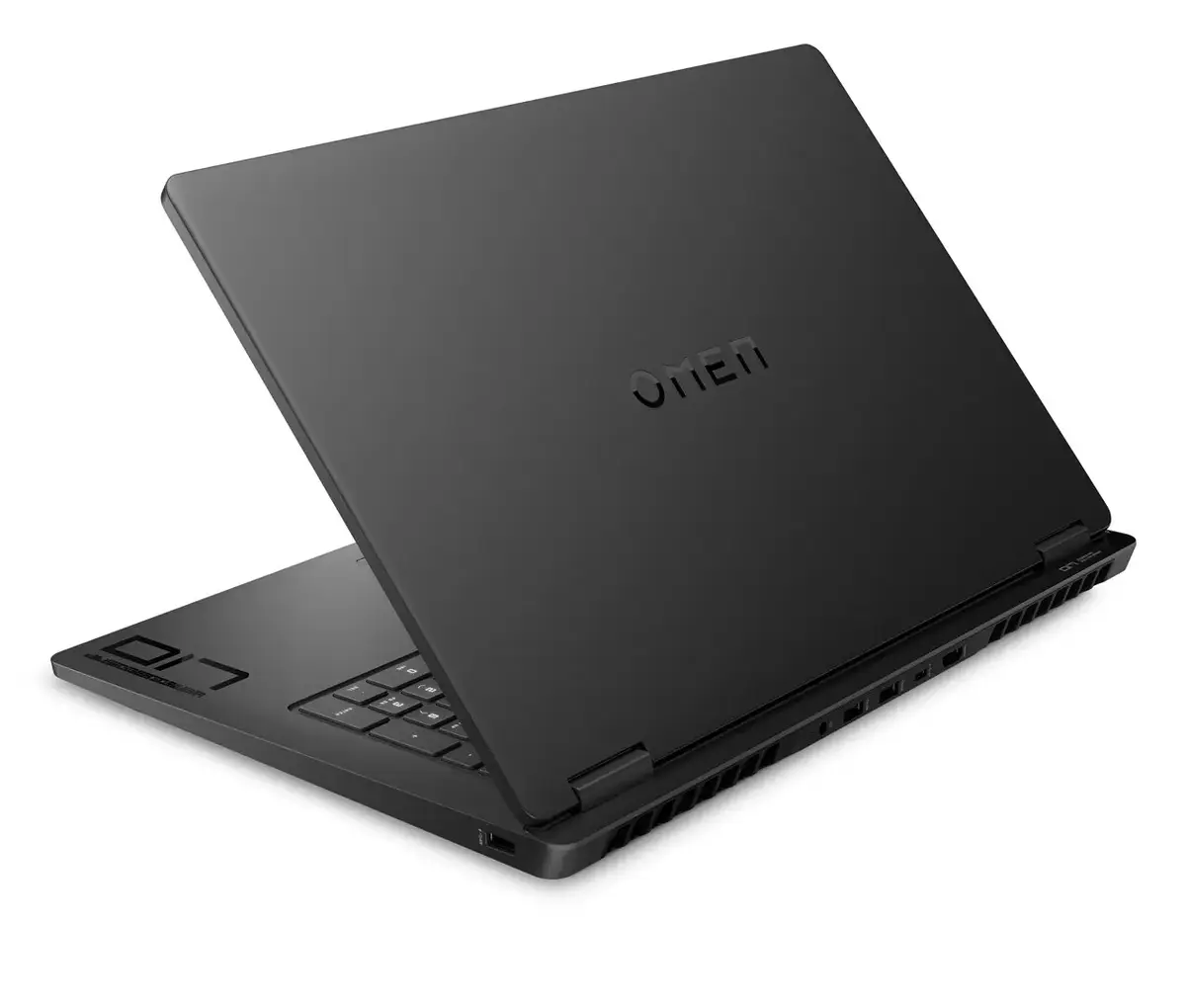
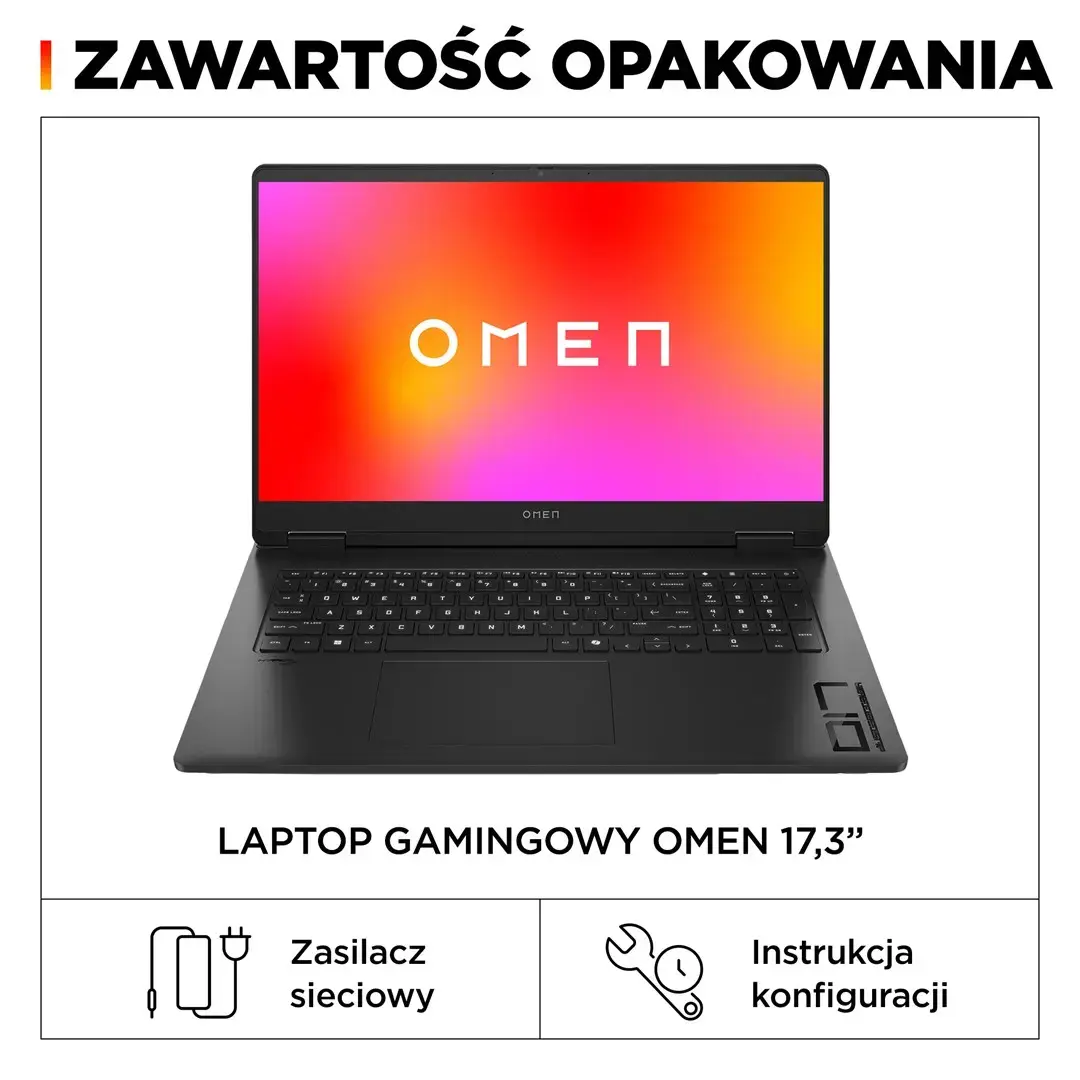
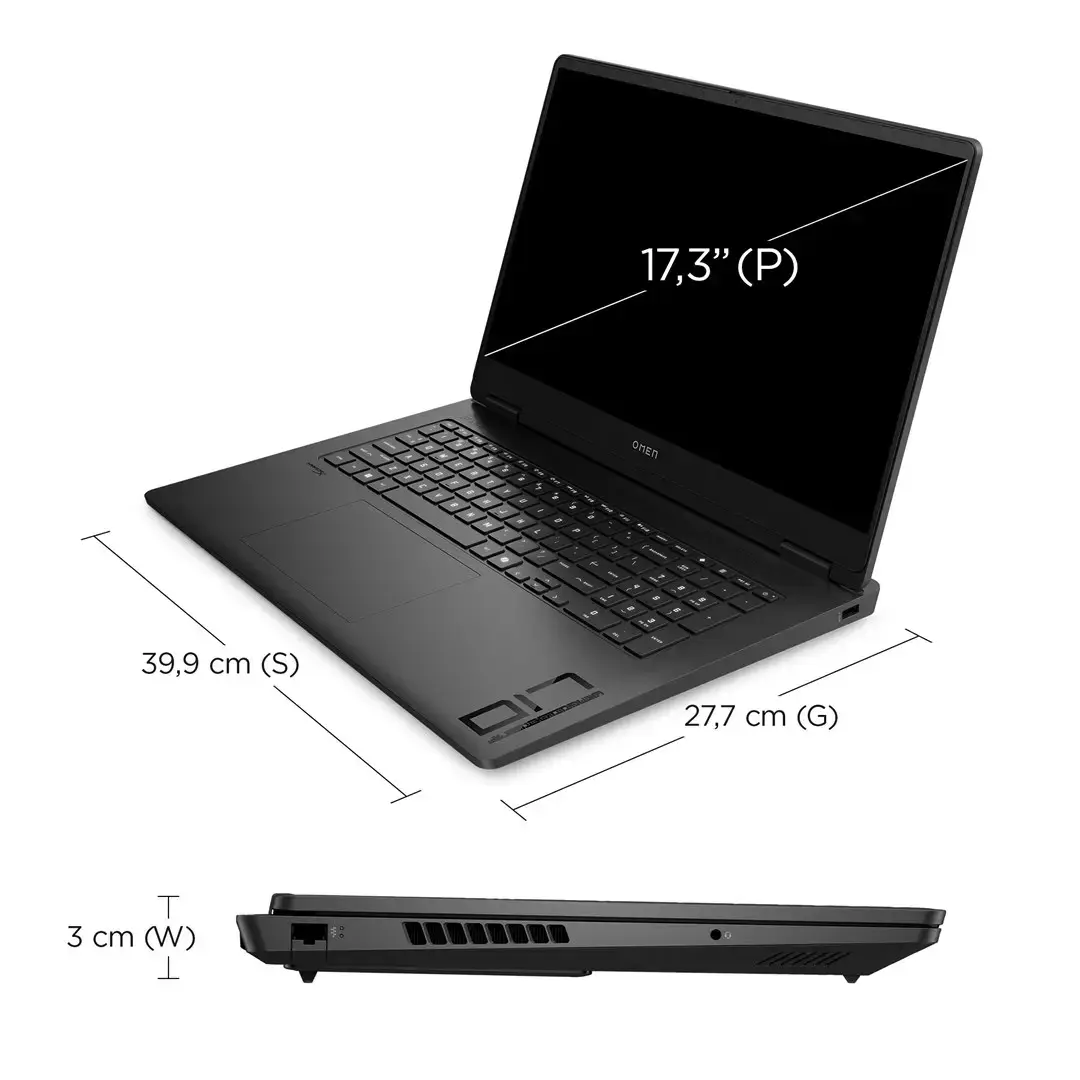
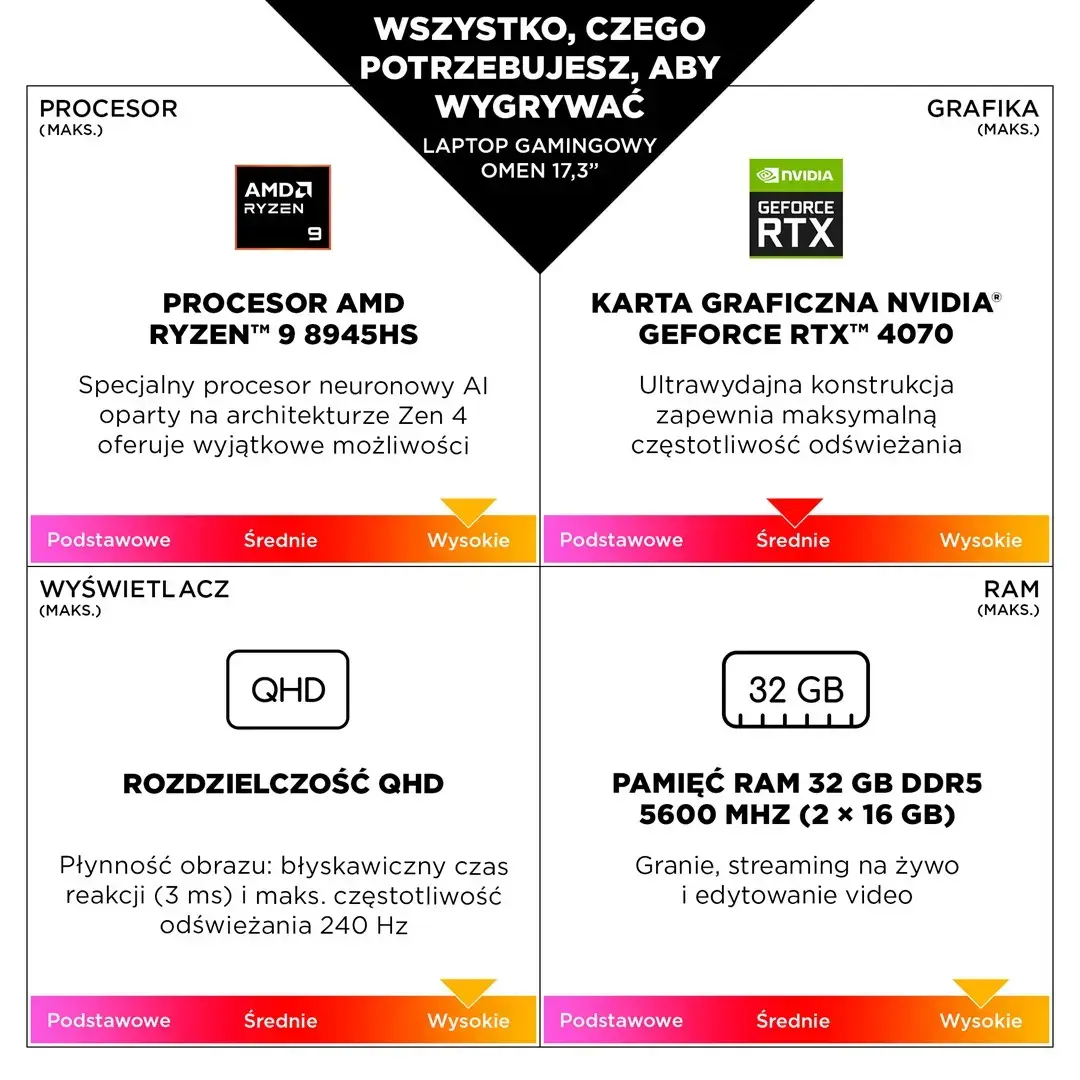
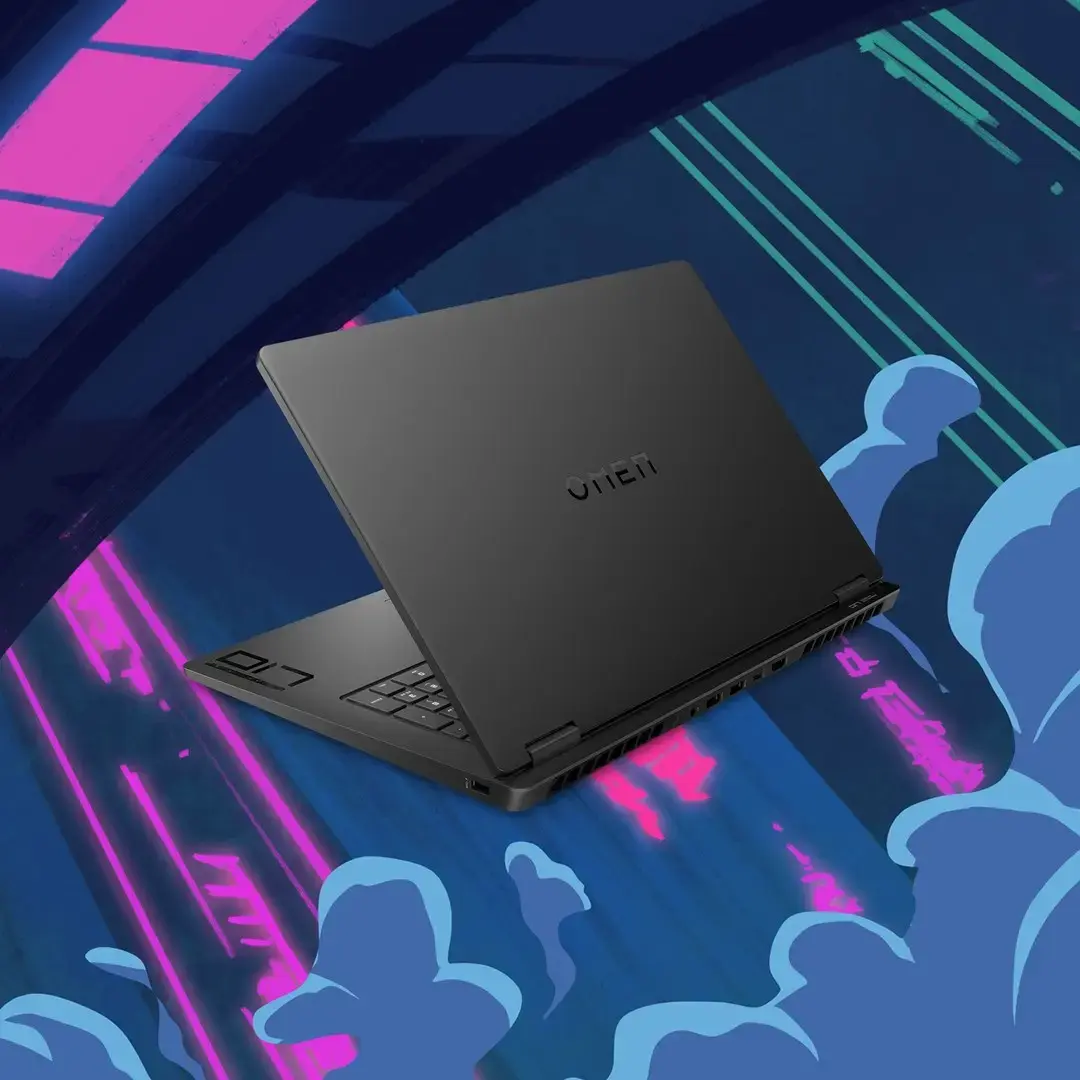
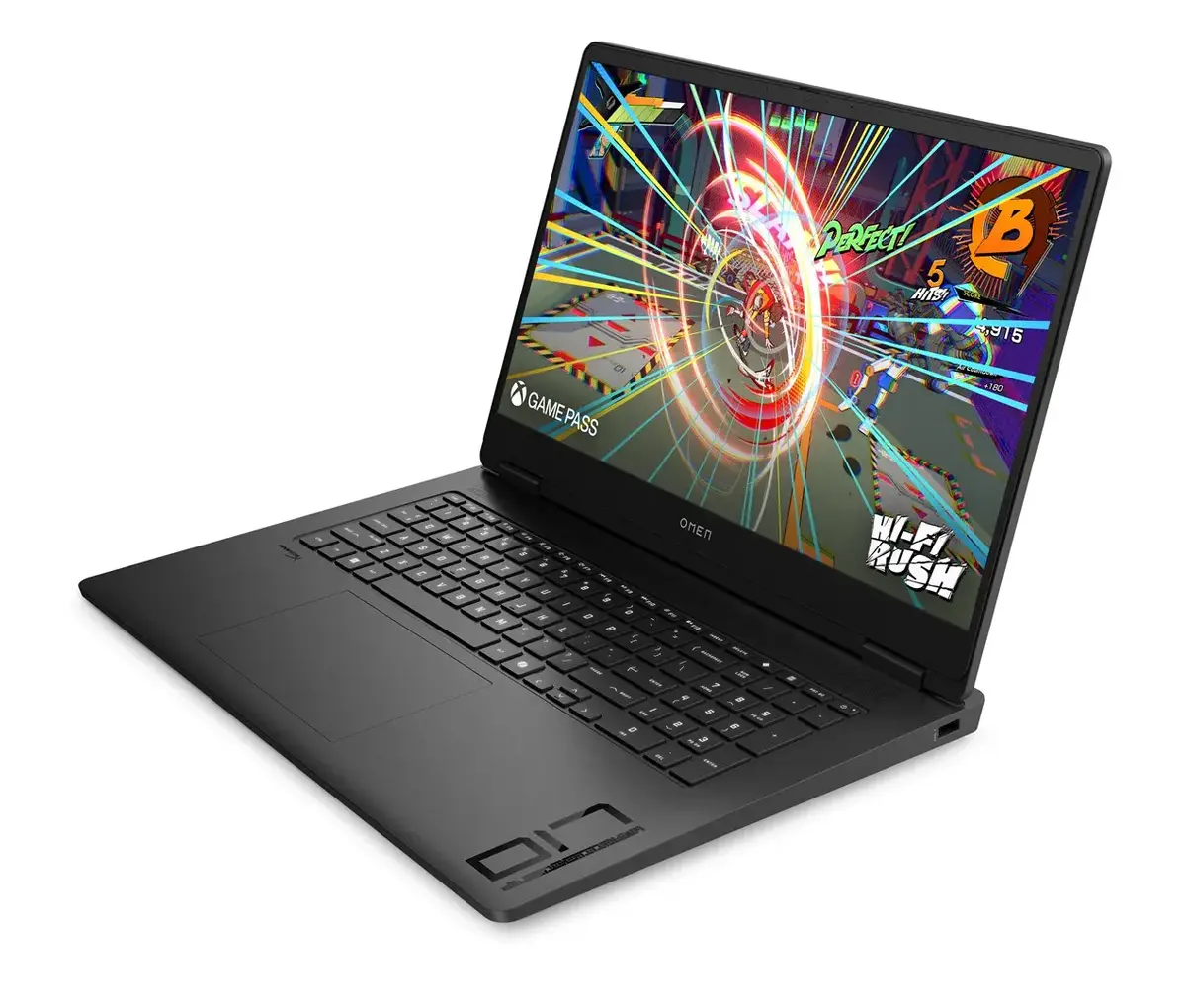
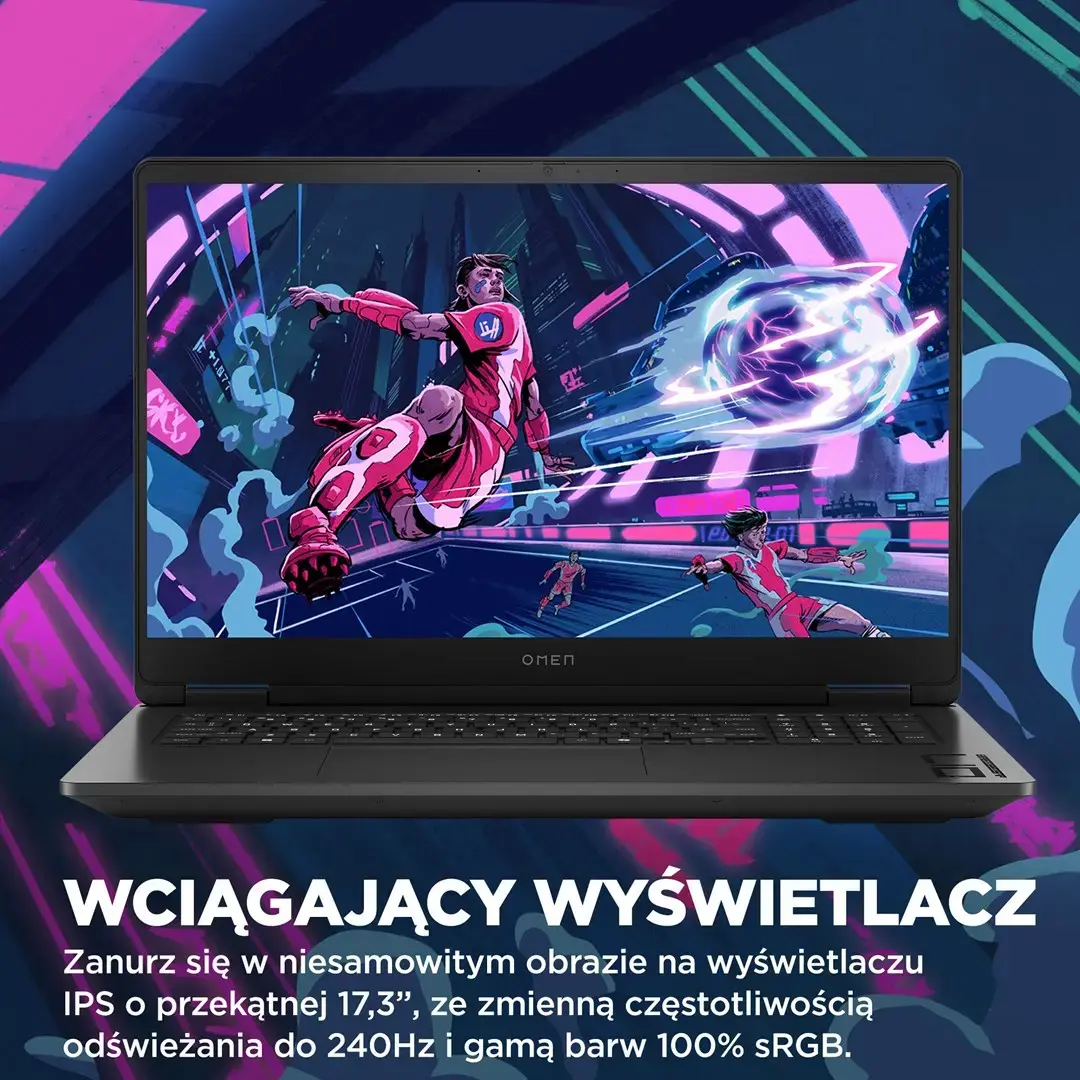
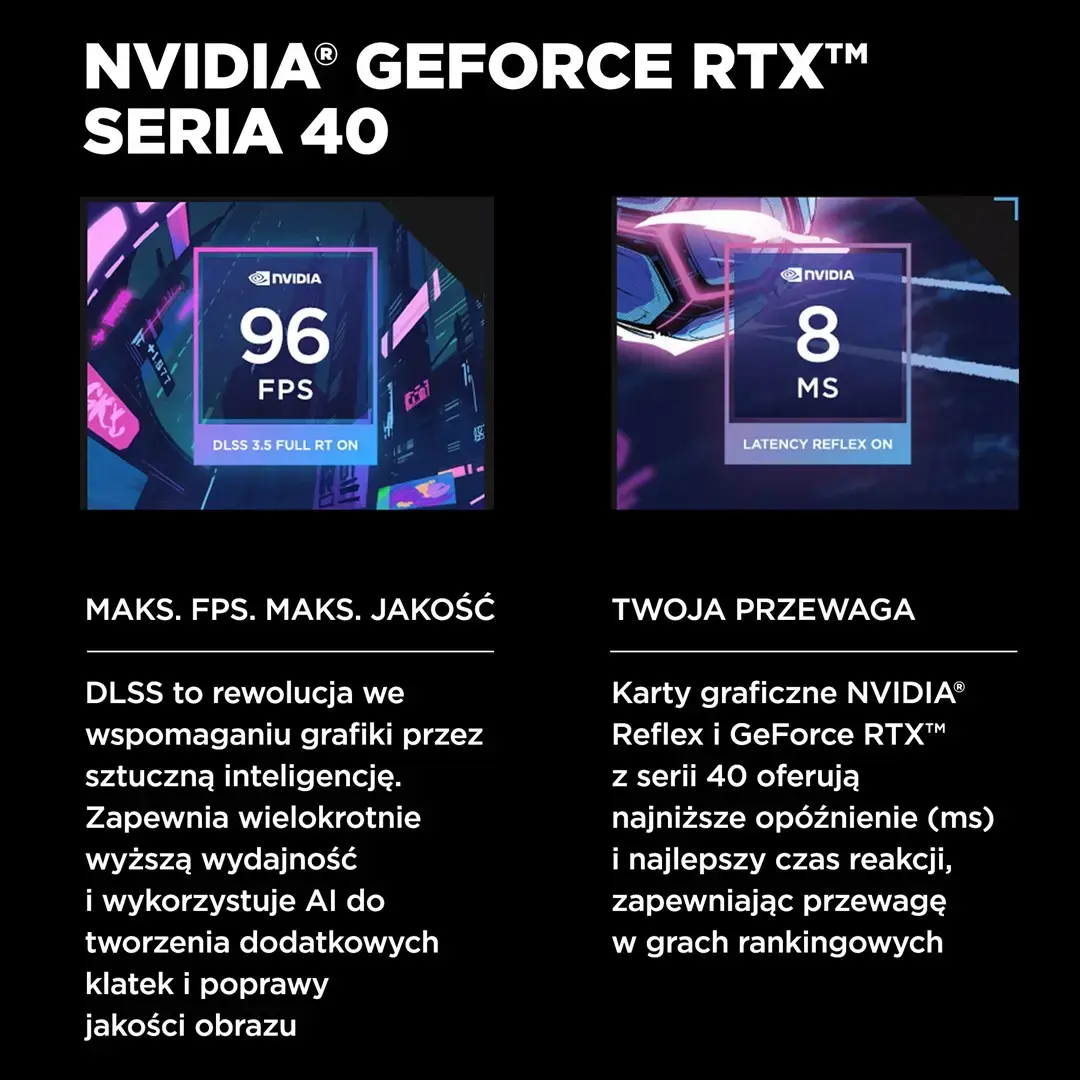
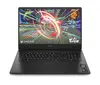
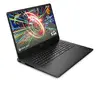
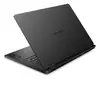
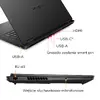
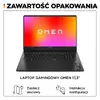
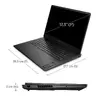
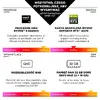
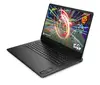
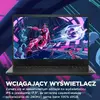
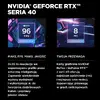
The HP OMEN 17-db0128nw is a high-performance gaming laptop designed to provide an immersive experience for enthusiasts and power users. Featuring a spacious 17.3-inch Full HD IPS display with a 144Hz refresh rate, it ensures fluid visuals and sharp detail during fast-paced action. At its core, the device is powered by the AMD Ryzen 5 8645HS processor and the NVIDIA GeForce RTX 4060 graphics card, delivering the necessary power for modern gaming and demanding creative applications. With 16GB of high-speed DDR5 memory and a 512GB NVMe SSD, the system offers rapid load times and efficient multitasking capabilities.
Advantages
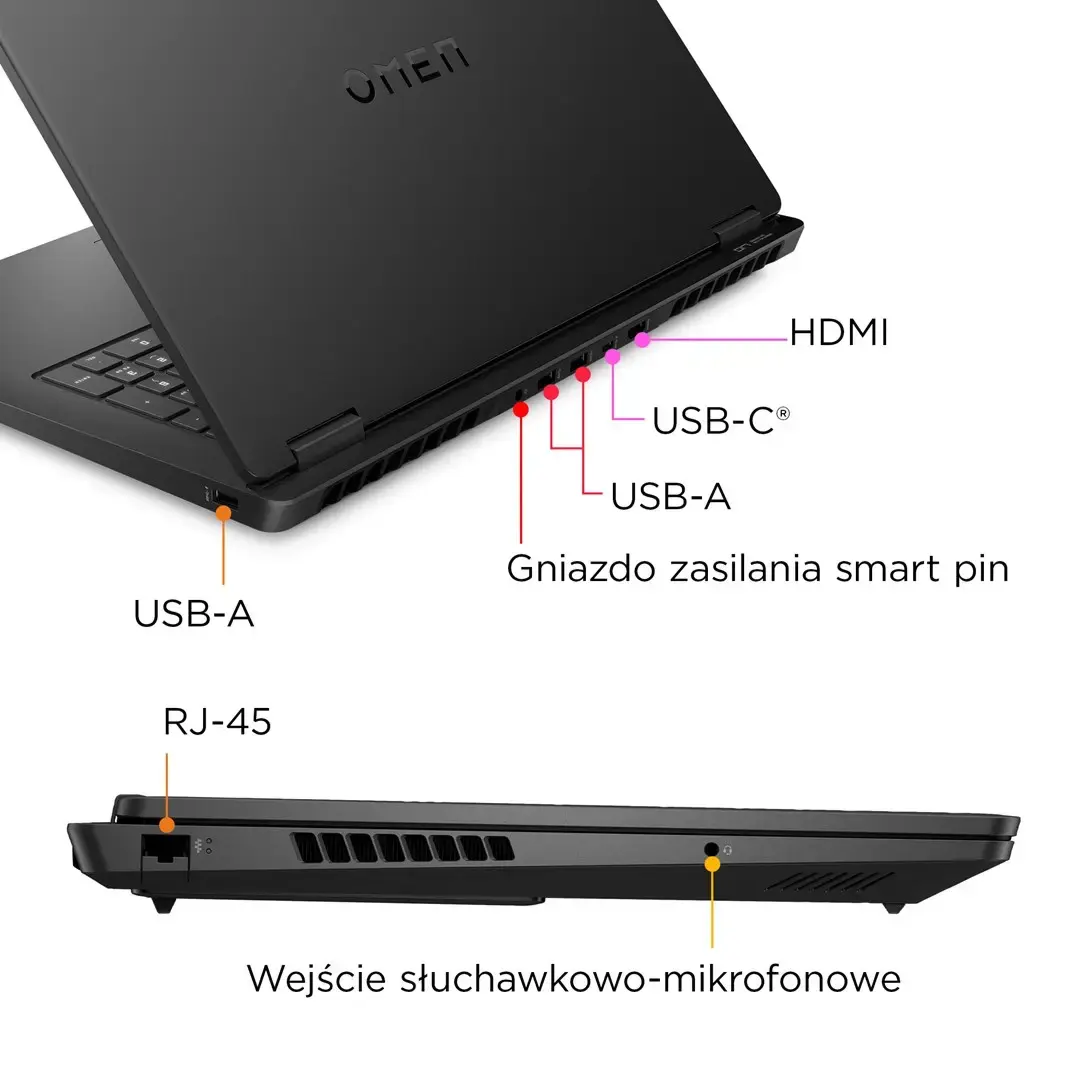
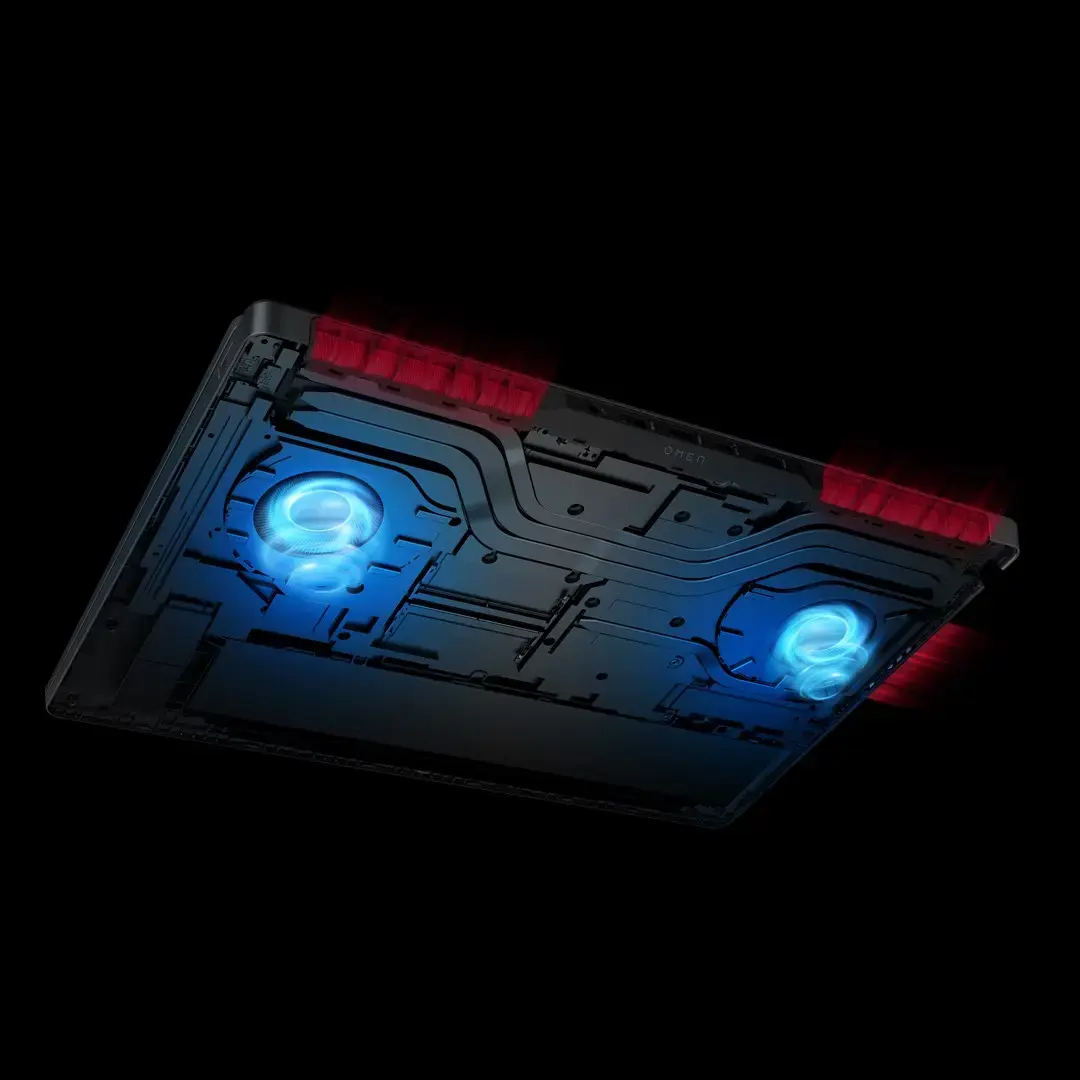
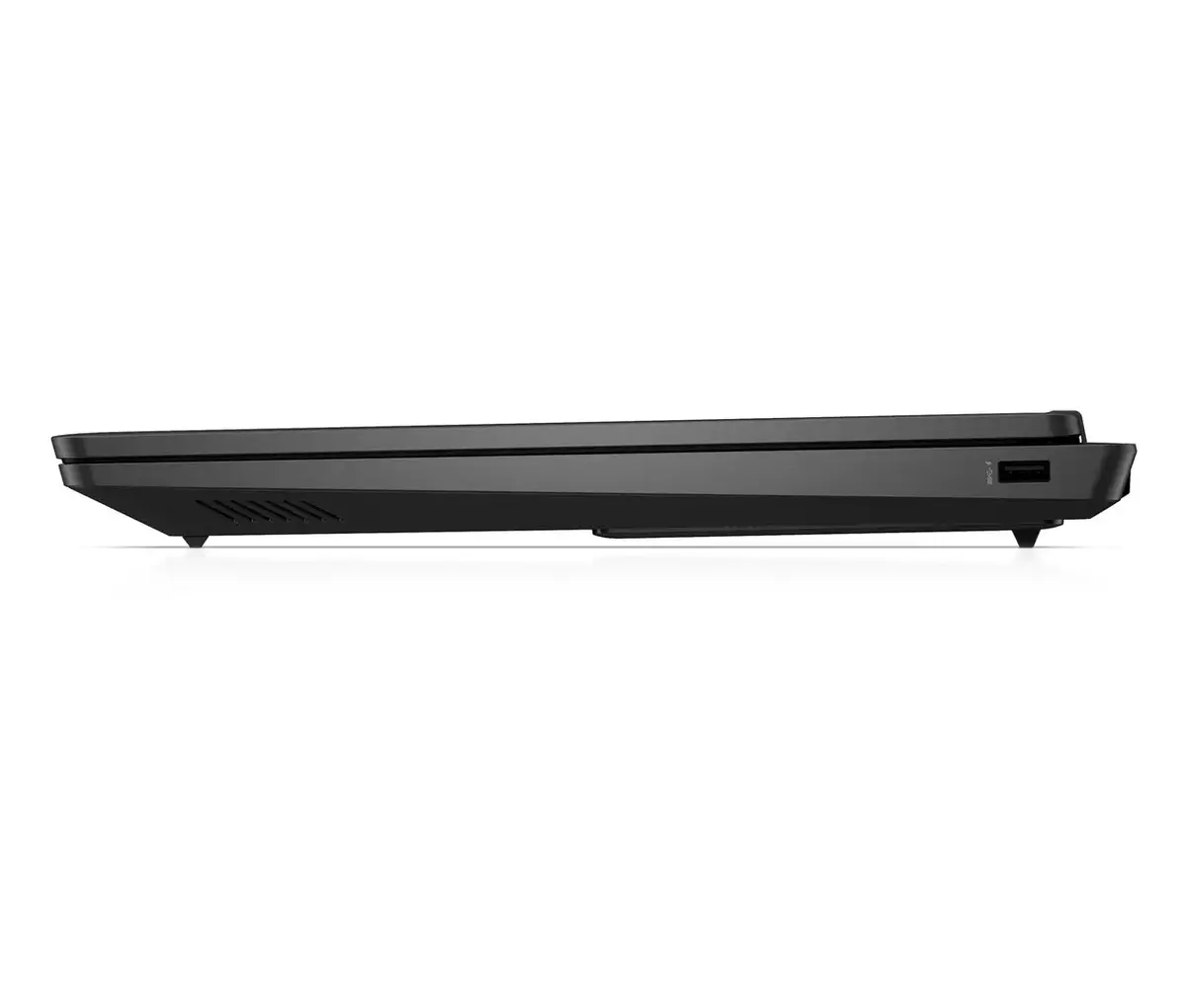
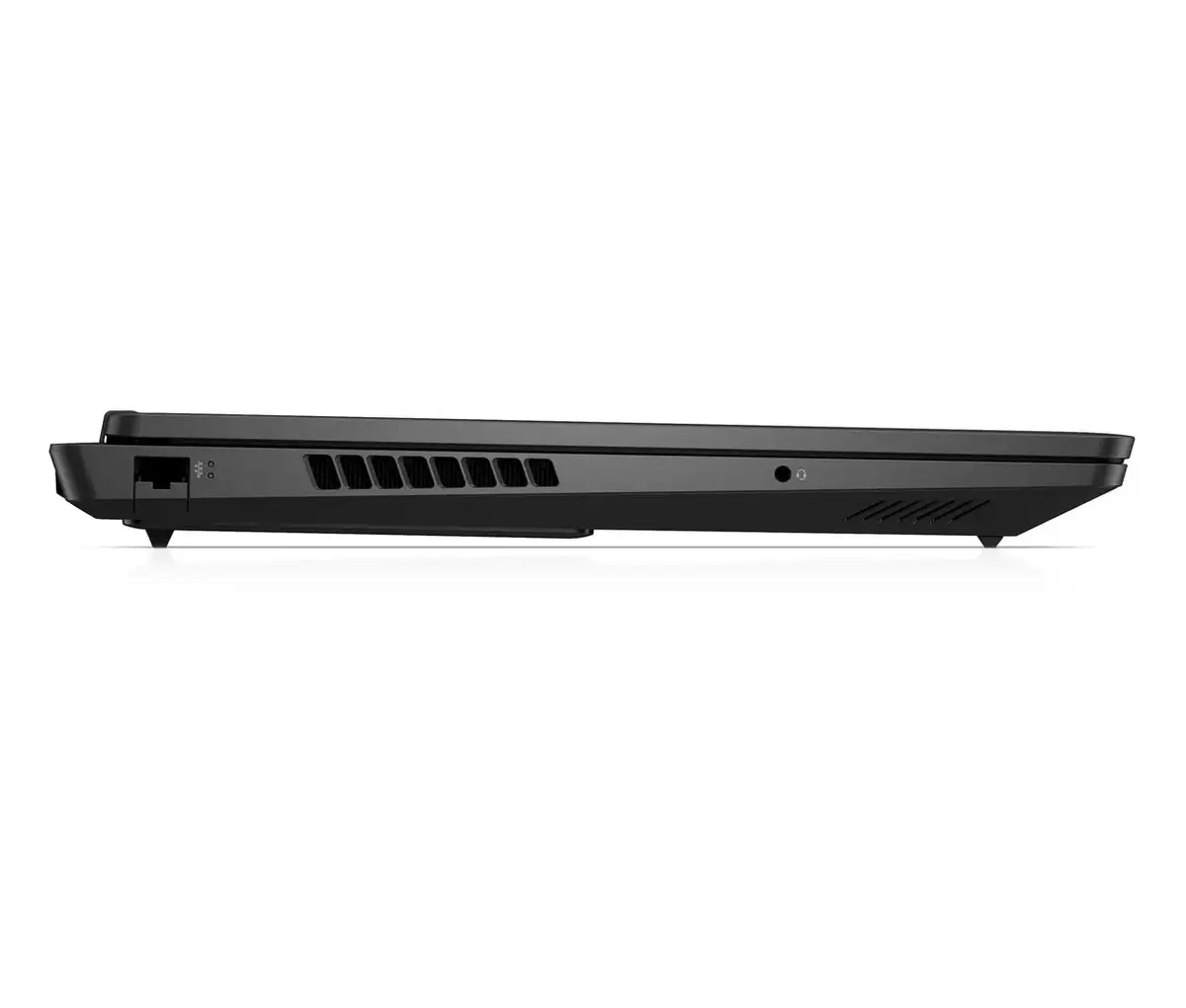
This laptop stands out due to its advanced cooling system, which maintains optimal performance even during extended gaming sessions. The inclusion of a 1-zone RGB backlit keyboard allows for personalized aesthetics and comfortable typing in low-light environments. Users benefit from a comprehensive selection of ports, including HDMI 2.1 and multiple USB-C and USB-A connections, facilitating easy integration with external monitors and peripherals. The high-capacity 83Wh battery supports fast charging, enabling the device to reach 50% capacity in just 30 minutes, while the integrated DTS:X Ultra audio system provides clear, directional sound for a more engaging experience.
Suitable for
- Competitive gaming and AAA titles
- Content creation and video editing
- Multitasking with resource-intensive software
- Immersive media consumption
This laptop may not be the ideal choice for users who prioritize extreme portability, as its 17.3-inch form factor and 2.95 kg weight make it less convenient for frequent travel compared to smaller ultrabooks. Additionally, while it excels in gaming and productivity, it is not designed for professional-grade workstation tasks that require specialized hardware certifications.
Key specifications
- Display: 17.3-inch FHD (1920 x 1080) IPS, 144Hz, Anti-glare
- Processor: AMD Ryzen 5 8645HS (6 cores, up to 5.0 GHz)
- Graphics: NVIDIA GeForce RTX 4060 8GB GDDR6
- Memory: 16GB DDR5-5600 MHz (2 x 8GB)
- Storage: 512GB PCIe Gen4 NVMe SSD
- Operating System: Windows 11 Home
- Battery: 83Wh Li-Po with fast charging
- Connectivity: Wi-Fi 6, Bluetooth 5.3, Gigabit Ethernet
To begin using your HP OMEN, connect the provided 230W power adapter to ensure the system has sufficient energy for initial setup and updates. Upon powering on, follow the on-screen Windows 11 instructions to configure your user account and network settings. It is recommended to use the pre-installed HP Support Assistant to check for the latest driver updates, particularly for the graphics card, to ensure peak gaming performance. You can customize the RGB keyboard lighting and monitor system temperatures using the integrated OMEN software suite.
What to consider before purchase
- Verify that the 17.3-inch size fits your workspace or carrying bag.
- Consider if 512GB of storage is sufficient for your game library or if an external drive will be needed.
- Ensure your desk setup can accommodate the 230W power brick and necessary cable connections.
For the best experience, keep the laptop on a flat, hard surface to allow the cooling system to function effectively. Avoid blocking the air vents during heavy gaming sessions to maintain optimal thermal performance and longevity of the internal components.