
Powerful EcoFlow stations for energy anywhere!
In cart {{totalProductsCount}} item(s)
Your cart is empty
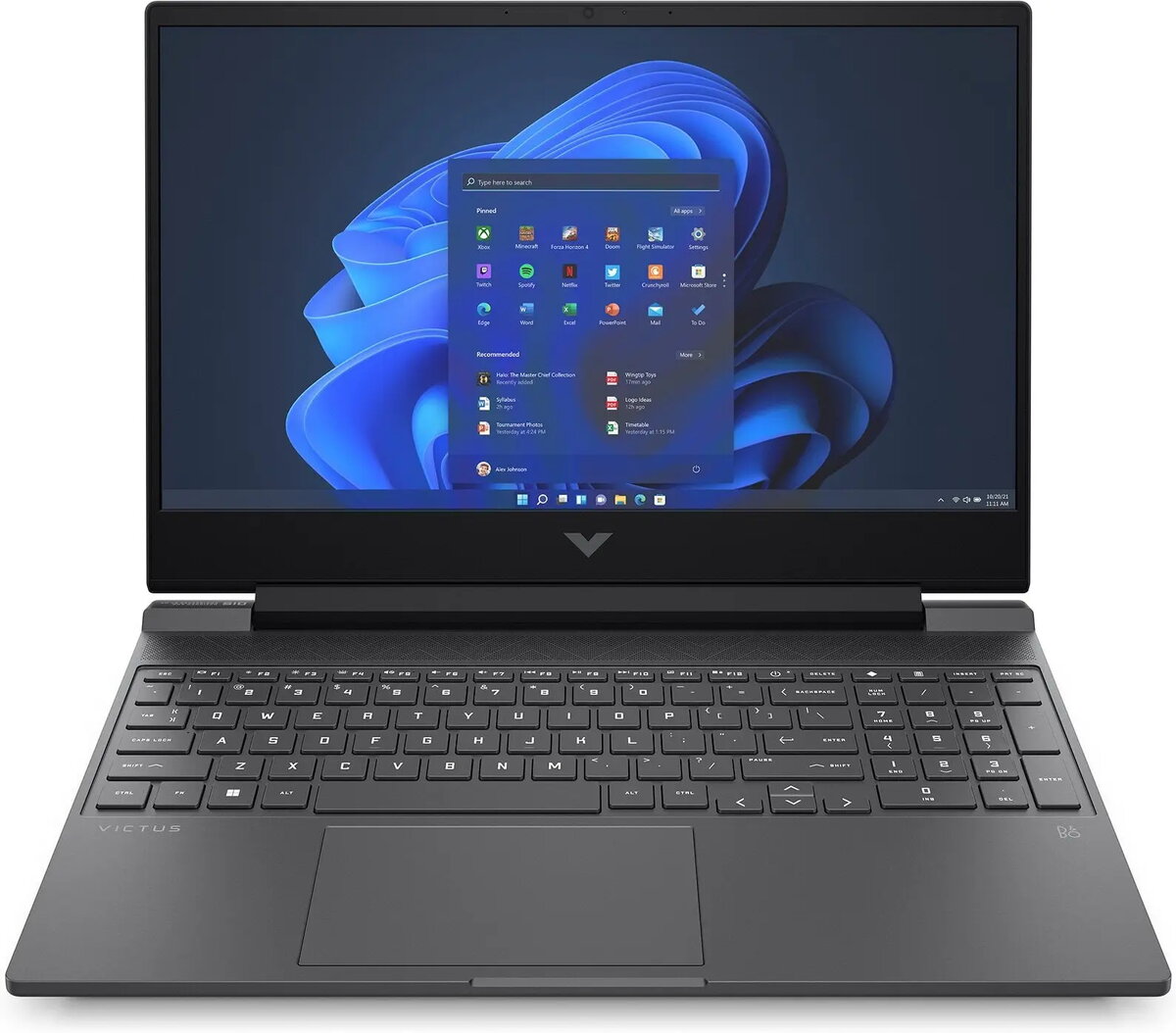
Laptop HP Victus 15-fb2713nw — Ryzen 7 8845HS, 15.6" FHD 144Hz, 16GB RAM, 512GB SSD, RTX 4060, Windows 11 Home
The HP Victus 15-fb2713nw is a 15.6" laptop built around an AMD Ryzen 7 8845HS processor and an NVIDIA GeForce RTX 4060 graphics card. It provides a 15.6" Full HD IPS display with a 144 Hz refresh rate, 16 GB of system memory and a 512 GB solid-state drive, and comes with Windows 11 Home preinstalled. The combination of a high-refresh IPS panel, a high-performance CPU and a capable GPU delivers smooth frame rates and responsive system behavior for gaming, multimedia editing and day-to-day multitasking.
The laptop combines a high-refresh 15.6" FHD screen with dedicated graphics to reduce motion blur and improve visual responsiveness during fast-paced applications. The AMD Ryzen 7 8845HS provides multi-threaded performance for content creation workflows while the RTX 4060 accelerates real-time rendering, game performance and GPU-accelerated tasks. Fast NVMe SSD storage and 16 GB of RAM reduce load times and enable fluid application switching. Windows 11 Home offers a modern user interface and compatibility with current productivity and gaming software.
Set up the laptop by connecting the power adapter and following the on-screen Windows 11 Home setup prompts to create a user account and configure network settings. Install the latest drivers from HP or the component manufacturers to ensure optimal graphics and system performance. Use the operating system's power and performance settings to choose balanced or high-performance modes depending on whether you prioritize battery life or maximum CPU/GPU output. For gaming, update game clients and GPU drivers, and configure in-game graphics settings to match desired frame rates at the native 144 Hz display.
For sustained high-load tasks such as extended gaming sessions or long rendering jobs, place the laptop on a hard, flat surface to maintain airflow and consider using a cooling pad. Regularly install system and graphics driver updates, and keep the SSD firmware and Windows updates current to maintain performance and stability. Back up important data from the internal SSD to external storage or cloud services to protect against drive failures.
{{highlightedFeature.featureTitle}}:
{{getProductFeatureValueById(product, highlightedFeature.featureId)}}
{{ productComparisonGenerationError }}
