
JBL speakers and headphones for pure and deep sound!
In cart {{totalProductsCount}} item(s)
Your cart is empty
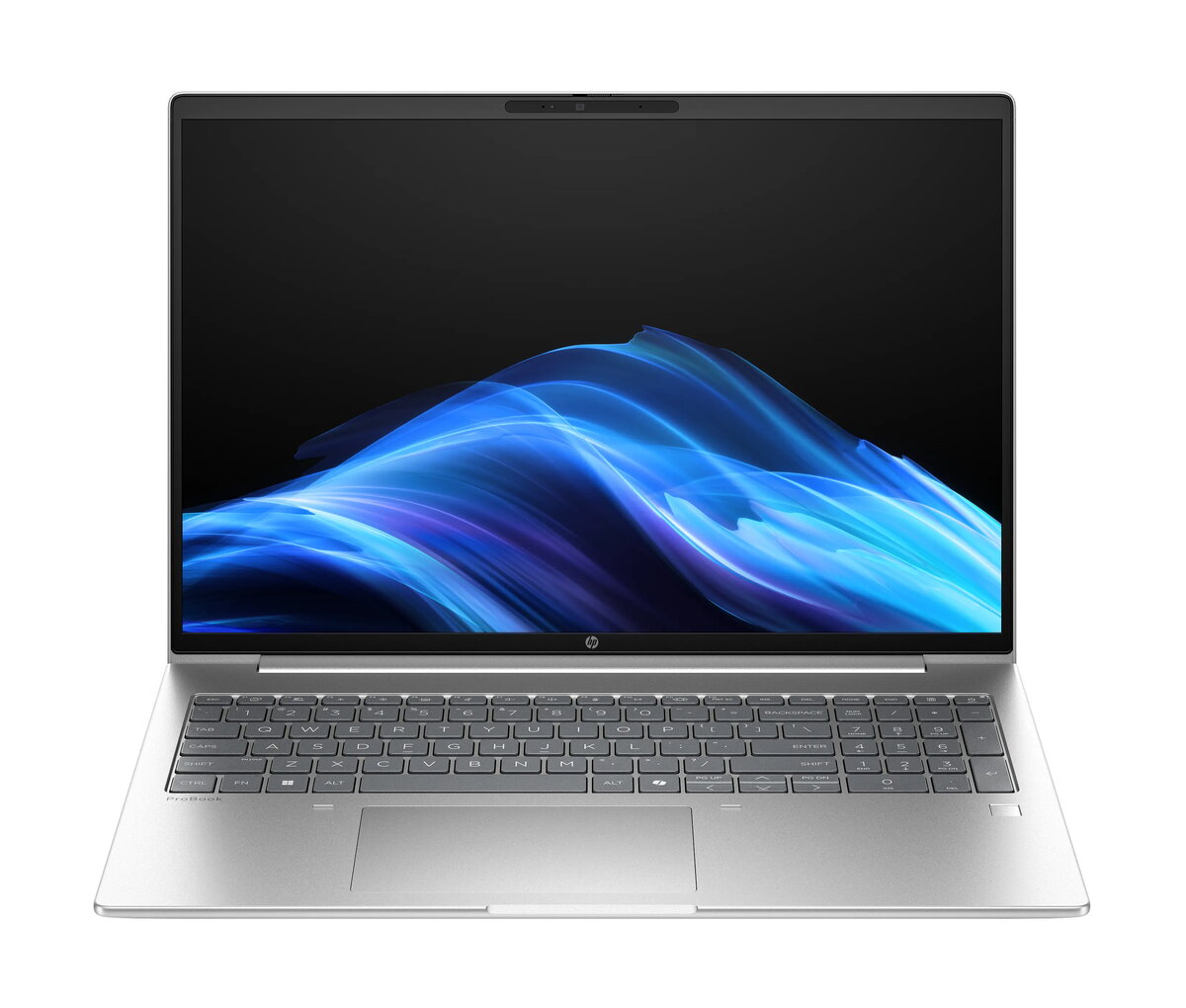
Laptop HP ProBook 4 PB4G1ah16 R5-220 — 16" WUXGA, AMD Ryzen 5 220 3.2 GHz, 24 GB DDR5, 512 GB SSD, Radeon 740M, Windows 11 Pro, Silver
HP ProBook 4 PB4G1ah16 R5-220 is a 16" clamshell laptop with a WUXGA (1920 x 1200) IPS display designed for business and office use. It is powered by an AMD Ryzen 5 220 processor running up to 3.2 GHz and equipped with 24 GB of DDR5 memory and a 512 GB SSD. Integrated AMD Radeon 740M graphics handle everyday graphics tasks while Windows 11 Pro provides a managed, business-oriented operating environment. The chassis is finished in silver and the device weighs approximately 1.75 kg, balancing portability with a full-size 16" screen.
The combination of a six-core AMD Ryzen 5 220 processor and 24 GB of DDR5 RAM enables smooth multitasking for typical office applications, spreadsheets and browser workloads. A 512 GB solid-state drive provides fast boot times and responsive application launches, while the WUXGA IPS display delivers a 16:10 aspect ratio that increases visible workspace for documents and web pages. Integrated Radeon 740M graphics reduce power consumption compared with discrete GPUs and support basic photo editing and video playback. Windows 11 Pro adds security and manageability features suited to corporate environments.
Unpack the laptop and connect the supplied 65 W charger for initial charging. Power on and complete the Windows 11 Pro setup using your corporate or personal account. Install required productivity software such as office suites, email clients and videoconferencing applications. Use the built-in Wi-Fi 7 or wired Ethernet for network connectivity, and configure sleep and power options to match your mobility needs. For data protection, enable Windows BitLocker or your organisation's preferred encryption and set up regular backups to a network or cloud location.
For optimal performance in multitasking scenarios, keep background applications to a minimum and ensure the system firmware and drivers are kept up to date. Use a docking station or external monitor when extended screen space is needed for spreadsheets or presentations. Charge the battery regularly and avoid full deep discharge to prolong battery lifespan.
{{highlightedFeature.featureTitle}}:
{{getProductFeatureValueById(product, highlightedFeature.featureId)}}
{{ productComparisonGenerationError }}
