
Dreame vacuums for fast and efficient cleaning!
In cart {{totalProductsCount}} item(s)
Your cart is empty
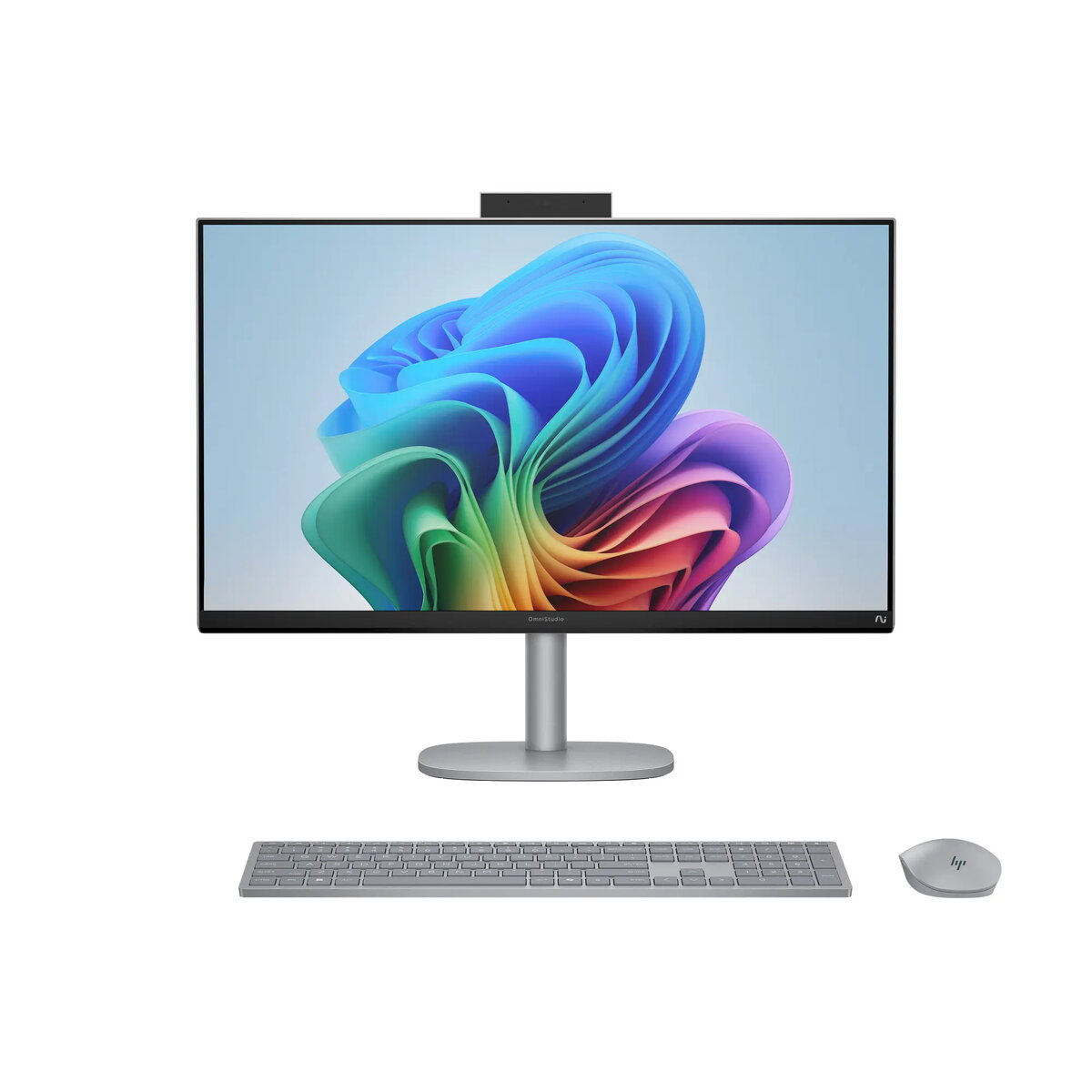
Desktop PC HP OmniStudio X/Next Gen AI 27-cs1013nc 27" 4K UHD U7-258V 32GB RAM 2TB storage Intel Windows 11 Pro Silver
HP OmniStudio X/Next Gen AI 27-cs1013nc is a 27" all-in-one desktop designed for high-resolution workflows and modern connectivity. It integrates a 4K UHD 27" IPS display with 99% sRGB coverage and 350 nits brightness, an Intel Core Ultra 7 U7-258V processor with hybrid core architecture, 32GB LPDDR5x memory and a 2TB PCIe NVMe M.2 SSD. The system runs Windows 11 Pro, includes integrated Intel Arc/Intel graphics, a 5MP IR webcam with dual array microphones, dual 5W speakers and bundled HP 710 USB Meteor Silver keyboard and mouse. The compact AIO design combines performance, a narrow-bezel display and multiple high-speed ports for content creation, multimedia playback and AI-enabled productivity.
The combination of a 4K IPS display with wide color coverage and a large 32GB LPDDR5x memory supports demanding multitasking and accurate visual work. The 2TB NVMe storage delivers fast system responsiveness and ample local capacity for large files. Integrated Intel Arc/Intel graphics and the U7-258V processor provide a balance of performance and power efficiency for creative applications and AI-assisted workflows. Built-in Wi-Fi 7, 2.5 GbE wired networking and multiple USB-C/USB-A ports enable flexible connectivity for peripherals, external displays and fast data transfer.
Place the HP OmniStudio X on a stable desk surface and connect the 180 W AC adapter to a grounded outlet. Attach the included HP 710 USB keyboard and mouse via the supplied USB connection. Power on the system and follow the Windows 11 Pro initial setup to configure user accounts, network settings and privacy preferences. Use the integrated 5MP IR webcam and dual microphones for video calls, and connect external drives or displays to the available USB-C or USB-A ports as needed. Manage storage and performance through Windows tools and HP support utilities; considering the soldered memory, plan workloads according to the fixed 32GB capacity.
For color-critical work, calibrate the display with a hardware colorimeter to ensure consistent color accuracy. Use the high-speed USB-C/USB-A ports or the 2.5 GbE connection for large file transfers. Enable Windows power and performance settings appropriate to your workload: choose higher performance for rendering or AI tasks and balanced mode for everyday office use. Keep firmware and drivers updated via HP support to maintain stability and security.
{{highlightedFeature.featureTitle}}:
{{getProductFeatureValueById(product, highlightedFeature.featureId)}}
{{ productComparisonGenerationError }}
