
Powerful EcoFlow stations for energy anywhere!
In cart {{totalProductsCount}} item(s)
Your cart is empty
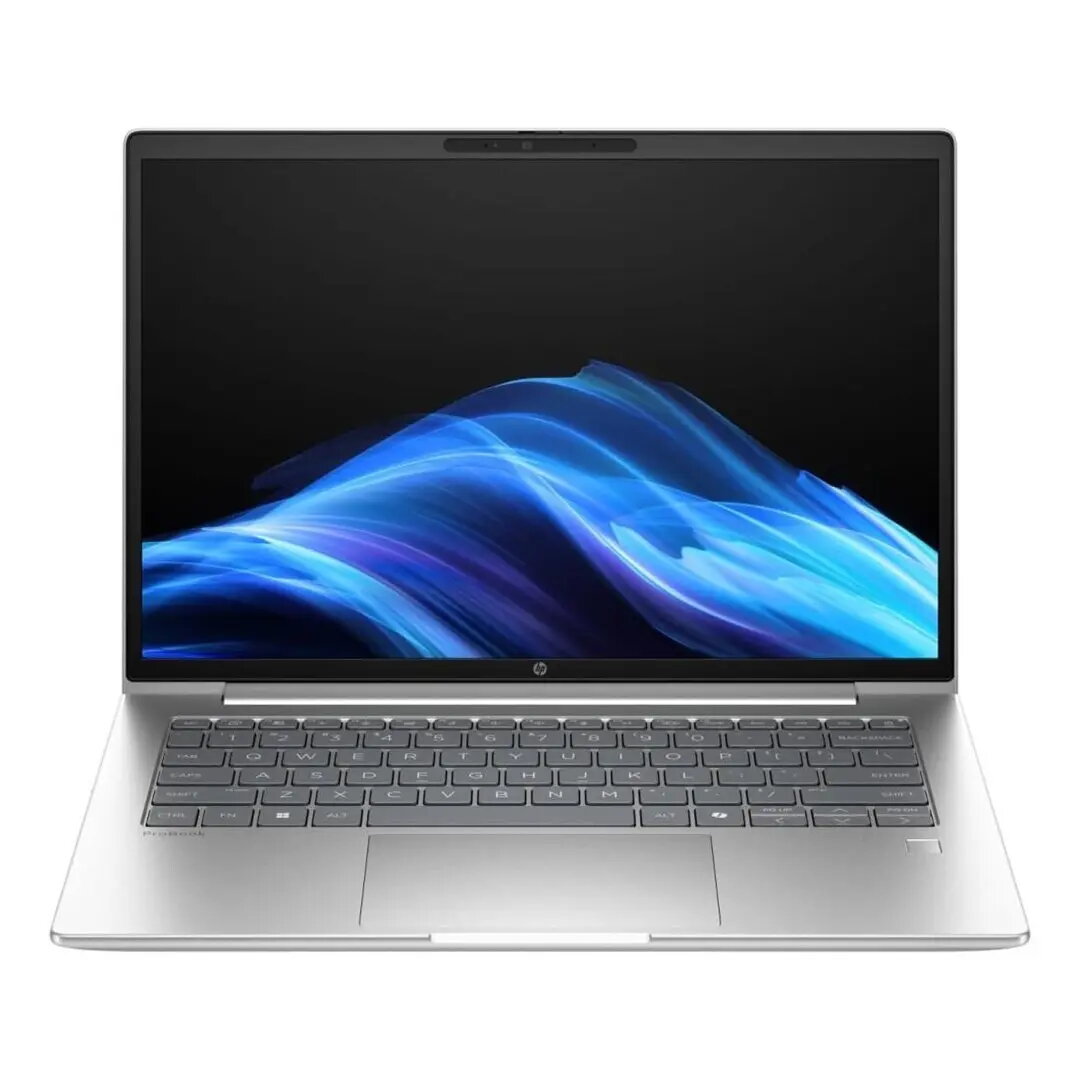
HP ProBook 4 G1a 14 AI Laptop, 14" WUXGA, AMD Ryzen 5, 16GB RAM, 512GB SSD, Radeon Graphics, Windows 11 Pro, Pike Silver
The HP ProBook 4 G1a 14 AI is a professional-grade laptop engineered to meet the demands of modern business environments. Featuring a 14-inch WUXGA display, this device offers crisp visuals and a compact form factor that is ideal for professionals on the move. Powered by an AMD Ryzen 5 processor and supported by 16GB of RAM, it delivers consistent performance for demanding office applications and multitasking. The inclusion of a 512GB SSD ensures rapid boot times and efficient file access, while the sleek Pike Silver finish provides a sophisticated aesthetic suitable for any corporate setting.
This laptop excels in providing a balanced combination of performance and portability. The integration of AI-enhanced features helps streamline workflows, while the robust build quality ensures longevity in daily use. Users benefit from the efficiency of the AMD Ryzen architecture, which manages power consumption effectively without compromising on speed. The high-resolution WUXGA screen provides ample workspace for documents and media, and the pre-installed Windows 11 Pro operating system offers advanced security and management tools essential for business operations.
This device is not designed for high-end gaming or professional-grade video editing that requires dedicated high-performance graphics cards. Users looking for a machine specifically for 3D rendering or intensive graphical design may find the integrated Radeon graphics insufficient for their needs.
To begin using the HP ProBook 4 G1a 14 AI, connect the device to a power source and press the power button to initiate the Windows 11 Pro setup process. Follow the on-screen instructions to configure your language, network settings, and user account. Once the setup is complete, you can install your preferred productivity software. For optimal performance, ensure the laptop is placed on a flat, stable surface to allow for proper ventilation during operation.
Keep the operating system and drivers updated through the built-in update utility to ensure maximum security and performance. Regularly clean the screen with a microfiber cloth and avoid placing heavy objects on the laptop lid to prevent damage to the display panel.
{{highlightedFeature.featureTitle}}:
{{getProductFeatureValueById(product, highlightedFeature.featureId)}}
{{ productComparisonGenerationError }}
