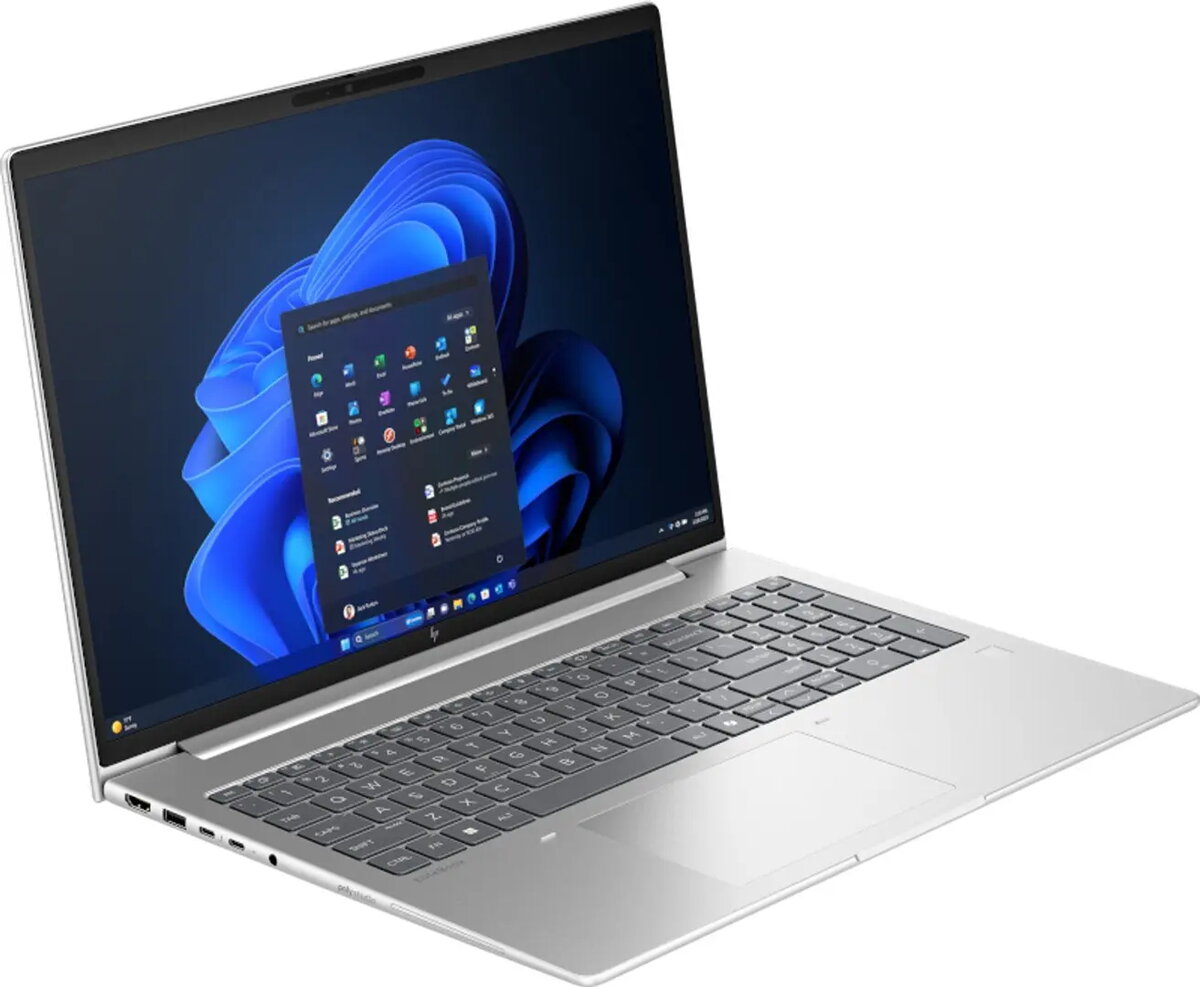
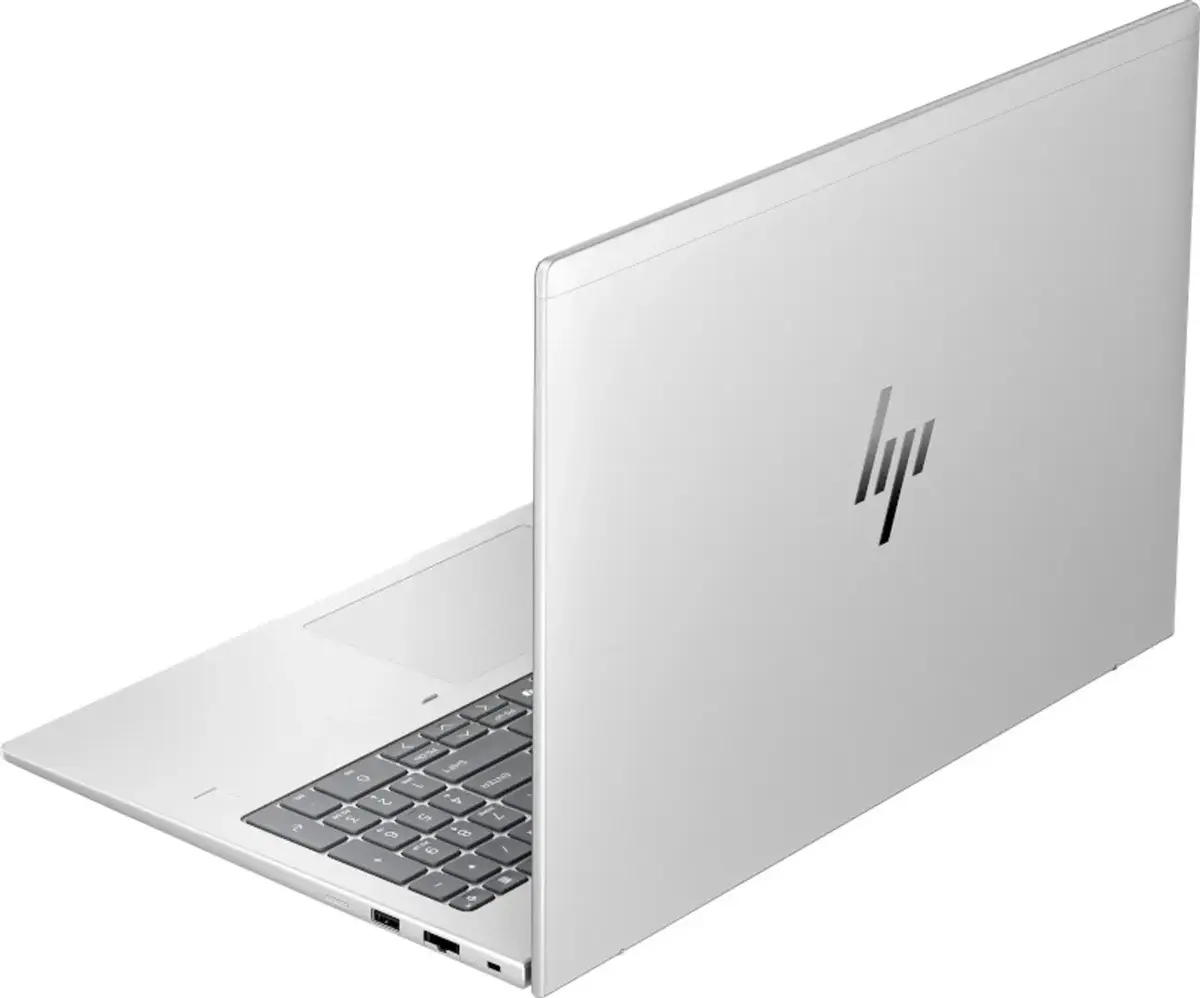
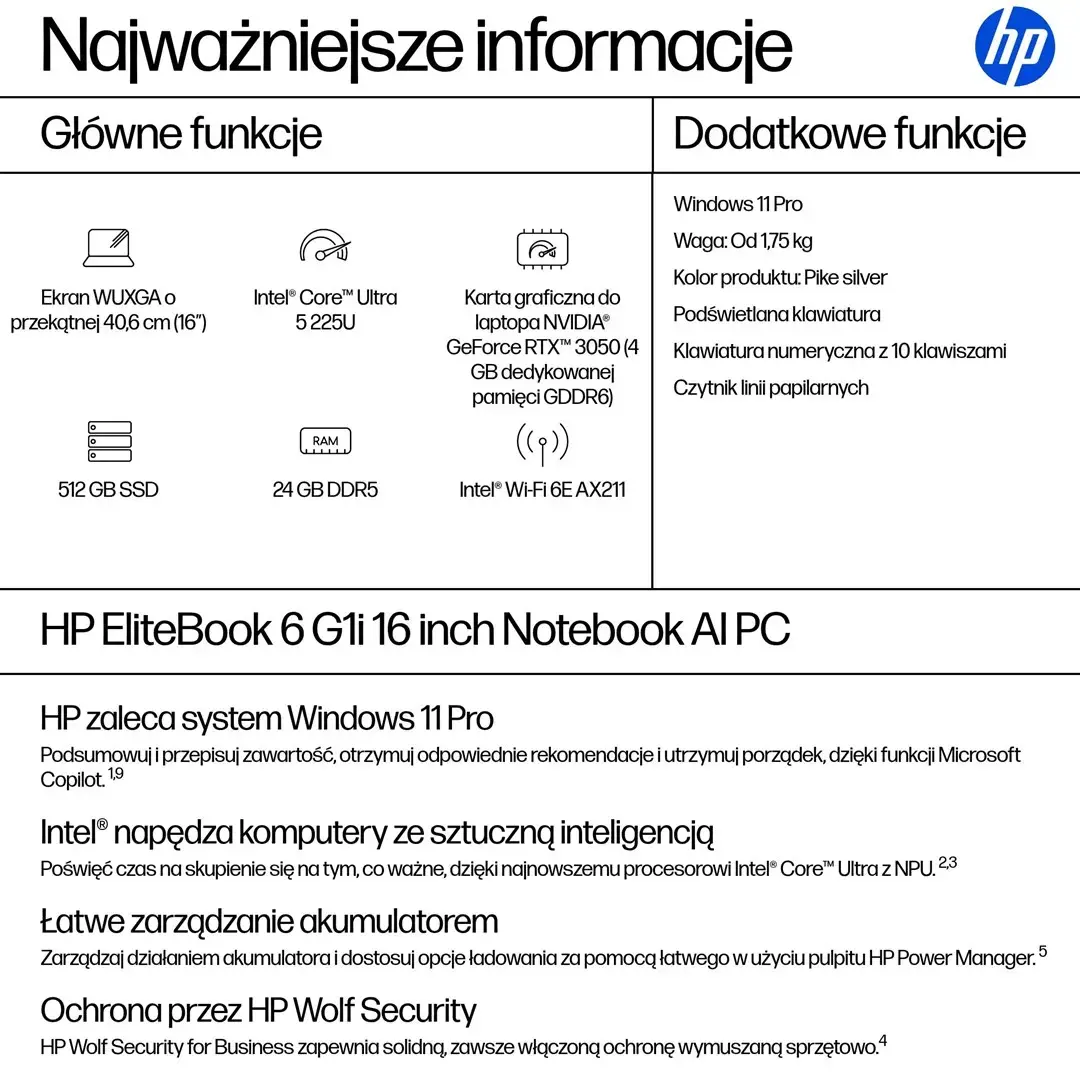
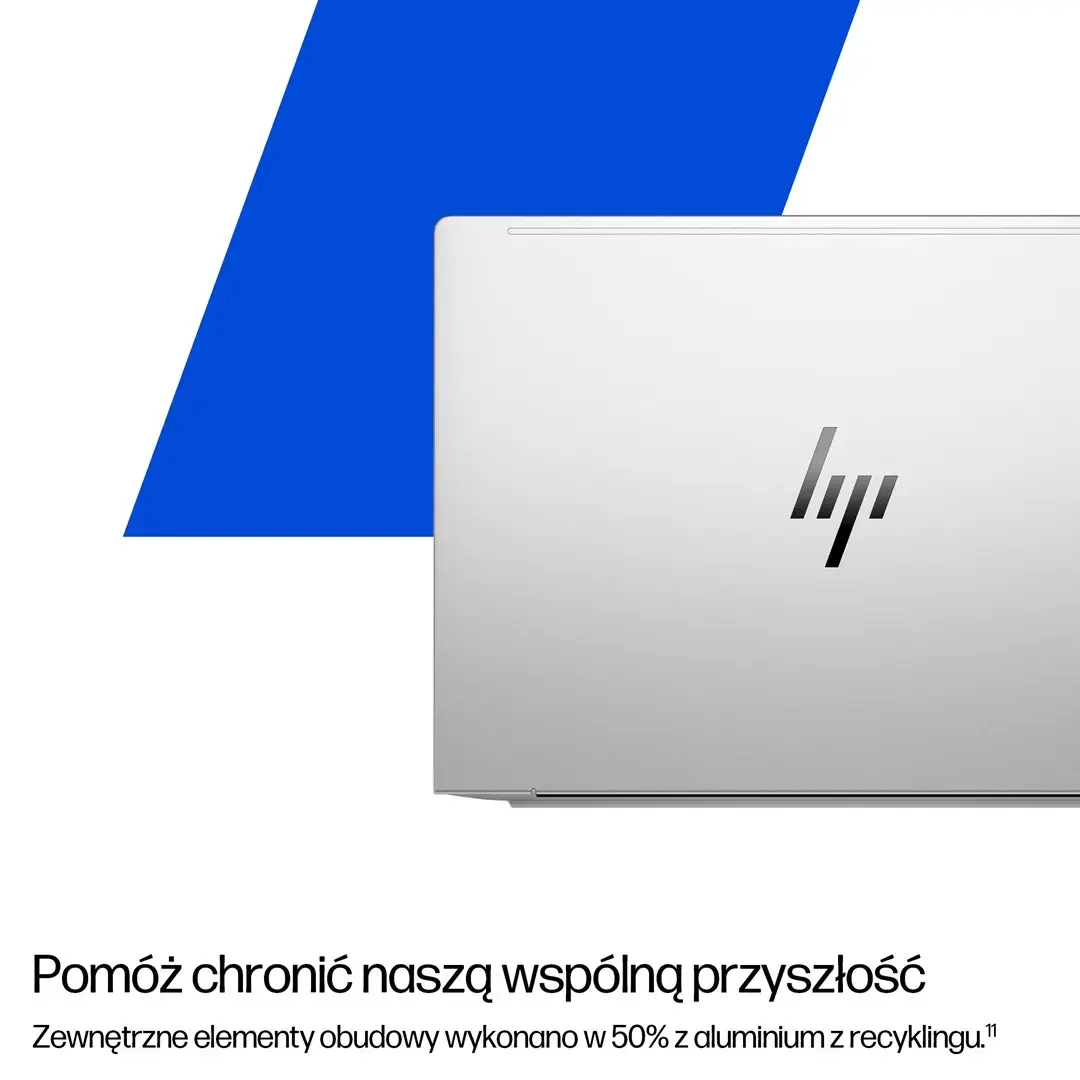
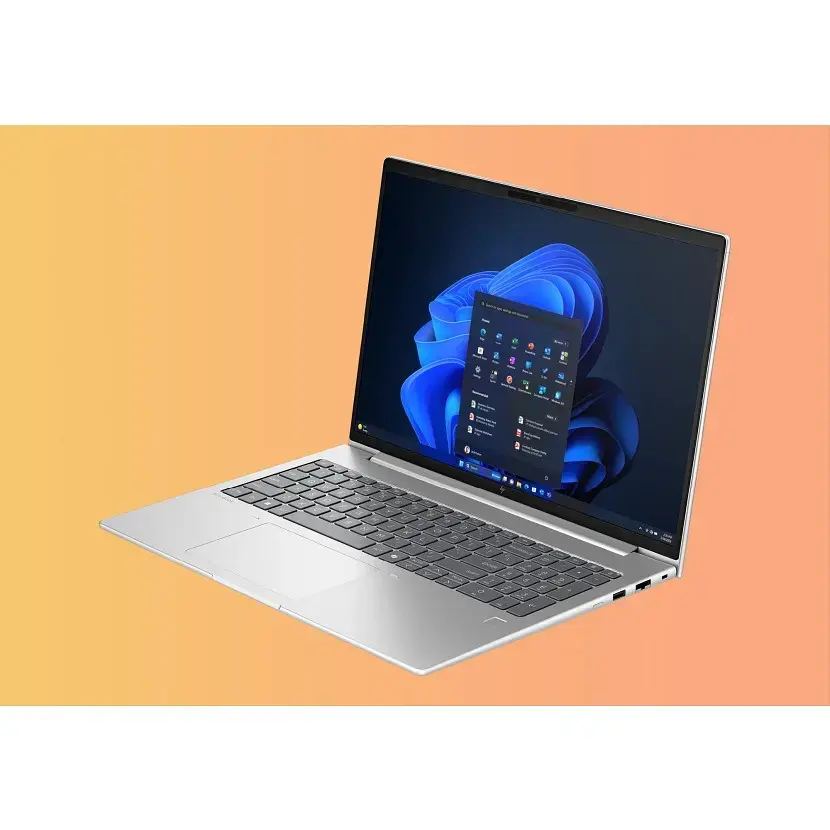
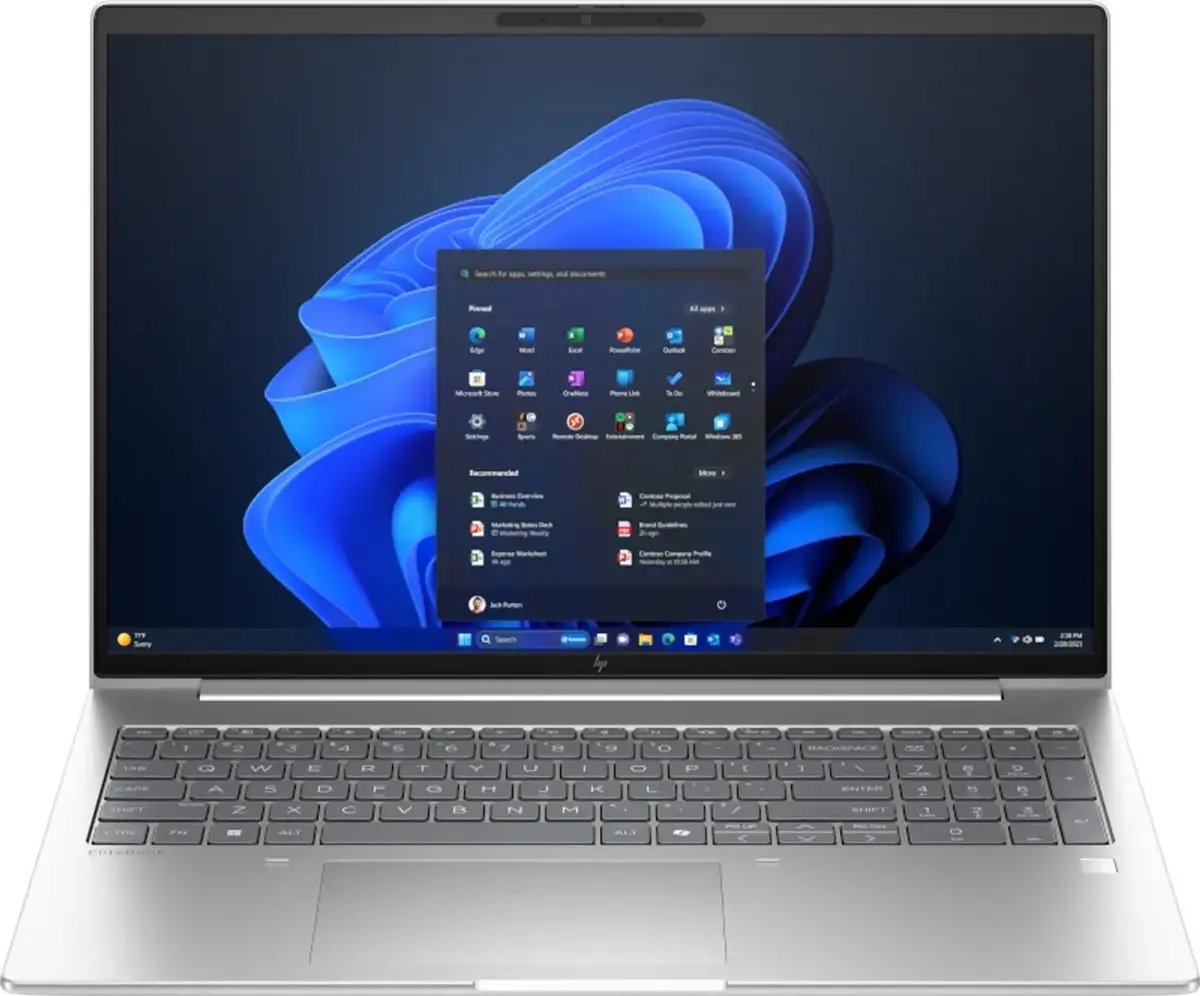
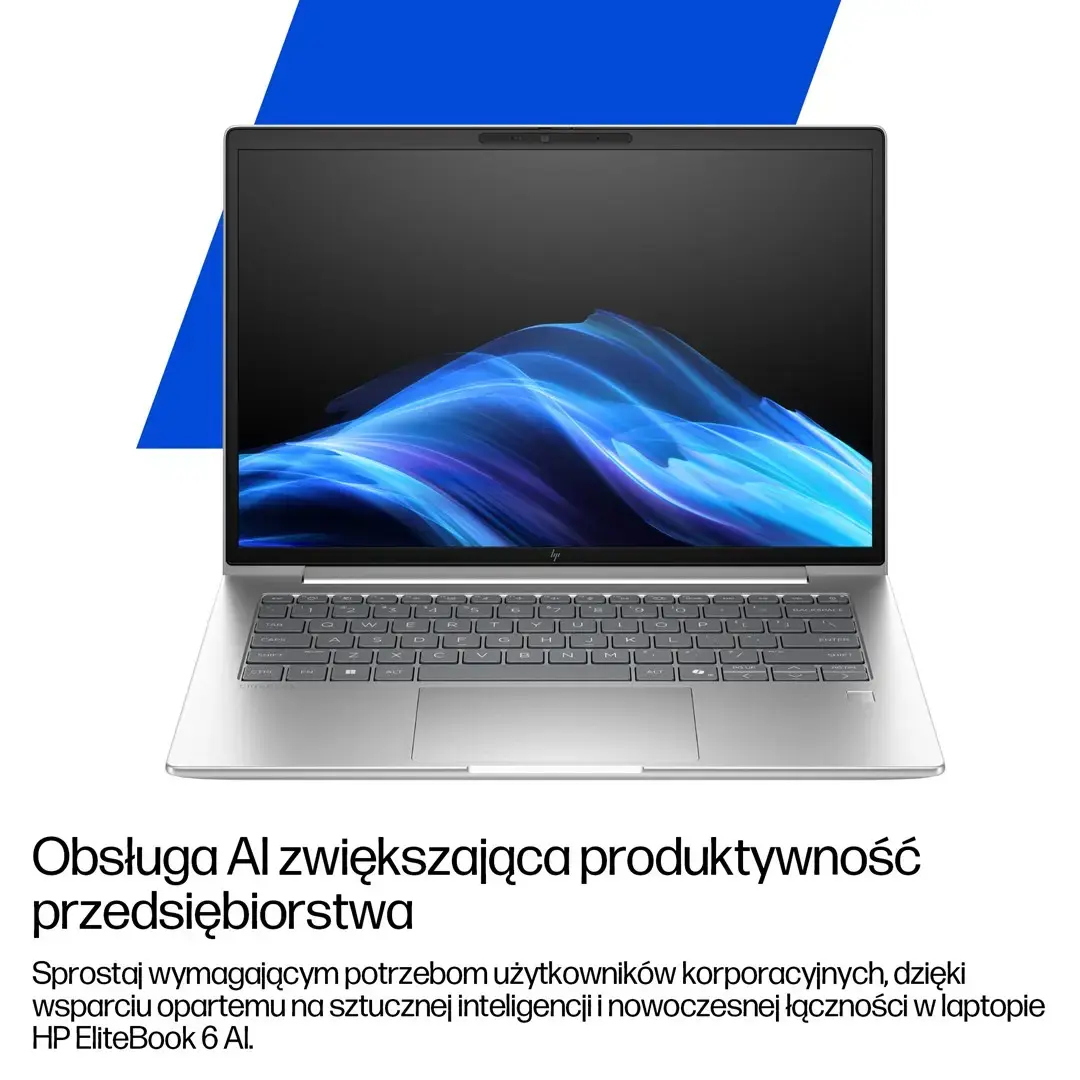
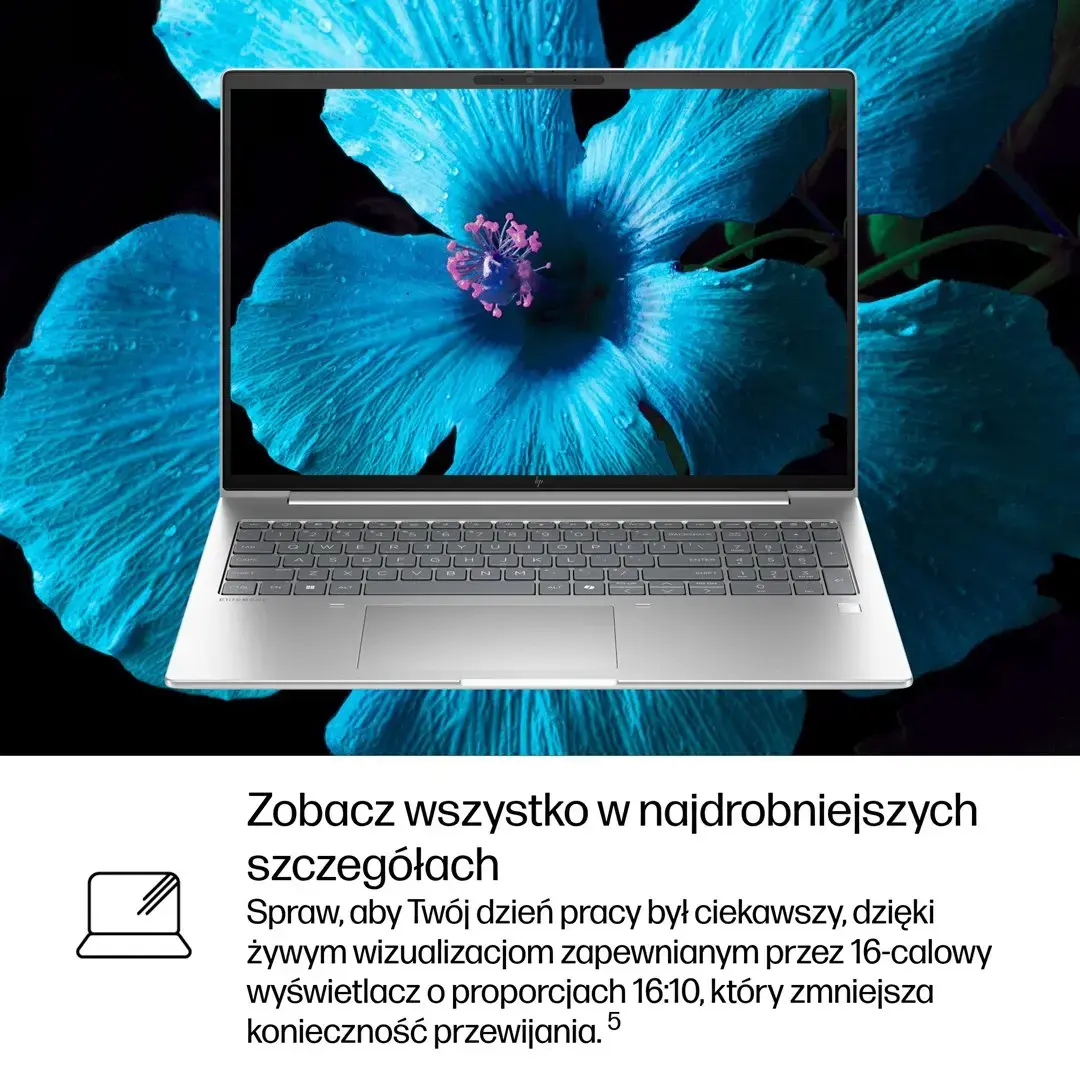
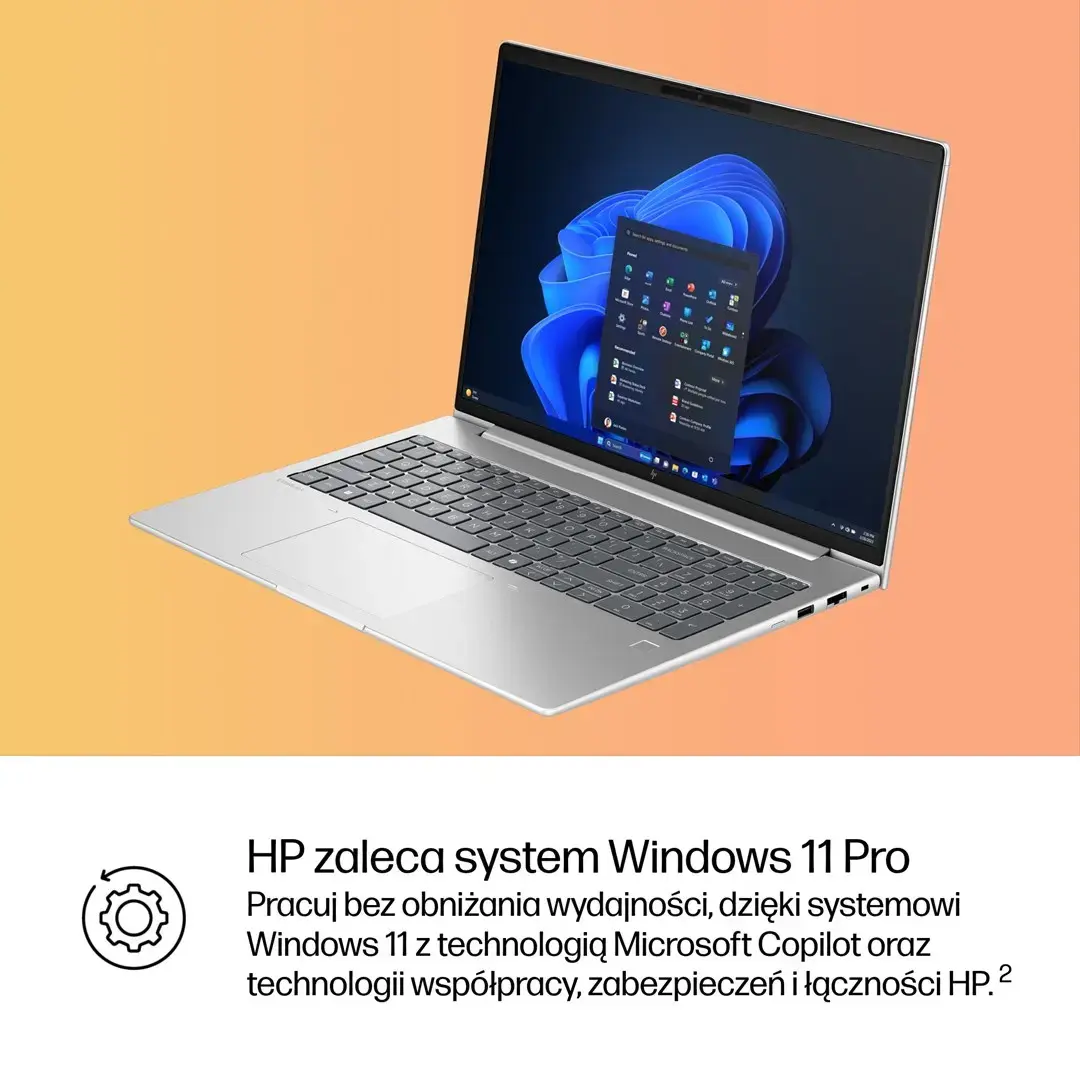
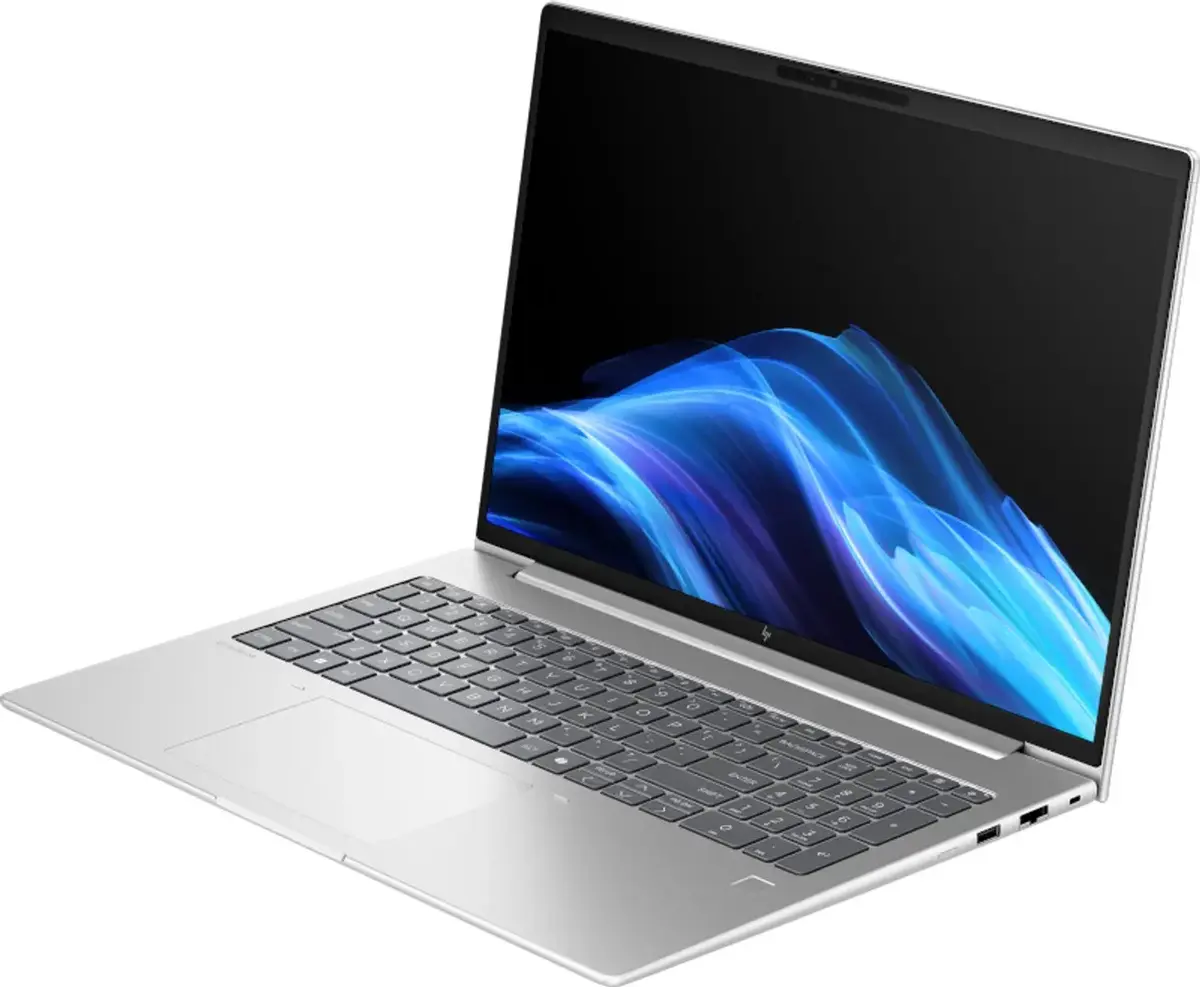
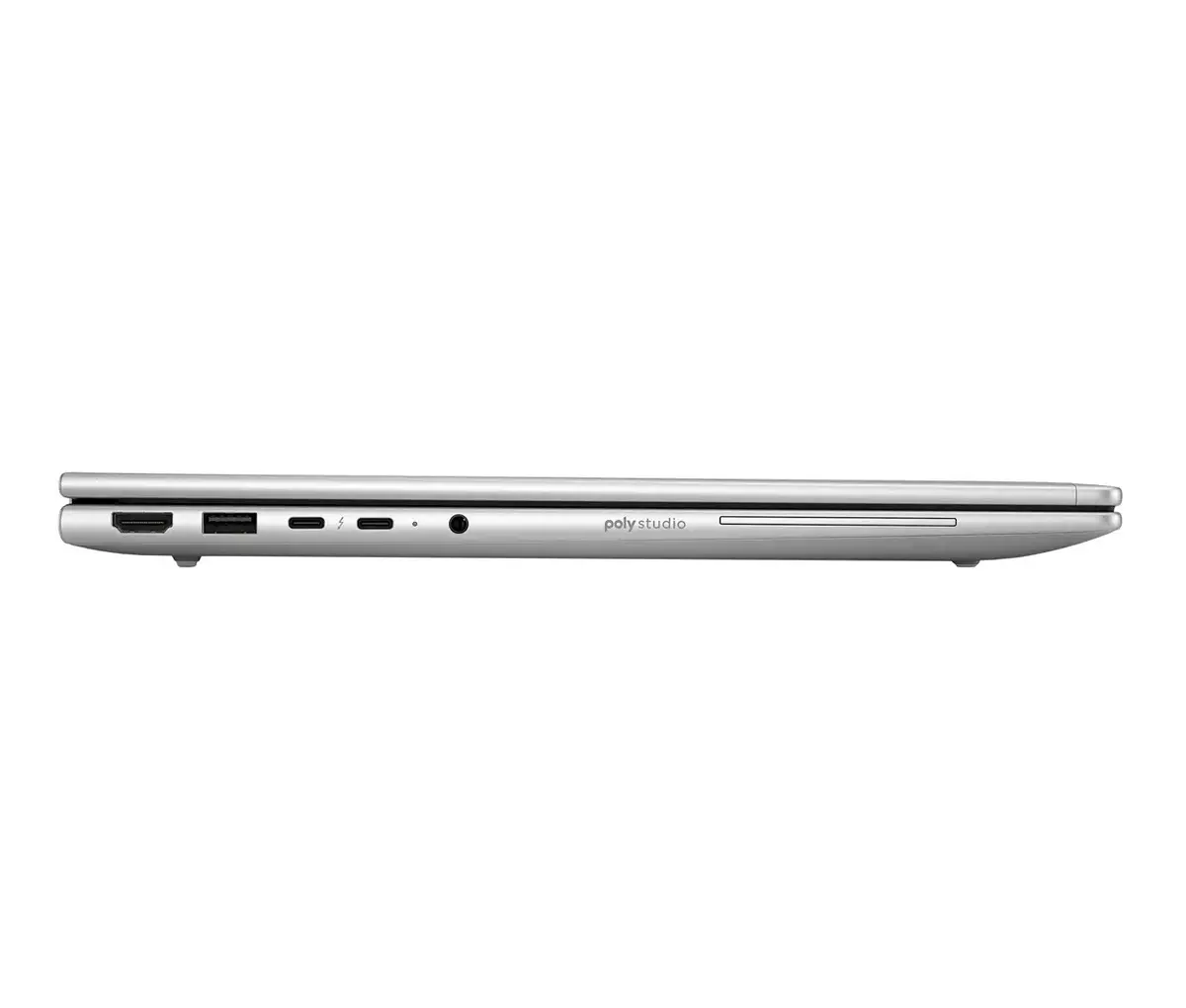
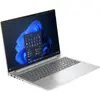
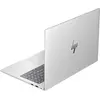
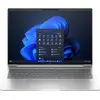
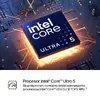
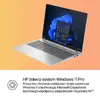
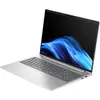
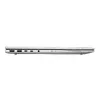
HP EliteBook 6 G1i is a business laptop powered by an Intel Core Ultra 5 225U processor with 12 cores (2 performance + 8 efficient, plus low-power efficient cores) and up to 4.8 GHz turbo frequency. It includes 24 GB DDR5-5600 memory in two SO-DIMM slots, a 512 GB NVMe PCIe SSD (TLC), a 16" (40.6 cm) WUXGA IPS display with 1920 × 1200 resolution and 300 cd/m² brightness, Intel integrated graphics, and Windows 11 Pro. The laptop offers Wi‑Fi 6E, Bluetooth 5.3, Thunderbolt 4 / USB4 ports, HDMI 2.1, Ethernet, a 5 MP IR front camera, fingerprint reader, spill-resistant backlit keyboard with numeric keypad, a 56 Wh Li‑Po battery and 65 W USB Power Delivery charging support. Weight is approximately 1.75 kg and the chassis colour is Pike Silver.
Advantages
The device combines a modern hybrid CPU architecture suitable for mixed workloads and AI-accelerated tasks with fast DDR5 memory and NVMe storage to support multitasking and responsive system performance. Connectivity options include Wi‑Fi 6E, Bluetooth 5.3, Thunderbolt 4/USB4 and HDMI 2.1 for external displays and high-speed data transfer. Security and manageability features such as a fingerprint reader, IR camera, smart card reader, cable lock slot and password protection are integrated for business environments. The notebook also provides a spill-resistant backlit keyboard and a compact, lightweight design for mobile use.
Suitable for
- Business users requiring secure, manageable laptops
- Office productivity and multitasking (documents, spreadsheets, email)
- Remote work and video conferencing with IR camera and dual microphones
- Light to moderate content creation and data analysis accelerated by AI features
- Mobile professionals needing varied connectivity (Thunderbolt 4, HDMI 2.1, Ethernet)
Key specifications
- Processor: Intel Core Ultra 5 225U, 12 cores (2 performance, 8 efficient, additional low-power efficient cores), up to 4.8 GHz boost, 12 MB L3 cache, 15 W base power, max turbo power 57 W
- Memory: 24 GB DDR5‑5600 (SO‑DIMM, 2 slots)
- Storage: 512 GB NVMe PCIe M.2 SSD (TLC, NVMe)
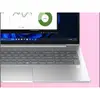
- Display: 16" (40.6 cm) WUXGA IPS, 1920 × 1200 pixels, 300 cd/m², ~62.5% sRGB
- Graphics: Integrated Intel Graphics
- Operating system: Windows 11 Pro
- Battery: 56 Wh Li‑Po, 3 cells
- Webcam: 5 MP IR front camera
- Audio: 2 microphones, 2 built-in speakers
- Networking: Wi‑Fi 6E (802.11ax) 2x2, Intel Wi‑Fi 6E AX211, Bluetooth 5.3, Ethernet (RJ‑45)
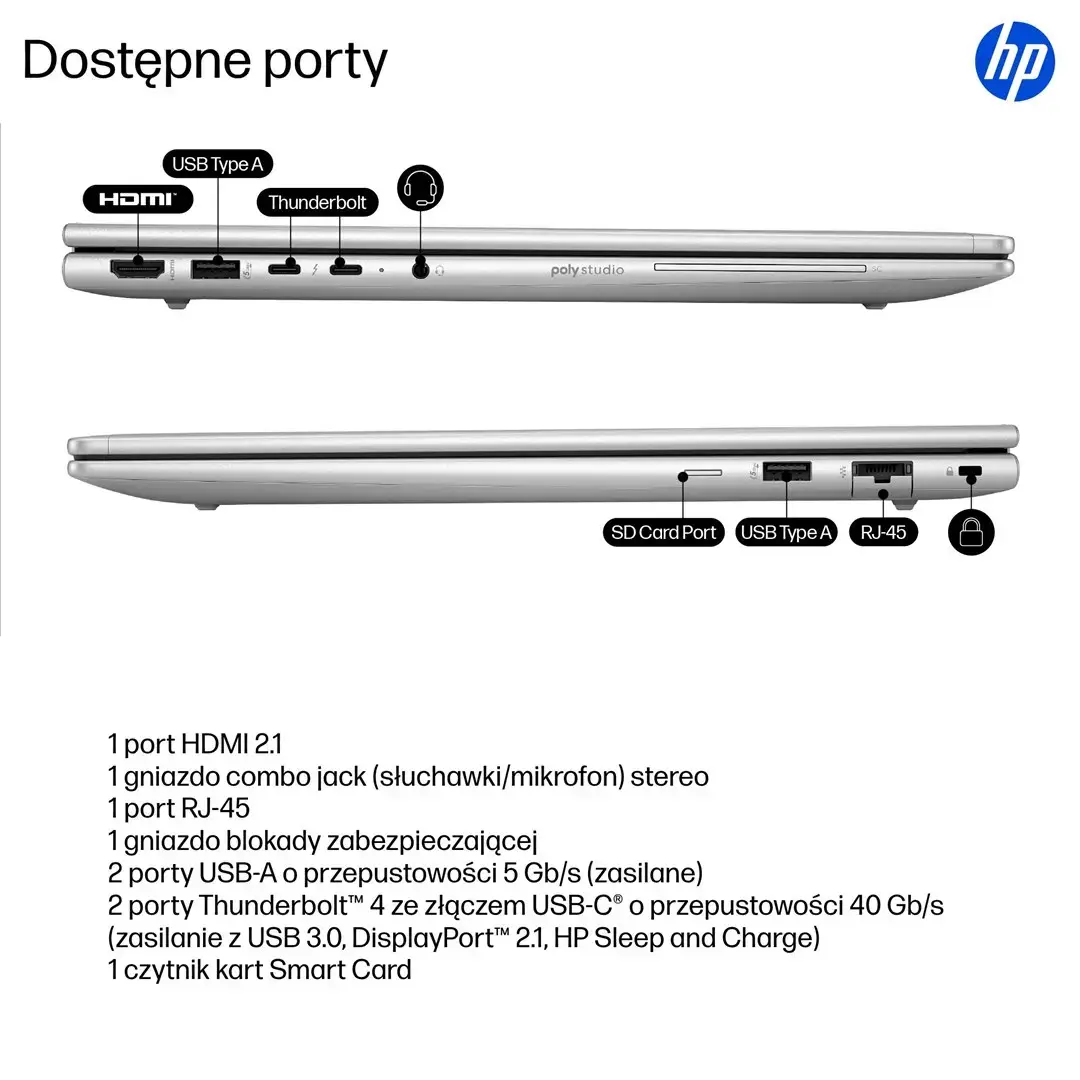
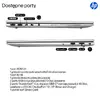
- Ports: 2 × Thunderbolt 4 / USB4 Gen 3x2, 2 × USB 3.2 Gen 1 Type‑A, HDMI 2.1, combo headphone/mic, RJ‑45
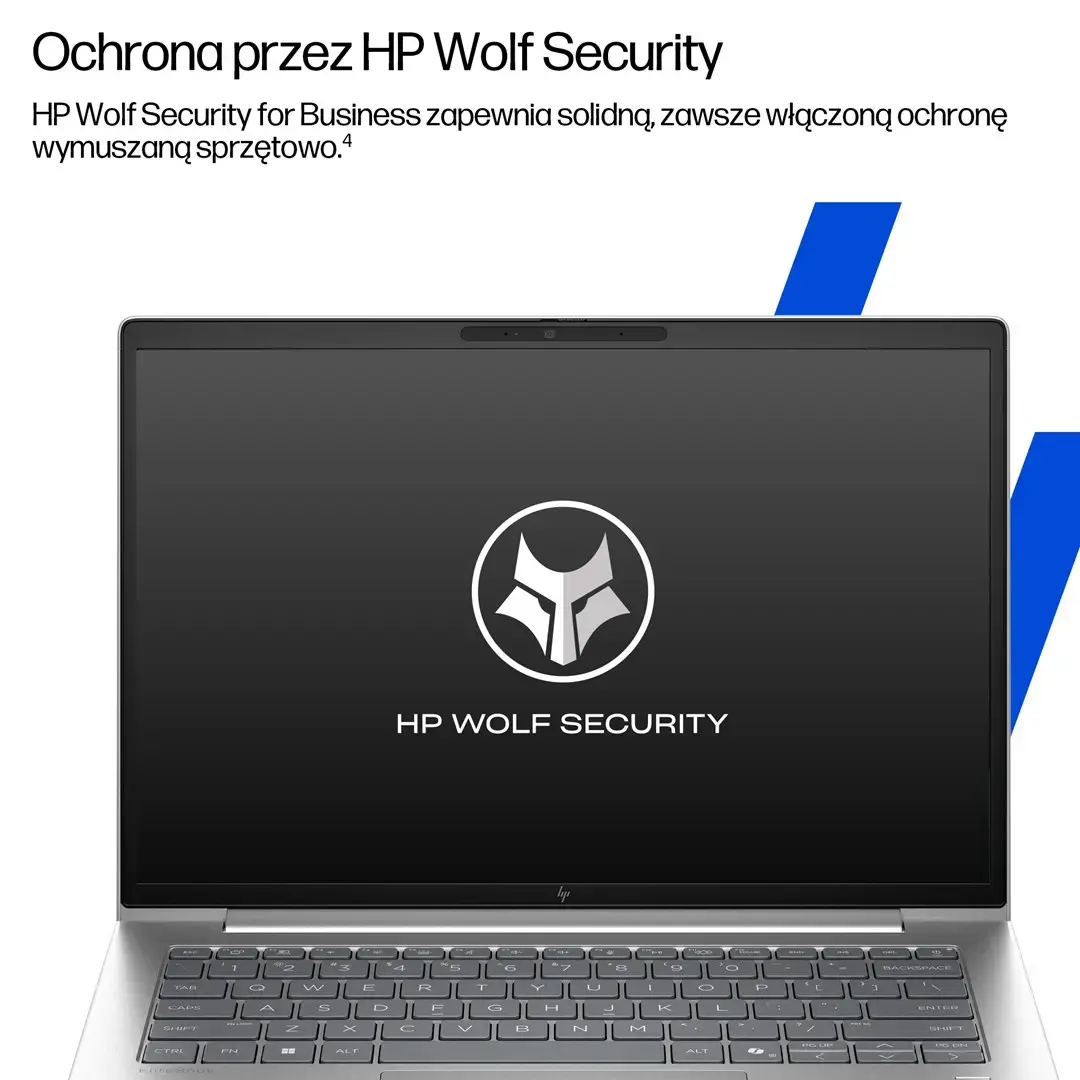
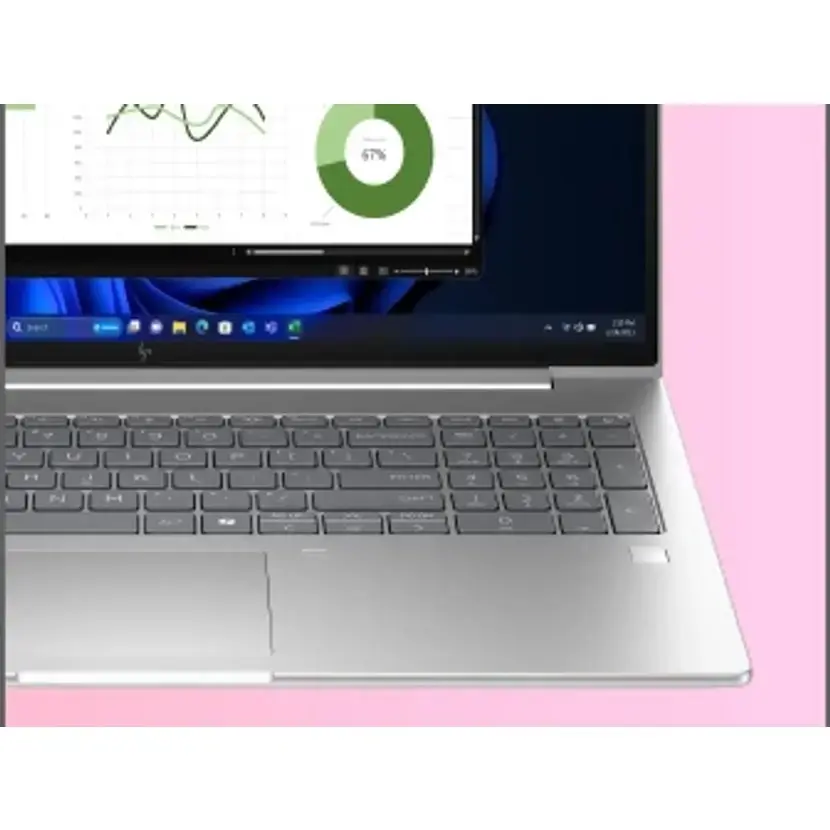
- Security & Authentication: Fingerprint reader, IR camera, smart card reader, cable lock slot, password protection
- Dimensions & Weight: Width 359.4 mm, Depth 251 mm, Height front 1.09 cm / rear 1.7 cm, Weight 1.75 kg
- Power: 65 W AC adapter, 100–240 V, 50–60 Hz, USB Power Delivery charging
How to use
Start the laptop by connecting the AC adapter or a compatible USB‑PD charger to the USB‑C/Thunderbolt port and pressing the power button. Set up Windows 11 Pro following on-screen prompts to configure user accounts, security options and network connectivity. Install business applications and updates as required, populate the two SO‑DIMM slots if memory expansion is needed, and use the M.2 NVMe slot for storage upgrades or replacements. For video calls, use the integrated 5 MP IR camera and dual microphones; enable Windows Hello via the fingerprint reader or IR camera for secure sign-in. Connect external displays via HDMI 2.1 or Thunderbolt 4 and attach peripherals to the available USB and Ethernet ports.
Ieteicamais lietošanas veids
Use standard business IT maintenance: keep Windows and drivers updated, employ encryption and regular backups for NVMe storage, and use the laptop on flat, ventilated surfaces to ensure adequate cooling when the CPU operates at higher turbo power levels.