





Hurry and order now – up to 50% off!
In cart {{totalProductsCount}} item(s)
Your cart is empty
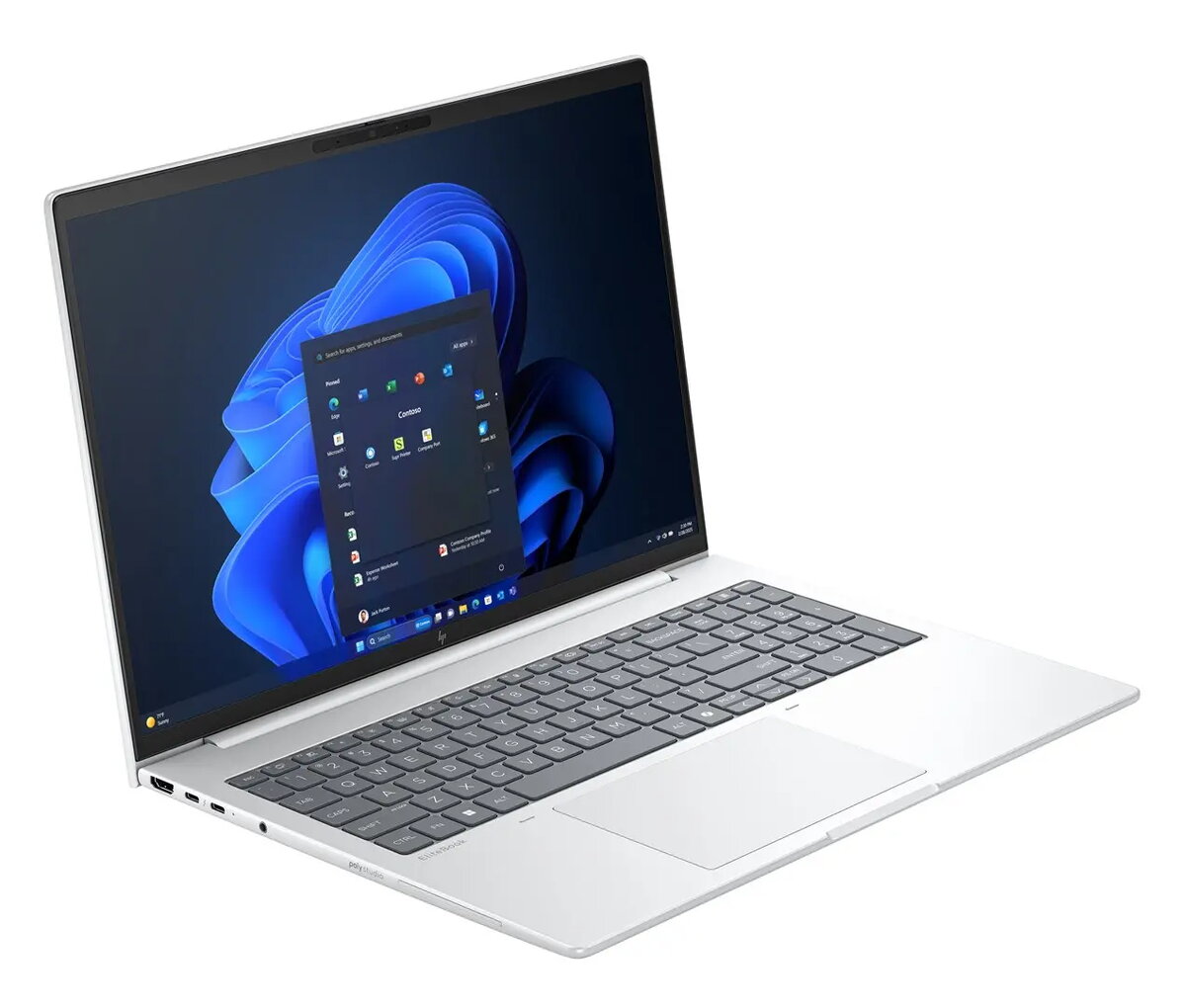
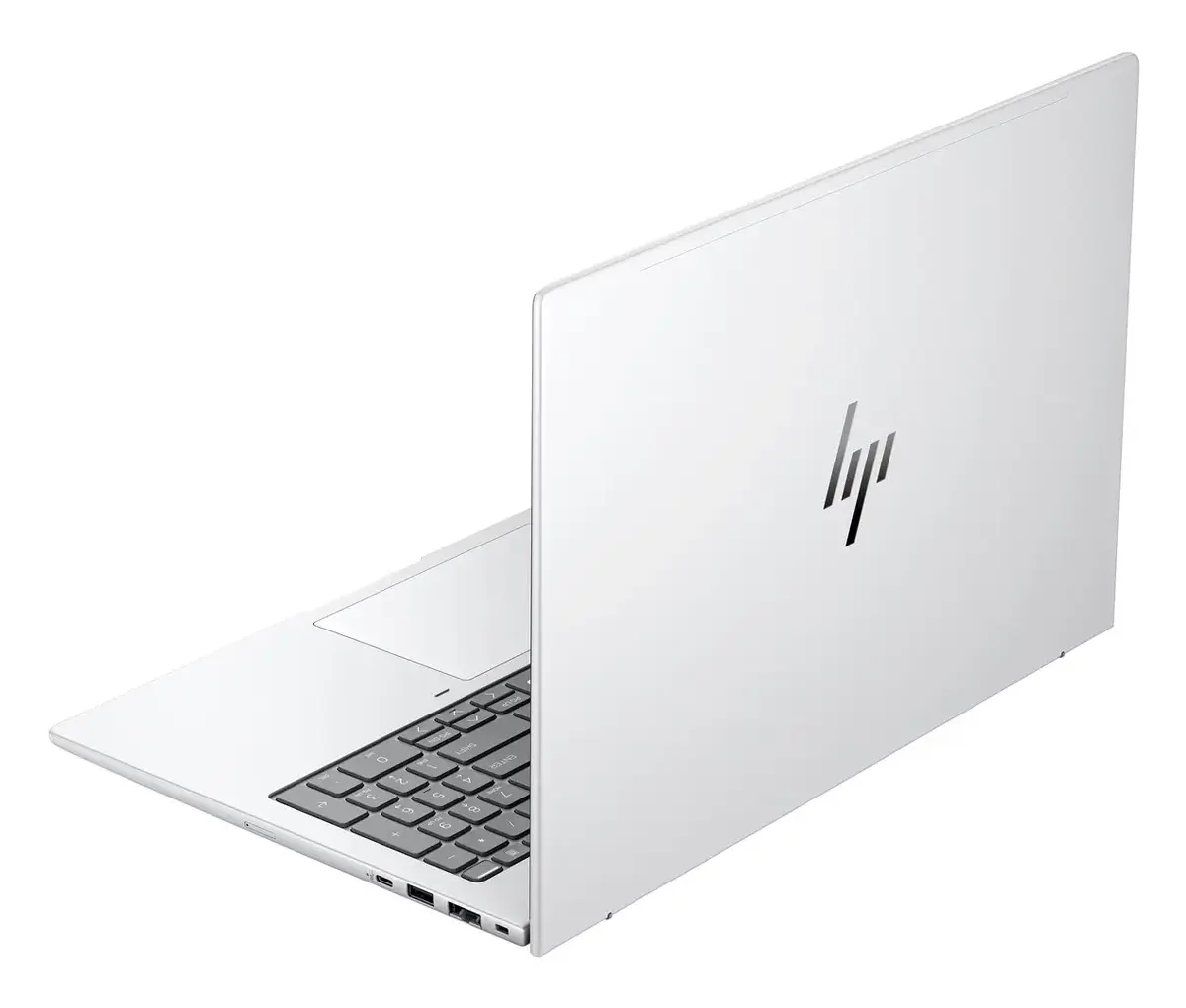
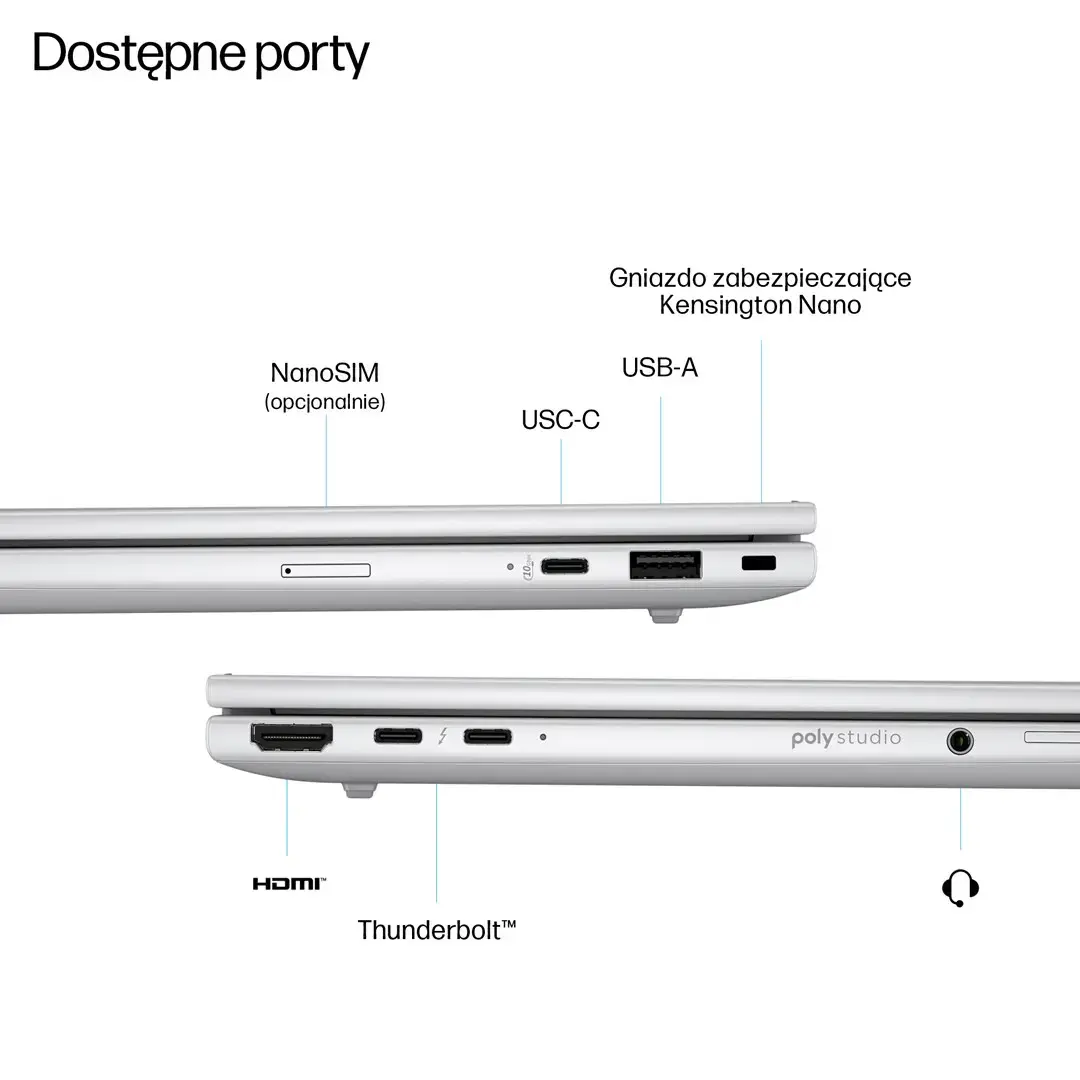
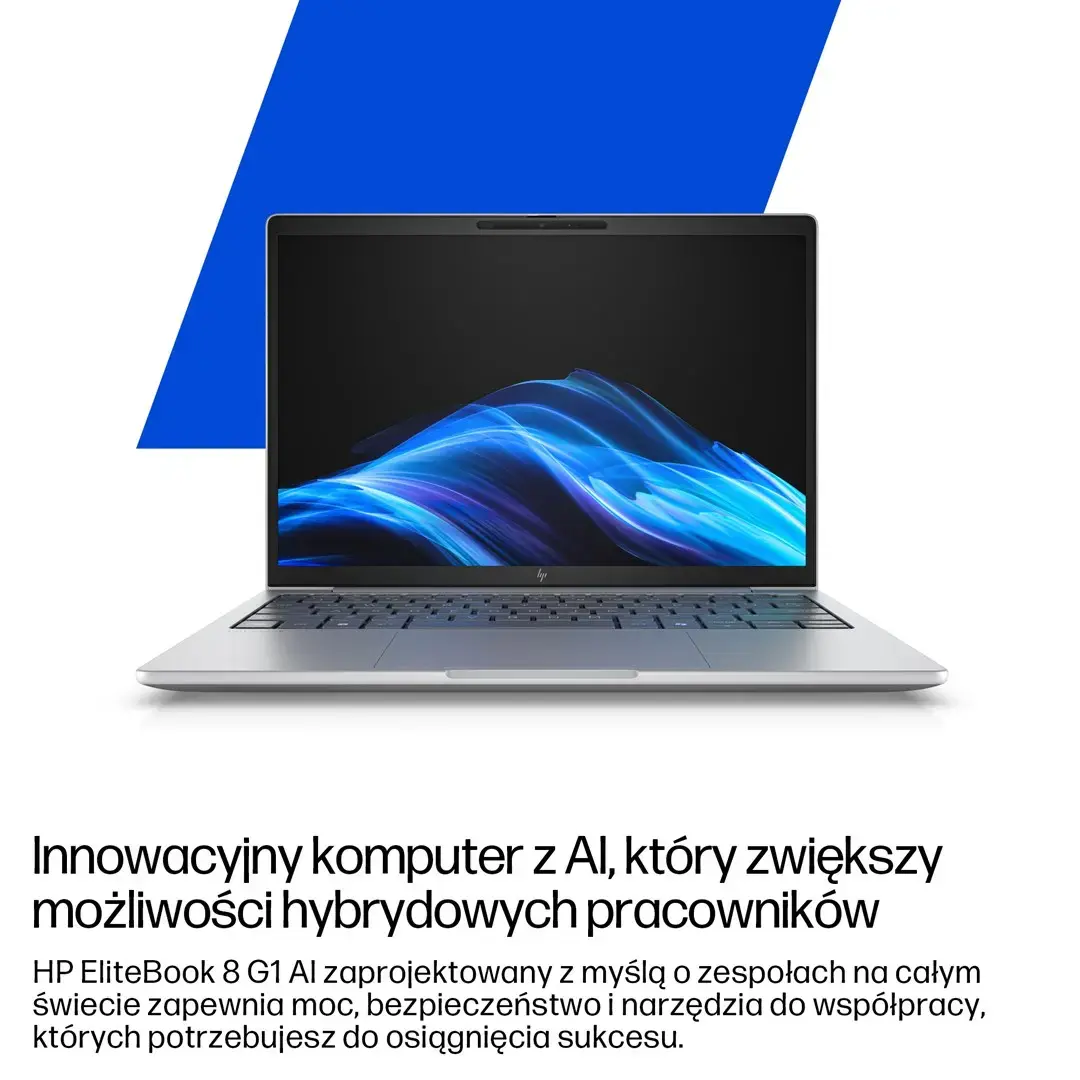
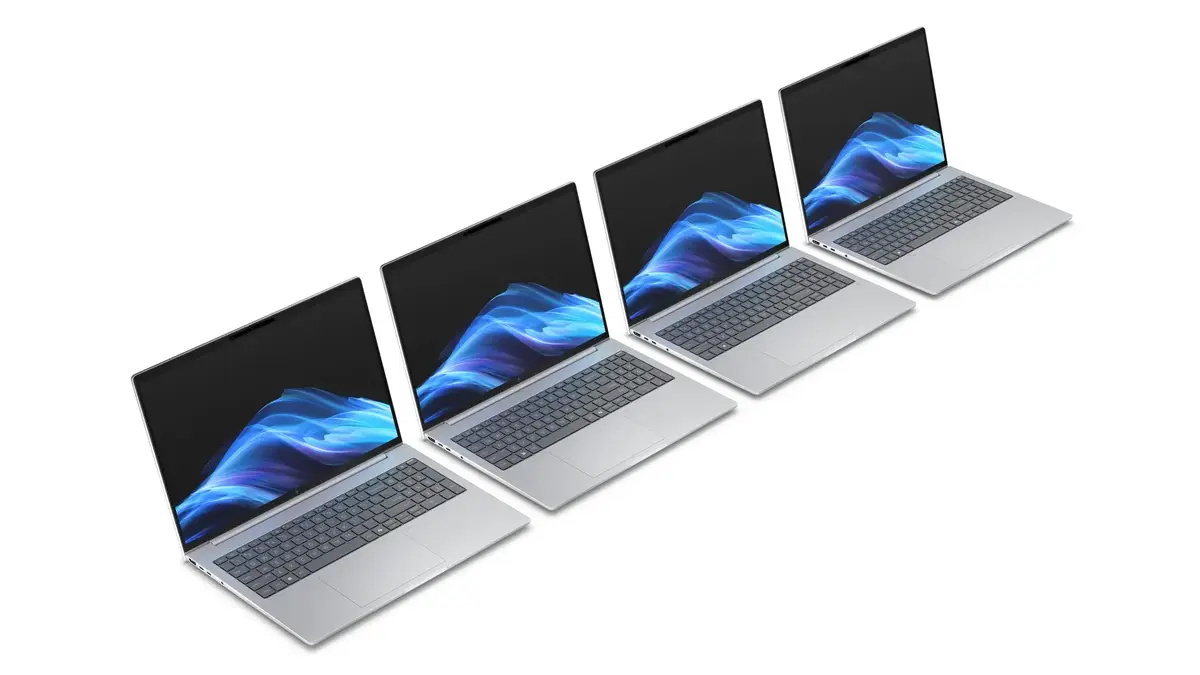
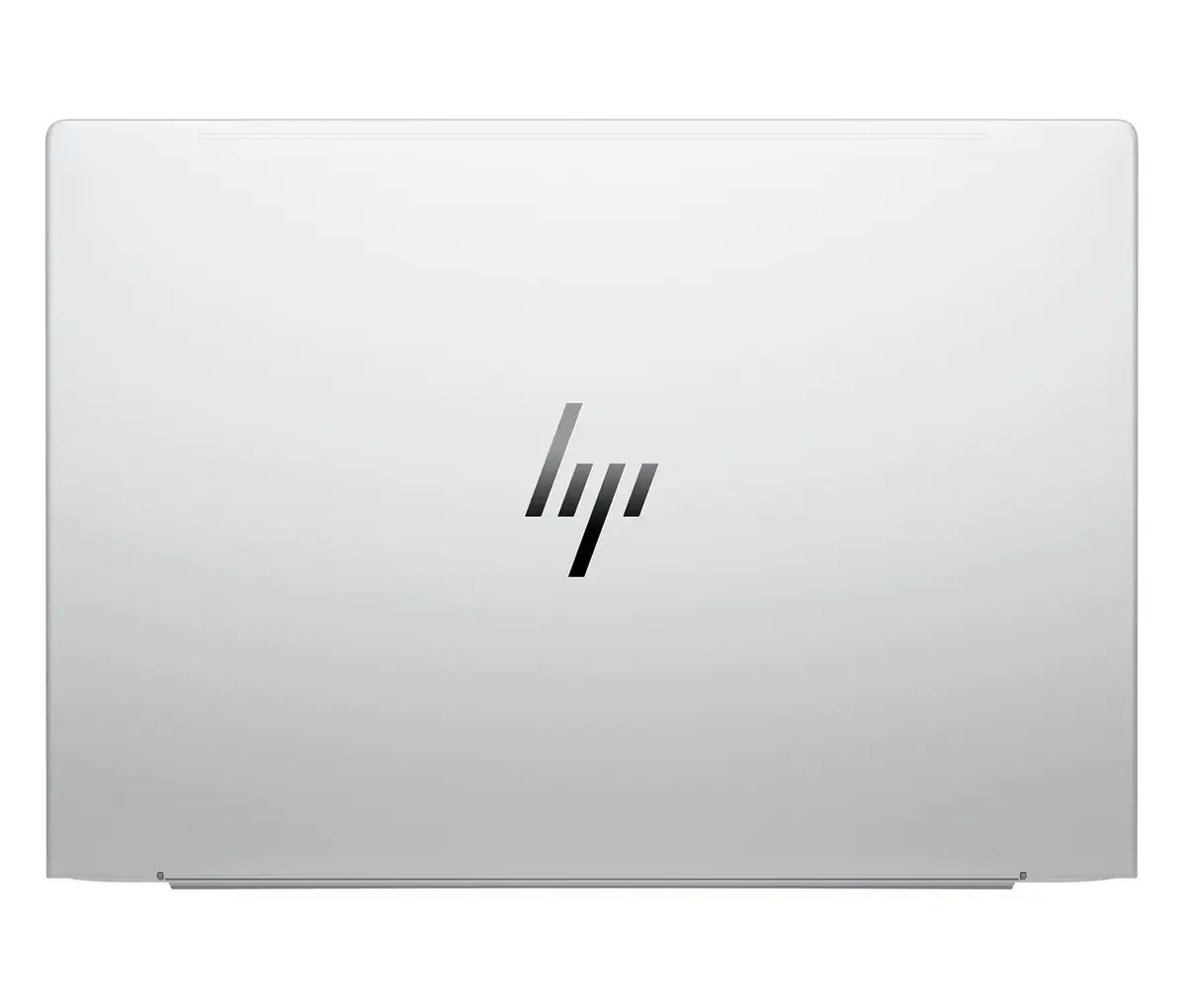
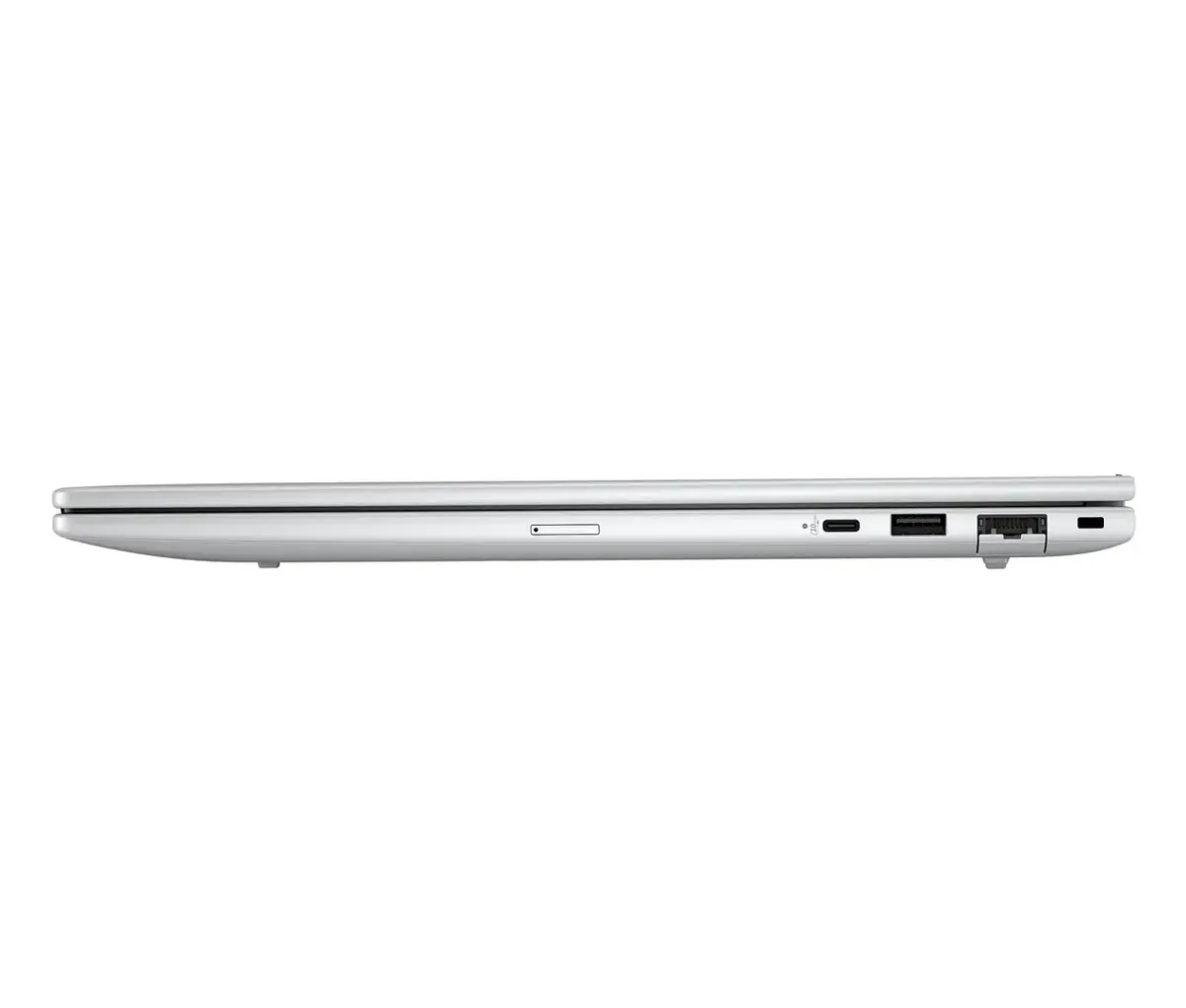
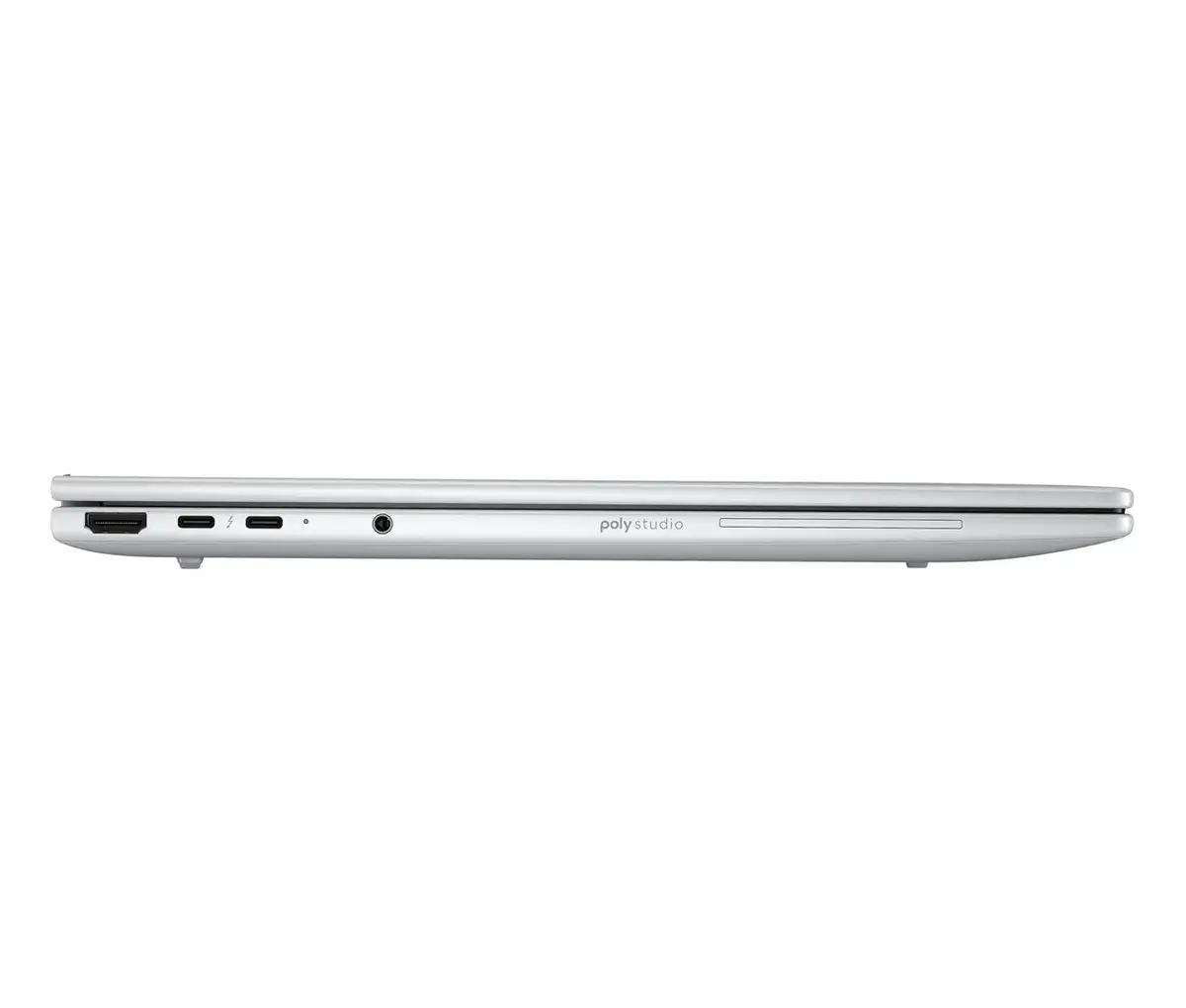
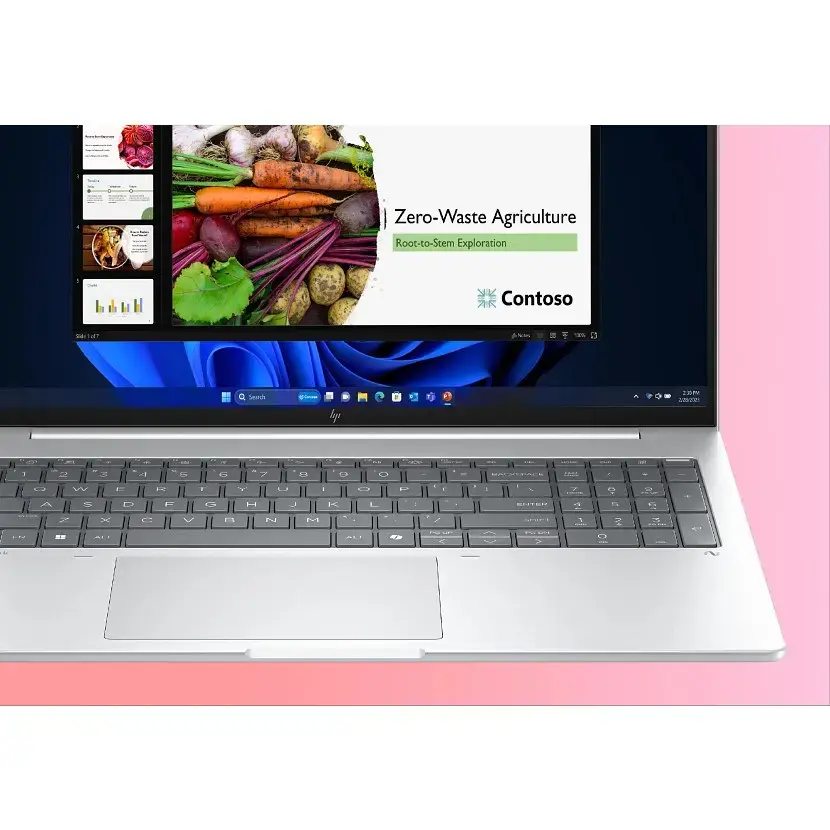
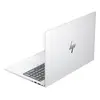
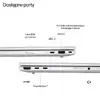
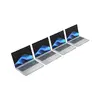
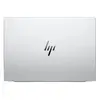
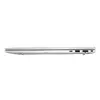
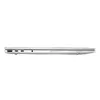
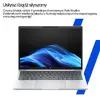
Notebook HP EliteBook G8 Ultra 7 255U 16" WUXGA IPS 400 nits 32GB DDR5 5600 1TB SSD Arc Cam IR 5MP 62Wh W11Pro Glacier Silver
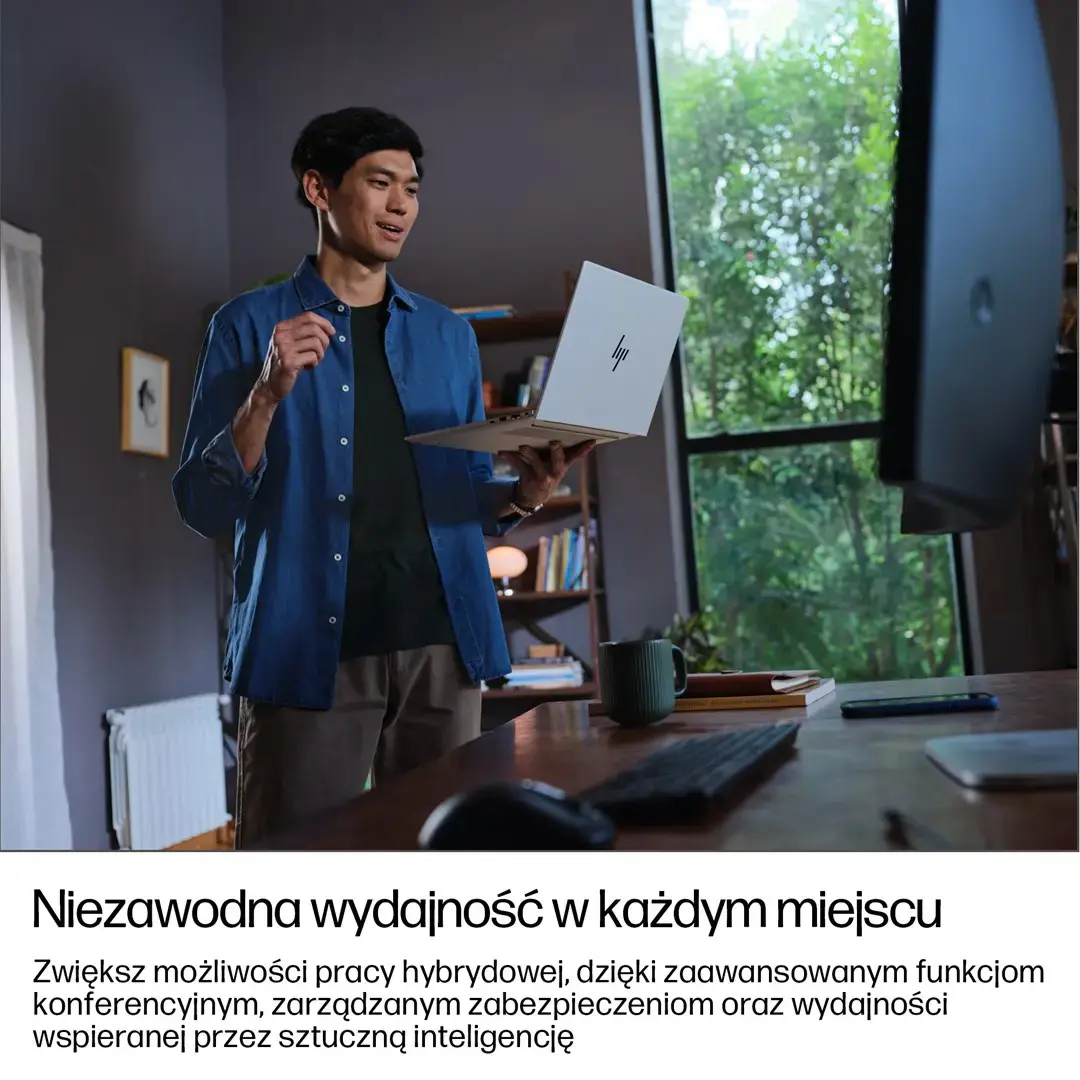
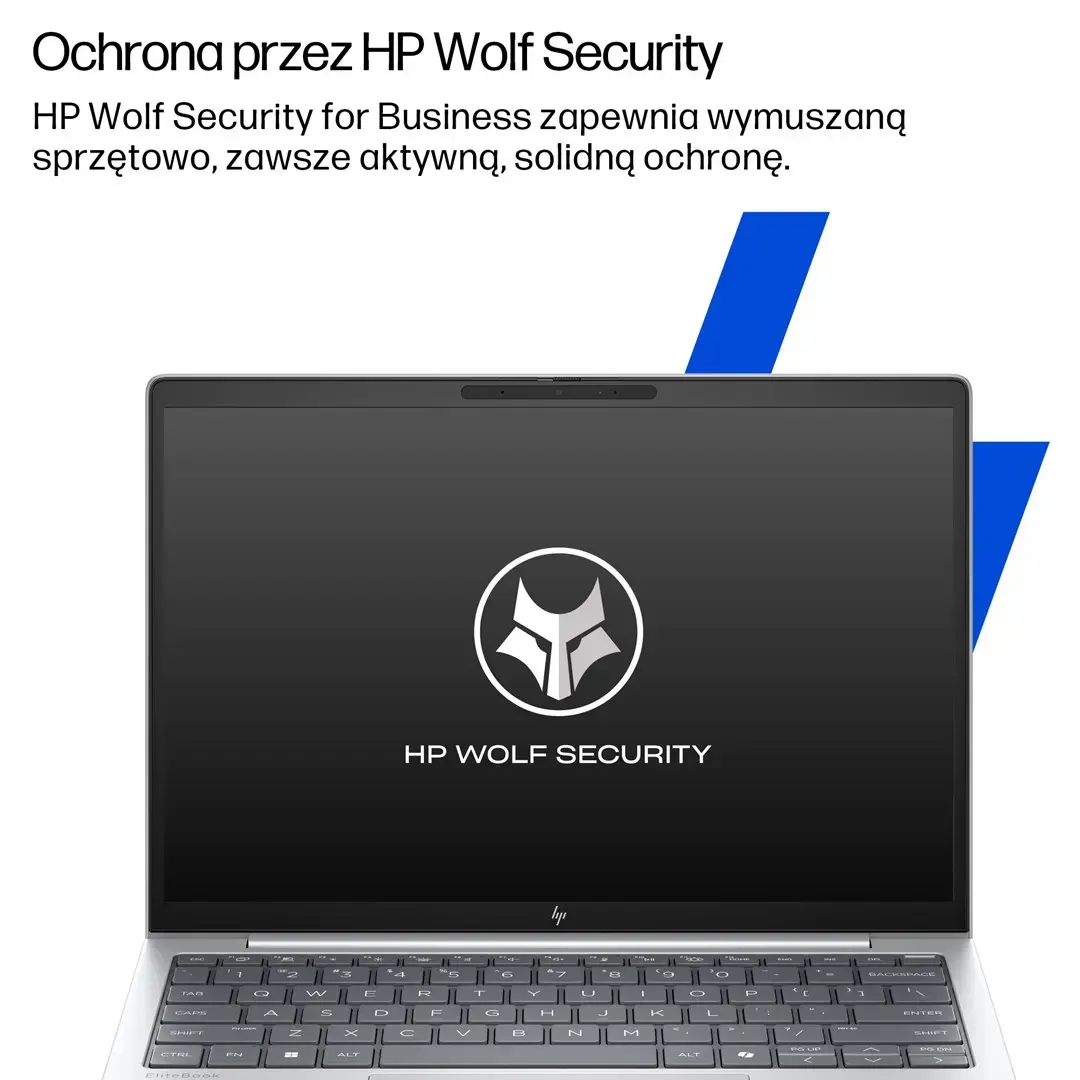
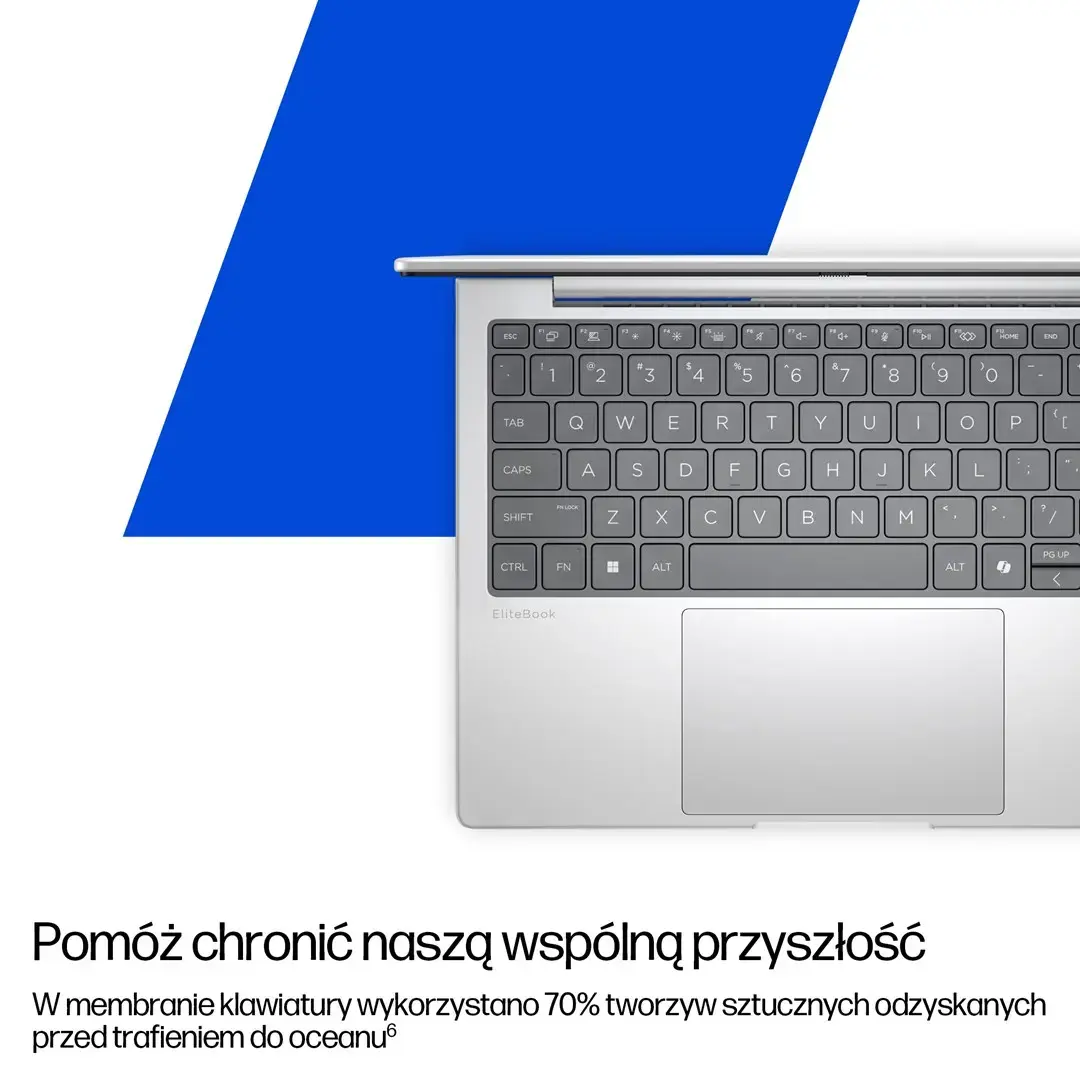
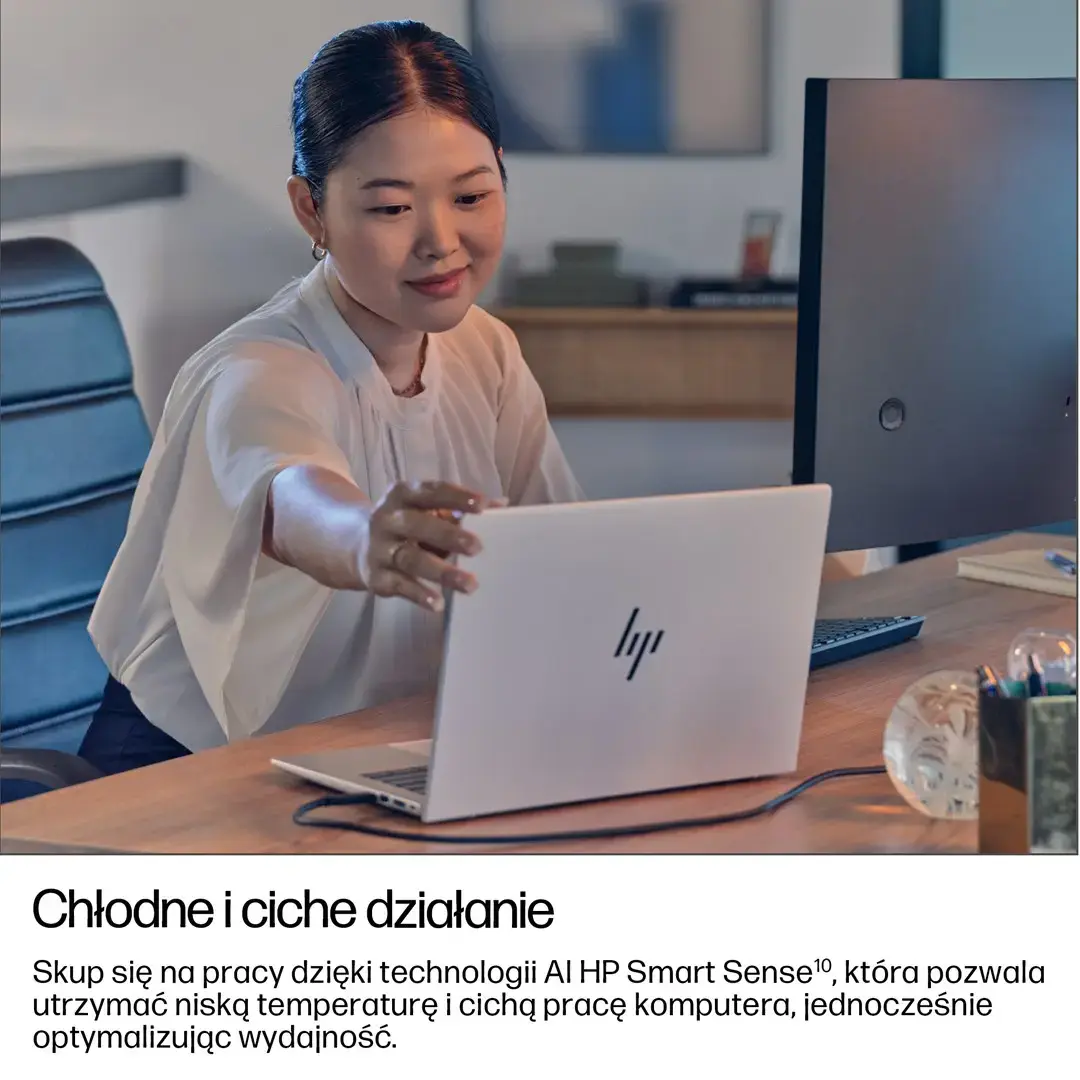
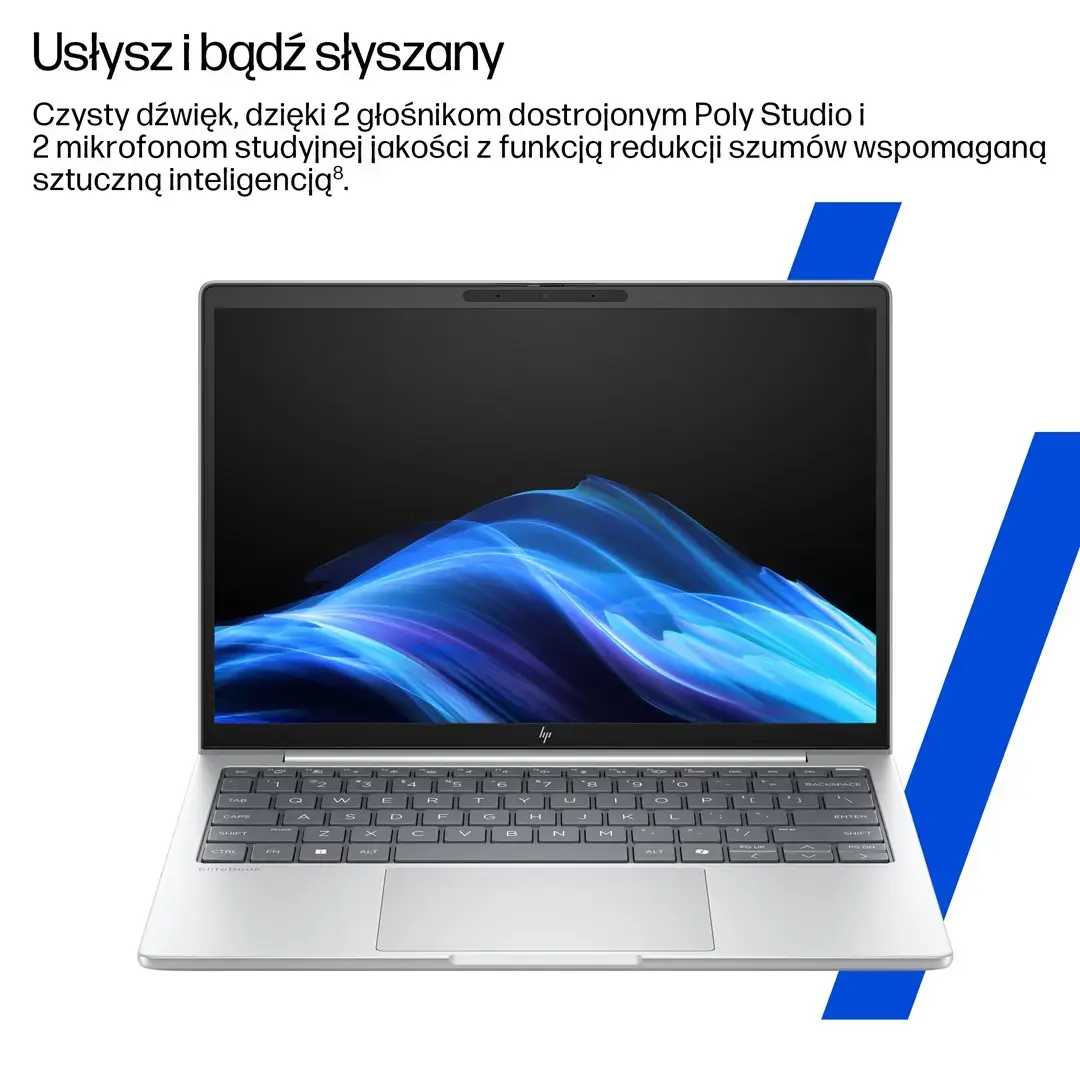
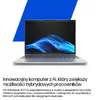
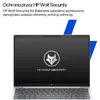
HP EliteBook G8 Ultra 7 255U is a 16" business notebook with a WUXGA IPS display offering 400 nits of brightness. Configured with 32GB DDR5-5600 memory and a 1TB SSD, this laptop combines responsive performance and fast storage suitable for demanding professional workloads. Integrated Intel Arc graphics support multimedia editing and visual tasks, while a 5 MP AI-enhanced IR webcam and built-in privacy features address secure video conferencing and identity protection. The system ships with Windows 11 Pro and runs on a 62Wh battery, providing a balance of mobility and endurance for everyday office use.
The combination of high-speed DDR5 memory and NVMe SSD storage reduces application load times and enables smoother multitasking. The bright 16" WUXGA IPS screen ensures consistent color and wide viewing angles for extended work sessions. Intel Arc graphics provide hardware-accelerated rendering for creative applications and media playback. The 5 MP AI-enhanced IR camera improves video quality and supports secure sign-in, while business-grade OS and hardware features enhance manageability and device security.
Power on the notebook and complete the initial Windows 11 Pro setup to configure user accounts and security options. Use the built-in camera and microphone for secure video meetings; enable IR sign-in in system settings for facial recognition. Install required productivity and creative software on the SSD for fast launch times, and keep device drivers and firmware updated through HP Support to maintain performance and security. Adjust display brightness and power settings to balance battery life and visual comfort during extended use.
For optimal performance, use the notebook on a stable surface with adequate ventilation, keep the SSD storage at least 15% free for sustained write performance, and install regular OS and driver updates. When using video conferencing, position the 5 MP AI-enhanced IR webcam at eye level and enable privacy settings to control camera access. For longer unplugged sessions, select balanced power mode and reduce screen brightness to extend battery runtime.
{{highlightedFeature.featureTitle}}:
{{getProductFeatureValueById(product, highlightedFeature.featureId)}}
{{ productComparisonGenerationError }}
