





Hurry and order now – up to 50% off!
In cart {{totalProductsCount}} item(s)
Your cart is empty
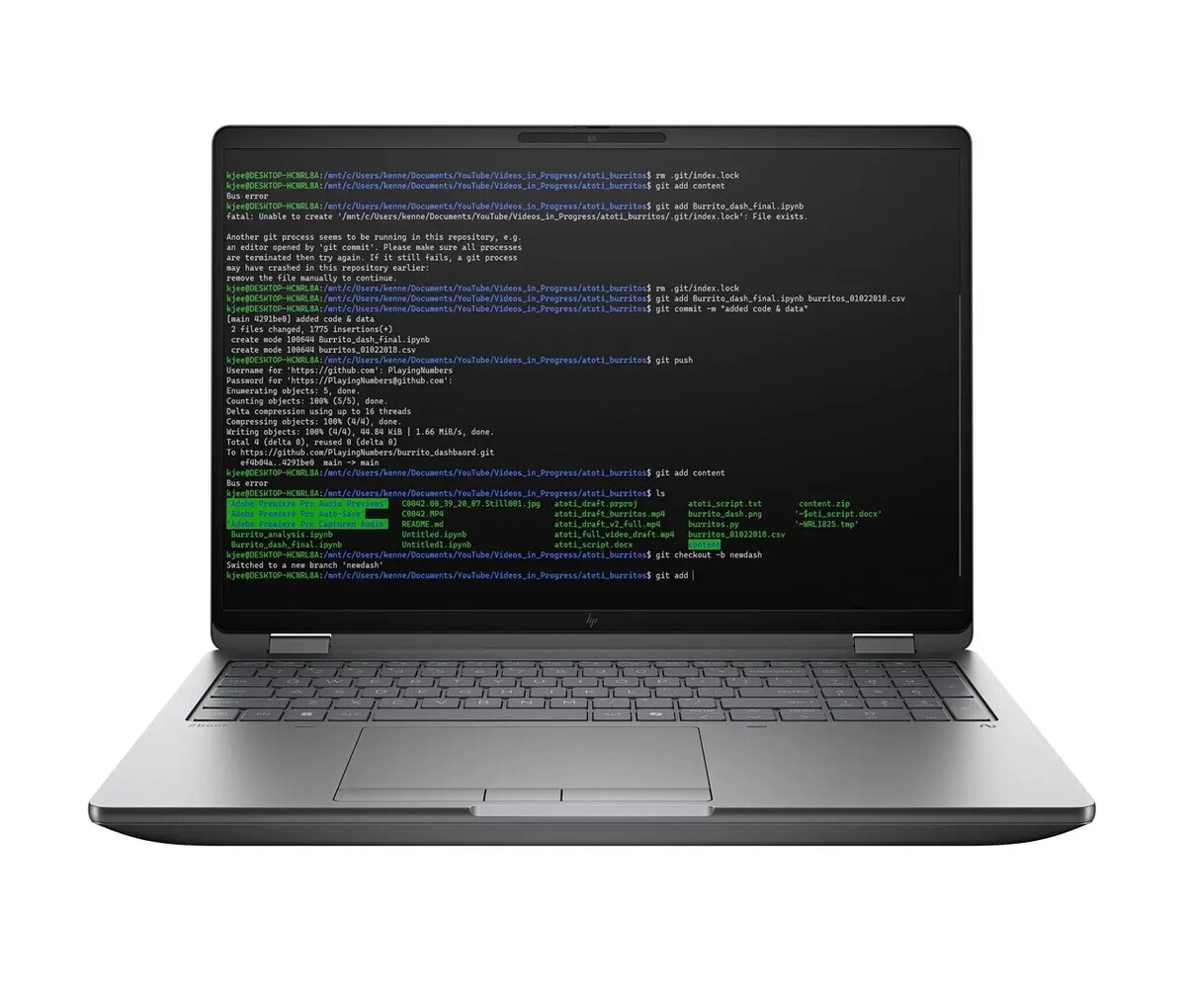
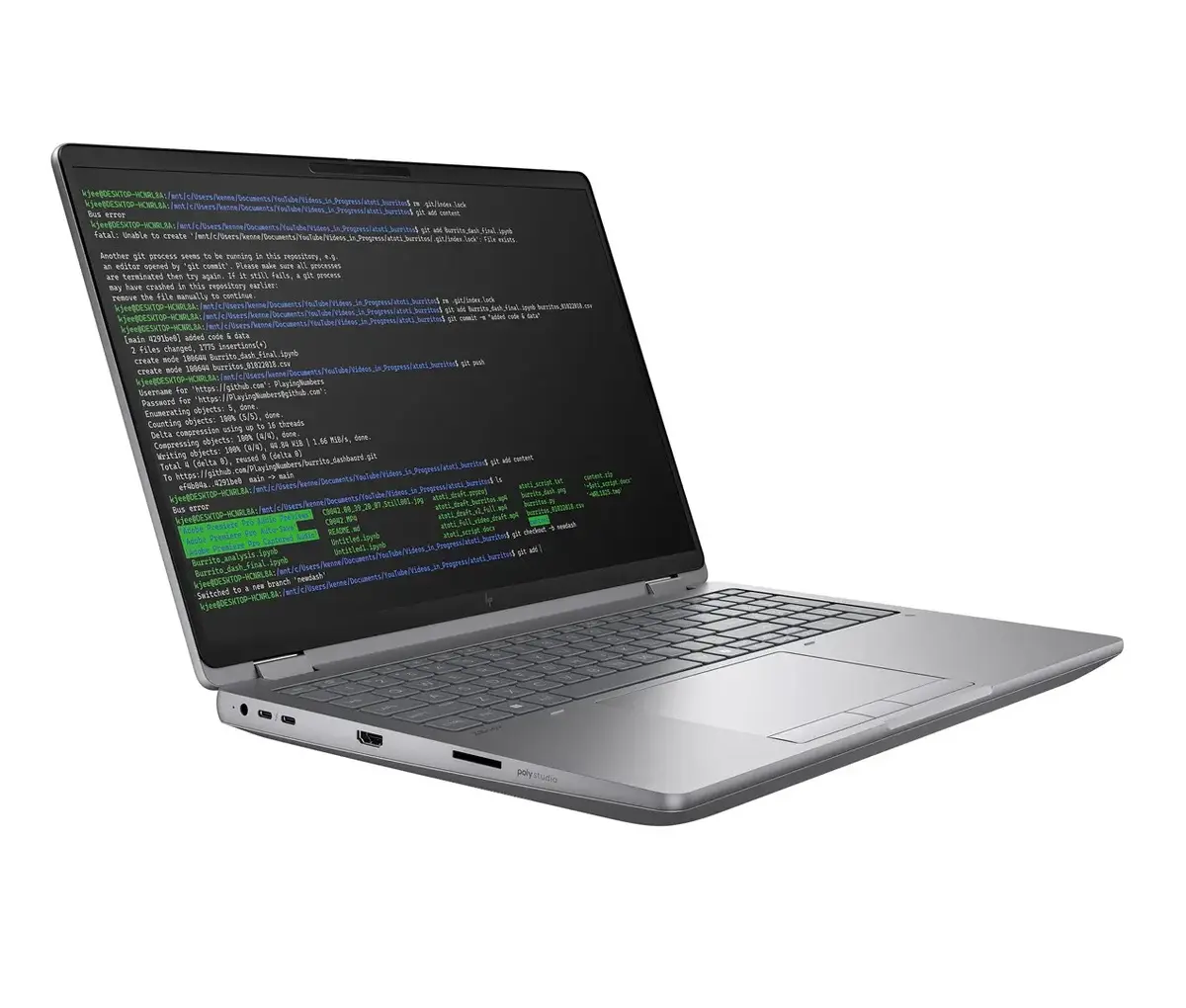
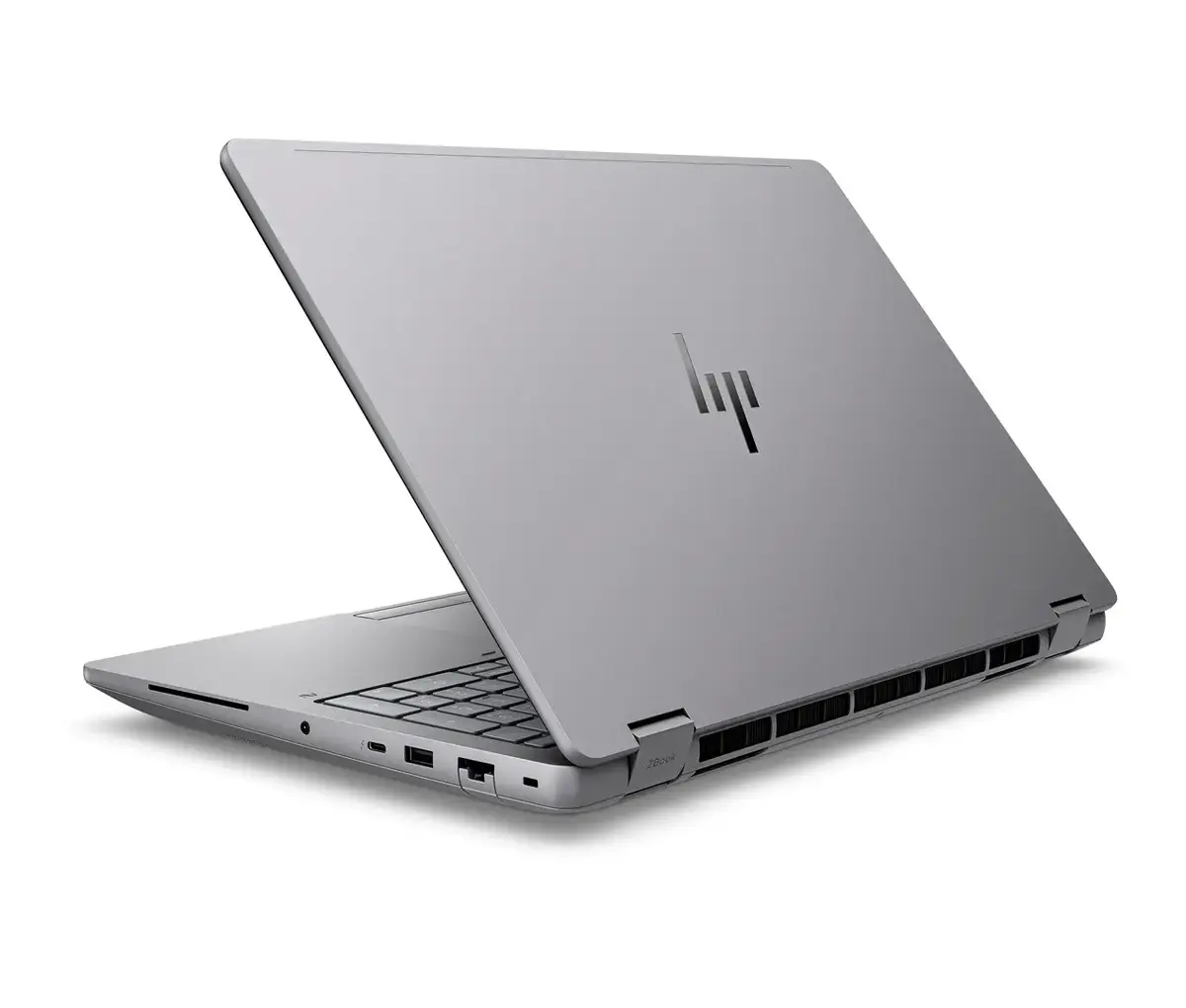
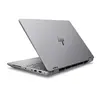
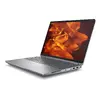
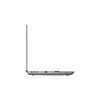
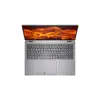
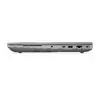
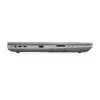
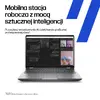
Mobile workstation laptop HP ZBook Fury 16 G1i Ultra 7 255HX — 16.0" WUXGA IPS, 16GB DDR5, 512GB SSD, NVIDIA RTX Pro 1000 8GB, Windows 11 Pro
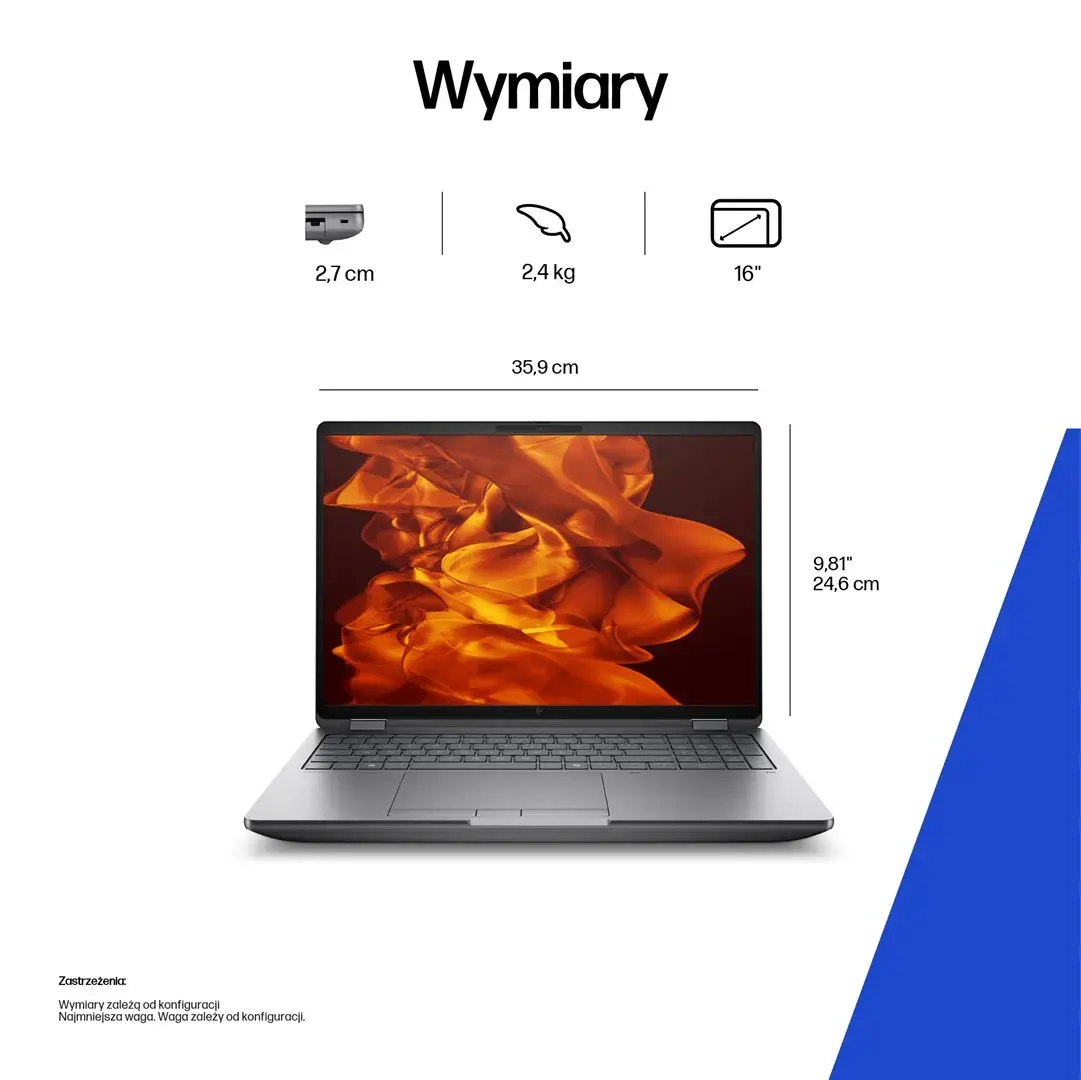
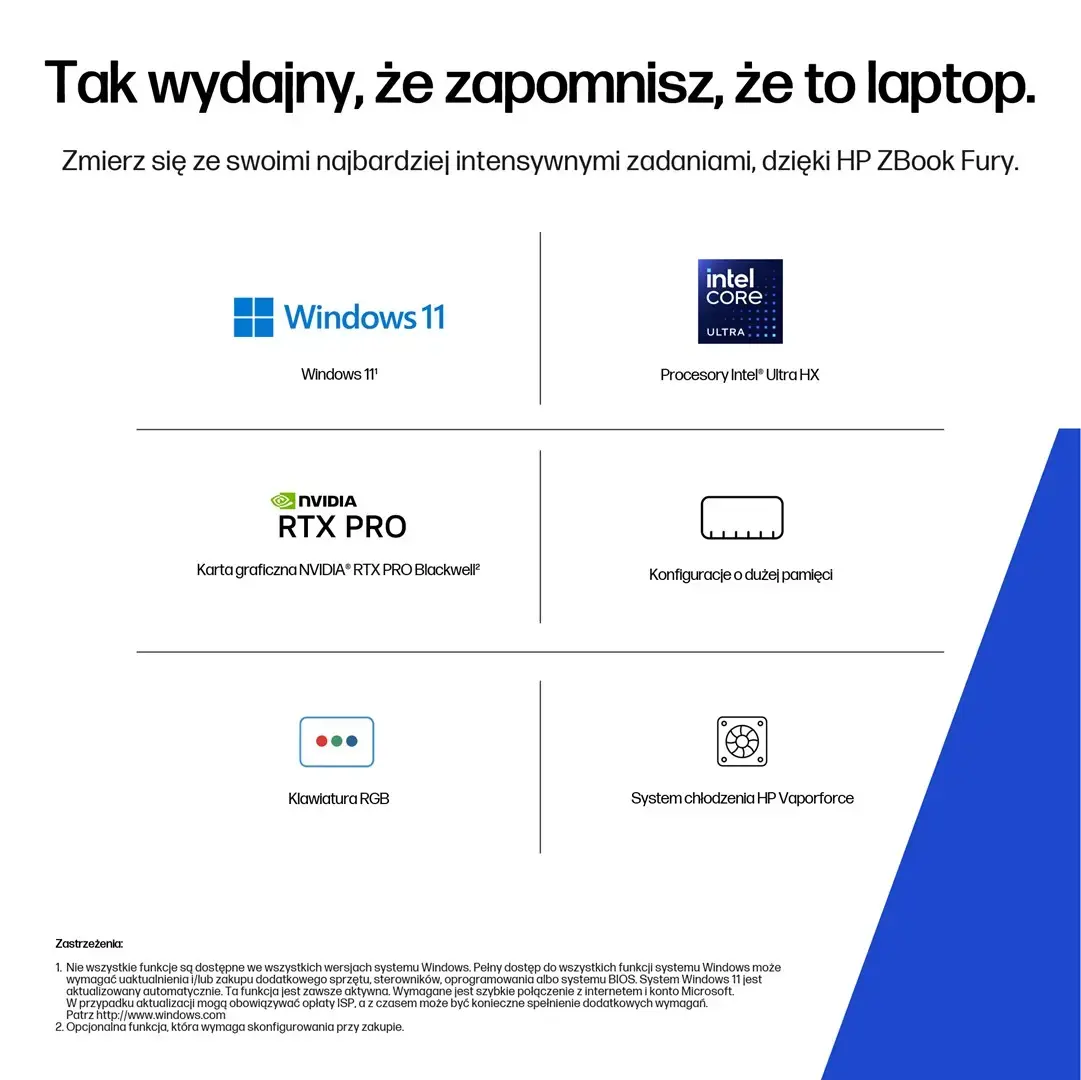
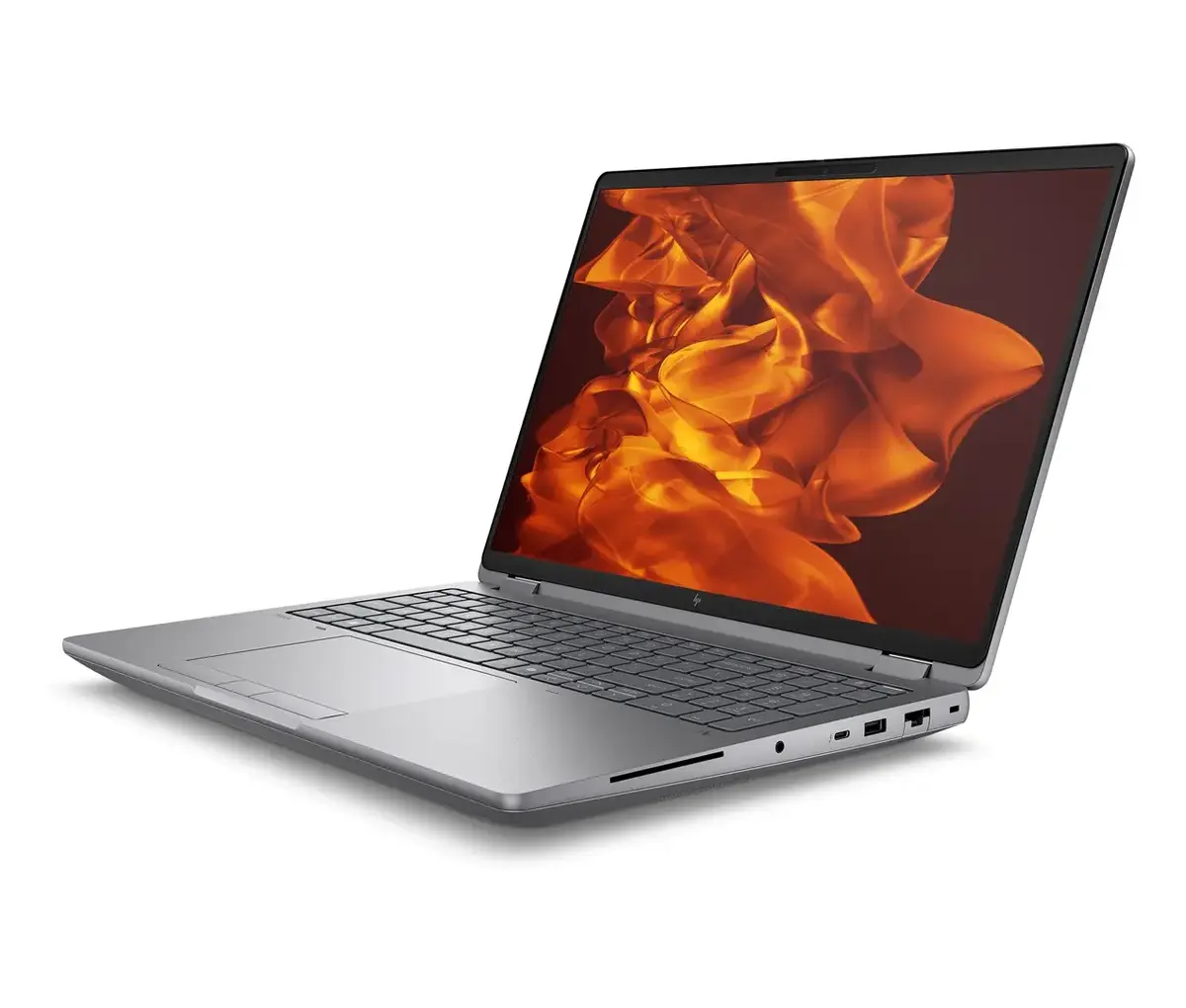
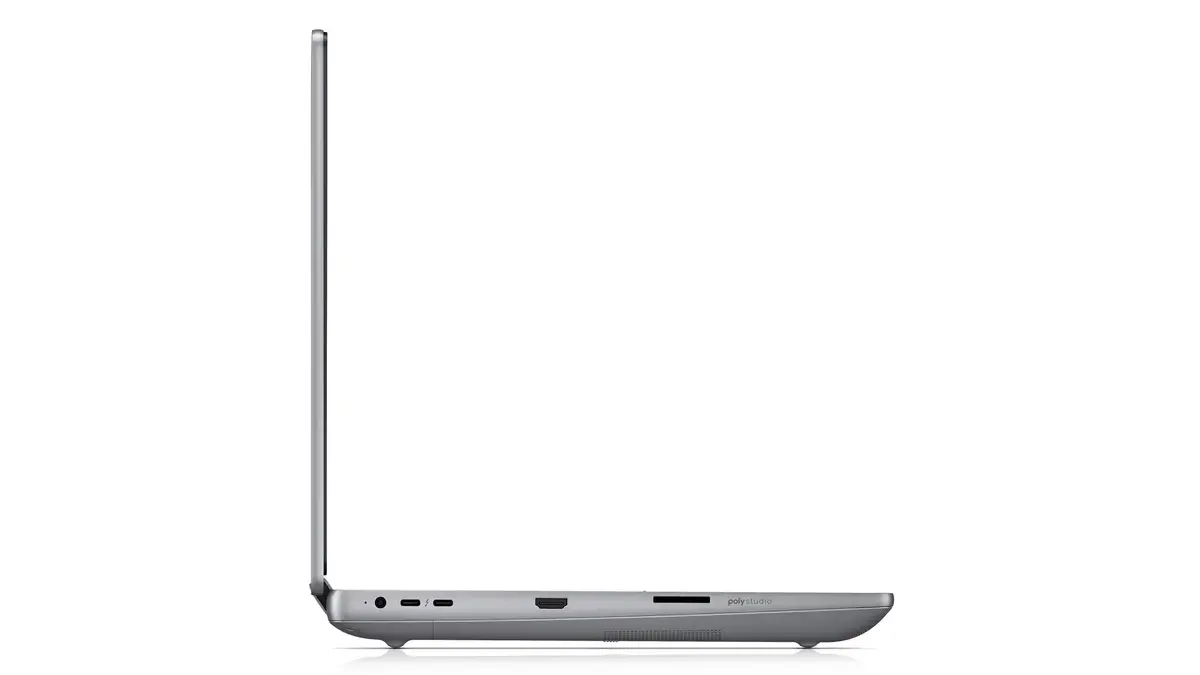
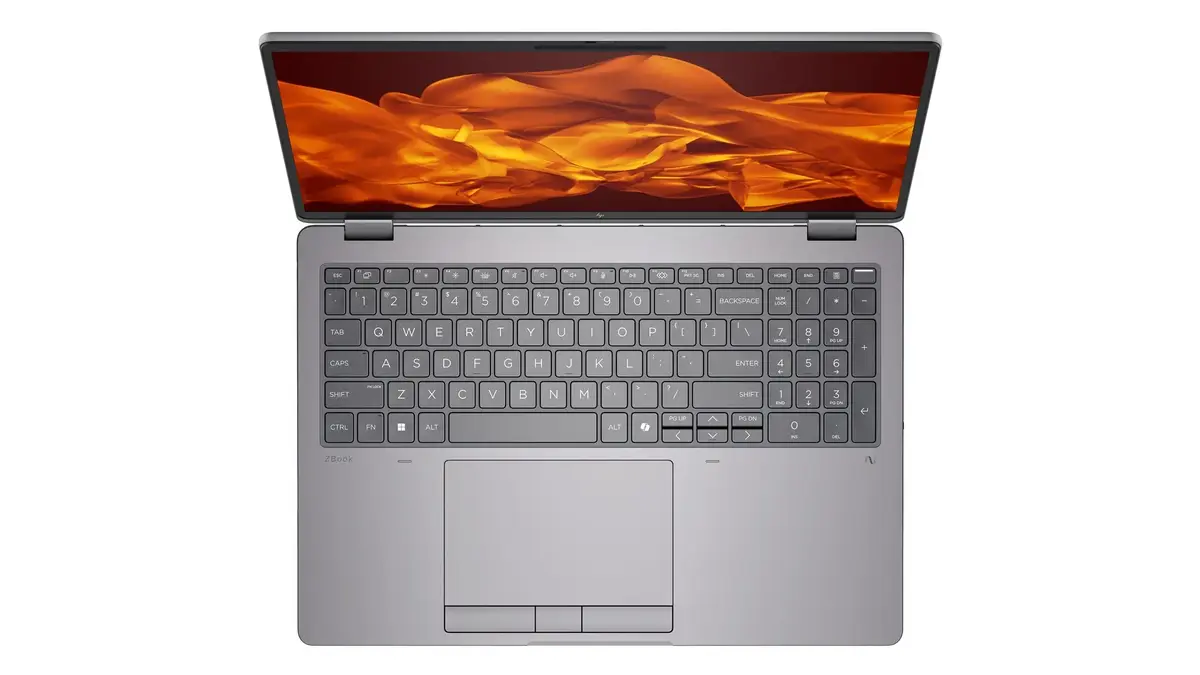
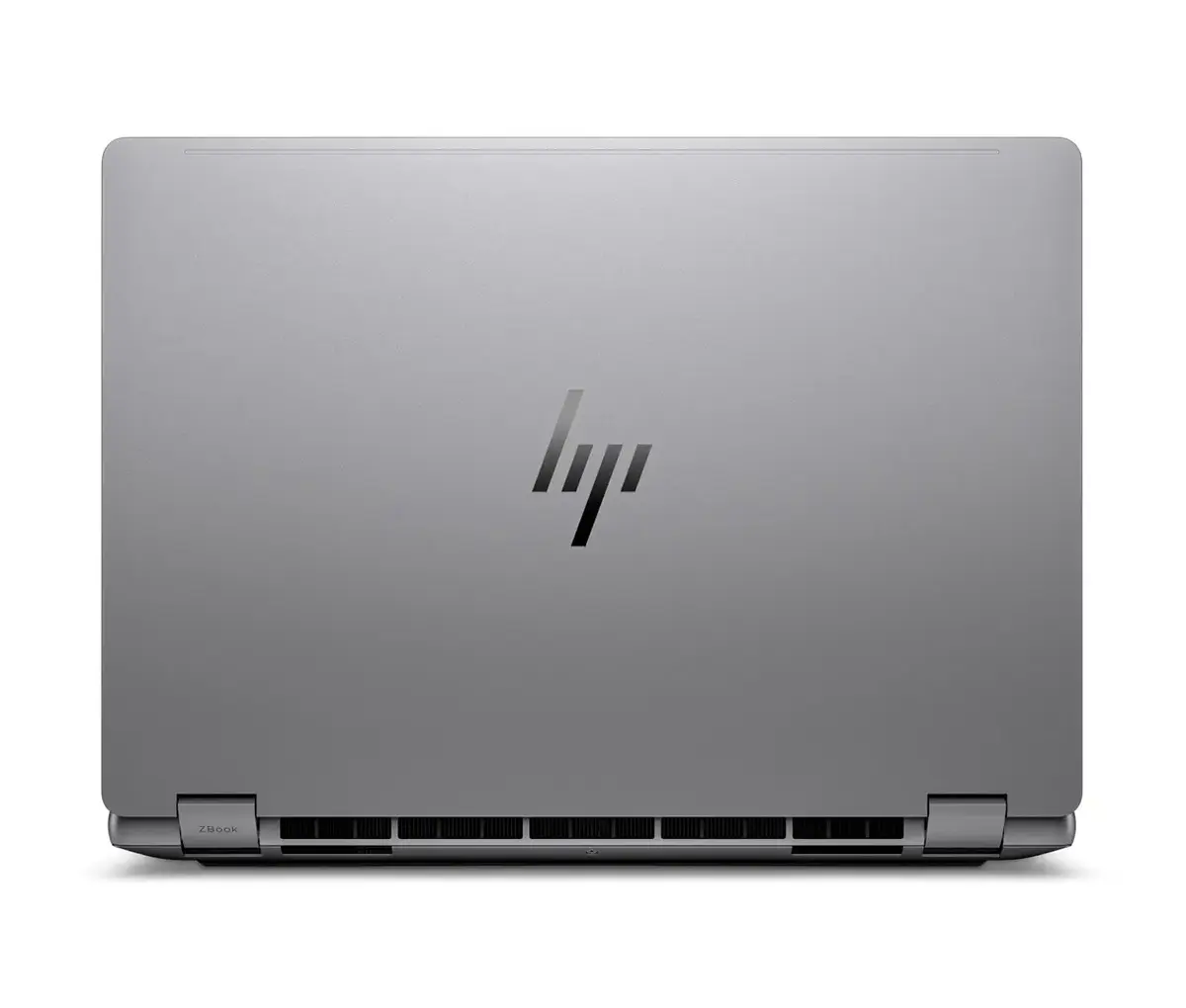
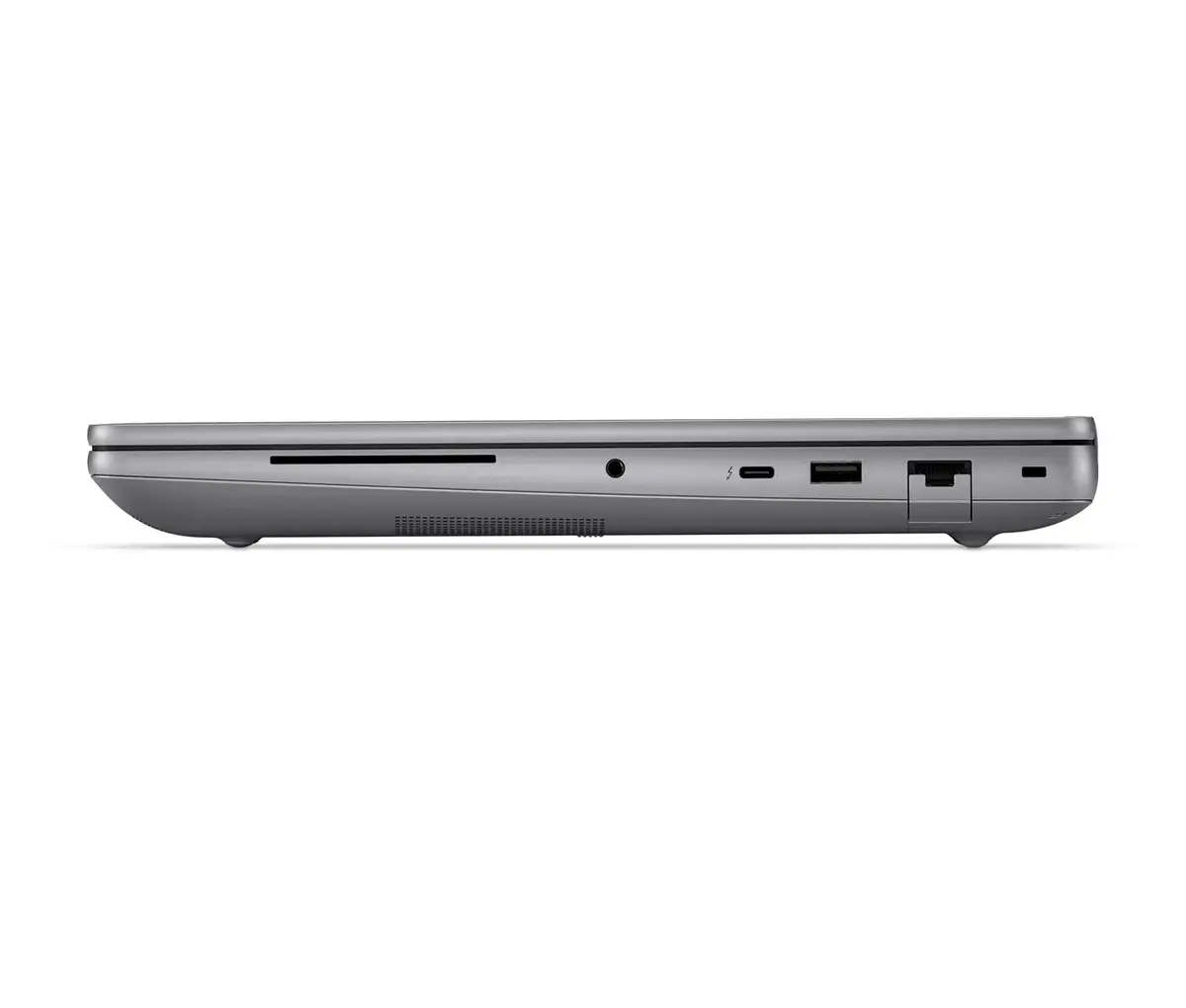
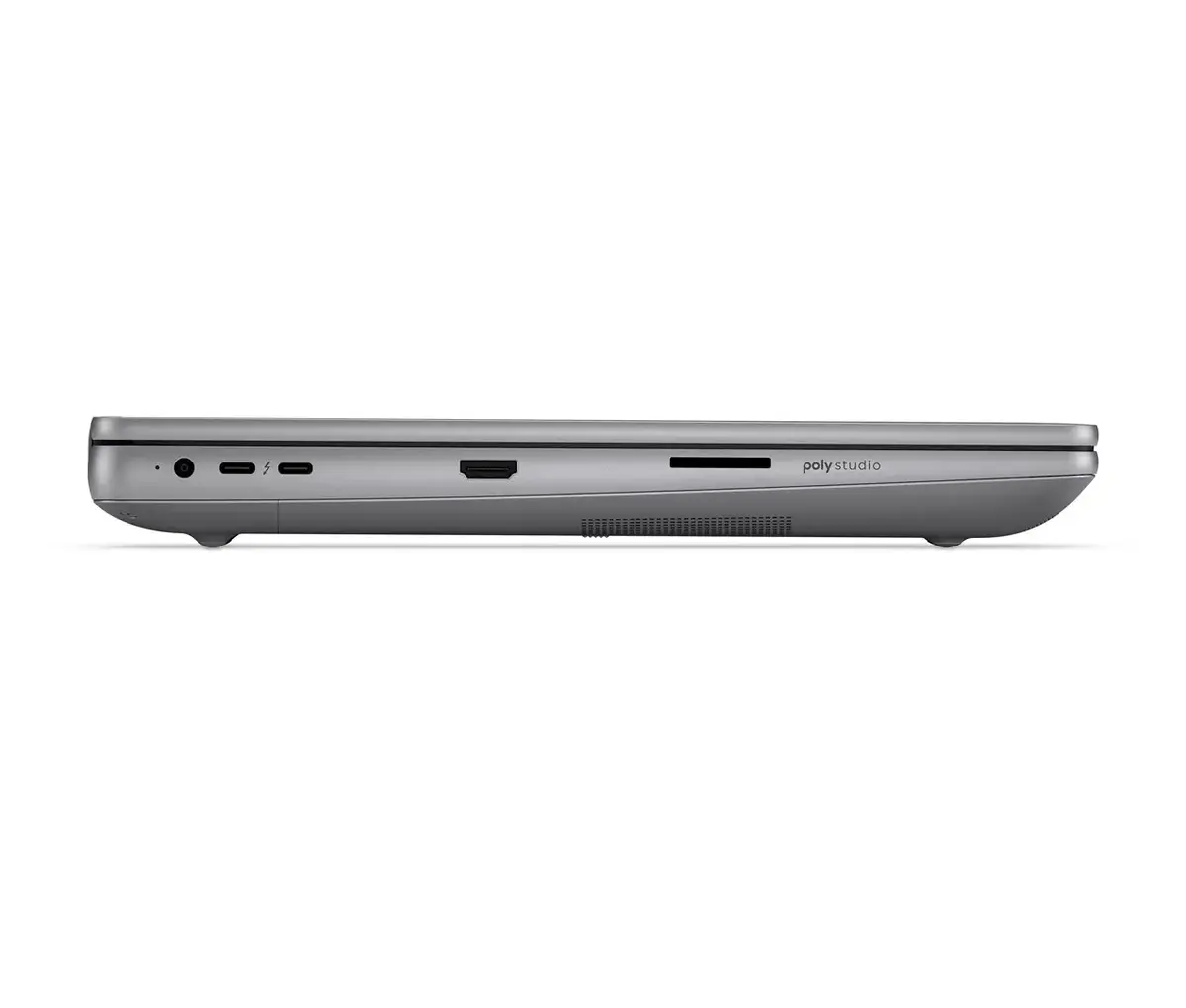
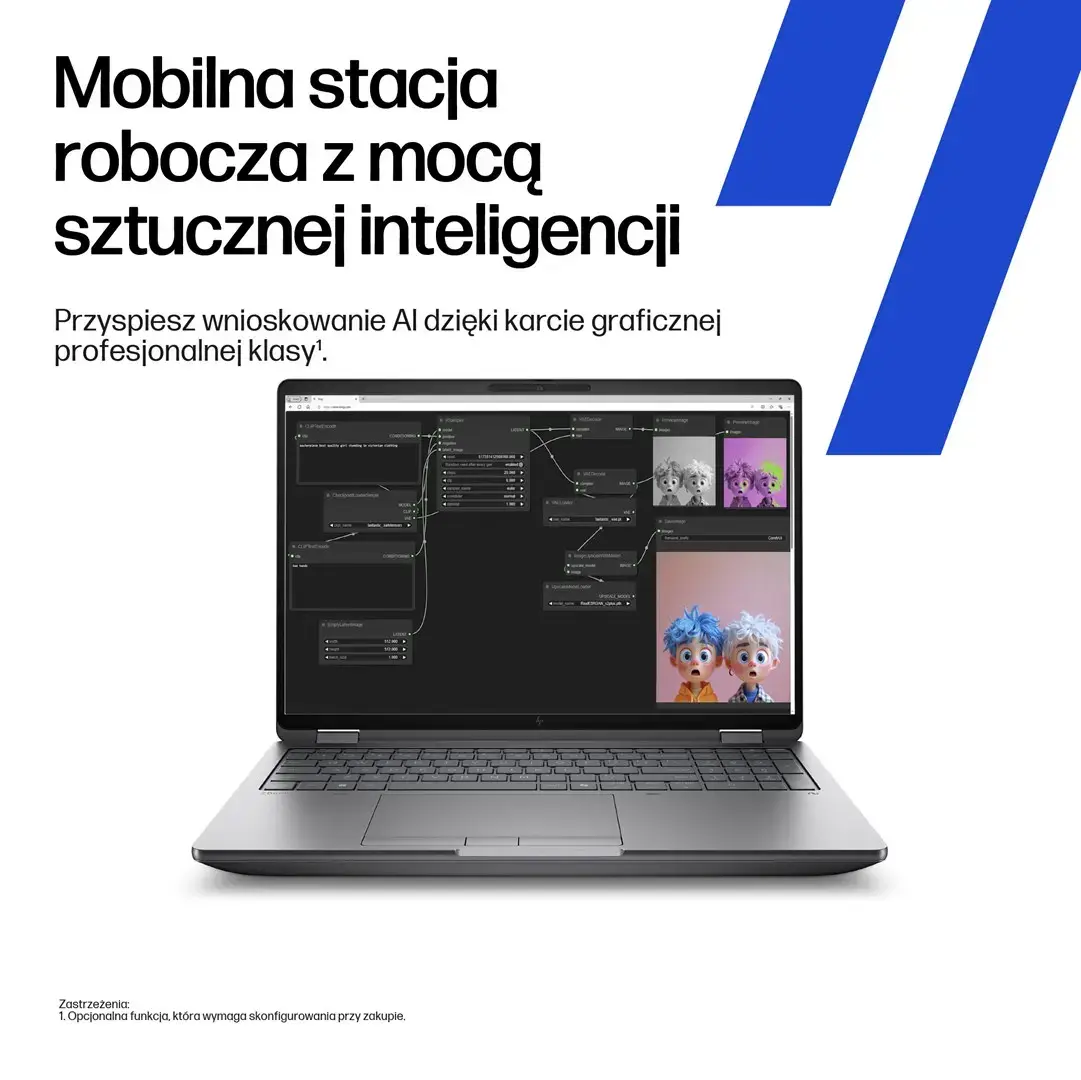
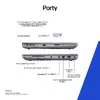
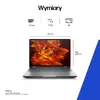
HP ZBook Fury 16 G1i Ultra 7 255HX is a mobile workstation laptop designed for high-performance professional tasks. It features an AMD Ryzen 7 255HX (Ultra 7) processor, a 16.0" WUXGA IPS display with 400 nits brightness, 16GB DDR5 5600 RAM and a 512GB SSD. Graphics are handled by an NVIDIA RTX PRO 1000 with 8GB memory. The system includes an IR-capable 5 MP webcam, a high-capacity 99Wh battery and ships with Windows 11 Pro. The configuration is intended to support CAD, 3D rendering and other demanding mobile workflows while offering a balance between performance and portability.
The combination of an AMD Ryzen 7 255HX processor and 16GB DDR5 memory provides responsive multitasking and improved throughput for professional applications. The WUXGA IPS panel with 400 nits offers wide viewing angles and adequate brightness for indoor and controlled outdoor environments. The NVIDIA RTX PRO 1000 8GB GPU delivers hardware-accelerated rendering and GPU compute capabilities useful for CAD and 3D workloads. A 512GB SSD ensures fast storage access and system responsiveness, while the 99Wh battery supports extended mobile use. The inclusion of an IR 5MP webcam enhances secure sign-in and high-resolution video conferencing. Windows 11 Pro provides business features and security controls expected in workstation-class devices.
Power on the laptop and complete the initial Windows 11 Pro setup. Install required professional applications (CAD, 3D software, GPU-accelerated tools) and update drivers via HP Support or Microsoft Update to ensure compatibility with the NVIDIA RTX PRO GPU. Use the system settings to configure power profiles that balance performance and battery life depending on whether you are on a workstation or mobile environment. For secure sign-in and video calls, configure facial recognition through Windows Hello using the IR webcam. Regularly back up work to external storage or cloud services and monitor available SSD space to maintain system responsiveness.
For demanding CAD and 3D workloads, use the High Performance power plan and ensure the latest certified GPU drivers are installed. When working on battery, select a balanced power profile to extend runtime. Keep ventilation areas clear and perform periodic driver and BIOS updates from HP to maintain stability. For long-term storage of large projects, pair the internal 512GB SSD with external NVMe or network storage.
{{highlightedFeature.featureTitle}}:
{{getProductFeatureValueById(product, highlightedFeature.featureId)}}
{{ productComparisonGenerationError }}
