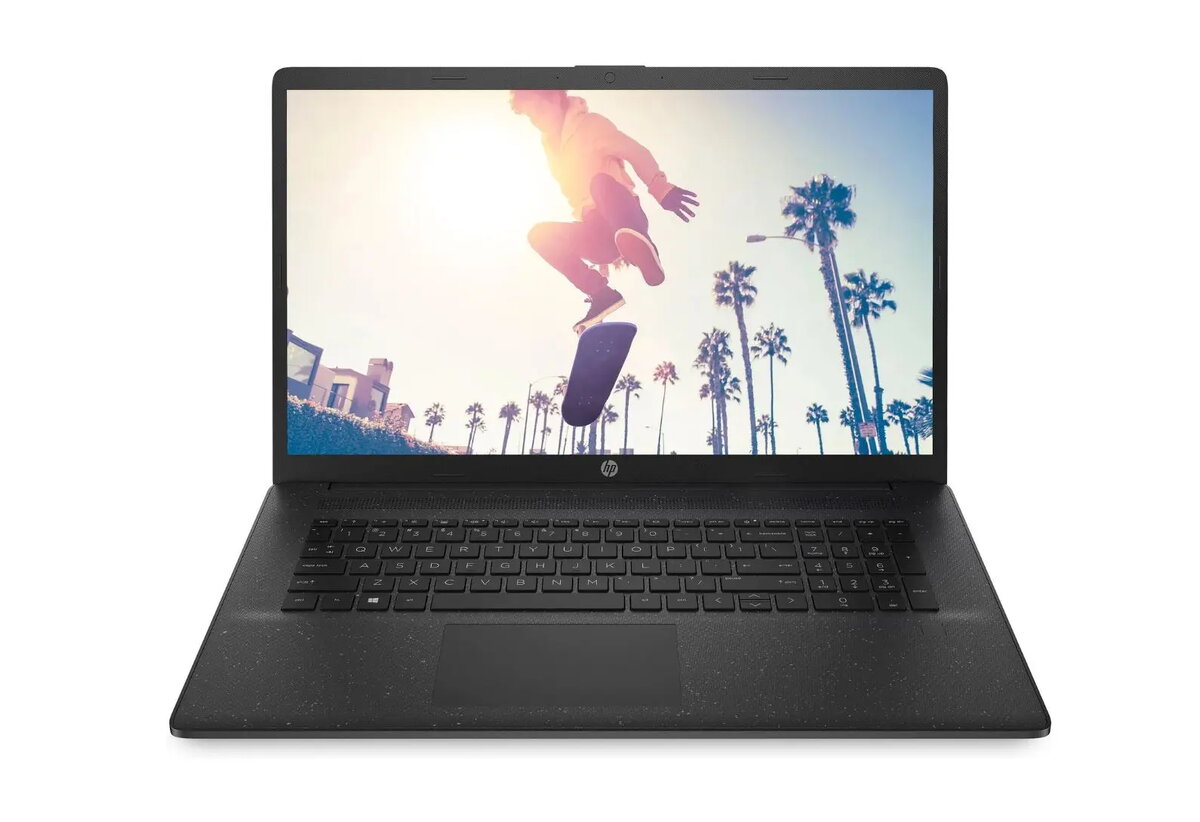
The laptop Laptop HP 17.3" FHD IPS N200 8GB RAM 512GB SSD Intel UHD HDMI Wi‑Fi BT nOS is compared against several similar alternatives: Laptop Asus Vivobook 17 X1704VA, Laptop HP 17-cn3132ng, HP Chromebook x360 14b-cd0420ngx, Laptop Lenovo V17-IRU, and Laptop HP Notebook 17-cn4159ng. All devices target everyday productivity, web browsing, and multimedia use, but they differ in processor performance, RAM capacity, operating systems, and screen sizes.
⚙️ The table below compares key product characteristics, including screen size and type, processor, memory and storage capacity, as well as software and form factor features.
| Parameter | Laptop HP 17.3" FHD IPS N200 8GB RAM 512GB SSD Intel UHD HDMI Wi‑Fi BT nOS | Laptop Asus Vivobook 17 X1704VA | Laptop HP 17-cn3132ng | HP Chromebook x360 14b-cd0420ngx | Laptop Lenovo V17-IRU | Laptop HP Notebook 17-cn4159ng | Practical Conclusion |
|---|
| Display | 17.3" FHD IPS (1920x1080) | 17.3" FHD (1920x1080) | 17.3" FHD IPS | 14" FHD Touch IPS | 17.3" FHD IPS | 17.3" FHD IPS | Most options provide a spacious 17.3-inch display for comfortable document handling, whereas the Chromebook features a compact 14-inch touchscreen. |
| Processor & Memory | Intel N200, 8GB RAM, 512GB SSD | Intel Core 3 100U, 16GB DDR5, 512GB SSD | Intel Core i3-N305, 8GB RAM, 512GB SSD | Intel N200, 8GB RAM, 128GB UFS | Intel Core i5-13420H, 8GB RAM, 512GB SSD | Intel Core 5 120U, 16GB RAM, 512GB SSD | The HP model with N200 and 8GB RAM suits basic tasks, while the Lenovo, Asus, and HP alternatives with Core i3/i5/Core 5 processors and 16GB RAM deliver higher overall computing performance. |
| OS & Features | No OS (nOS) | Windows 11 Home | No OS | Chrome OS, 2-in-1 convertible | FreeDos | No OS | Most models ship without an OS or with FreeDos (requiring manual OS setup), except for the Asus featuring pre-installed Windows 11 and the Chromebook running cloud-friendly Chrome OS. |
◎ The suitability table below helps determine which device best fits specific usage scenarios and buyer requirements.
| Use case | Recommended product | Why |
|---|
| Basic office tasks, studying, and web browsing | Laptop HP 17.3" FHD IPS N200 8GB RAM 512GB SSD Intel UHD HDMI Wi‑Fi BT nOS | Provides a well-balanced feature set for daily tasks on a large screen without paying extra for heavy-duty processing power. |
| More demanding applications and multitasking | Laptop Asus Vivobook 17 X1704VA or Laptop HP Notebook 17-cn4159ng | Equipped with 16 GB of RAM and stronger processors to handle heavier workloads more smoothly. |
| Maximum processing power | Laptop Lenovo V17-IRU | Utilizes a high-performance Intel Core i5 processor designed for intensive computing workflows. |
| Mobility and touch control | HP Chromebook x360 14b-cd0420ngx | Features a 2-in-1 convertible design and a 14-inch touchscreen, making it convenient for travel and touch-based media consumption. |
The main laptop differs from the alternatives by offering an optimal combination of a large 17.3-inch display and an entry-level Intel N200 configuration with 512 GB of storage without a pre-installed operating system. It is best suited for users looking for an affordable, spacious workstation for everyday tasks and web use who prefer installing their own OS. You should choose the alternatives if you need a ready-to-go Windows environment, higher RAM capacity, or a more compact touchscreen form factor.