
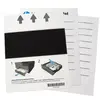

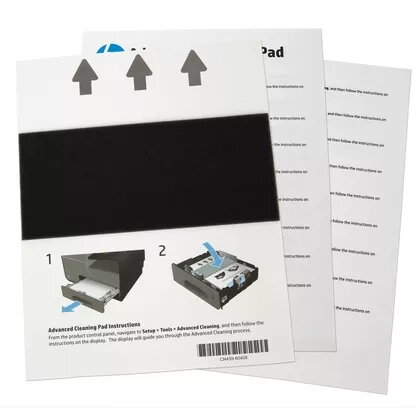
Printer cleaning sheet HP CN459-67006
70.99 €
{{selectedOffer && selectedOffer.price | formatAmount}}
Offer for legal entity, cashless payment.
Why is an item available only for a legal entity?
This is due to long delivery times and limited product warranties.
This is due to long delivery times and limited product warranties.
Short description
The HP CN459-67006 printer cleaning sheet is designed for effective maintenance of HP printers. Compatible with OfficeJet Pro X451dn, X451dw, X476dn MFP, and X476dw MFP models, this cleaning sheet helps remove dust and debris from the printer's internal components, ensuring optimal print quality and longevity of the device. Regular use of this cleaning sheet can prevent print quality issues and extend the life of your printer.
Available for order:
5 pcs.
Warranty:
2 Years
SKU:
3997331


Cheapest delivery:
Unisend LV
Pick-up points
Unisend LV
Cost
1.79 €
Deliver
{{selectedOffer.parcelStationDeliveryString}}
Customer service center
2b. Kengaraga str., Riga, Latvia, LV-1063
30.07.2026
{{selectedOffer.officeDeliveryString}}
free
Courier Delivery
Please note that in case of a large parcel additional delivery costs may apply!
From 4.99 € (Weight: 0.18 kg)
Parcel couriers
Unisend LV / Venipak Pickup LV / Venipak Locker LV / Latvijas Pasts pakomāts / DPD Paku skapis / Omniva LV / Latvijas Pasts nodaļa
04.08.2026
{{selectedOffer.parcelStationDeliveryString}}
From 1.79 €

Payment Methods:
Bank transfer


