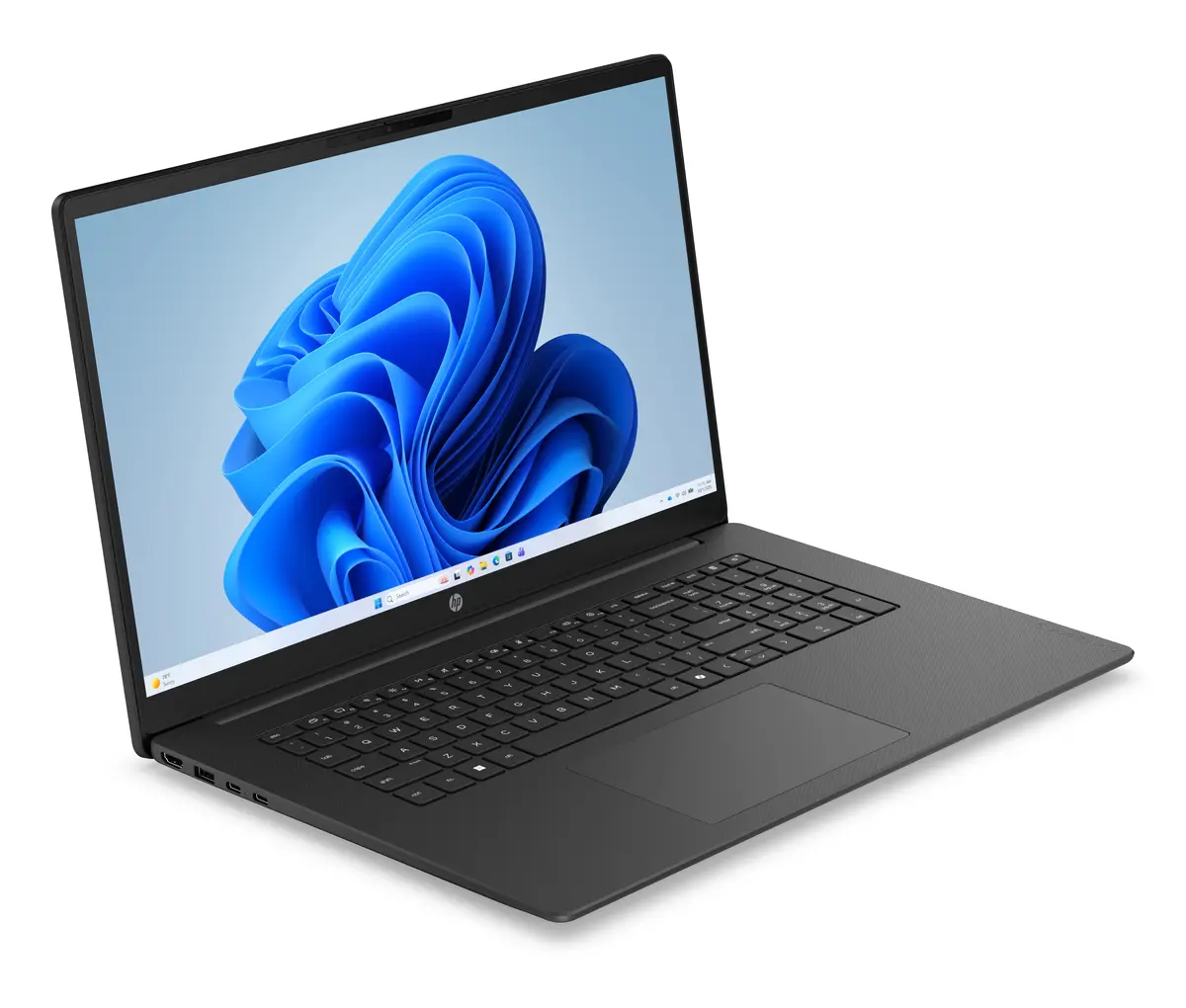
The HP OmniBook 3 17-dp0131ng laptop is compared with several close alternatives from the same series: the HP OmniBook 3 17-dp0130ng, HP OmniBook 3 17-dp0158ng, HP OmniBook 3 17-dp0157ng, HP OmniBook 3 17-dp0159ng, and HP OmniBook 3 16-by0170ng. All these products share a large and clear Full HD IPS display, a fast 512GB solid-state drive, and a primary focus on everyday productivity, study, and multimedia consumption. The main differences between the devices lie in the pre-installed operating system (Windows 11 or FreeDOS), the amount of RAM (8GB or 16GB), the processor model (AMD Ryzen 3 or the more capable AMD Ryzen 5 7520U), and the screen size—most compared devices feature a spacious 17.3-inch display, while one alternative model is equipped with a more compact 16-inch screen.
⚙️ In the specifications comparison table below, we will compare the main characteristics of the devices: screen size, processor type, RAM capacity, storage capacity, and operating system, to highlight the technical differences between them.
| Parameter | HP OmniBook 3 17-dp0131ng | HP OmniBook 3 17-dp0130ng | HP OmniBook 3 17-dp0158ng | HP OmniBook 3 17-dp0157ng | HP OmniBook 3 17-dp0159ng | HP OmniBook 3 16-by0170ng | Practical significance |
|---|
| Screen diagonal | 17.3 inches | 17.3 inches | 17.3 inches | 17.3 inches | 17.3 inches | 16 inches | A larger screen is more convenient for document work and media, while the 16-inch version is more compact for portability. |
| Processor | AMD Ryzen 3 | AMD Ryzen 3 | AMD Ryzen 5 7520U | AMD Ryzen 5 7520U | AMD Ryzen 5 7520U | AMD Ryzen 5 7520U | Ryzen 5 processors deliver higher performance in multitasking scenarios compared to Ryzen 3. |
| RAM | 8GB | 8GB | 8GB | 16GB | 8GB | 8GB | The 16GB modification is better suited for running multiple demanding applications simultaneously. |
| Storage | 512GB SSD | 512GB SSD | 512GB SSD | 512GB SSD | 512GB SSD | 512GB SSD | The identical fast storage capacity ensures quick system boot times and ample space for files across all models. |
| Operating system | Windows 11 Home | FreeDOS | Windows 11 | FreeDOS | FreeDOS | FreeDOS | Versions with Windows 11 are ready to use right out of the box, whereas FreeDOS requires manual OS installation. |
◎ Below is a suitability table to help determine which model best matches specific user scenarios and tasks.
| Use case | Recommended product | Why |
|---|
| Ready-to-use out-of-the-box experience for everyday tasks | HP OmniBook 3 17-dp0131ng | Comes with pre-installed Windows 11 and offers balanced performance for studying, office work, and web browsing. |
| Office tasks with the need to choose your own OS | HP OmniBook 3 17-dp0130ng | Shares core specifications with HP OmniBook 3 17-dp0131ng, but runs on FreeDOS for custom system configuration. |
| Heavier workloads and frequent multitasking | HP OmniBook 3 17-dp0158ng or HP OmniBook 3 17-dp0159ng | Equipped with a faster AMD Ryzen 5 7520U processor while retaining the large screen and a pre-installed OS in one of the variants. |
| Maximum smoothness when running many apps | HP OmniBook 3 17-dp0157ng | Increased 16GB RAM capacity paired with the Ryzen 5 processor provides greater headroom for performance. |
| Working on the go with an emphasis on mobility | HP OmniBook 3 16-by0170ng | Offers a Ryzen 5 processor in a more compact chassis with a 16-inch screen, making it easier to transport frequently. |
HP OmniBook 3 17-dp0131ng is ideally suited for users looking for a large 17.3-inch laptop for daily productivity, study, and multimedia with Windows 11 pre-installed, avoiding the need for manual software setup. If you require higher computing power for multitasking, models featuring the Ryzen 5 processor are better choices, while FreeDOS variants suit those who prefer choosing their own operating system.