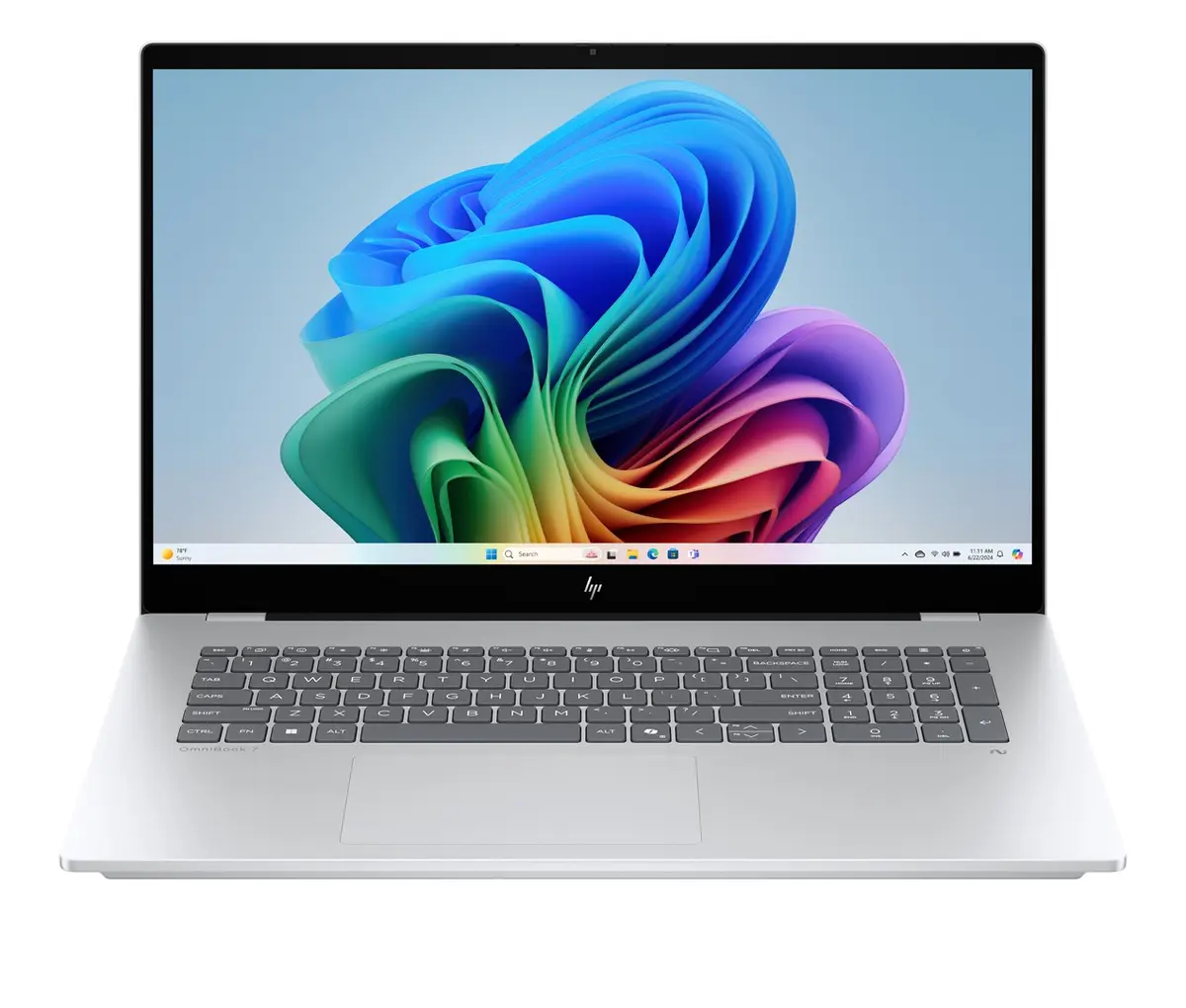
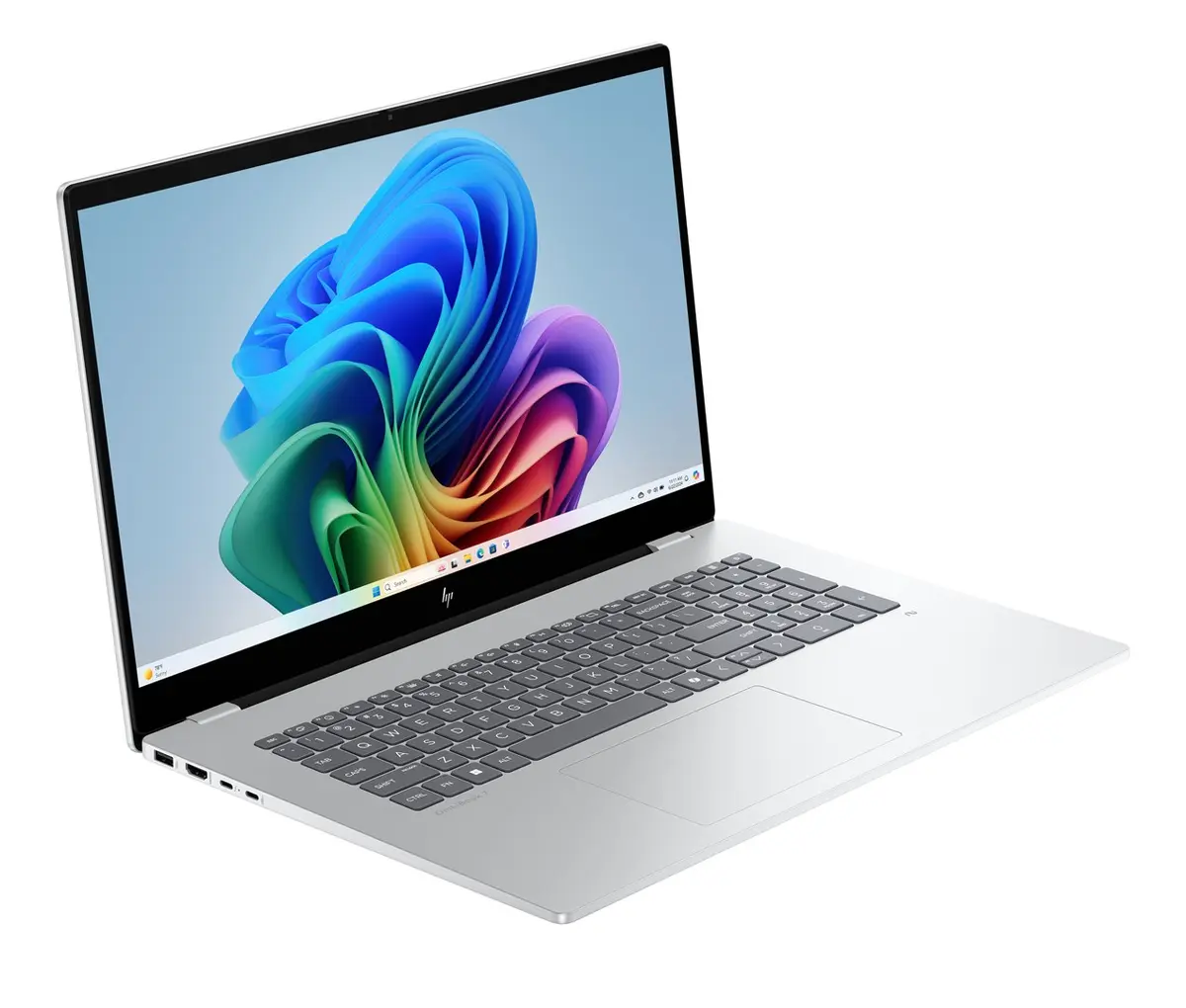
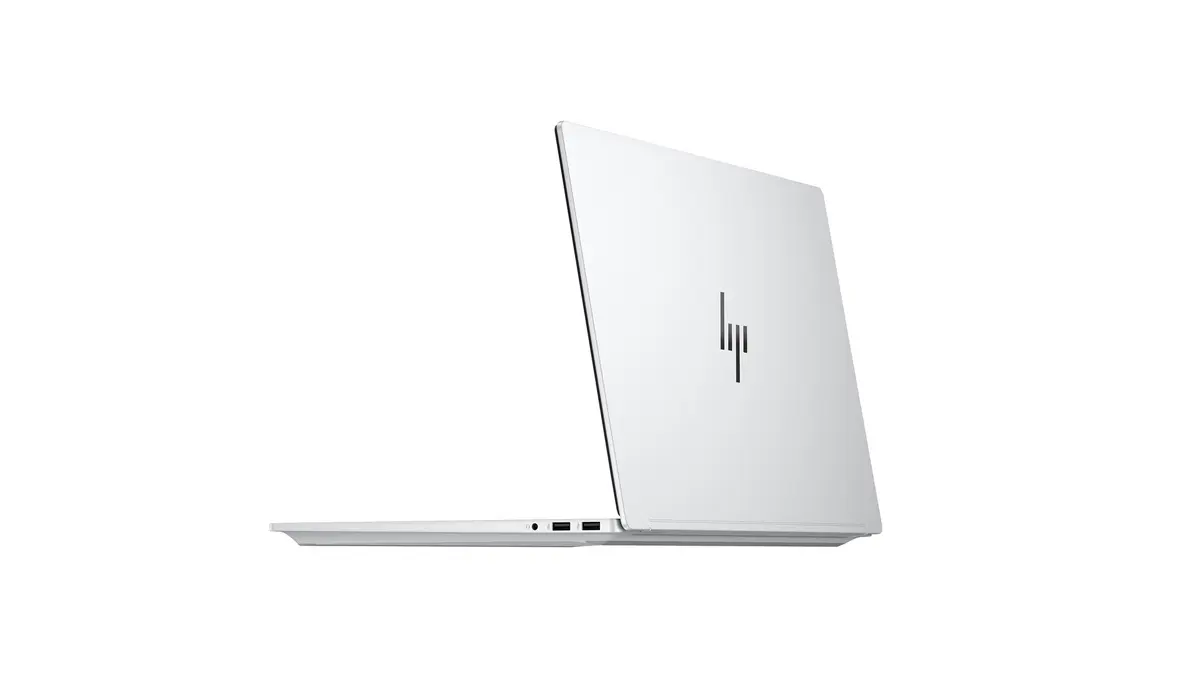
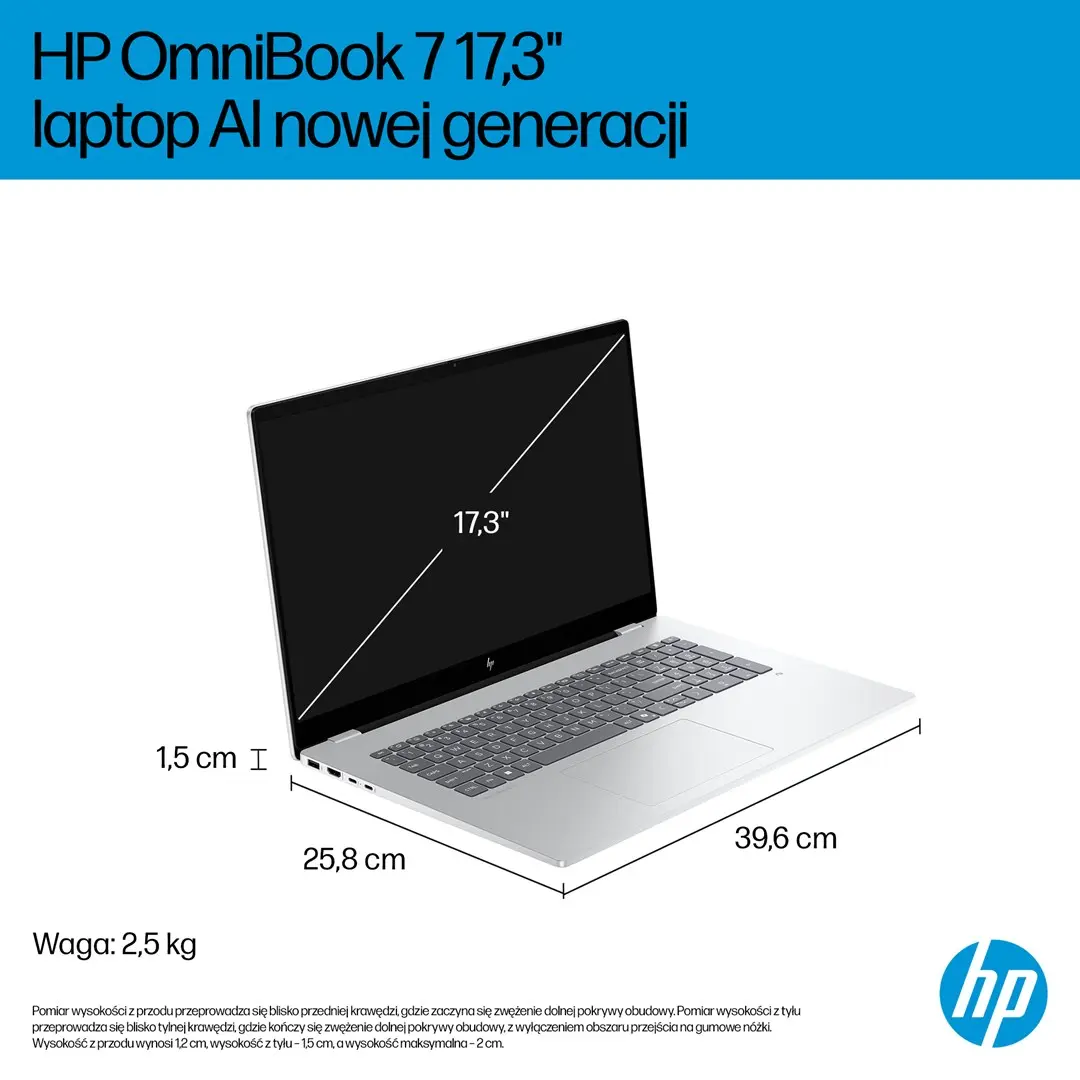
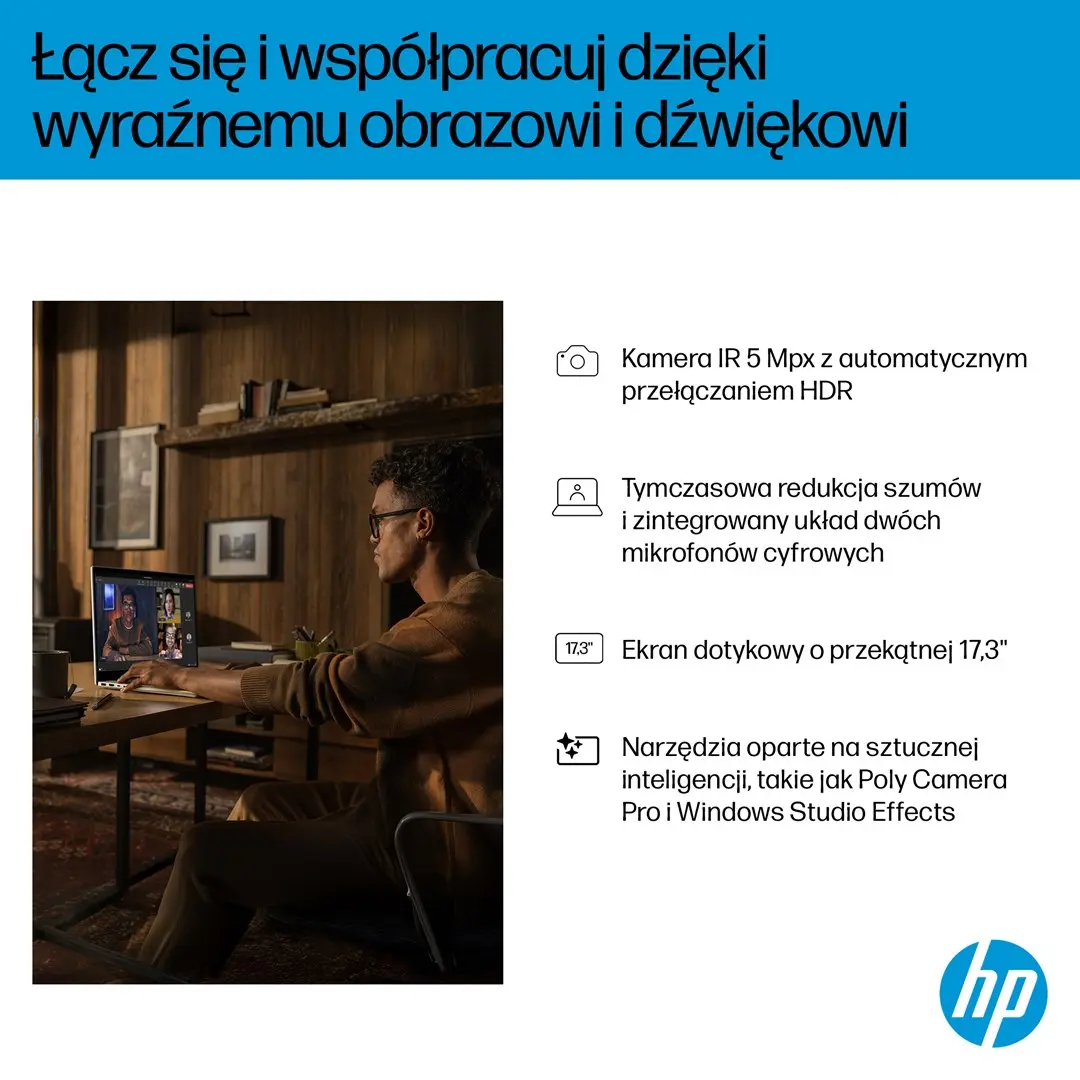
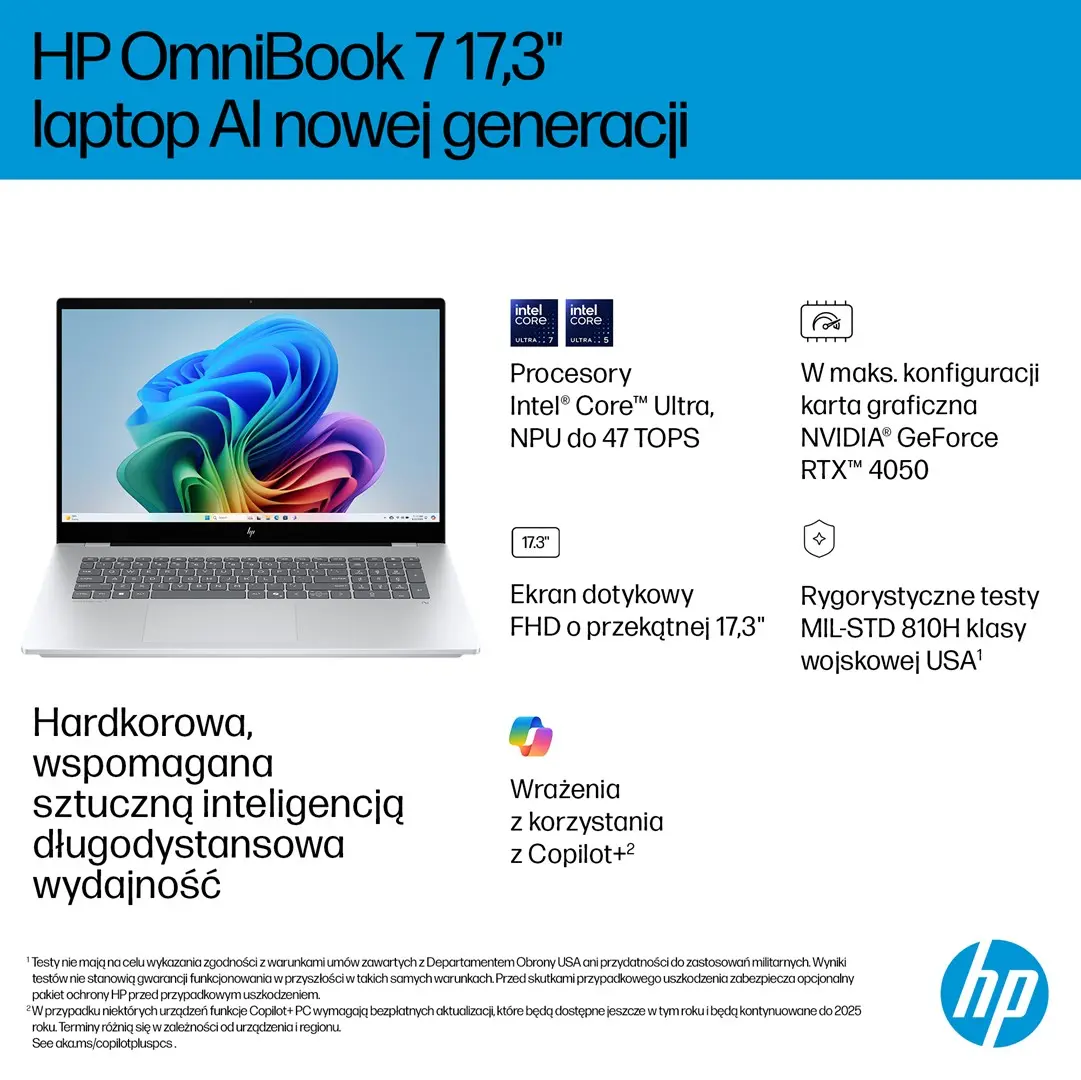
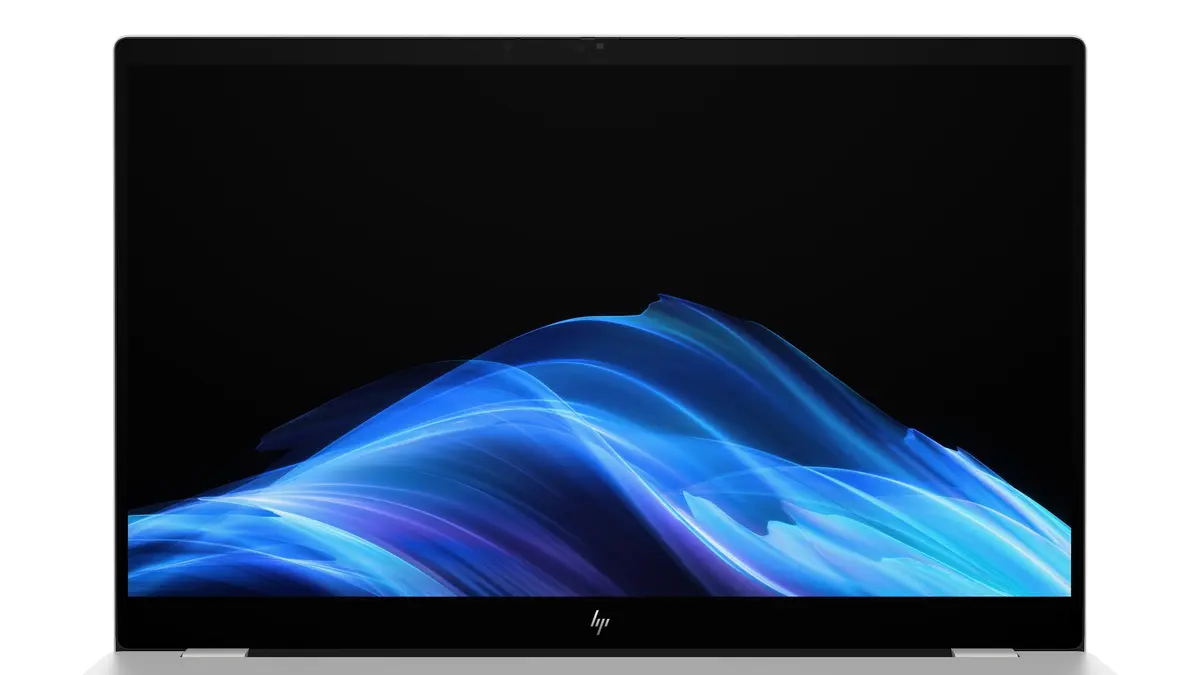
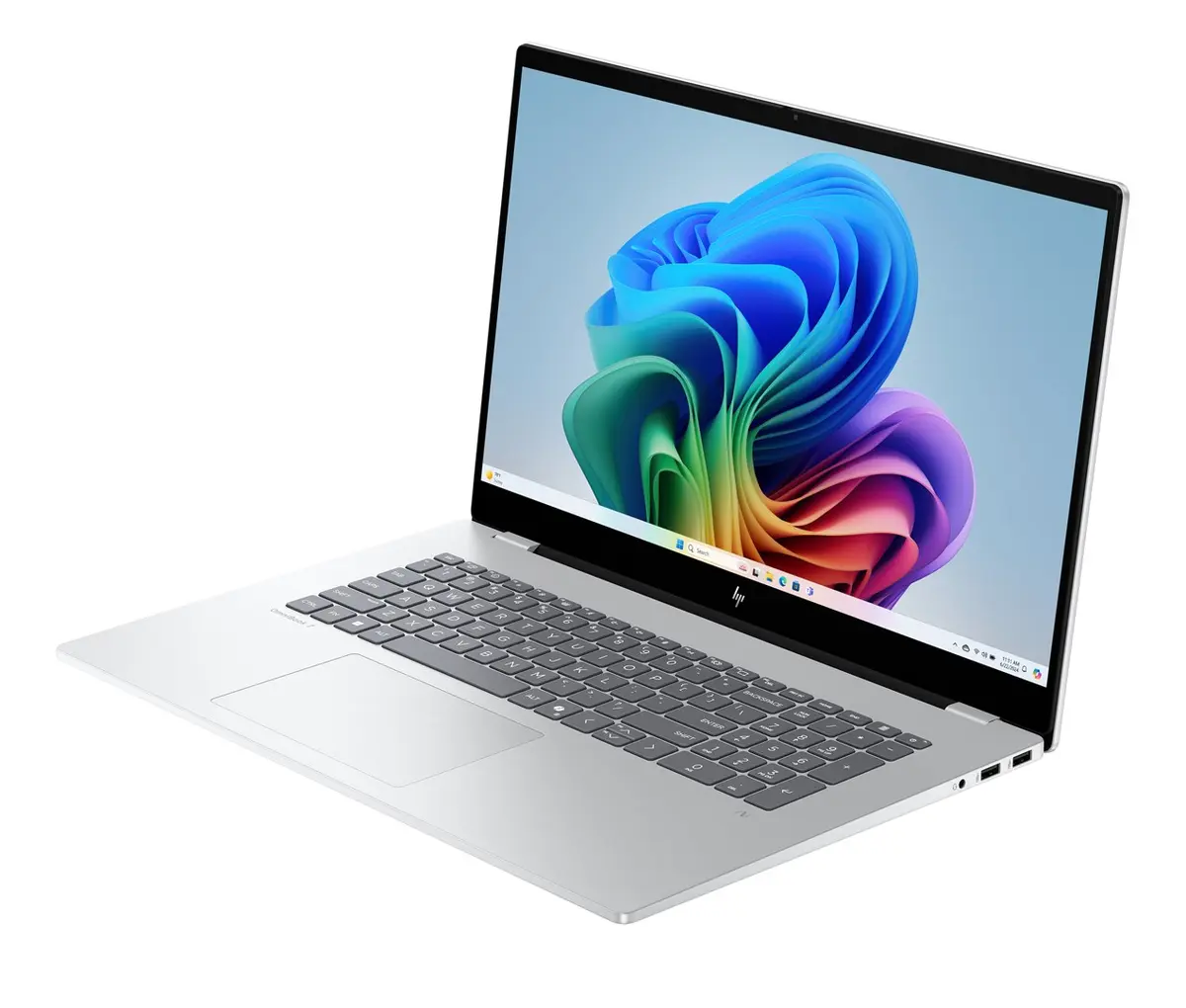
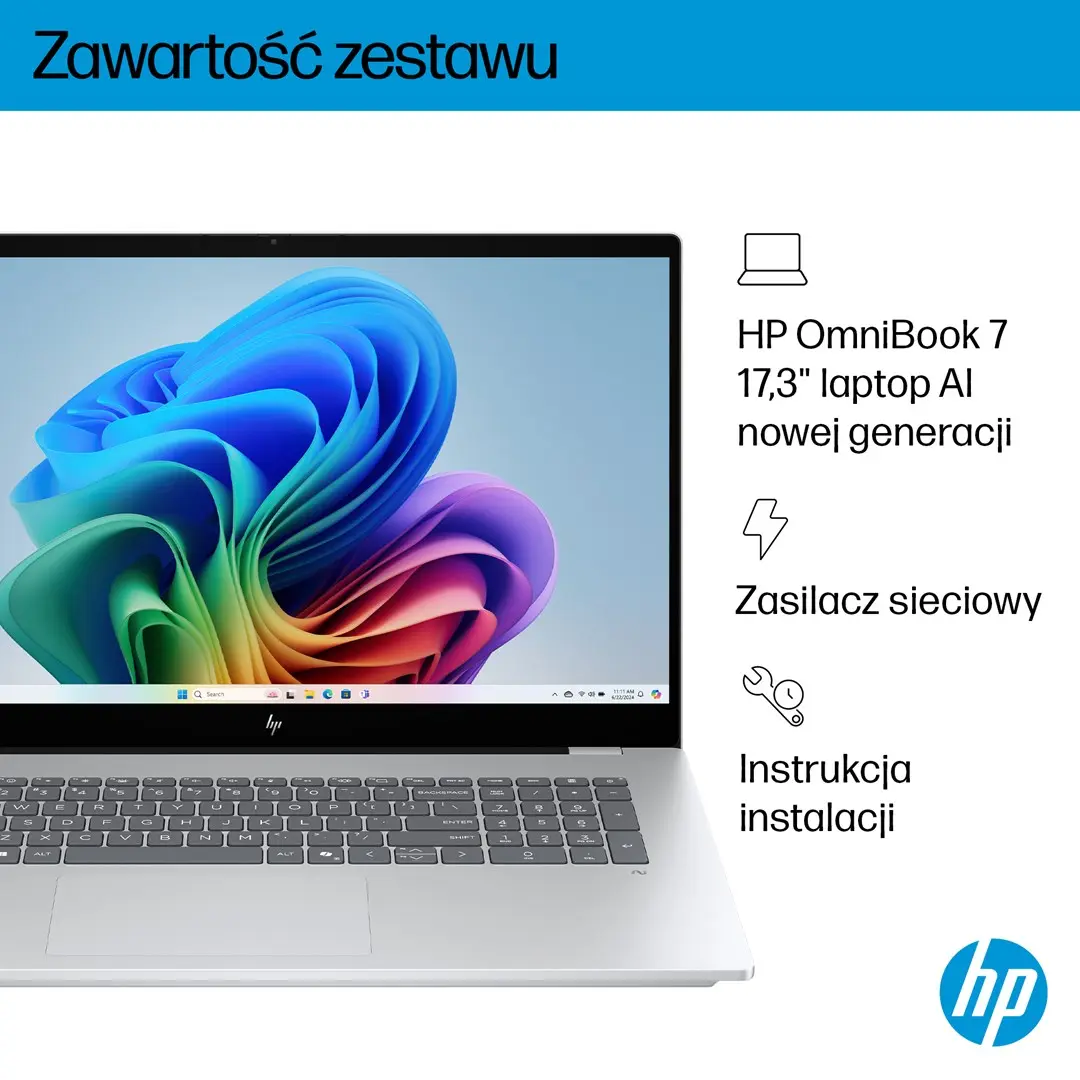
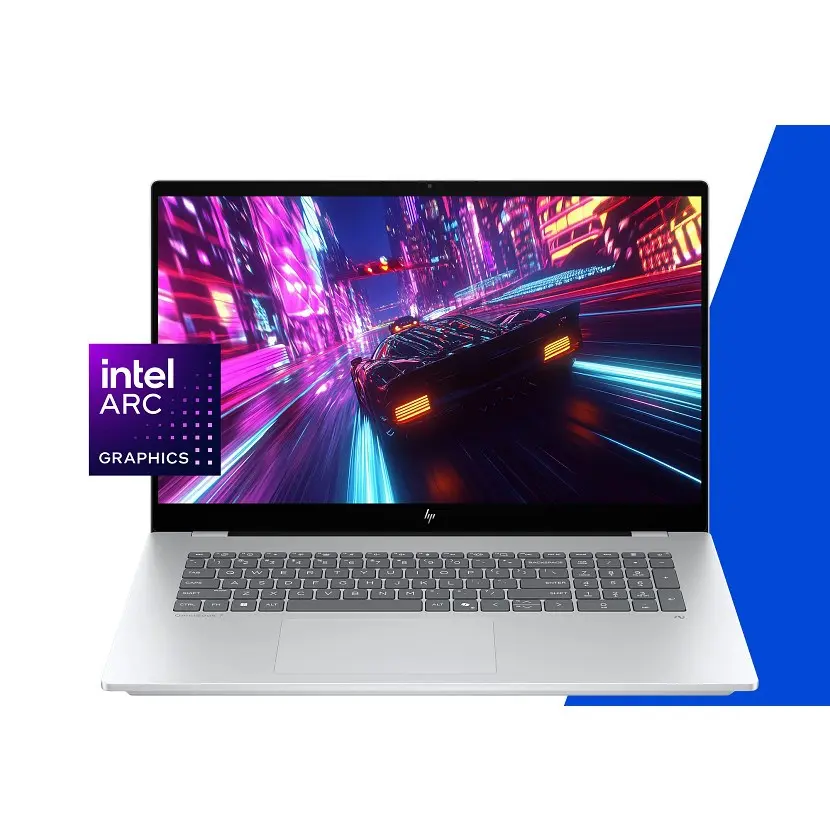
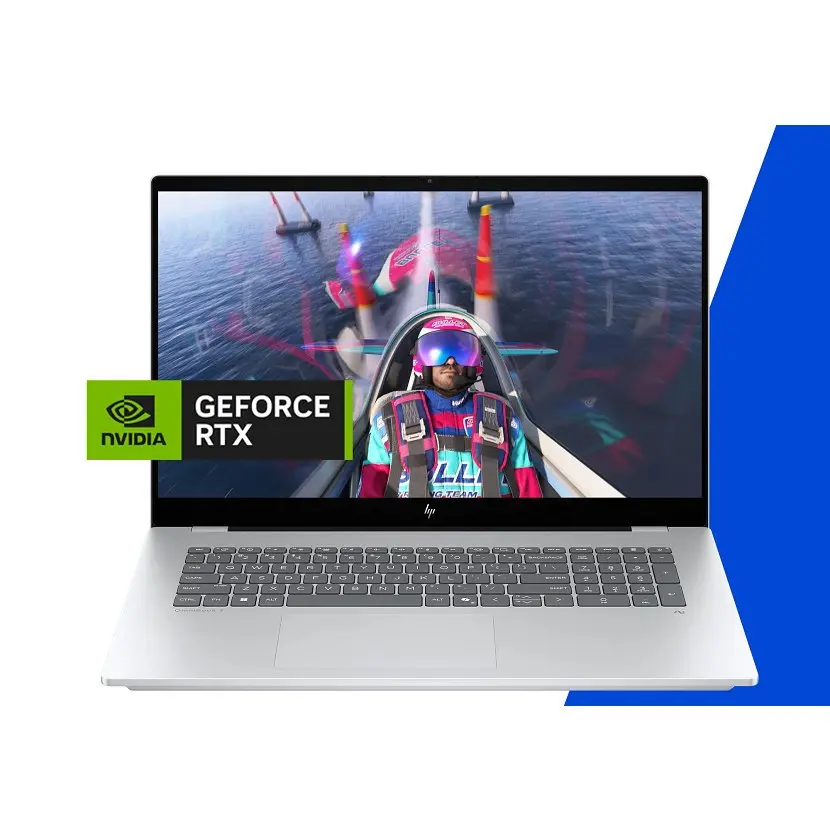
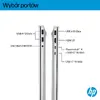
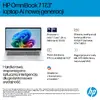
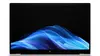
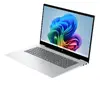
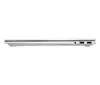
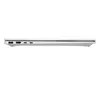
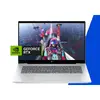
The HP OmniBook 7 17-dc0001nwx Copilot+ PC Laptop is a high-performance computing solution designed to meet the demands of modern professionals, creators, and everyday users. Powered by an advanced Intel Core Ultra 7 processor and equipped with dedicated neural processing capabilities, this next-generation AI laptop handles complex workloads with remarkable efficiency. Featuring a spacious 17.3-inch Full HD touchscreen display, 32GB of fast memory, and a generous 1TB solid-state drive, it delivers both immersive visuals and ample storage for all your files and applications. Encased in a sleek Glacier Silver chassis, it combines aesthetic appeal with robust connectivity, including Wi-Fi 6E, Thunderbolt 4, and versatile USB ports, running seamlessly on Windows 11 Home.
Advantages
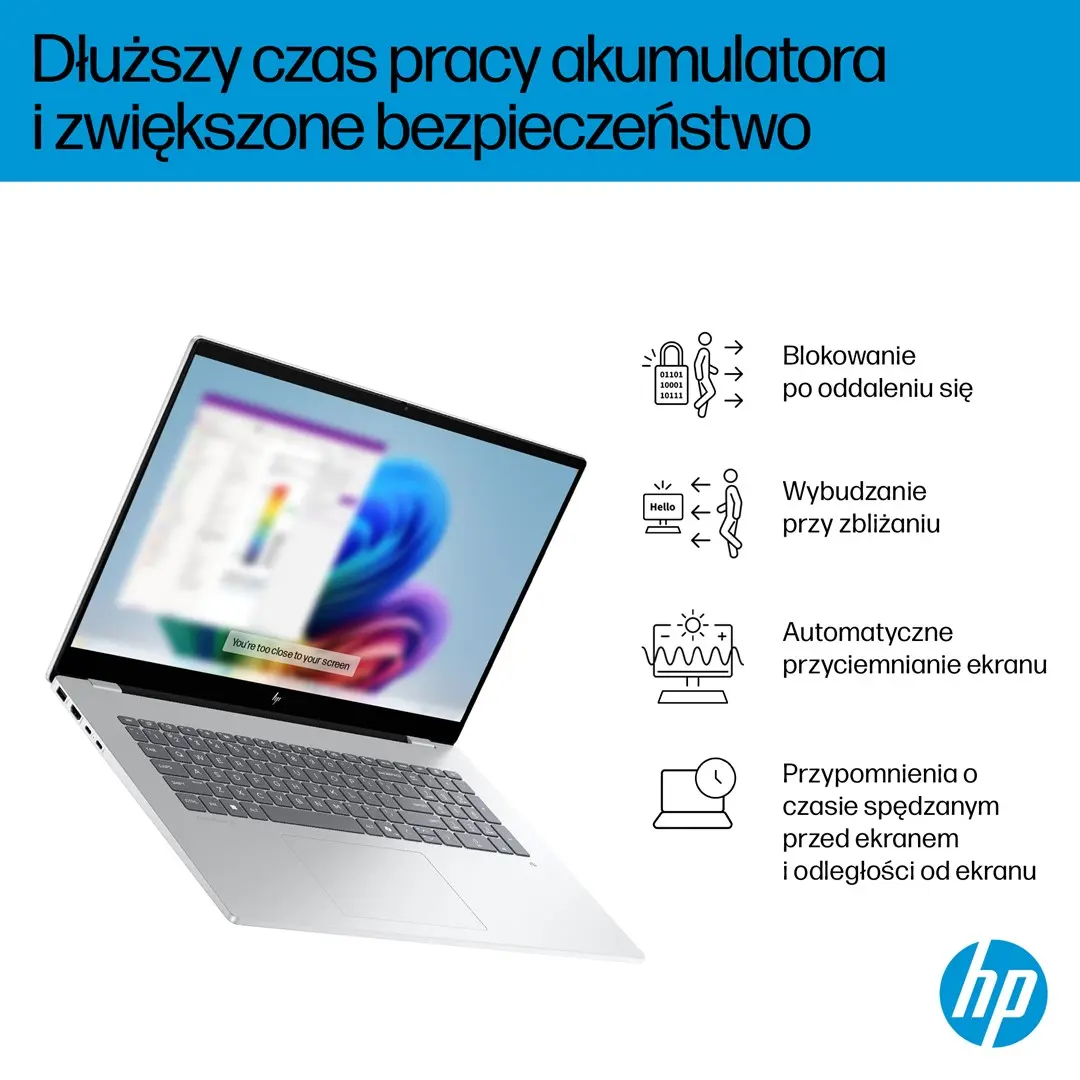
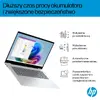
This laptop stands out through its integration of cutting-edge artificial intelligence hardware, offering up to 47 TOPs of NPU performance to accelerate AI-driven applications and smart multitasking. The large 17.3-inch IPS touchscreen provides vivid colors, 100% sRGB color gamut coverage, and a bright 400-nit panel, ensuring comfortable viewing and precise touch interaction. Users benefit from exceptional longevity thanks to an 83 Wh battery that supports up to 12.25 hours of operation and fast charging technology that restores 50% capacity in just 45 minutes. Furthermore, the inclusion of DTS:X Ultra audio, an infrared camera for secure facial recognition, and a comfortable backlit keyboard with a numeric keypad enhances overall user convenience.
Suitable for
- Running advanced artificial intelligence and machine learning workloads
- Demanding creative tasks such as photo and video editing
- Multitasking with heavy productivity software and office applications
- Immersive media consumption on a large Full HD touchscreen
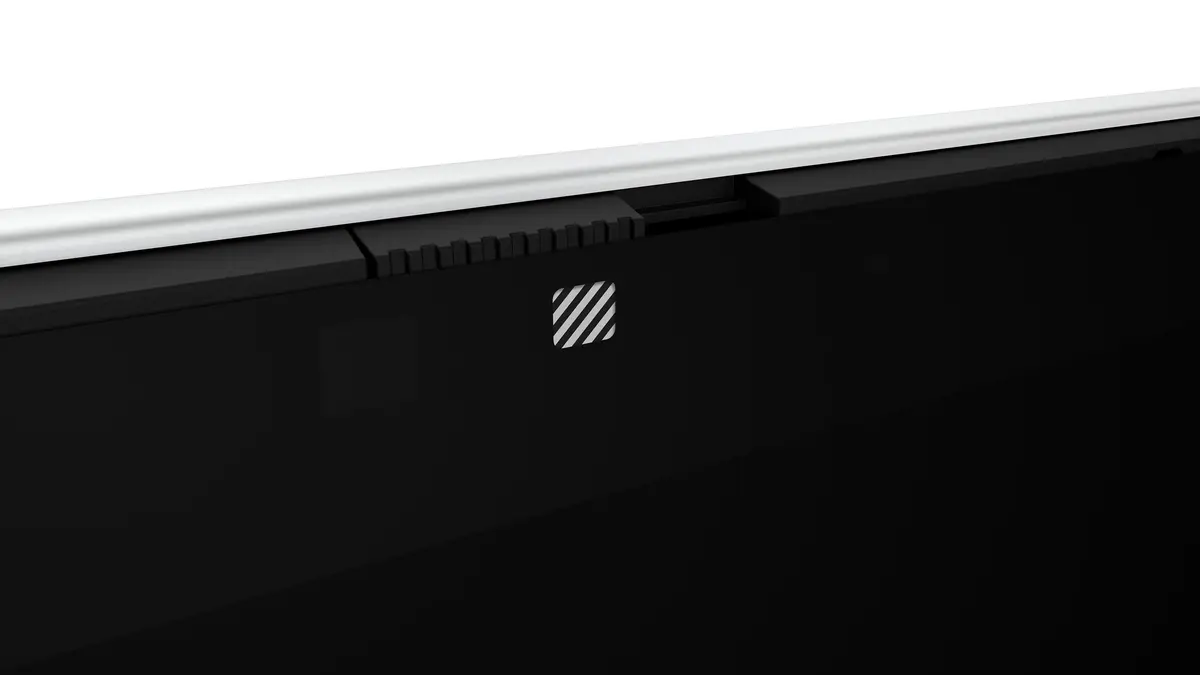
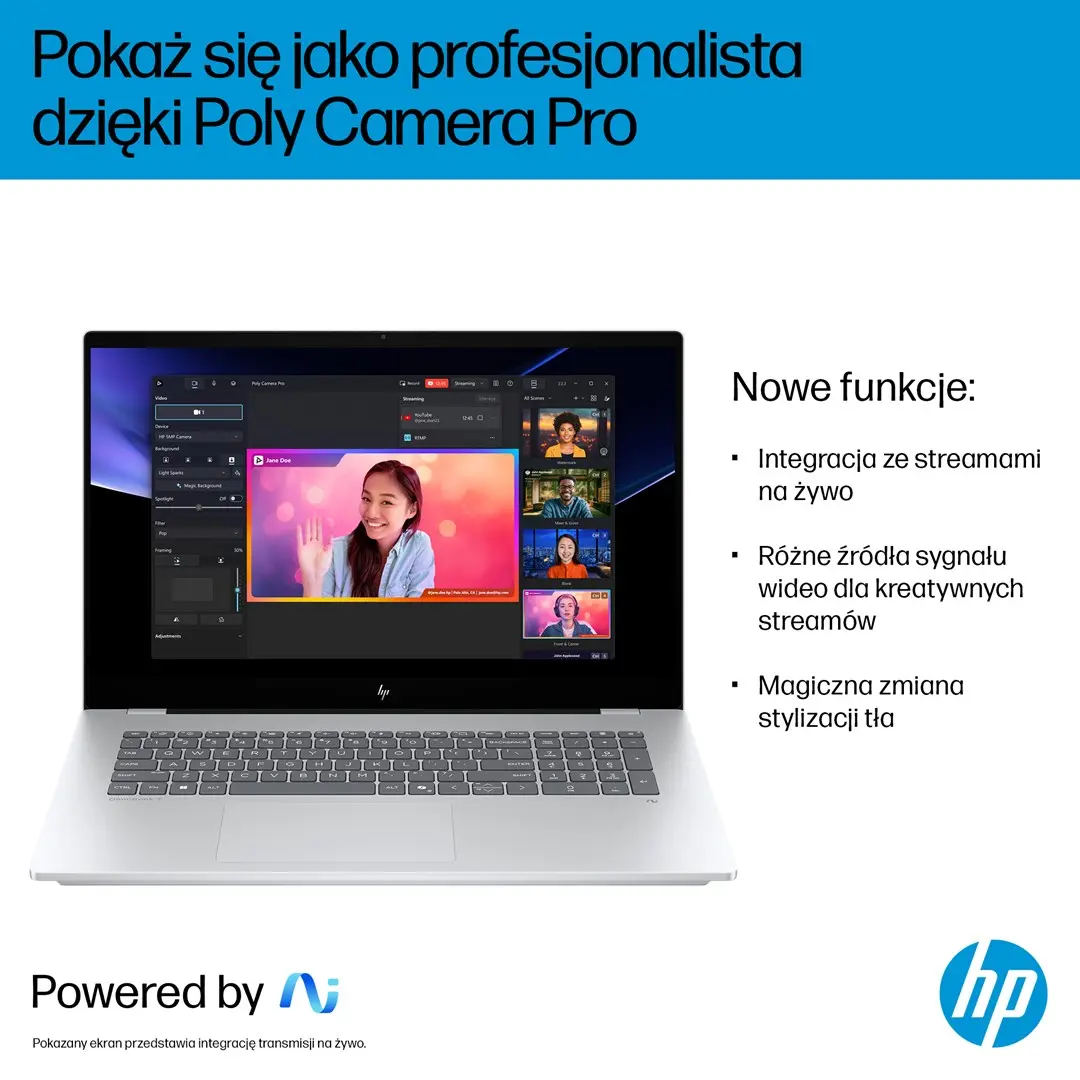
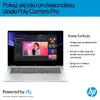
- Secure remote work and virtual meetings via the high-resolution IR camera
When it may not be suitable
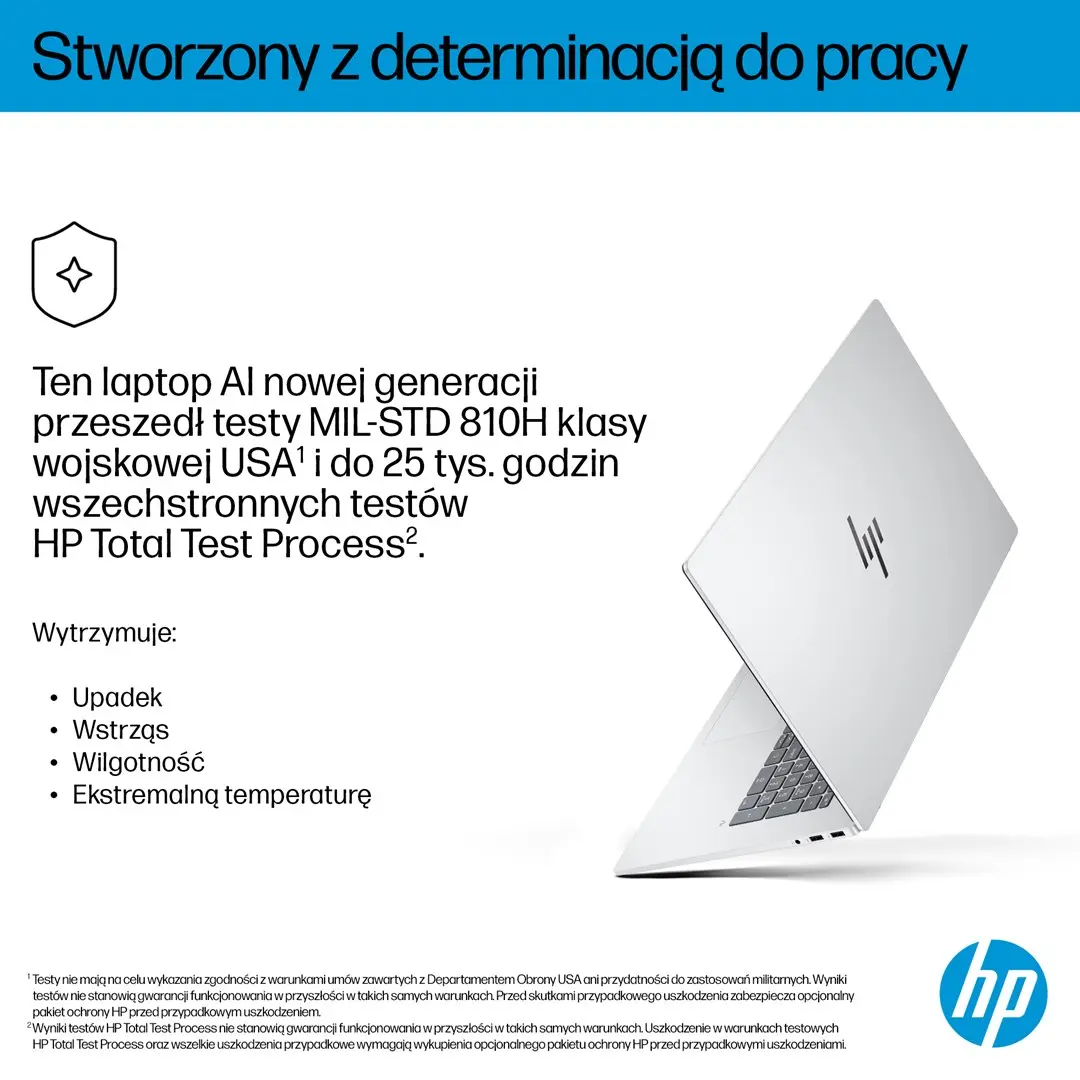
Due to its generous 17.3-inch screen size and robust feature set, this laptop is relatively large and weighs 2.34 kg, making it less ideal for users who frequently travel light or require a highly compact, ultra-portable device. Additionally, while the integrated Intel Arc Graphics handles everyday rendering and casual gaming well, dedicated gamers seeking high-frame-rate performance in the most graphically intensive modern titles may require a specialized gaming laptop with a discrete graphics card.
Key specifications
- 17.3-inch Full HD IPS touchscreen with 1920 x 1080 resolution and 400 nits brightness
- Intel Core Ultra 7 258V processor with 8 cores and 8 threads
- Intel Arc Graphics 140V integrated graphics card
- 32 GB LPDDR5x-SDRAM internal memory
- 1 TB M.2 NVMe PCIe 4.0 solid-state drive
- Neural Processing Unit (NPU) delivering up to 47 TOPs
- Wi-Fi 6E and Bluetooth 5.3 wireless connectivity
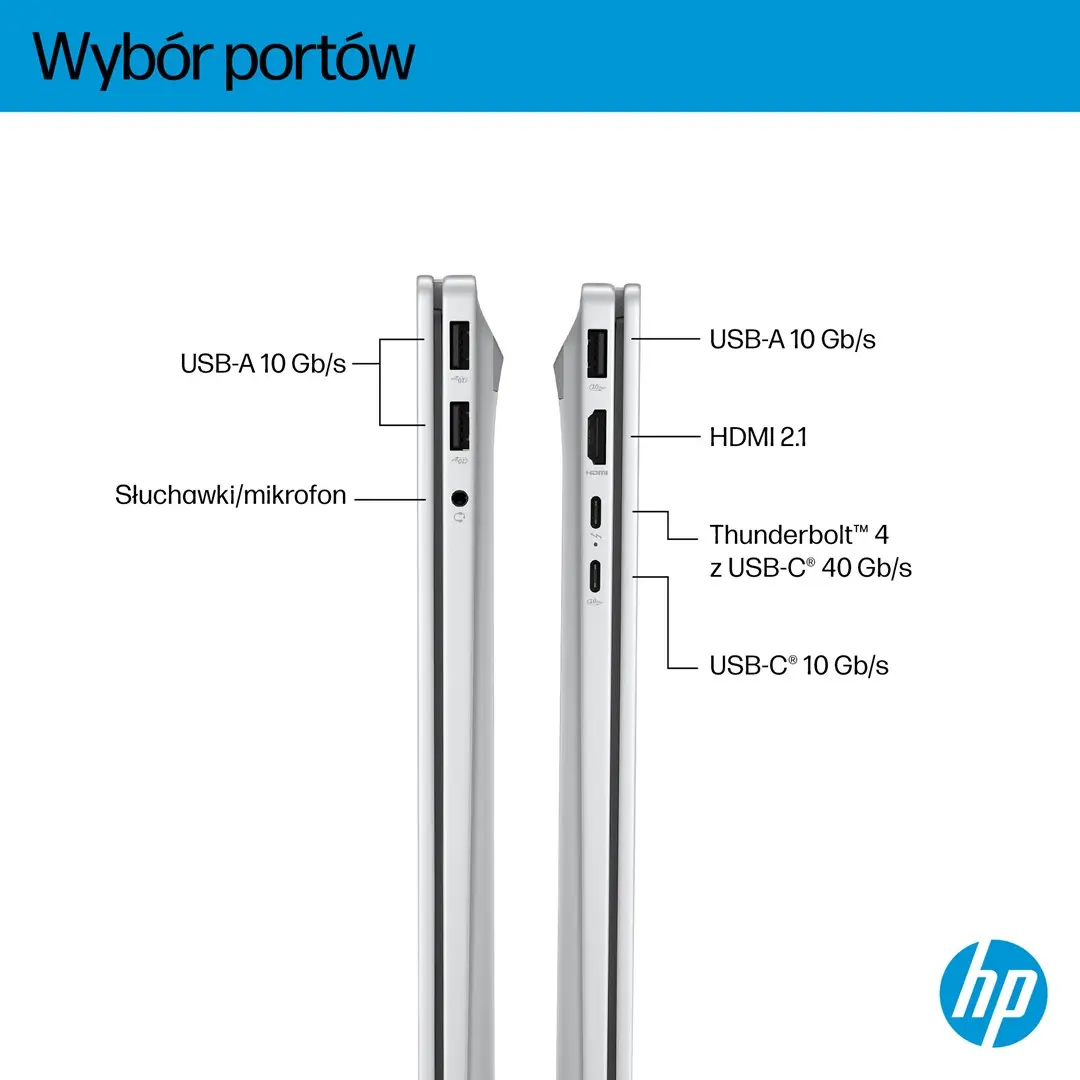
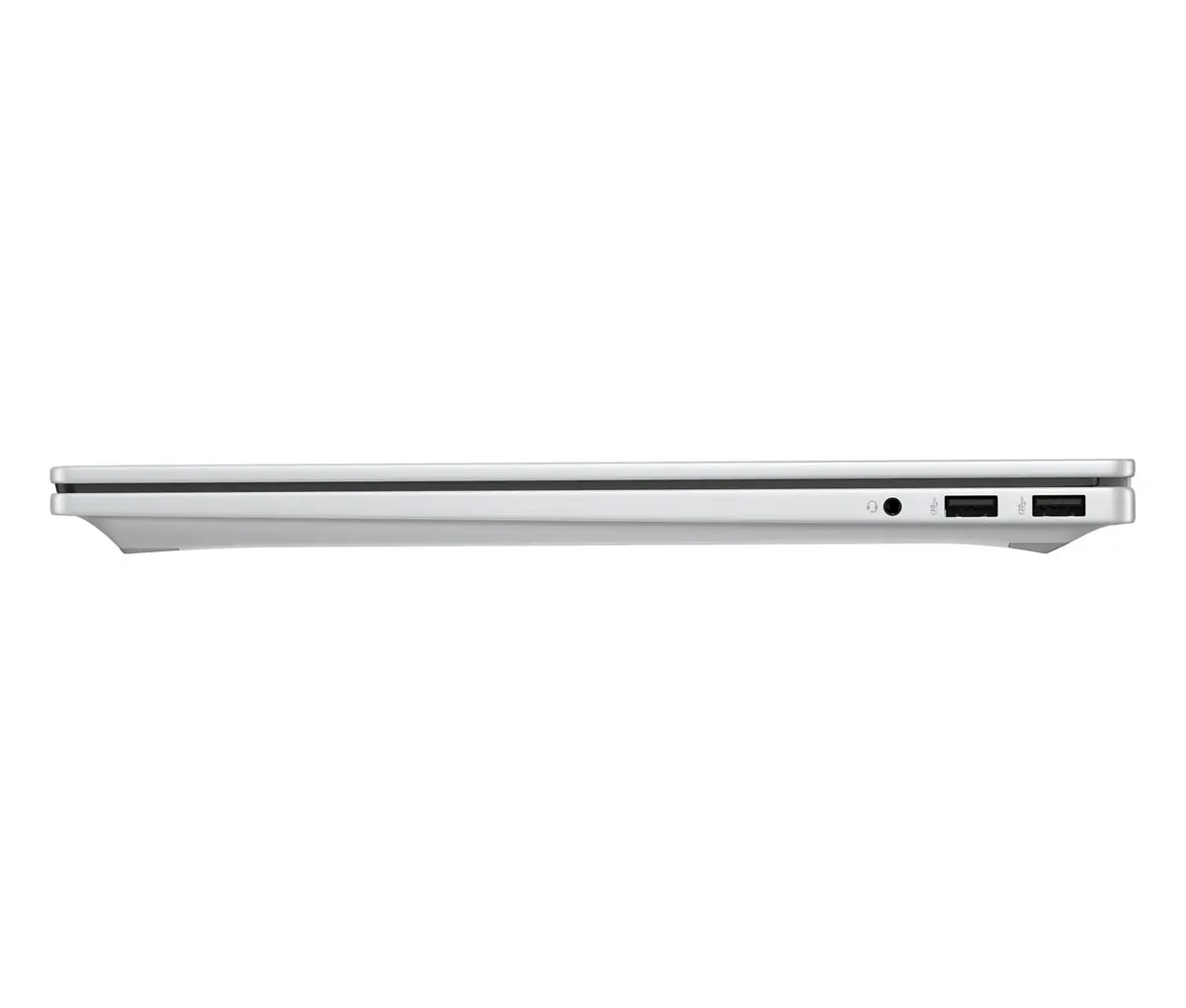
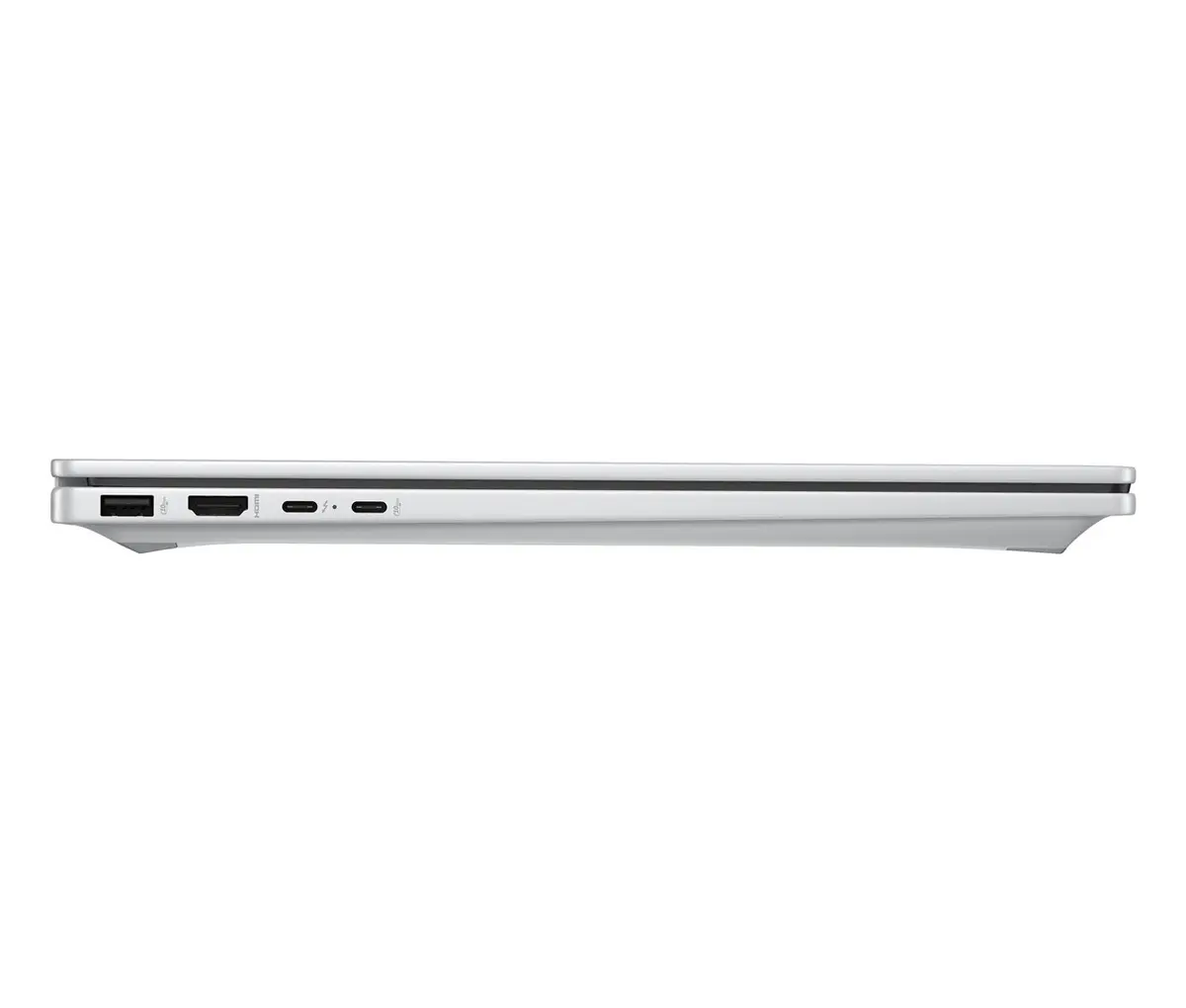
- Thunderbolt 4, USB4, USB-C, and USB-A ports
- Windows 11 Home operating system
How to use
To begin using your HP OmniBook 7 laptop, connect the supplied power adapter to charge the 6-cell lithium polymer battery, then open the lid and press the power button to start the initial Windows 11 Home setup. Follow the on-screen prompts to configure your network connection, Microsoft account, and security settings such as Windows Hello facial recognition via the infrared camera. Utilize the touchscreen or the precision touchpad for navigation, and take advantage of the integrated hotkeys and backlit keyboard when working in low-light environments. Regularly check for system updates through HP Support Assistant and Windows Update to maintain optimal performance and security.
What to consider before purchase
- Ensure the 17.3-inch dimensions and 2.34 kg weight align with your workspace and portability requirements
- Verify that the Windows 11 Home operating system and hardware configuration meet your software compatibility needs
- Take into account the battery life expectations and charging setup for mobile use
- Review available peripheral connections to ensure compatibility with your existing monitors and accessories
Usage recommendations
For optimal battery longevity, avoid exposing the laptop to extreme temperatures and utilize the fast-charging feature responsibly by unplugging the device once fully charged during extended stationary use. Keep the ventilation areas unobstructed to ensure efficient cooling during intensive computing tasks.