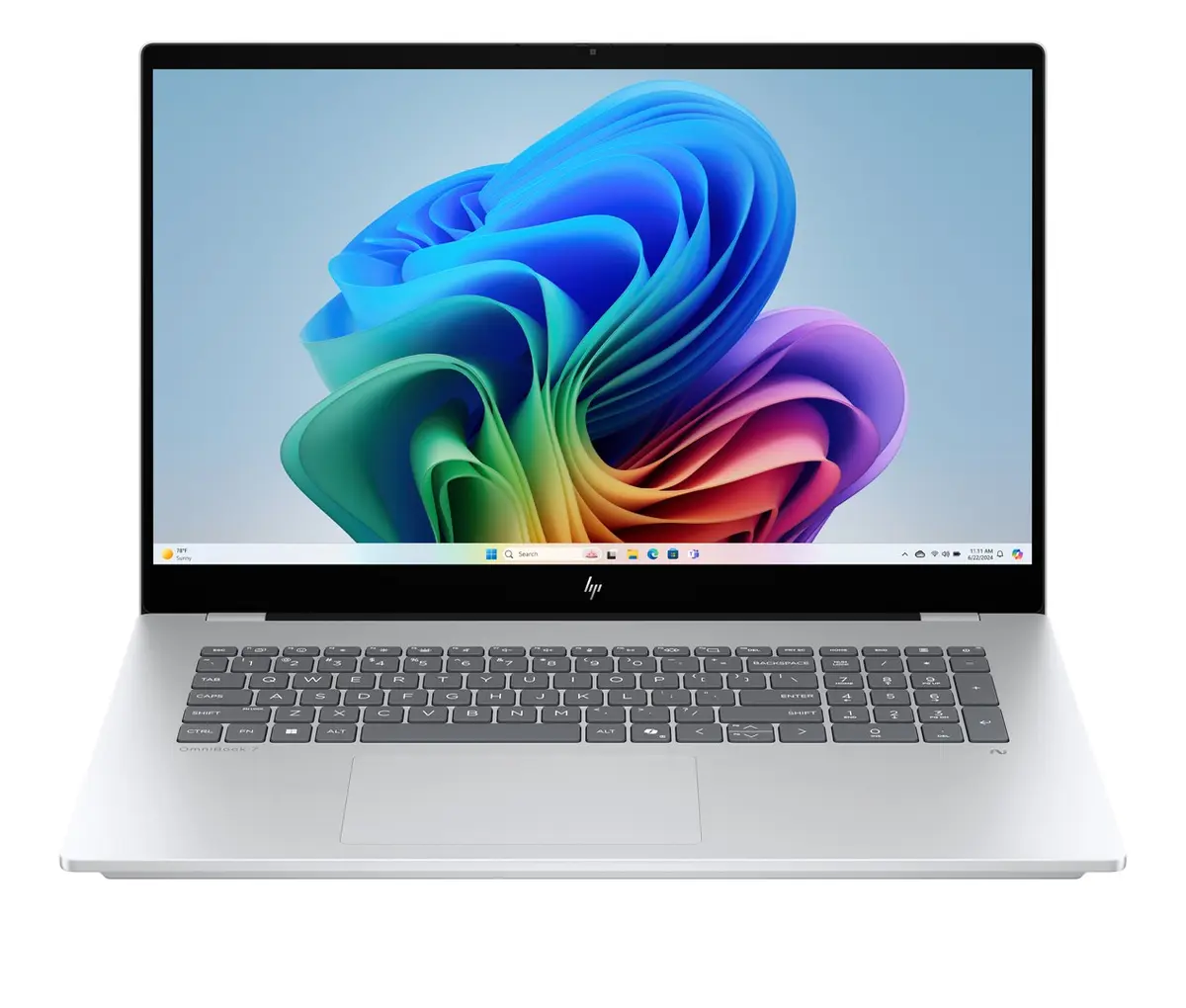
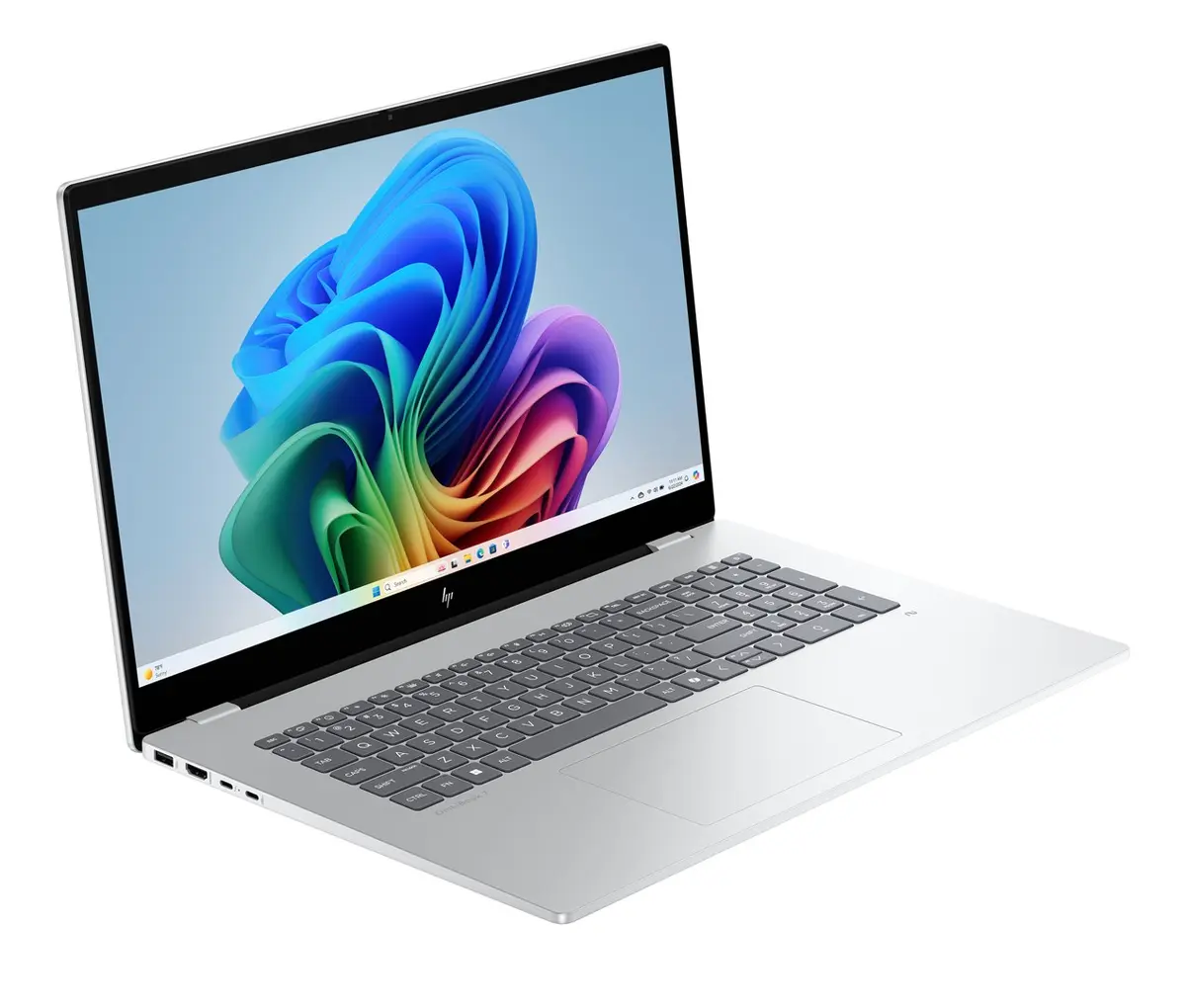
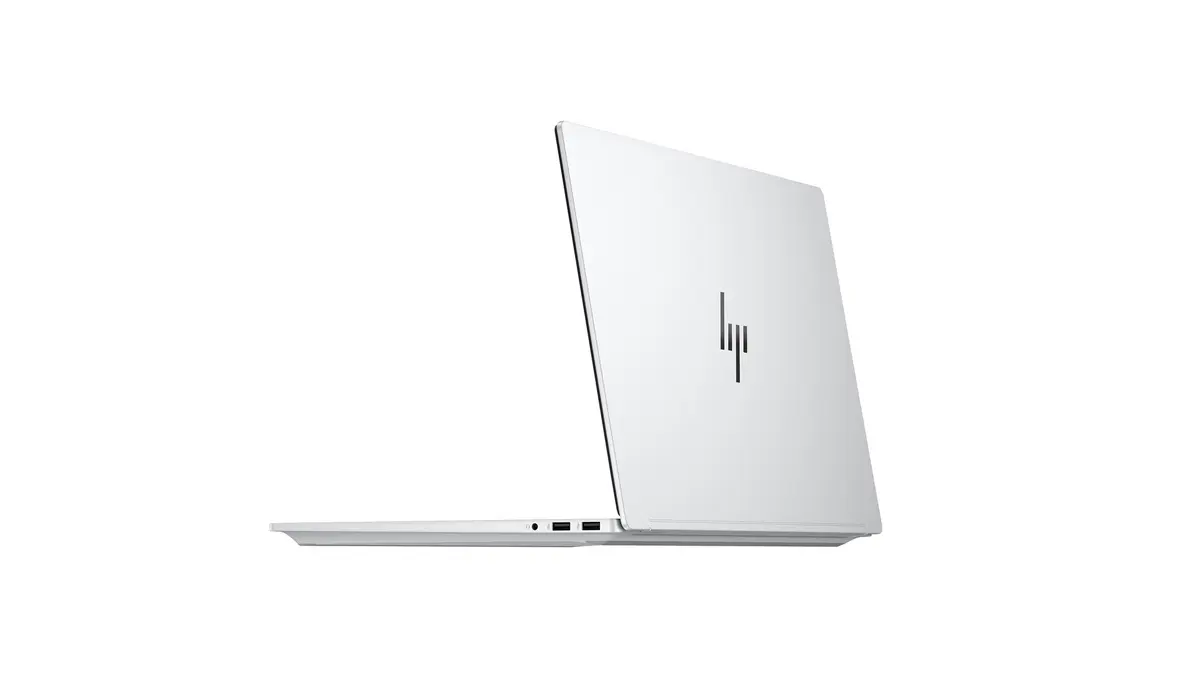
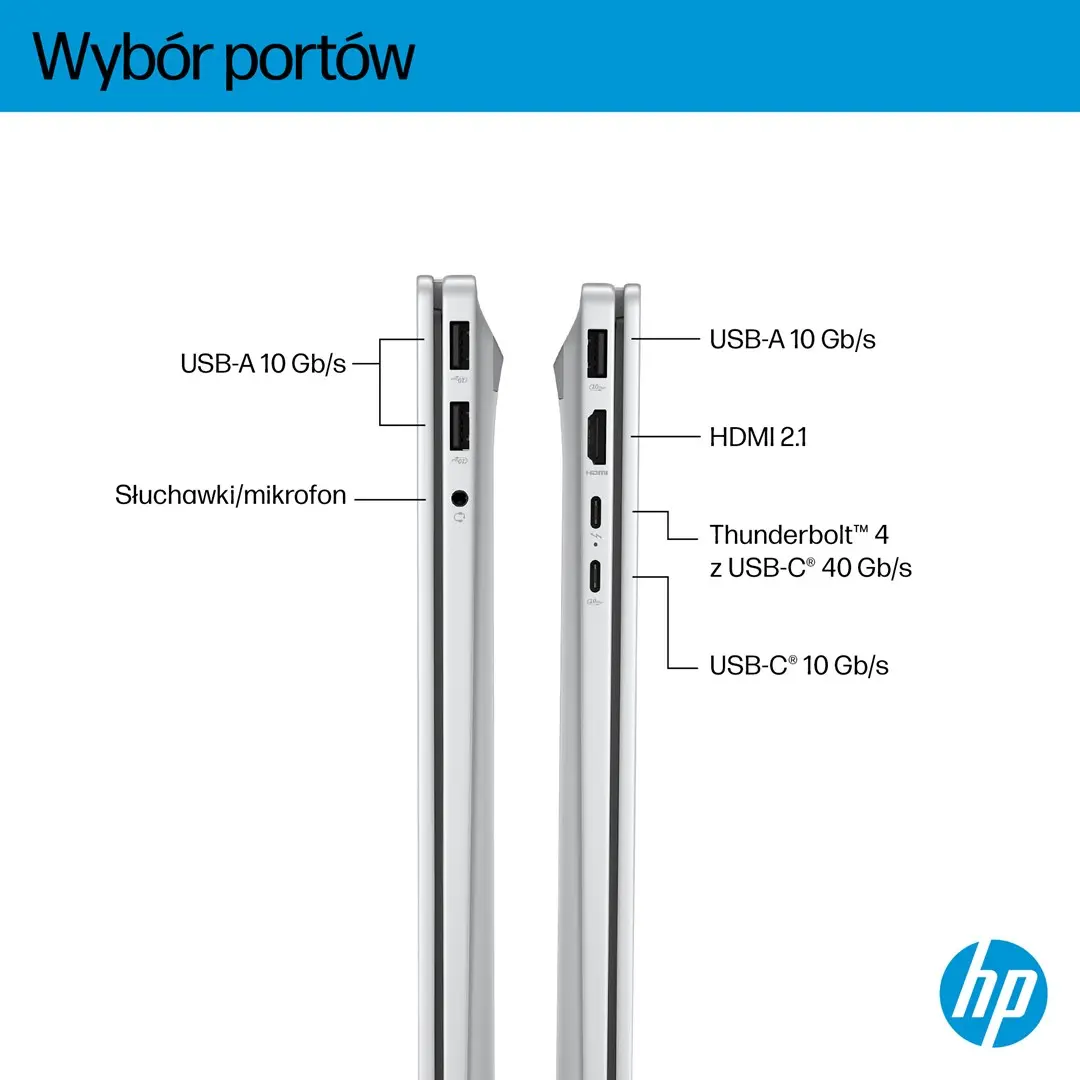
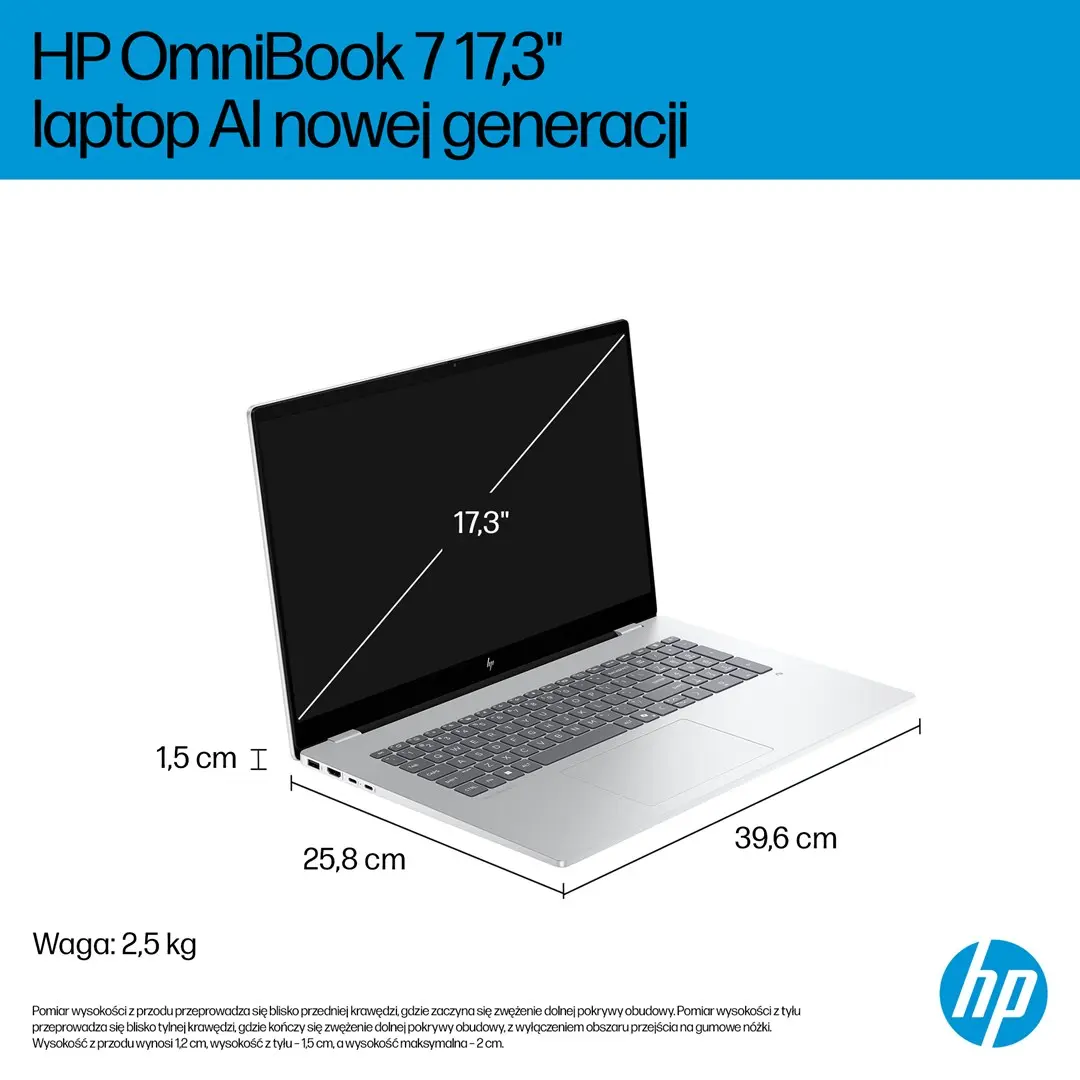
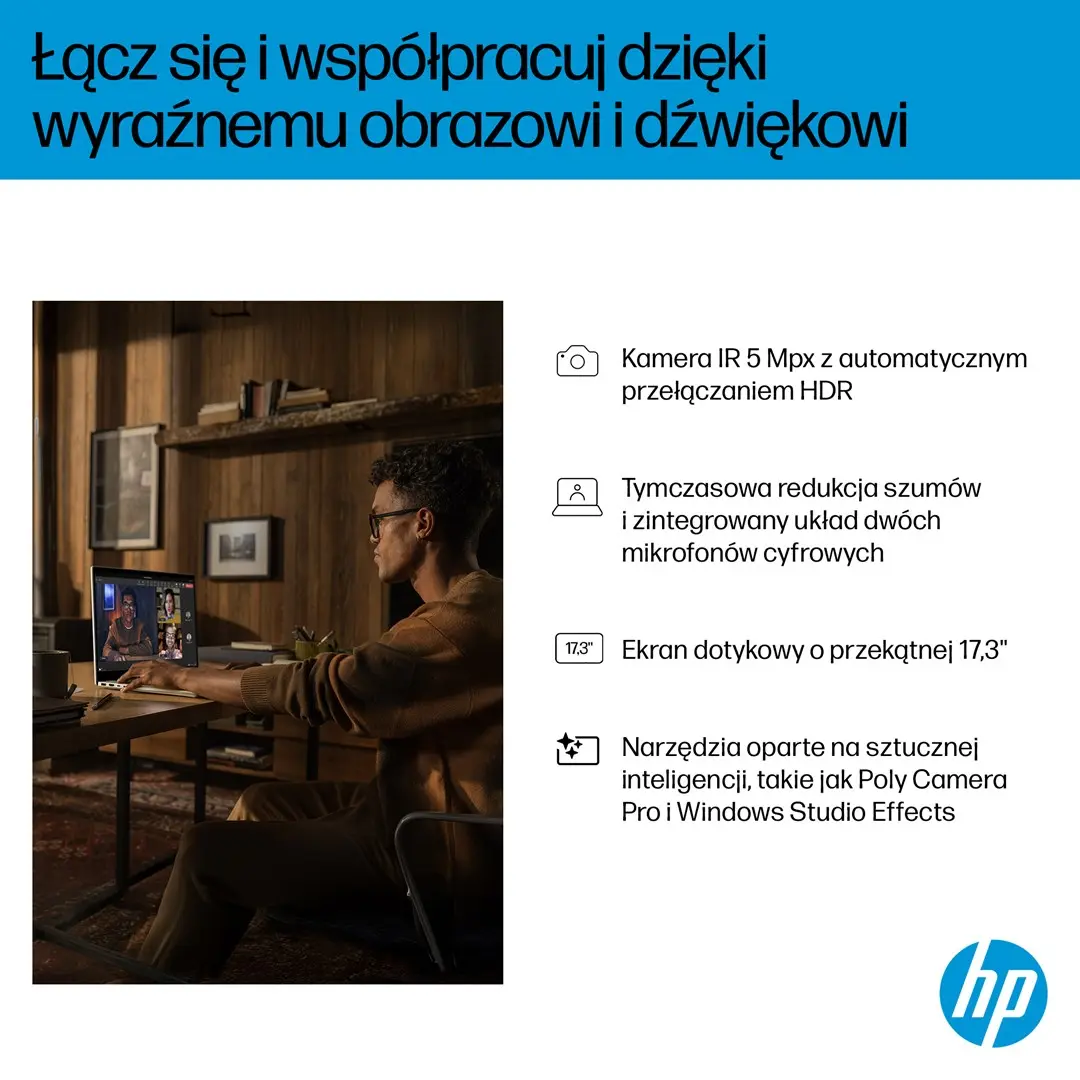
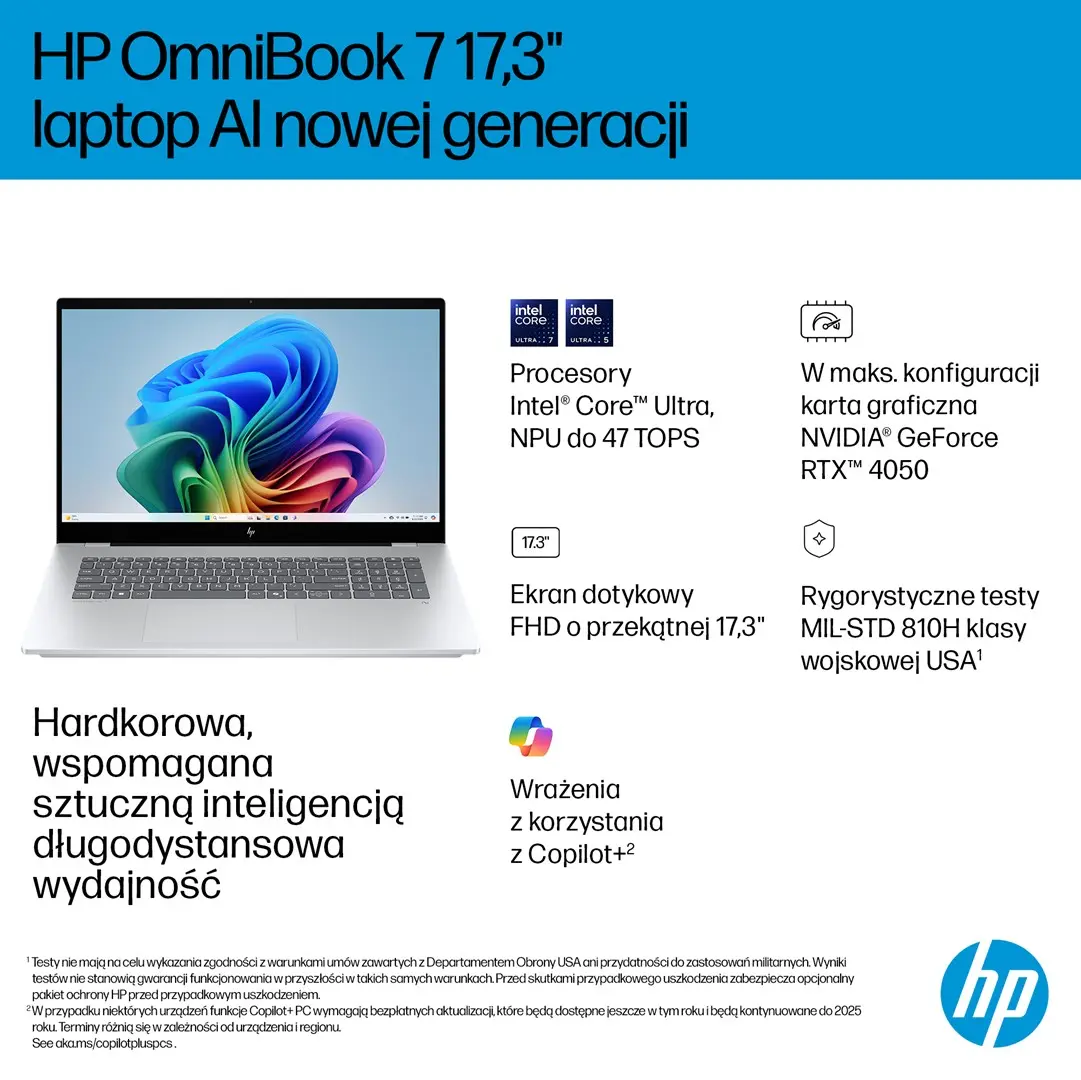
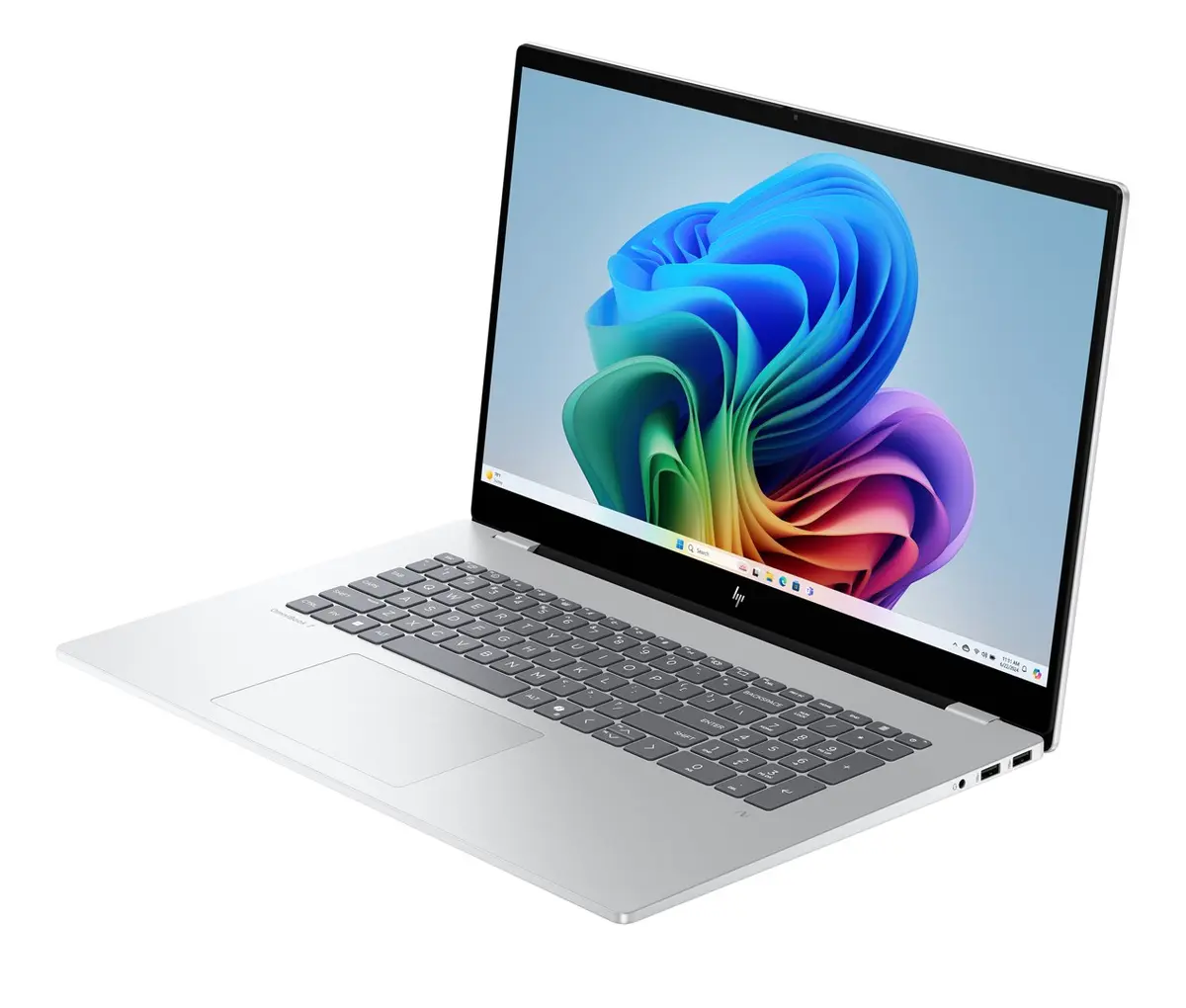
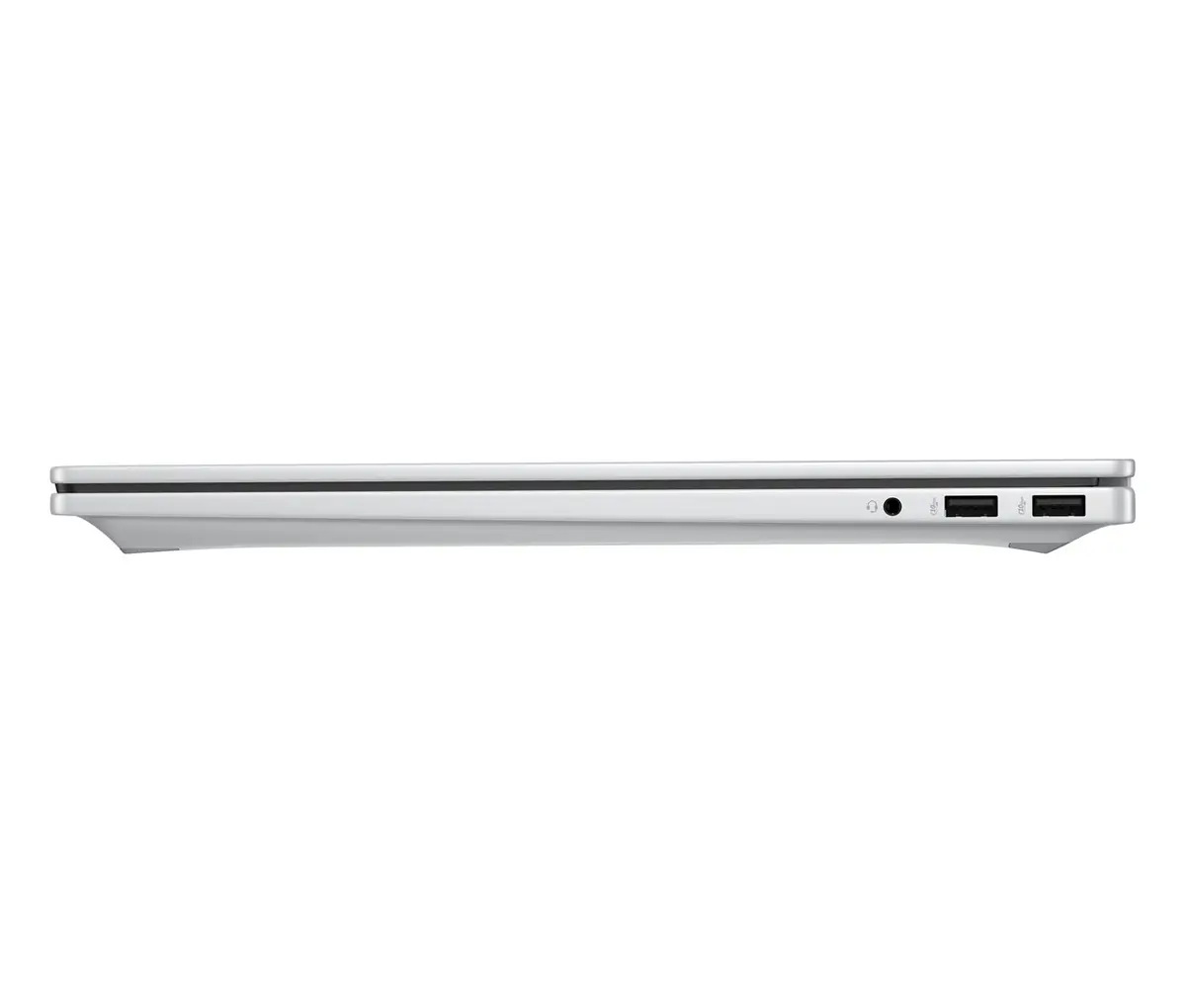
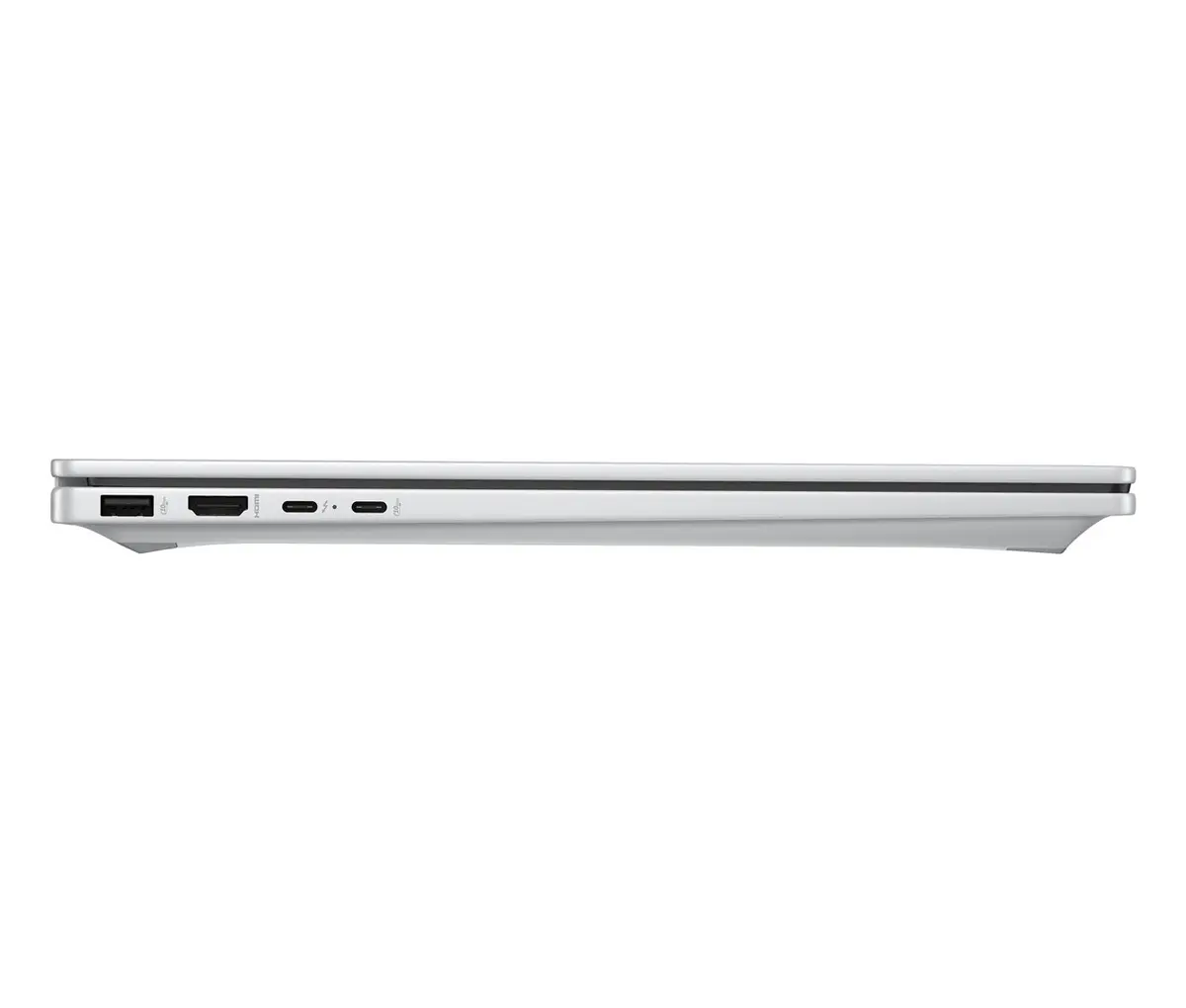
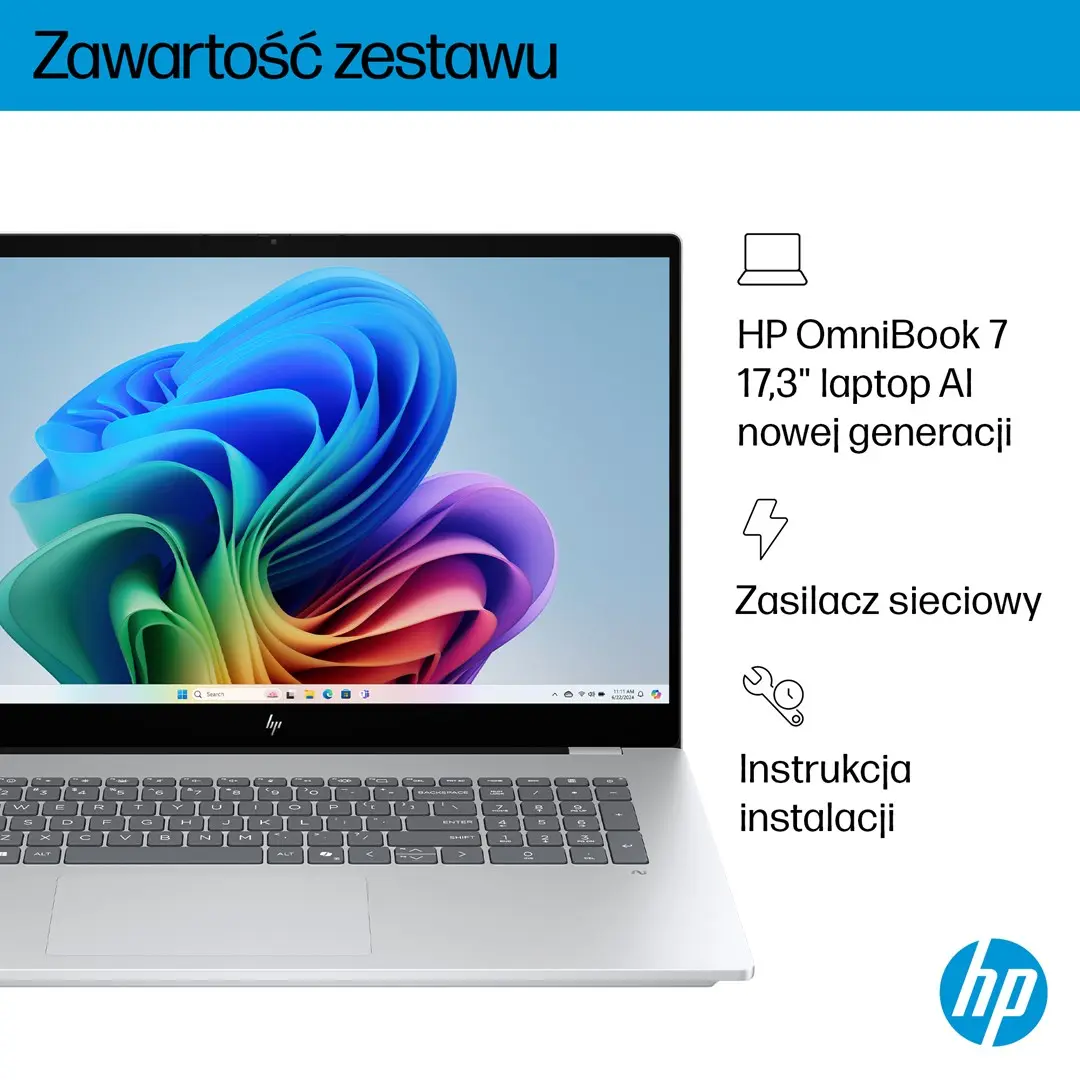
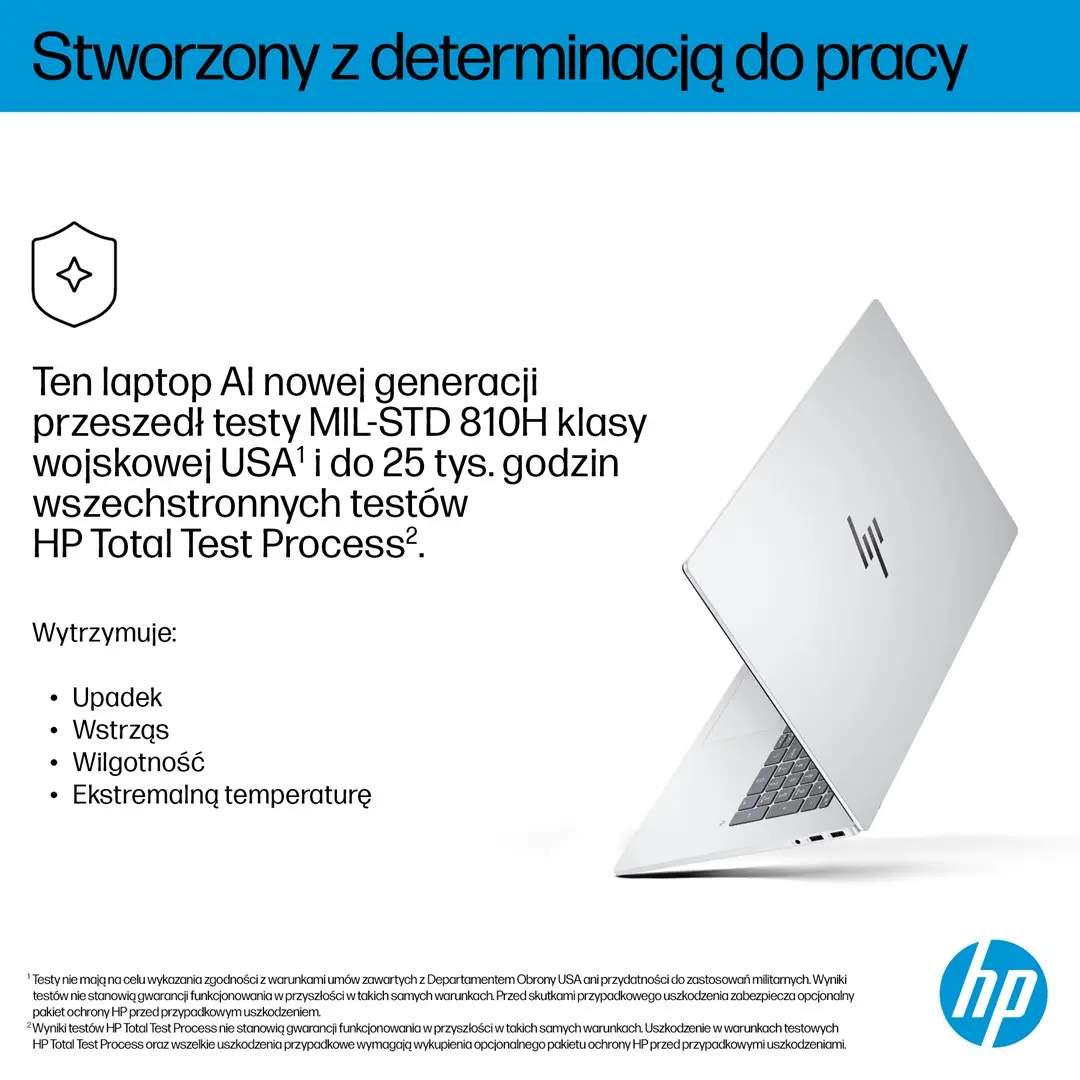
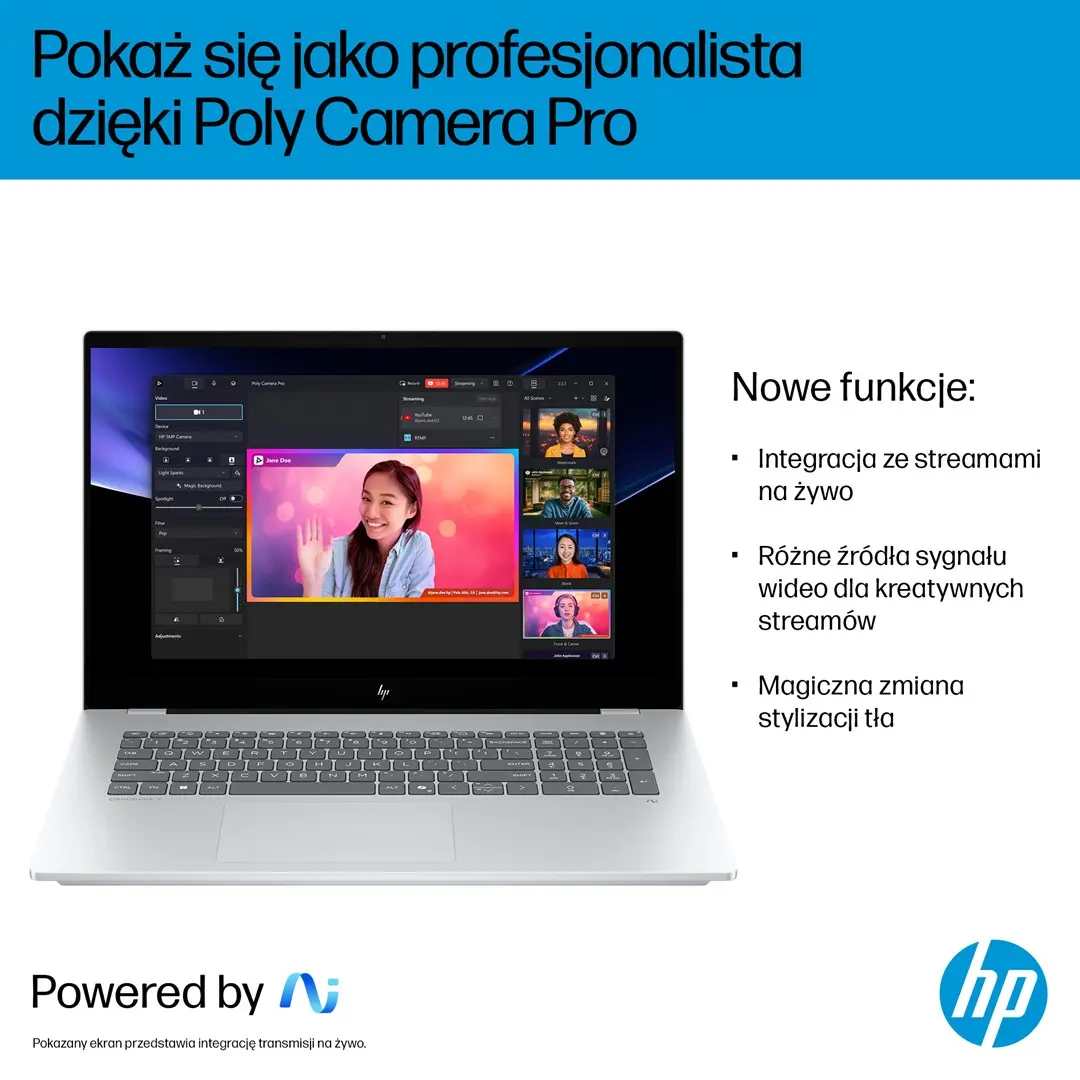
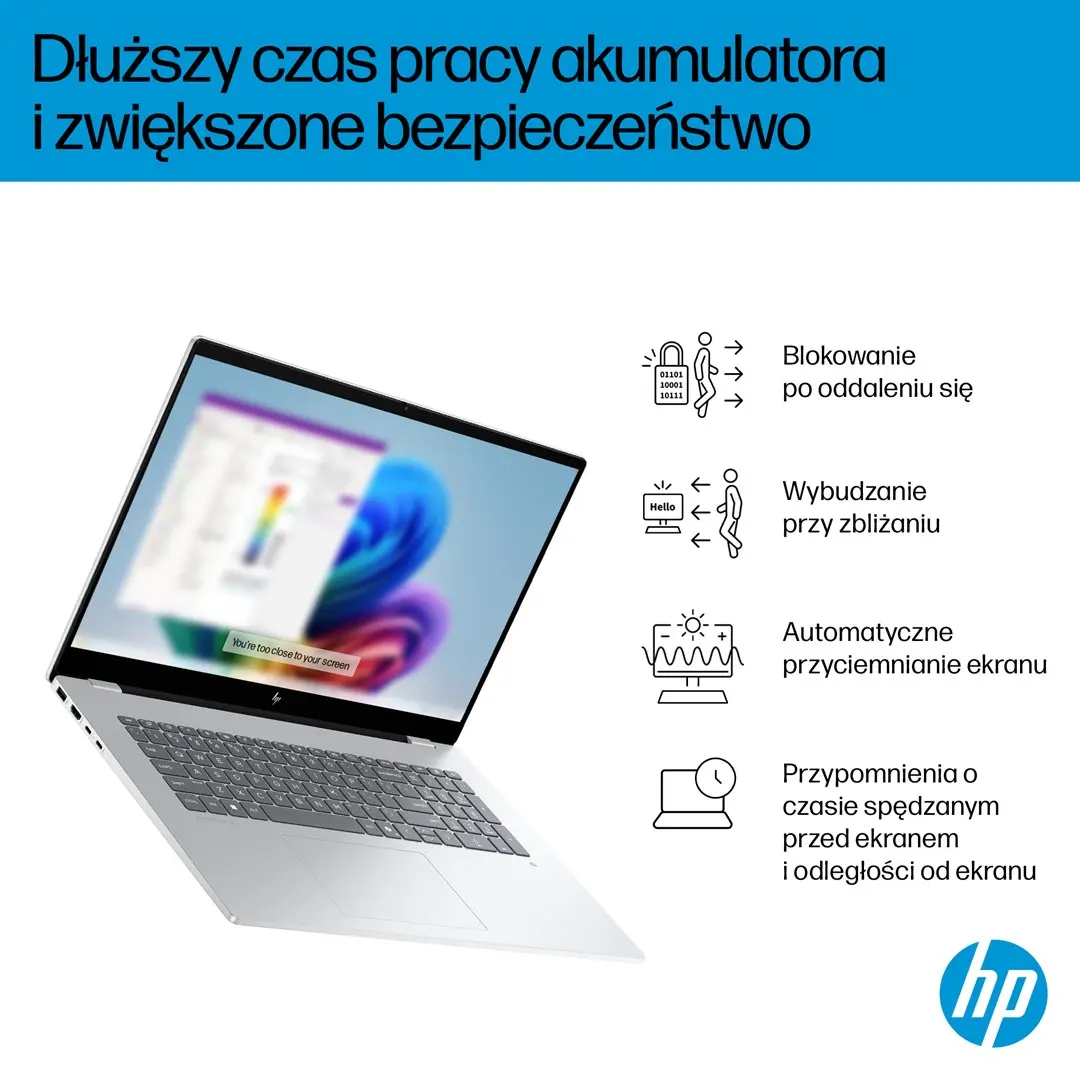
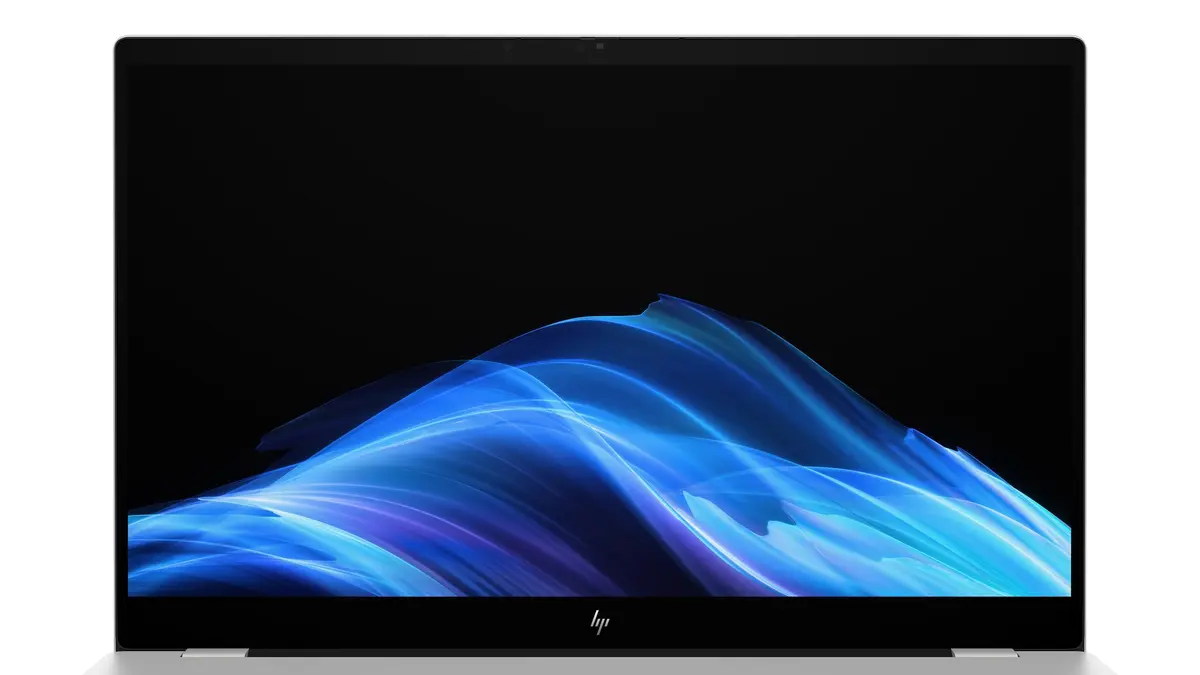
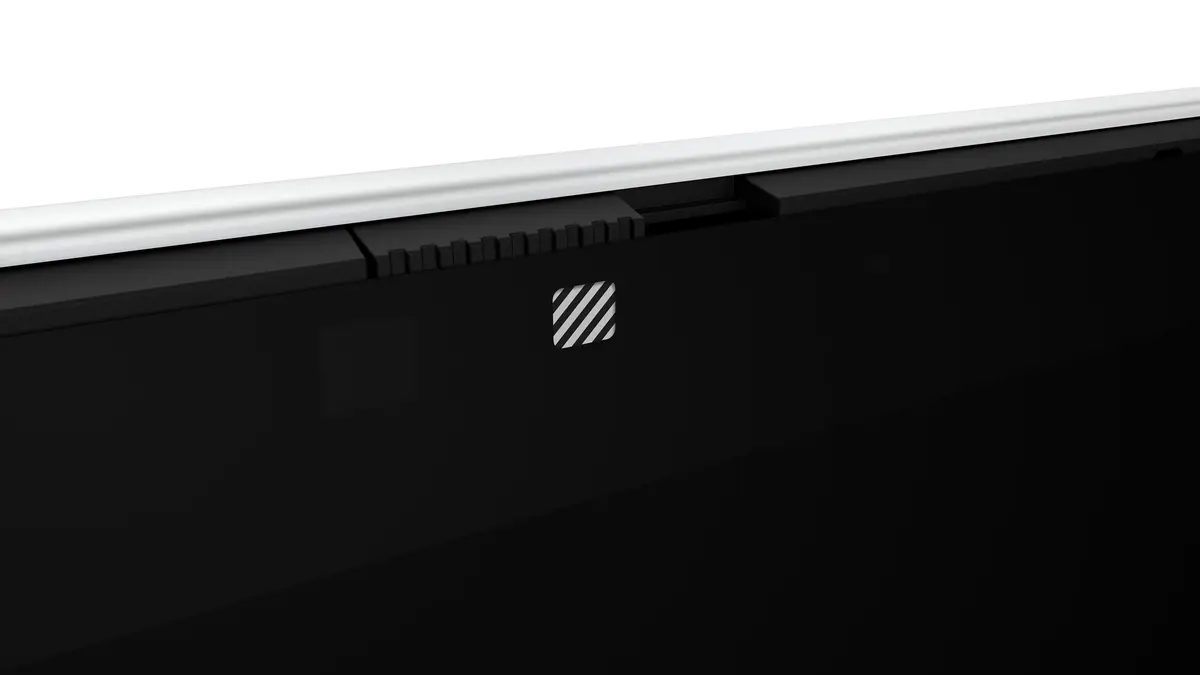
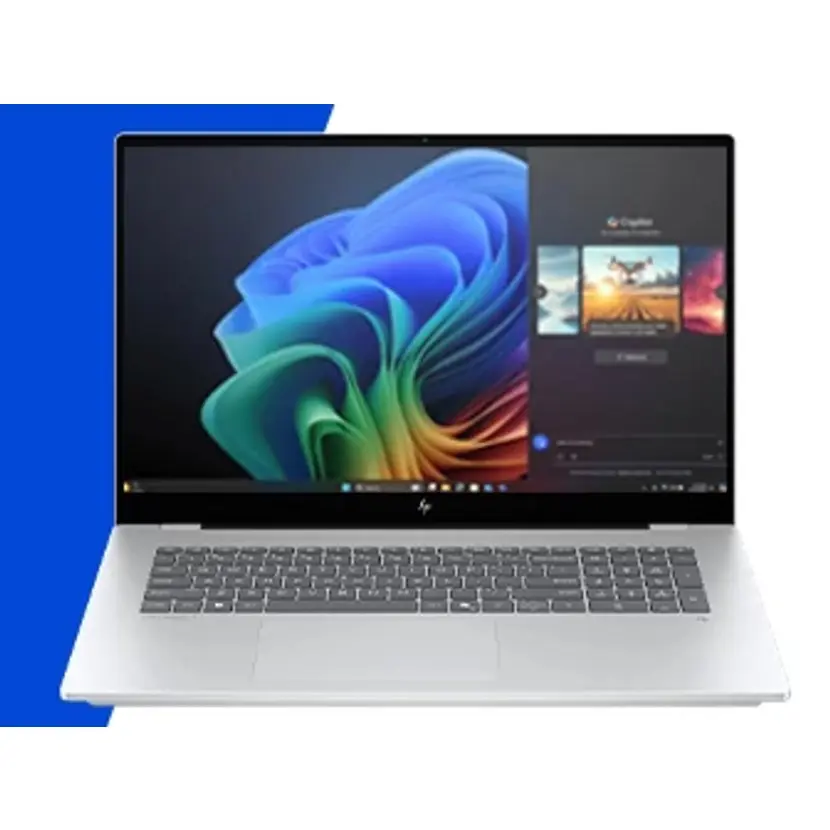
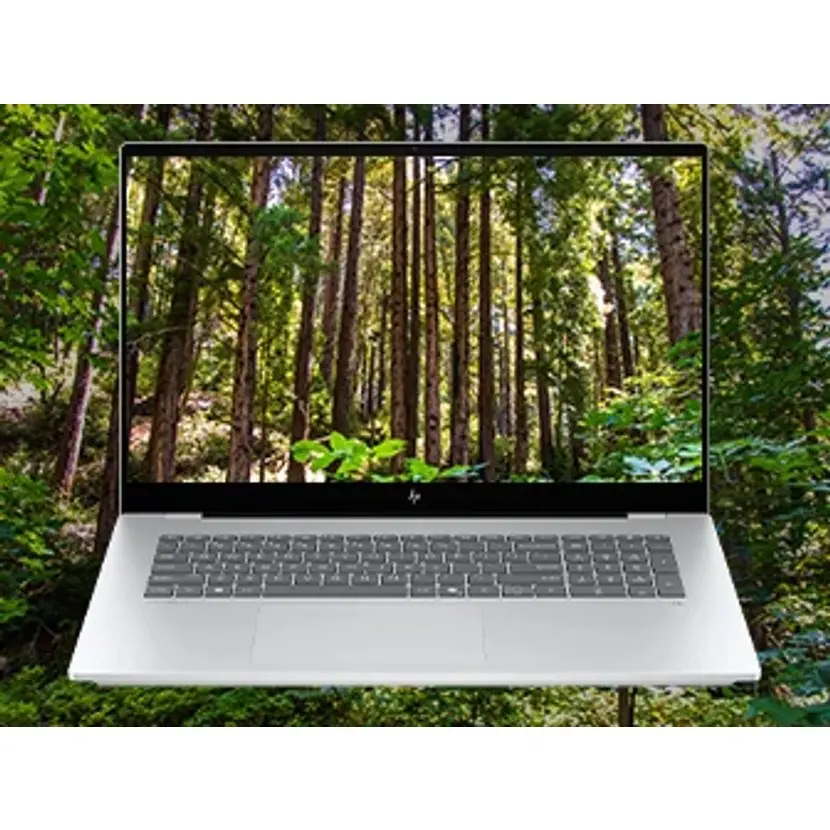
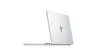
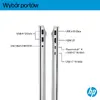
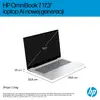
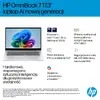
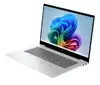
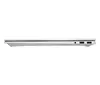
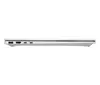
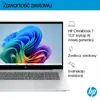
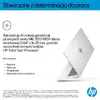
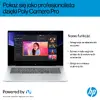
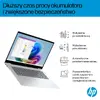
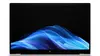
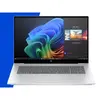
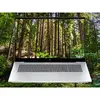
The HP OmniBook 7 17-dc0004nwx laptop is compared against several alternative models of a similar class from HP and Asus, including the Asus VivoBook 17 X1704MA-AU190W, HP OmniBook 7 NGAI 17-dc0219nw, HP OmniBook 3 17-dp0157ng, Asus Zenbook 14, and HP OmniBook 3 17-dp0150ng. All of these devices are designed for everyday tasks, office work, and entertainment, yet they differ in screen types, storage capacities, processor performance, and preinstalled operating systems.
⚙️ Below is a comparison of key specifications, including screen size, panel type, processor, RAM amount, storage capacity, and operating system, to clearly demonstrate the technical differences and their practical significance.
| Parameter | HP OmniBook 7 17-dc0004nwx | Asus VivoBook 17 X1704MA-AU190W | HP OmniBook 7 NGAI 17-dc0219nw | HP OmniBook 3 17-dp0157ng | Asus Zenbook 14 | HP OmniBook 3 17-dp0150ng | Practical significance |
|---|
| Display | 17.3" FHD Touch IPS | 17.3" FHD | 17.3" FHD Touch | 17.3" FHD IPS | 14" WUXGA OLED | 17.3" FHD IPS | Touchscreens and IPS panels enhance interaction comfort and picture quality, while the compact OLED display on the Zenbook focuses on superior mobility and color reproduction. |
| Processor | Intel Core Ultra 5 226V | Intel Core 5 315 | Ultra 5 226V | AMD Ryzen 5 7520U | Snapdragon X X1-26-100 | AMD Ryzen 5 | Processors deliver varying levels of performance suitable for everyday tasks, multimedia, and efficient multitasking. |
| RAM | 16GB RAM | 16GB RAM | 16GB RAM | 16GB RAM | 8GB RAM | 8GB RAM | 16GB of RAM is better suited for smoothly running multiple demanding applications, whereas 8GB targets basic computing scenarios. |
| Storage | 512GB SSD | 512GB SSD | 1TB SSD | 512GB SSD | 512GB SSD | 512GB SSD | A larger storage capacity (1TB) allows you to keep more extensive files and media locally without needing external drives. |
| OS | Windows 11 Home | Windows 11 Home | Windows 11 Home | FreeDOS | Windows 11 Home | FreeDOS | Windows models are ready to use right out of the box, while FreeDOS versions require manual operating system installation. |
◎ The table below evaluates the suitability of each model for various usage scenarios to help you select the most appropriate device for your specific needs.
| Use case | Recommended product | Why |
|---|
| Professional tasks and multimedia with touch control | HP OmniBook 7 17-dc0004nwx | Combines a large 17.3" touchscreen, a modern Intel processor, and 16GB of RAM with Windows 11 Home preinstalled. |
| Working with large document archives and media | HP OmniBook 7 NGAI 17-dc0219nw | Offers an expanded 1TB internal storage capacity for storing large amounts of data. |
| Maximum portability and vibrant OLED visuals | Asus Zenbook 14 | Features a compact 14-inch OLED display that is convenient for frequent travel and mobile use. |
| Basic office work with the freedom to choose your own OS | HP OmniBook 3 17-dp0150ng | Suitable for studying and everyday tasks while letting you install your preferred system on FreeDOS. |
The HP OmniBook 7 17-dc0004nwx is an optimal choice for users who need a large 17.3-inch touchscreen, a comfortable amount of RAM, and a ready-to-use operating system. Choose it if you value the dependable performance and convenience of the OmniBook 7 series for daily productivity and entertainment, while alternatives with smaller memory, different screen sizes, or FreeDOS may better fit other budgets and specific requirements.