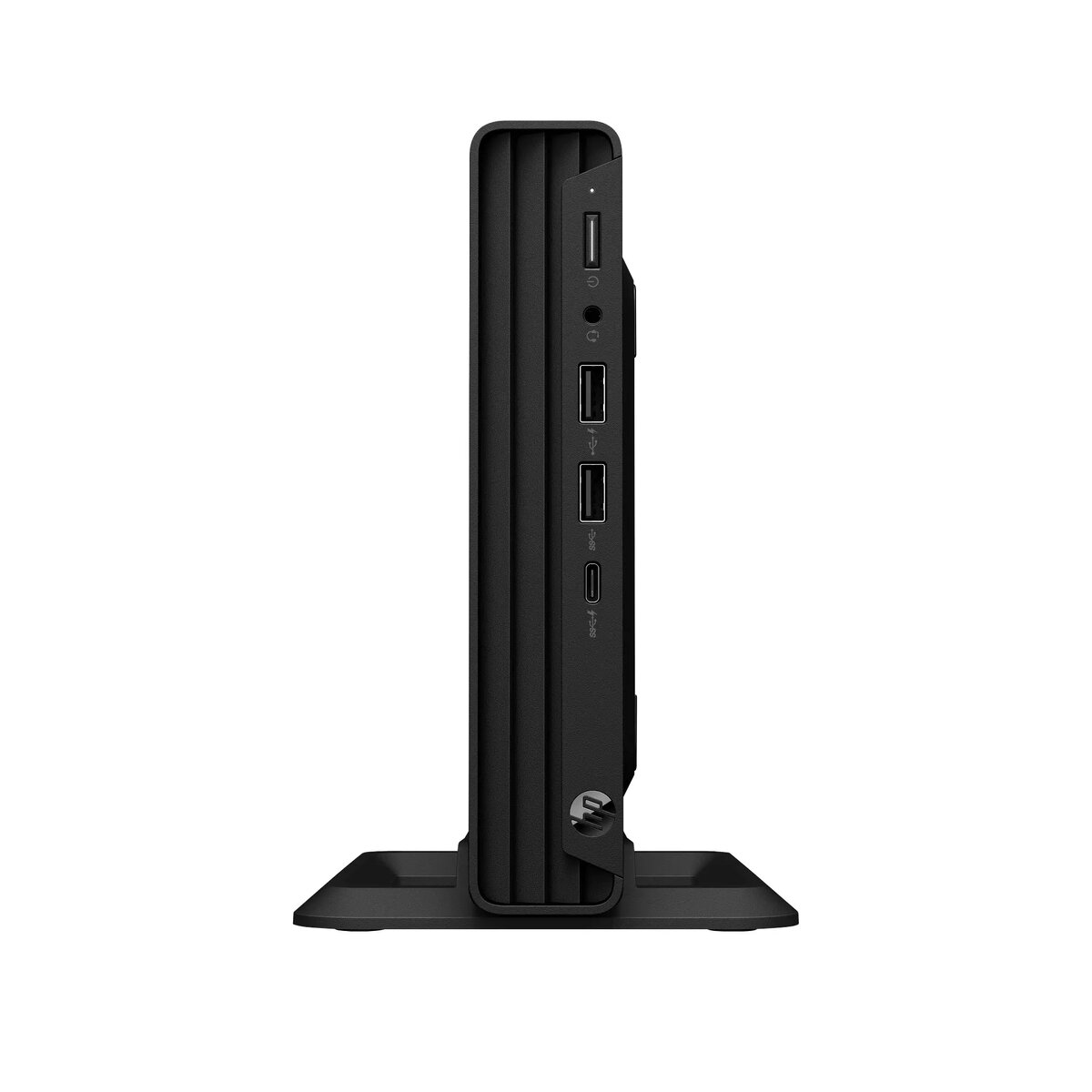
The HP Pro Mini 260 G9 is a compact and efficient desktop PC engineered to meet the demands of modern professional office environments. Powered by an Intel Core i5-1335U processor and equipped with 8GB of RAM and a 512GB SSD, this small form factor computer delivers reliable performance for daily business tasks. Its space-saving design allows it to fit seamlessly into any workspace, while the pre-installed Windows 11 Pro operating system ensures enterprise-grade security and productivity features.
Advantages
The primary advantage of the HP Pro Mini 260 G9 is its highly compact footprint, which significantly reduces desk clutter without compromising on processing power. The inclusion of a fast PCIe NVMe SSD ensures rapid system boot times and quick access to files, while the Intel Core i5 processor provides sufficient multitasking capabilities for office applications. Furthermore, the device offers a versatile selection of ports, including USB Type-C and legacy serial connectivity, making it highly adaptable to various peripheral setups and office equipment.
Suitable for
- General office productivity tasks such as word processing and spreadsheet management
- Professional communication and video conferencing
- Retail environments requiring a space-saving point-of-sale terminal
- Educational settings and administrative workstations
When it may not be suitable
This desktop is not intended for high-end graphic design, video editing, or intensive 3D rendering, as it relies on integrated graphics rather than a dedicated GPU. Additionally, it is not suitable for users who require extensive internal hardware expansion or high-performance gaming.
Key specifications
- Processor: Intel Core i5-1335U (10 cores, up to 4.6 GHz)
- Memory: 8GB DDR4-3200 RAM (expandable via 2 SODIMM slots)
- Storage: 512GB PCIe NVMe M.2 SSD
- Graphics: Integrated Intel Iris/UHD Graphics
- Connectivity: Gigabit Ethernet, HDMI 1.4b, DisplayPort 1.4a, USB Type-C, and multiple USB Type-A ports
- Operating System: Windows 11 Pro
- Dimensions: 177 x 175 x 34 mm
- Weight: Approx. 1.42 kg
How to use
To set up the HP Pro Mini 260 G9, connect the included power adapter to the device and a wall outlet. Connect your monitor using either the HDMI or DisplayPort cable, and attach the provided keyboard and mouse to the available USB ports. Connect your network cable to the RJ-45 port for internet access. Once connected, press the power button to initiate the Windows 11 Pro setup process, following the on-screen instructions to configure your user profile and network settings.
What to consider before purchase
- Verify that your monitor supports the available HDMI or DisplayPort connections.
- Consider if you require additional RAM for memory-intensive applications.
- Note that this model does not include built-in wireless networking (Wi-Fi).
- Ensure your peripheral devices are compatible with the available USB ports.
Usage recommendations
For optimal performance and longevity, ensure the device is placed in a well-ventilated area to allow for proper airflow. Regularly update your Windows 11 Pro operating system and drivers to maintain security and system stability.