
JBL speakers and headphones for pure and deep sound!
In cart {{totalProductsCount}} item(s)
Your cart is empty
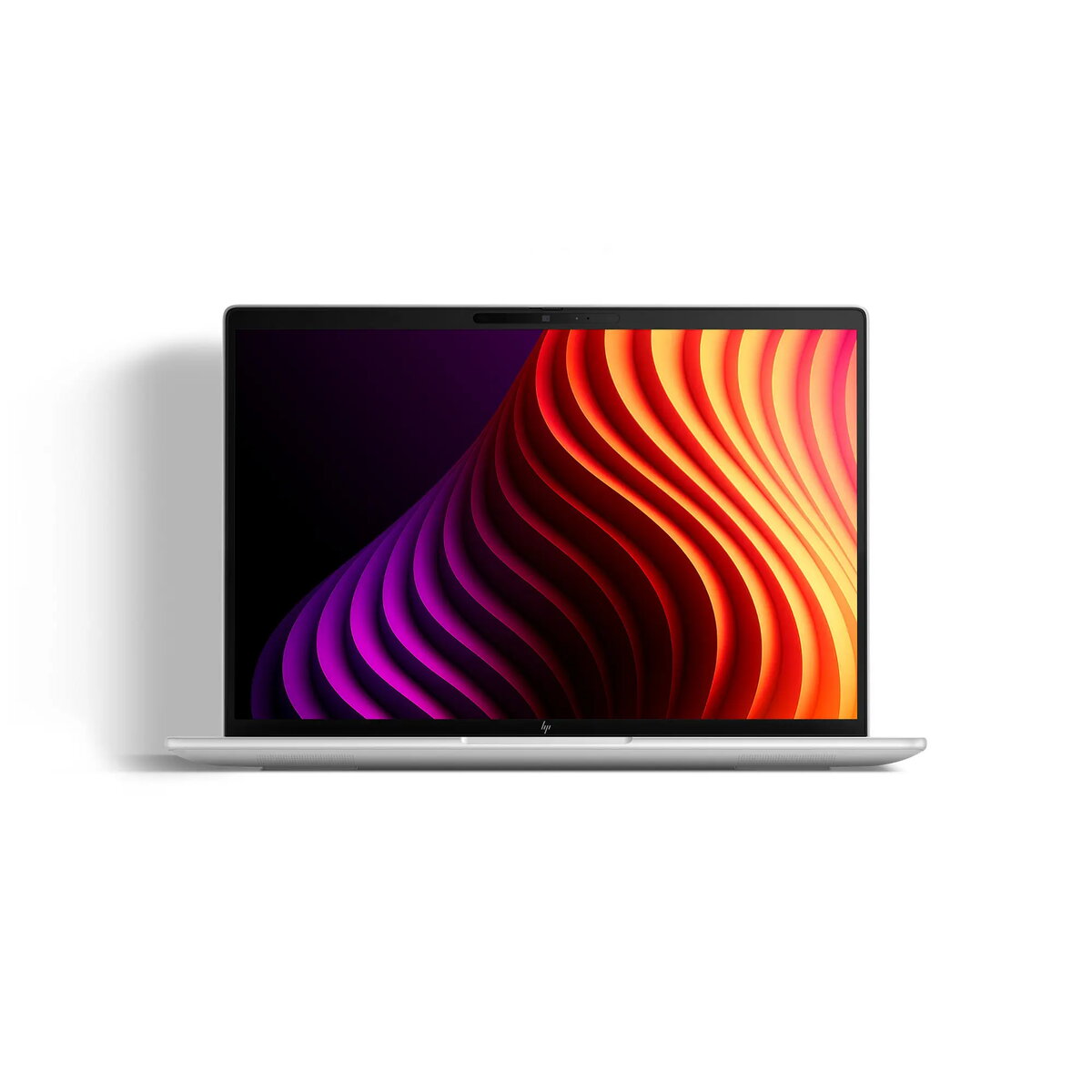
HP EliteBook 8 G2i Laptop, 14" WUXGA, Intel Core Ultra 5 125U, 16GB RAM, 512GB SSD, Windows 11 Home, Silver
The HP EliteBook 8 G2i is a professional-grade 14-inch laptop engineered for high-level productivity and seamless mobility. Featuring a sleek silver design, this device combines the efficiency of the Intel Core Ultra 5 processor with advanced AI capabilities, making it a powerful tool for modern business environments. With its crisp WUXGA display and robust hardware configuration, it provides a reliable platform for multitasking, content creation, and daily office operations.
This laptop stands out due to its integration of cutting-edge hardware, including a high-performance NPU for local AI tasks and fast DDR5 memory. The inclusion of Wi-Fi 7 and Bluetooth 6.0 ensures future-proof connectivity, while the 5MP infrared camera with AI noise reduction enhances video conferencing quality. Its lightweight and slim chassis, combined with a long-lasting 68Wh battery, makes it an ideal companion for professionals who work on the move. Furthermore, the inclusion of a fingerprint reader and a secure build ensures that sensitive business data remains protected.
This device is not designed for high-end gaming or intensive 3D rendering, as it relies on integrated graphics rather than a dedicated GPU. Additionally, users who require an optical drive or a built-in numeric keypad for heavy data entry may find the compact 14-inch form factor limiting.
To begin using your HP EliteBook 8 G2i, connect the power adapter to one of the USB-C ports to ensure the battery is fully charged. Power on the device using the dedicated button and follow the on-screen instructions to set up Windows 11 Home. Once configured, you can utilize the fingerprint reader for secure, quick access to your desktop. For external displays or peripherals, utilize the high-speed Thunderbolt 4 or HDMI ports. Keep the system updated through the integrated software tools to ensure optimal performance and security.
To maintain the longevity of your device, keep the air vents clear of obstructions to ensure proper cooling. Regularly clean the screen with a microfiber cloth and avoid using harsh chemicals. For extended battery life, adjust the power settings in Windows 11 to balance performance and energy efficiency.
{{highlightedFeature.featureTitle}}:
{{getProductFeatureValueById(product, highlightedFeature.featureId)}}
{{ productComparisonGenerationError }}
