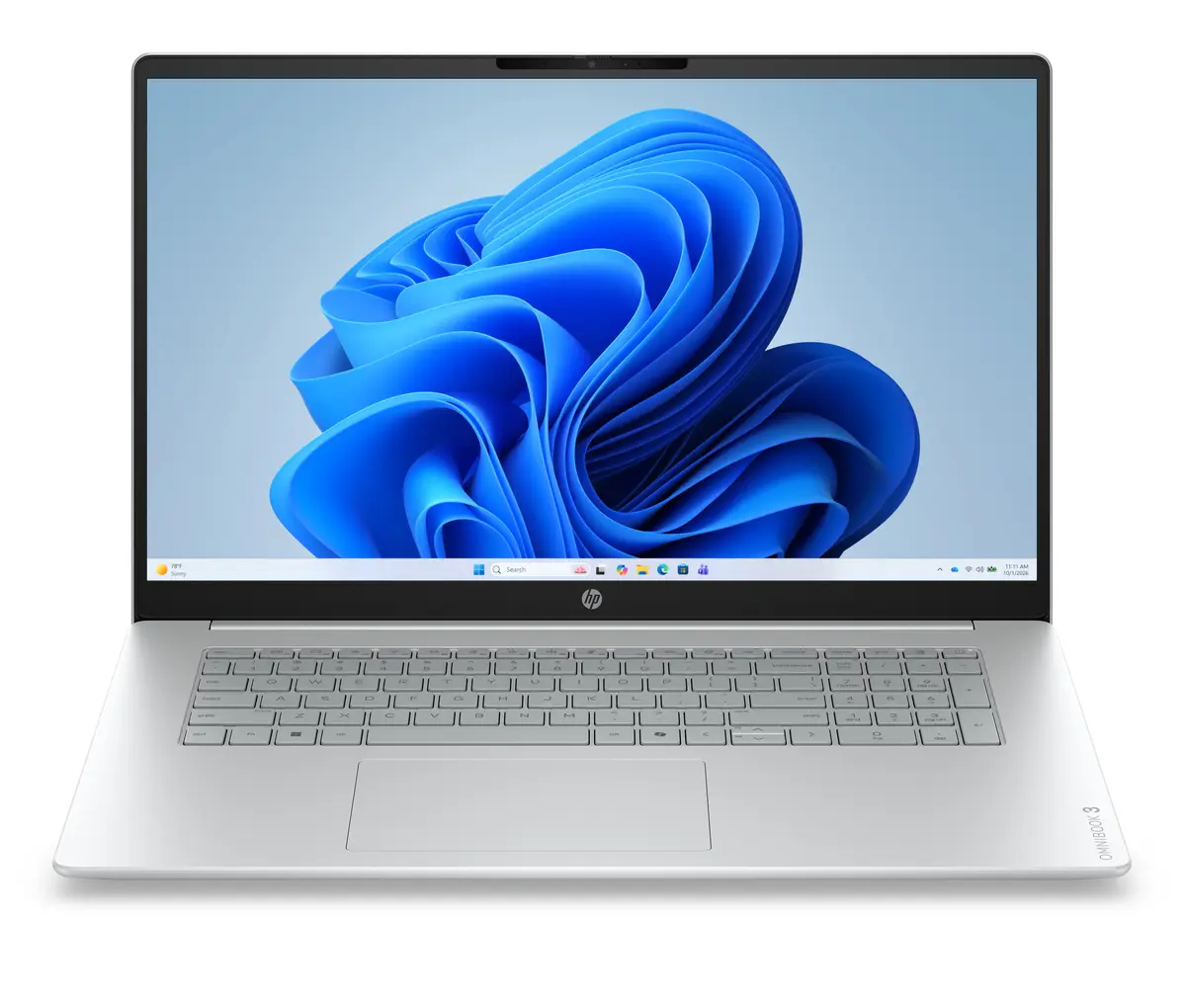
The HP OmniBook 3 17-dp0008nnx laptop is compared against several alternative models from the HP OmniBook 3 lineup, including devices with 17.3-inch and 14-inch screens, as well as various memory, processor, and operating system configurations. All these laptops share a common purpose for everyday productivity, multitasking, and media consumption, but they differ in processor performance, RAM capacity and type, display size and type, and the preinstalled operating system.
⚙️ Below is a comparison of key characteristics, including processor, RAM amount and type, storage capacity, display type and size, and operating system, to help you evaluate the technical differences between the models.
| Parameter | HP OmniBook 3 17-dp0008nnx | HP OmniBook 3 17-dp0007nnx | HP OmniBook 3 14-hu0009nyx | HP OmniBook 3 (D9LX1EA) | HP OmniBook 3 17-dp0131ng | HP OmniBook 3 17-dp0157ng | Practical significance |
|---|
| Processor | AMD Ryzen 5 | AMD Ryzen 5 | Intel Core 5 120U | Ryzen 5 | AMD Ryzen 3 | AMD Ryzen 5 7520U | Ryzen 5 and Core 5 processors deliver higher speed and better multitasking capabilities compared to Ryzen 3. |
| RAM | 16GB LPDDR5 | 24GB DDR5 | 16GB DDR5 | 16GB RAM | 8GB RAM | 16GB RAM | A larger RAM capacity (24GB) is better suited for heavy workloads, while 16GB is optimal for most everyday tasks. |
| Storage | 512GB SSD | 512GB SSD | 1TB SSD | 512GB SSD | 512GB SSD | 512GB SSD | The 1TB storage drive provides twice as much space for files and applications compared to standard 512GB versions. |
| Display | 17.3" FHD IPS | 17.3" FHD IPS | 14" 2K OLED | 17.3" FHD | 17.3" FHD IPS | 17.3" FHD IPS | The 14-inch OLED display is more compact and high-contrast, while 17.3-inch screens offer more workspace for documents. |
| OS | Windows 11 Home | Windows 11 Home | Windows 11 Home | Windows 11 Home | Windows 11 Home | FreeDOS | The FreeDOS model requires manual operating system installation, whereas the others come with Windows 11 Home. |
◎ The table below evaluates how each model fits different usage scenarios to help you choose the right device for your needs.
| Use case | Recommended product | Why |
|---|
| Everyday work and media with balanced specs | HP OmniBook 3 17-dp0008nnx | Offers a well-rounded setup with a Ryzen 5 processor, 16GB fast memory, and a large screen for comfortable productivity. |
| Heavy multitasking | HP OmniBook 3 17-dp0007nnx | Features increased RAM capacity (24GB) to handle multiple demanding applications simultaneously. |
| Portability and display quality | HP OmniBook 3 14-hu0009nyx | Equipped with a compact 14-inch OLED screen and 1TB storage, making it ideal for travel and media viewing. |
| Basic tasks and budget efficiency | HP OmniBook 3 17-dp0131ng | Suitable for web browsing and studying with an efficient Ryzen 3 processor and 8GB of RAM. |
| Manual OS setup | HP OmniBook 3 17-dp0157ng | Ships with FreeDOS, allowing the user to install their preferred operating system independently. |
The HP OmniBook 3 17-dp0008nnx stands out from the alternatives through its balanced combination of an AMD Ryzen 5 processor, 16GB of LPDDR5 memory, and a spacious 17.3-inch screen with preinstalled Windows 11 Home. It is best suited for users who need a reliable and capable device for daily work, study, and entertainment without paying extra for excessive memory or dealing with manual operating system installation.