Save time and money with our discounts!
In cart {{totalProductsCount}} item(s)
Your cart is empty
HP DX0M8AT laptop Intel Core 5 14" WUXGA 16 GB RAM 512 GB SSD Windows 11 Pro
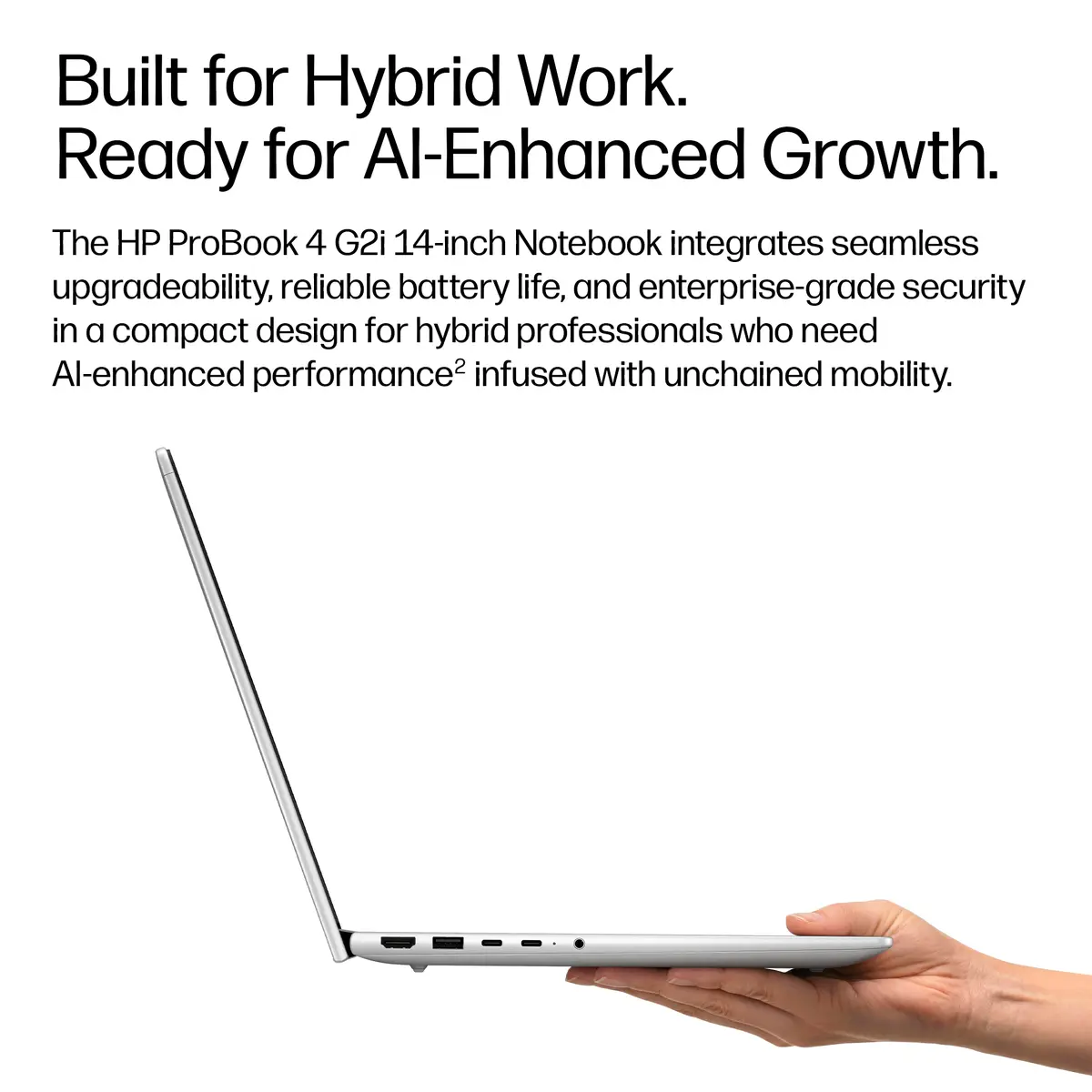
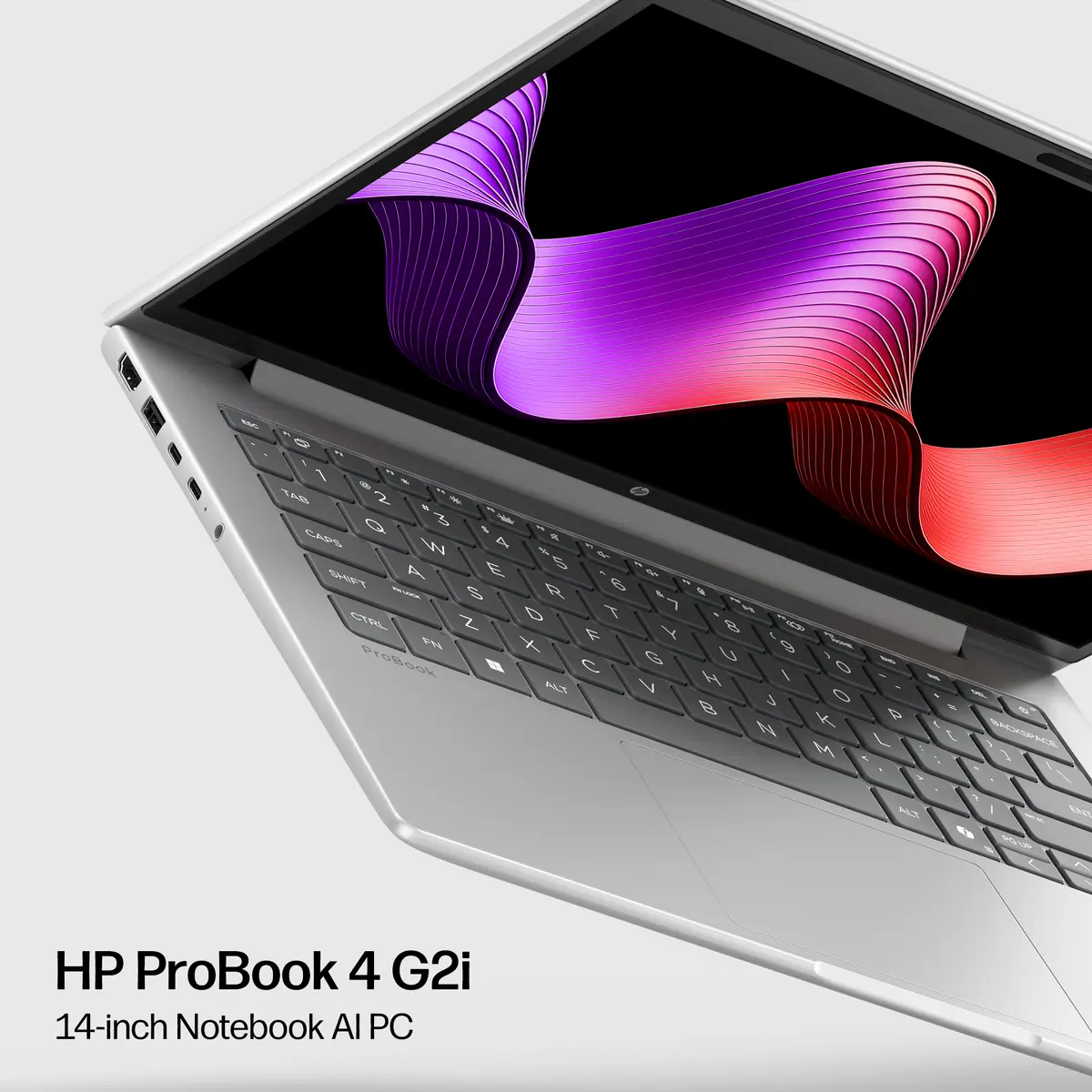
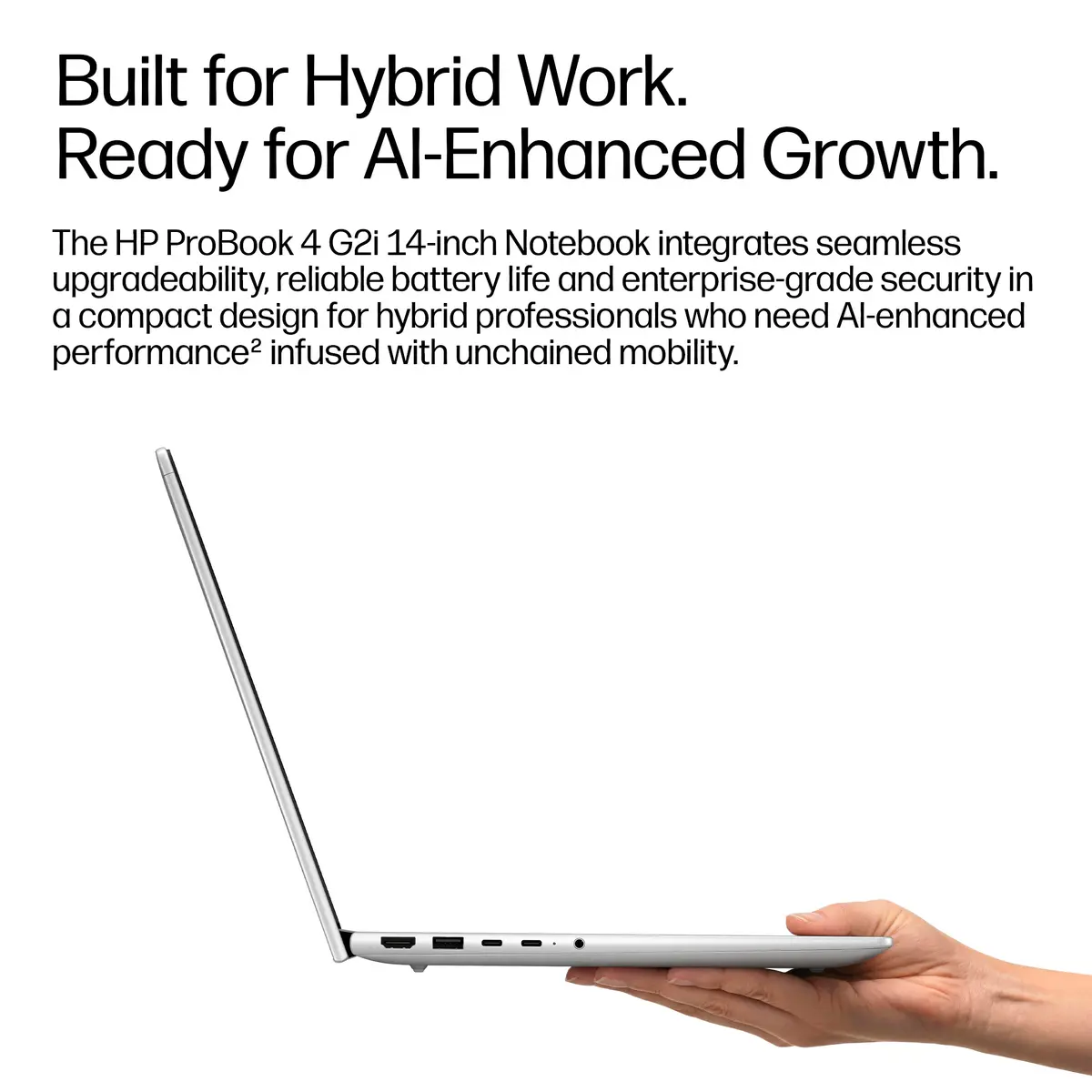
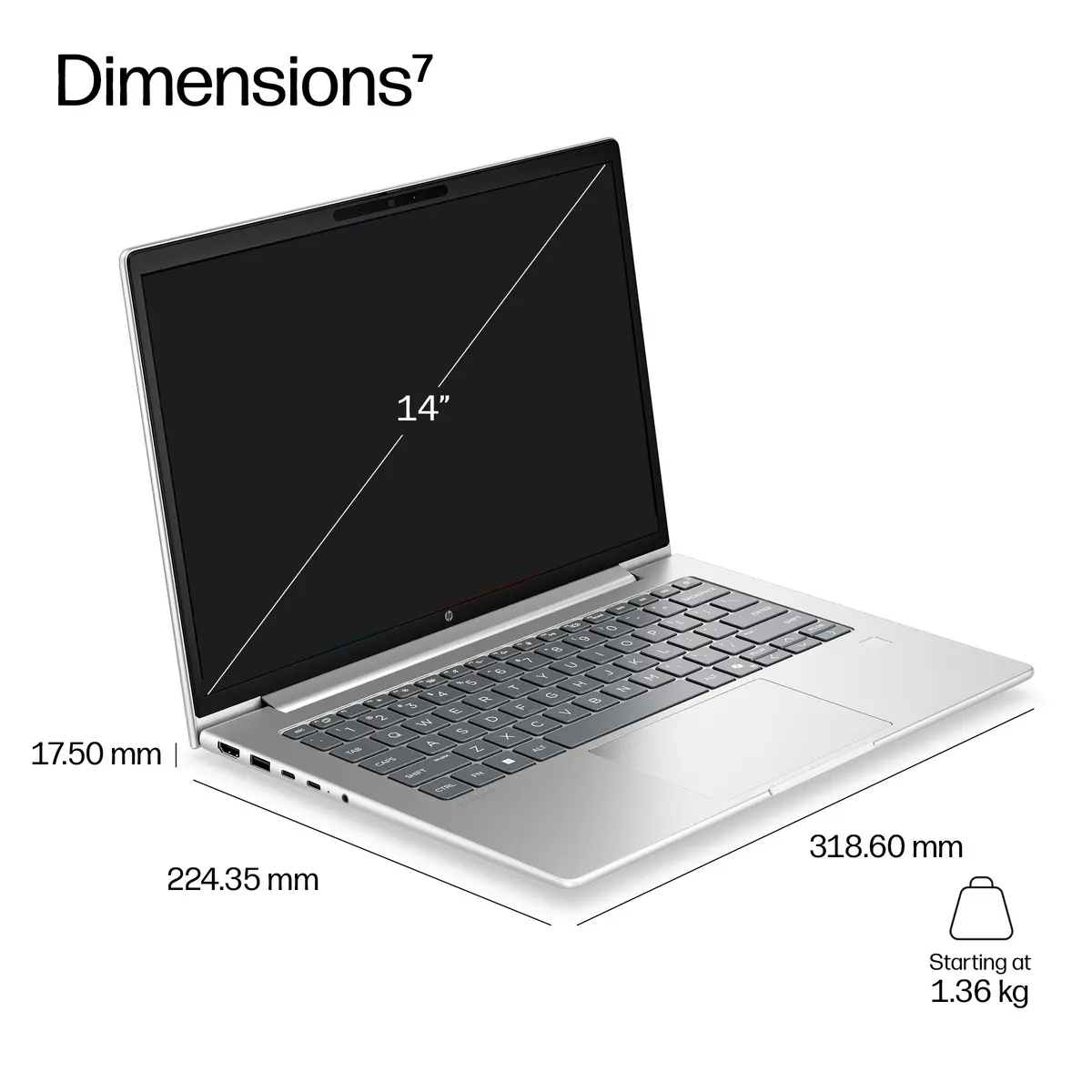
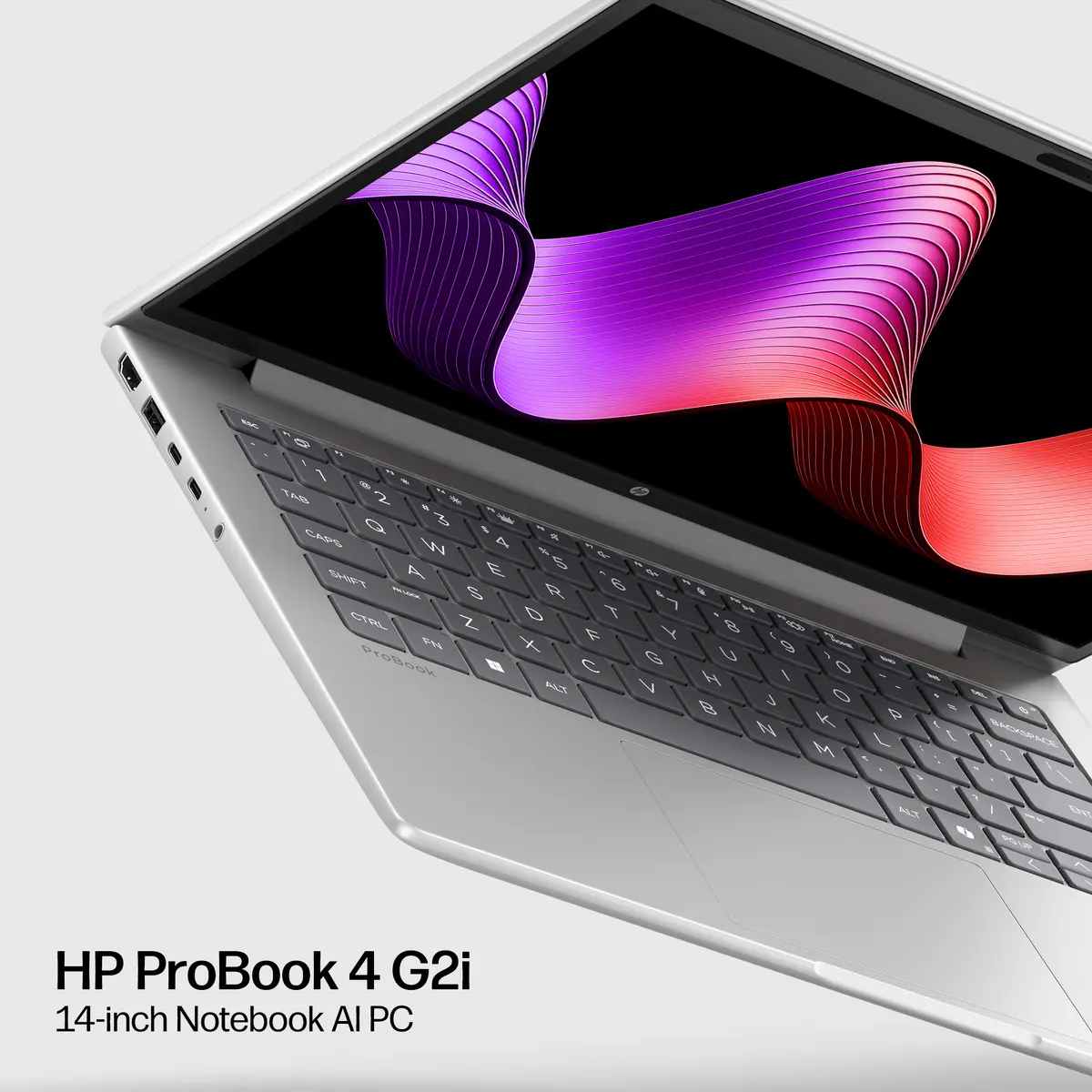
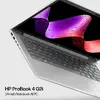
The HP DX0M8AT laptop is designed to deliver reliable performance for everyday office tasks and professional multitasking. Featuring a compact 14-inch clamshell form factor in a professional silver finish, this device combines mobility with modern computing power. Equipped with an Intel Core 5 processor, 16 GB of DDR5 RAM, and a fast 512 GB SSD, it ensures responsive operation and efficient handling of daily workloads. Preinstalled with Windows 11 Pro, it provides advanced security and management features suitable for business environments.
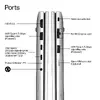
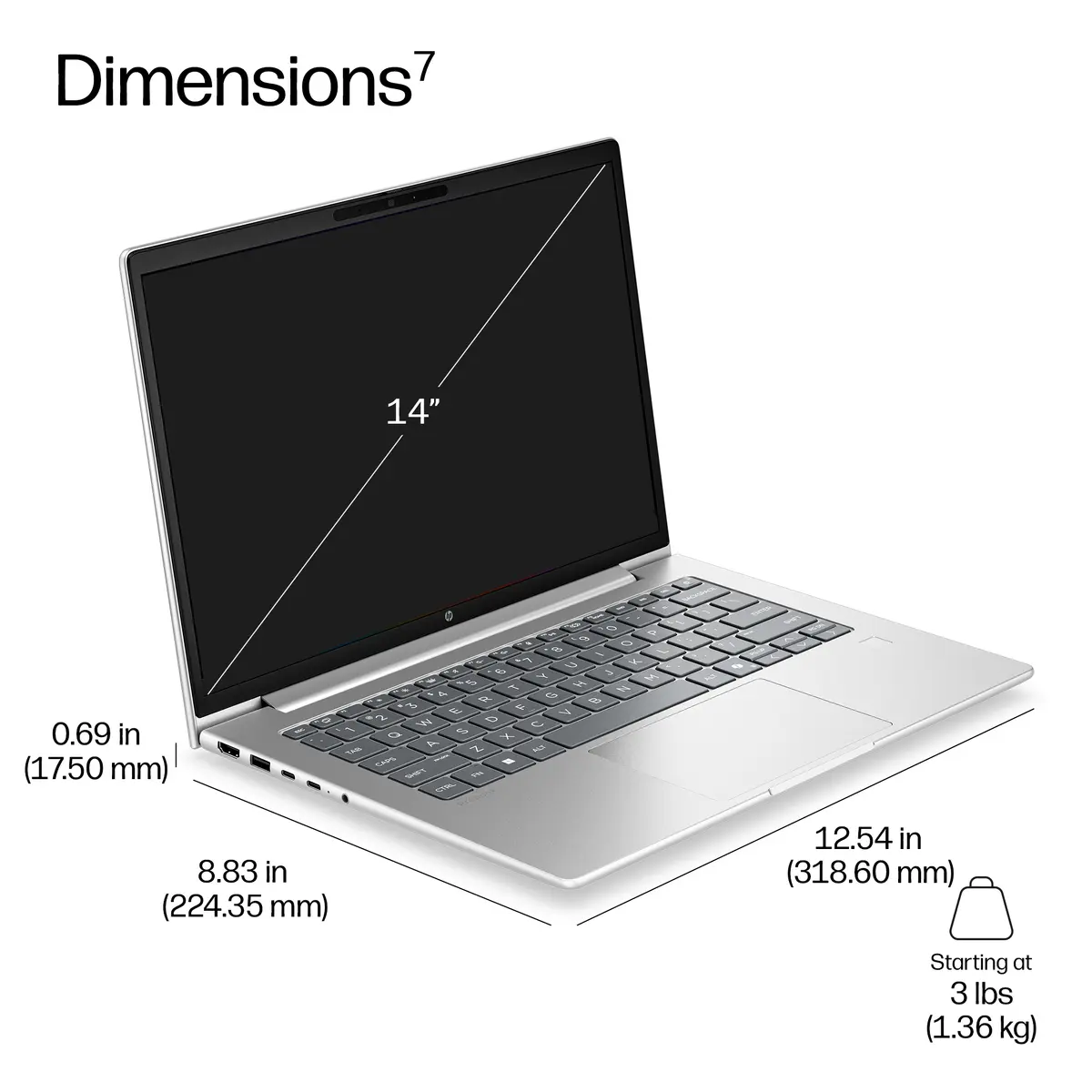
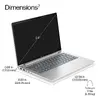
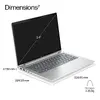
This laptop offers a balanced combination of modern processing power and energy efficiency, driven by the Intel Core 5 processor and 16 GB of DDR5 memory. The inclusion of a 512 GB solid-state drive ensures quick boot times and rapid data access for all applications. Connectivity is future-ready with advanced Wi-Fi 7 support, allowing for stable and high-speed wireless networks. Weighing just 1.36 kg, the device is exceptionally portable, making it easy to carry between meetings, offices, or remote workspaces. Additionally, the 14-inch WUXGA display provides clear and detailed visuals with a 16:10 aspect ratio, enhancing productivity during extended work sessions.
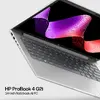

This model may not be suitable for demanding tasks that require dedicated high-end graphics processing, such as advanced 3D rendering, complex video editing, or modern high-performance gaming. Users looking for extensive internal storage expansion or a built-in numeric keypad will also need to consider alternative devices.
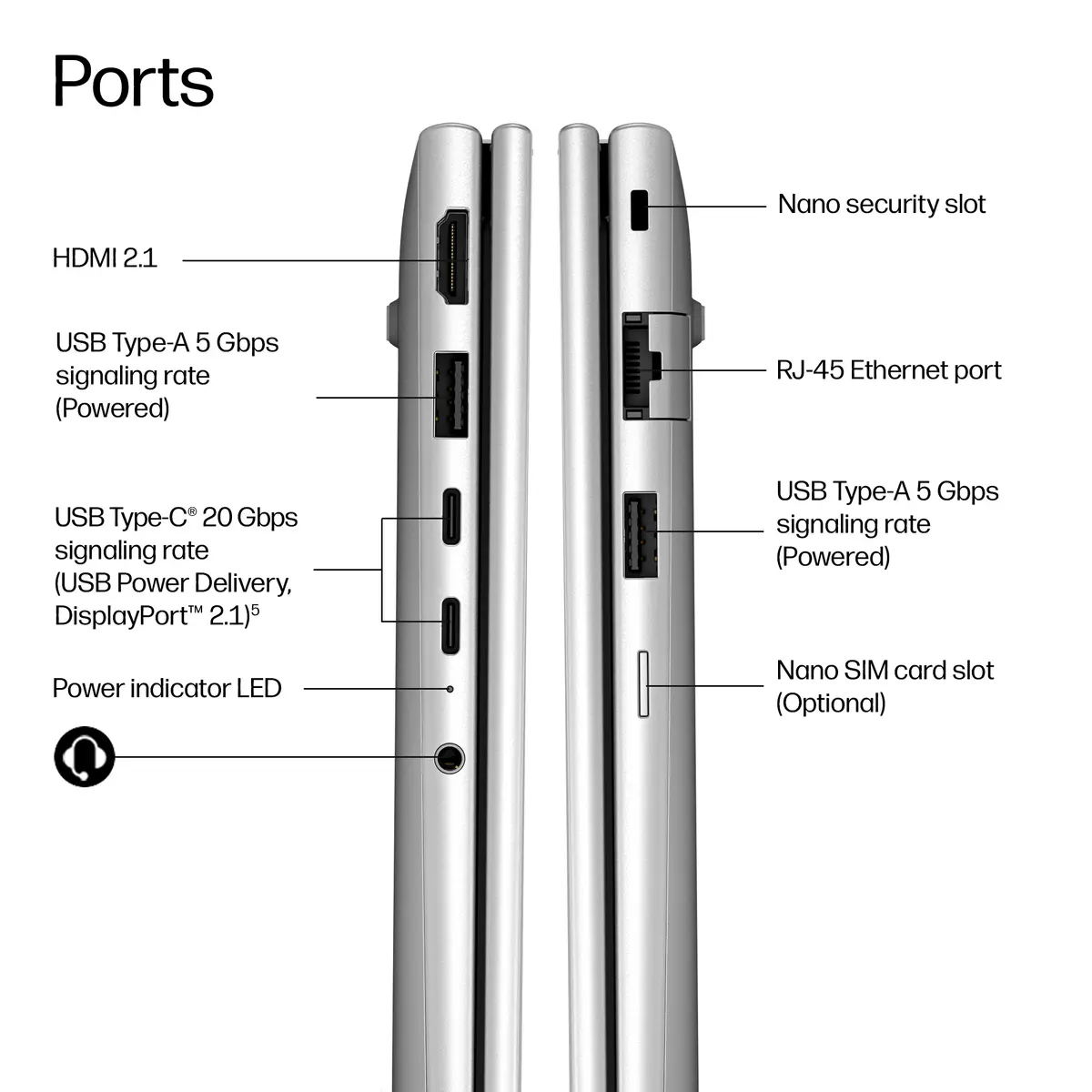
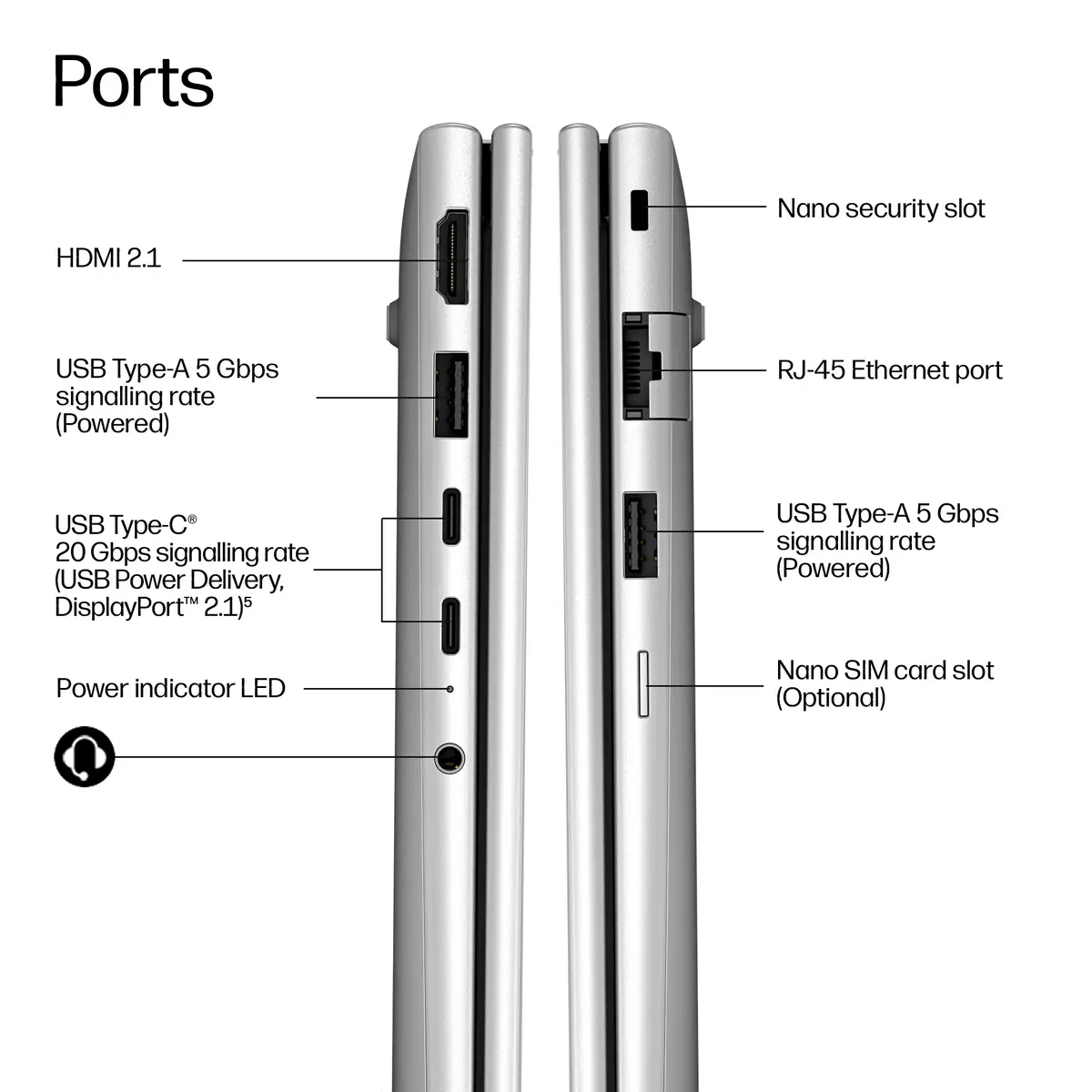
To begin using the laptop, connect the power adapter to charge the 48 Wh battery and press the power button to initialize the setup process for Windows 11 Pro. Follow the on-screen instructions to configure your language, region, and network connection, including setting up Wi-Fi 7 for optimal internet speeds. External peripherals can be connected via the available USB Type-A ports, USB Type-C charging port, or the HDMI port for external displays.
Usage recommendations: For optimal battery longevity and device performance, keep the operating system updated, use the included USB Type-C charging solution correctly, and store the laptop in a protective sleeve when transporting it in a backpack or bag.
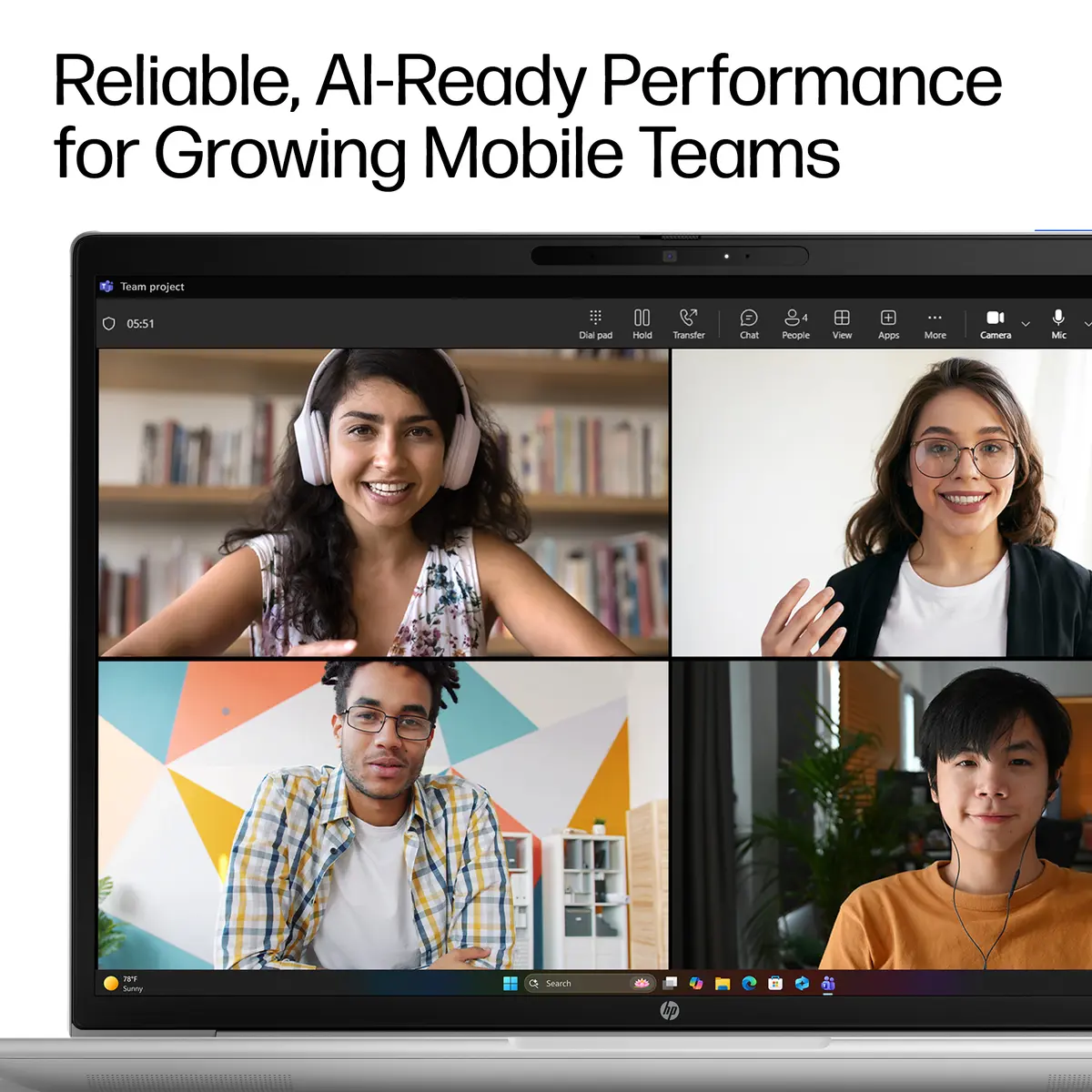
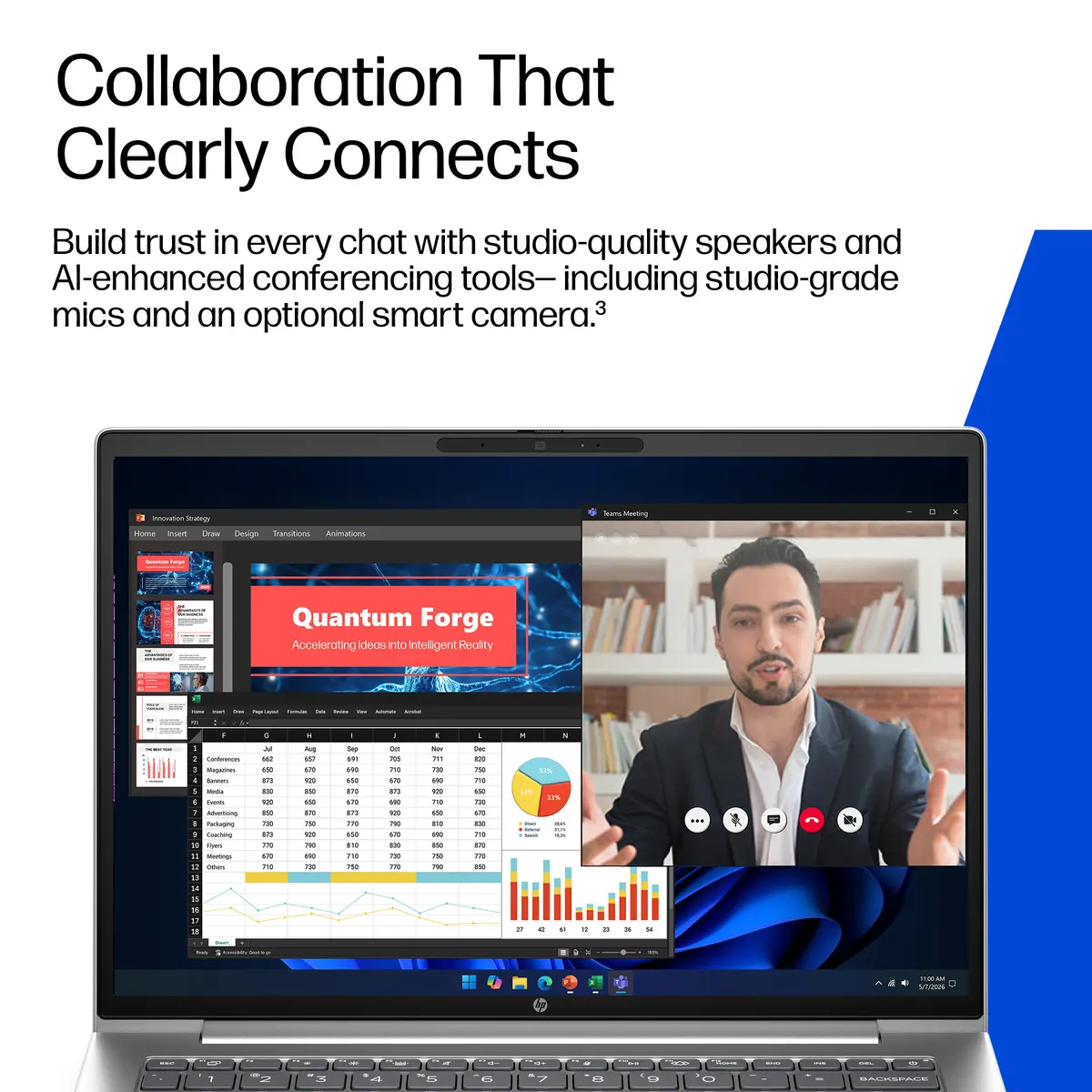
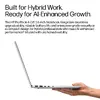
Work anywhere without compromising on performance with Windows 11 and HP collaboration, security, and connectivity technology. Summarize and rewrite content, get relevant content recommendations, and stay organized with Microsoft Copilot.[1]
The portability of your PC and the reliability of a fast connection determines where you can work. Get a fast and reliable connection in dense wireless environments with gigabit data rate Wi-Fi 7.[2]
Help protect your PC from websites and read only Microsoft Office and PDF attachments with embedded malware, ransomware, or viruses with hardware-enforced security from HP Sure Click.[4]
Malware is evolving rapidly beyond traditional antivirus capabilities. Protect your PC against never-before-seen attacks with HP Sure Sense, which combines behavioral analysis with advanced AI techniques to provide exceptional protection.[5]
Advanced security features come standard. System safeguards like HP Sure Start – the industry's first self-healing BIOS – mean your device is locked down tight, so your data and identity are too.
Help reduce downtime and total cost of ownership of your HP PCs with the HP Manageability Integration Kit. This solution helps expedite image creation and simplify routine management of hardware, BIOS, security, and software updates.[7]
Secure your laptop against hardware and malware threats with the match-on-host fingerprint sensor. Capture, secure, and store your biometric asset, while the host system protects the integrity and privacy of your fingerprint data.
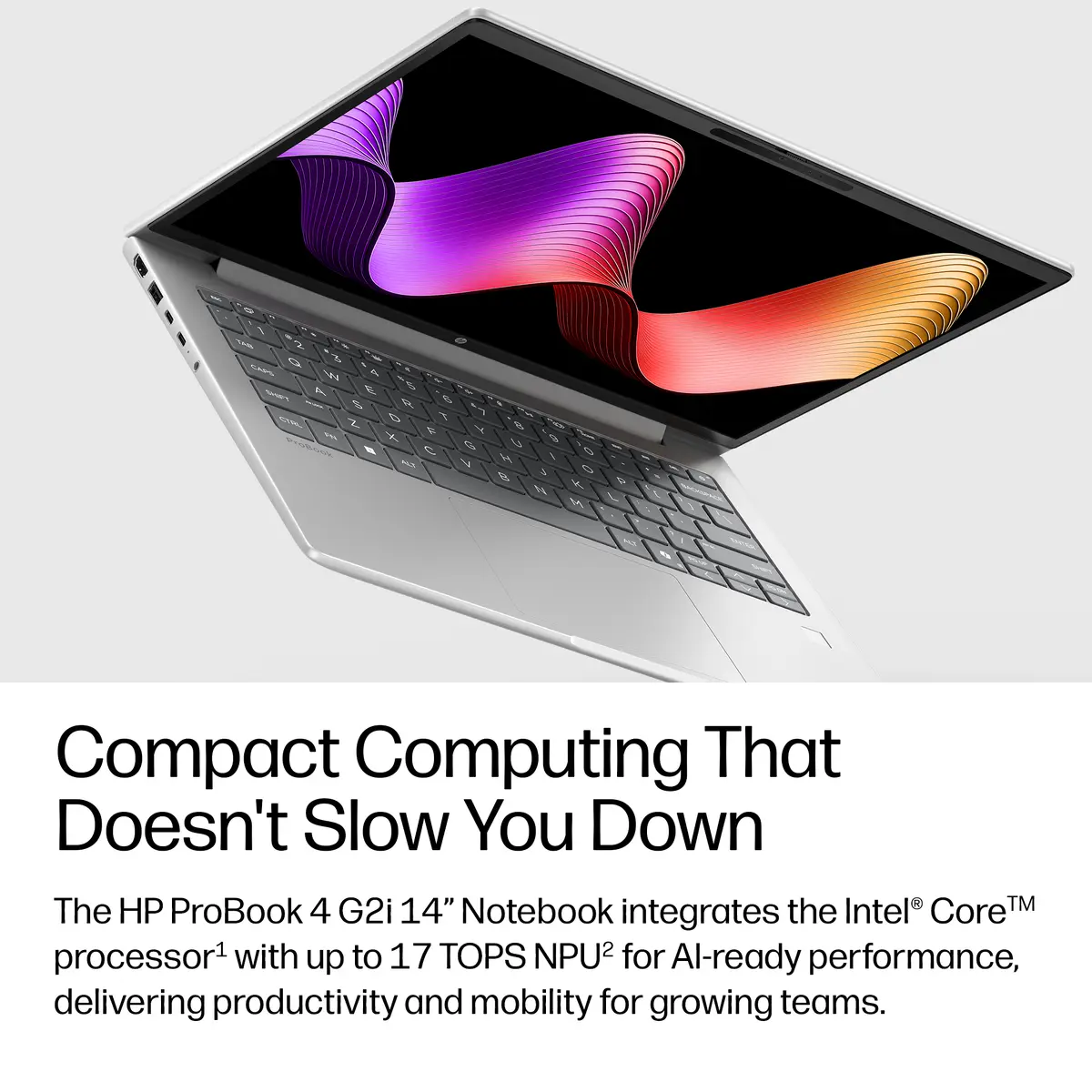
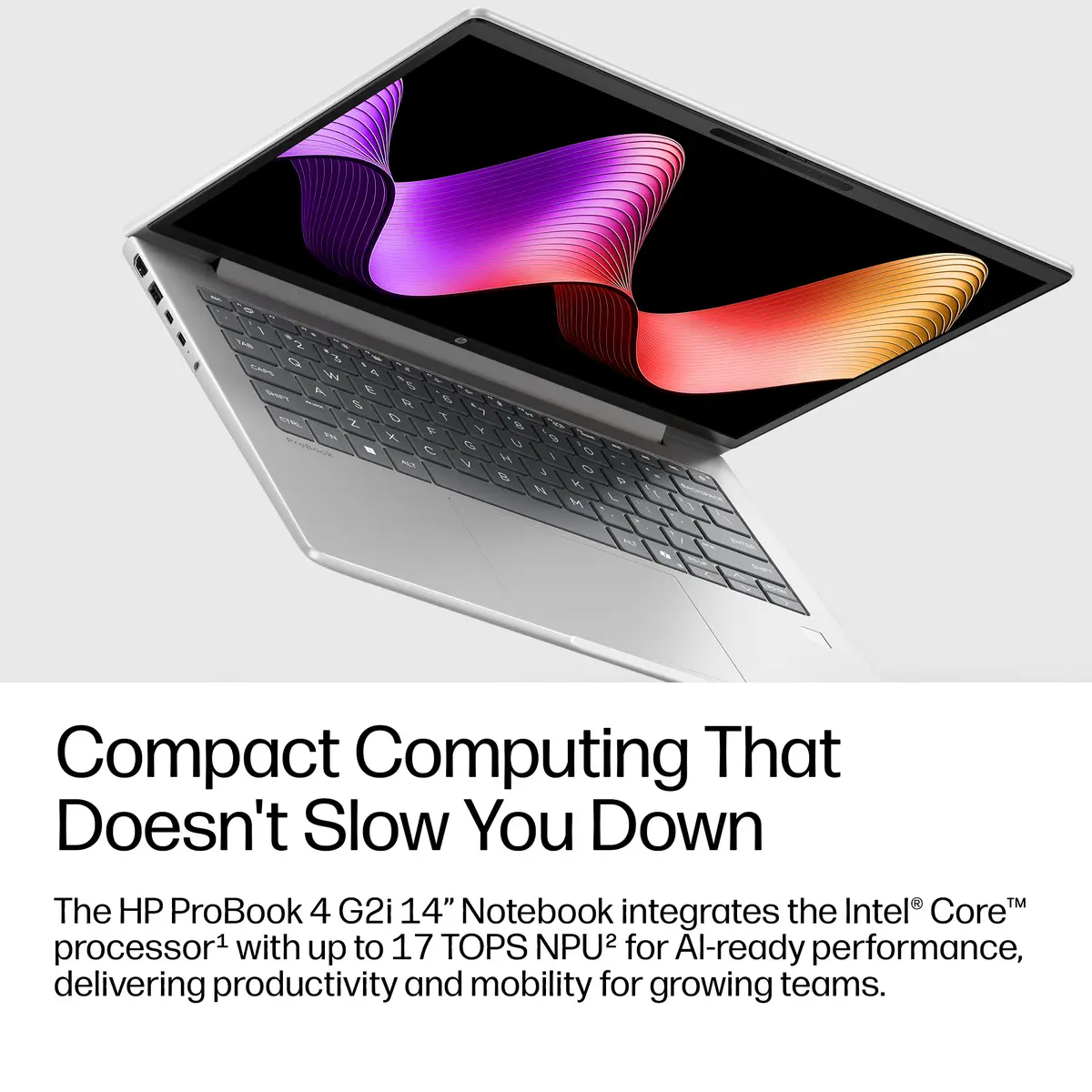
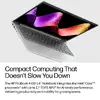
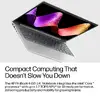
Packing AI-ready performance[3] and reliable battery life into a cost-optimized, lightweight design.
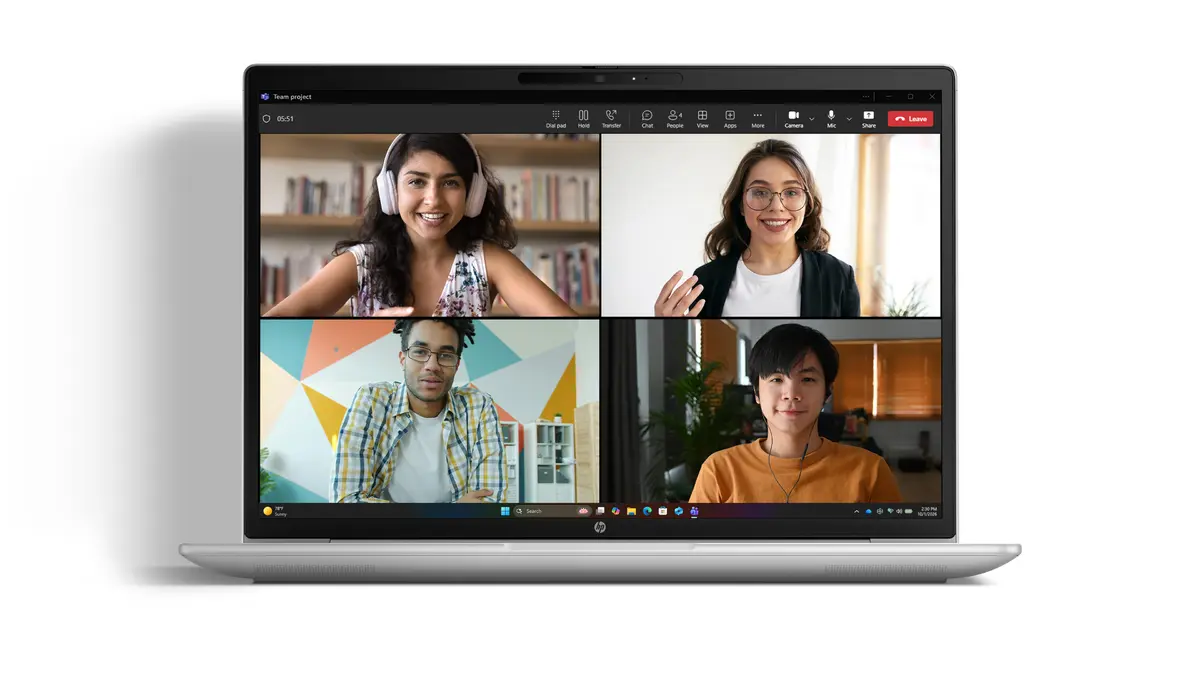
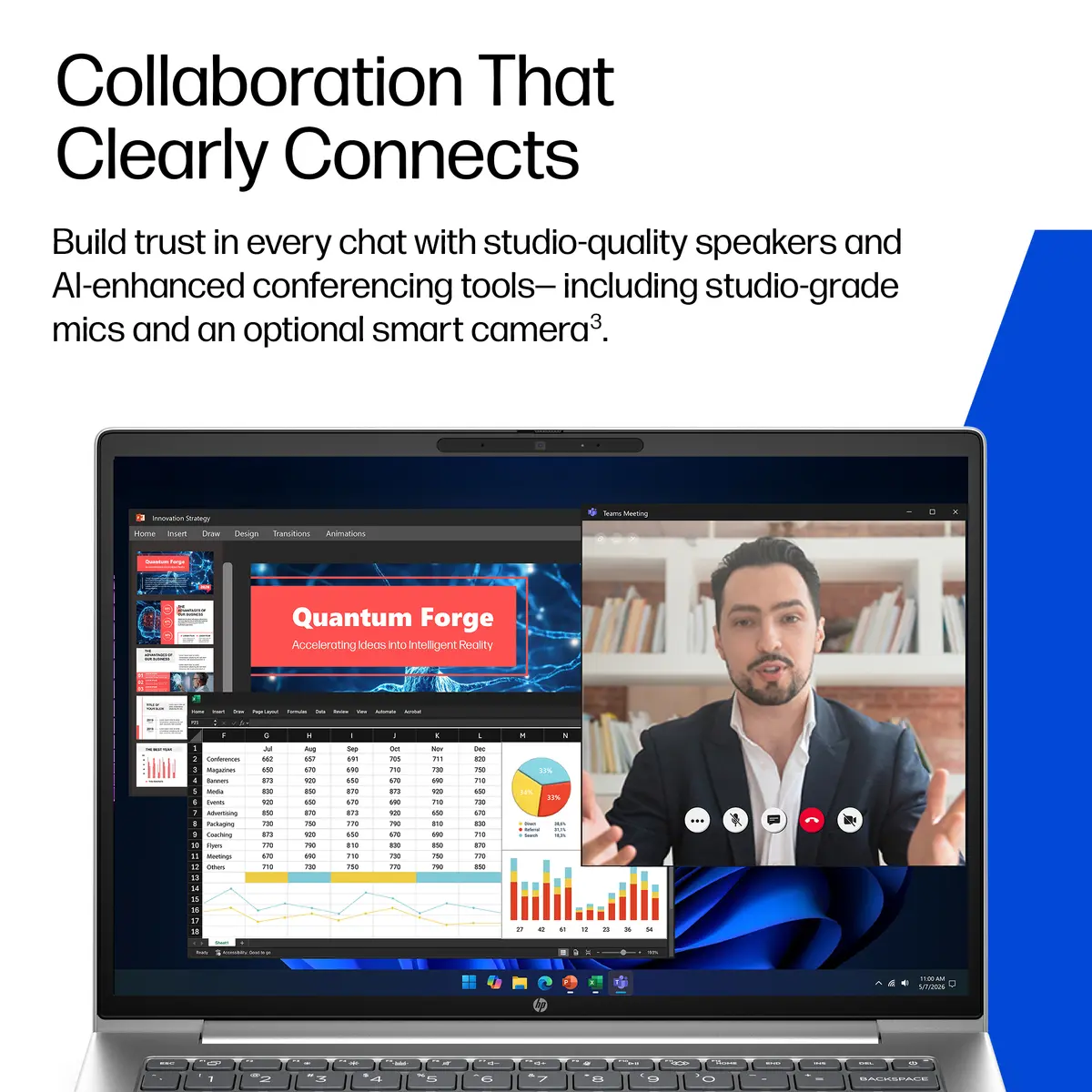
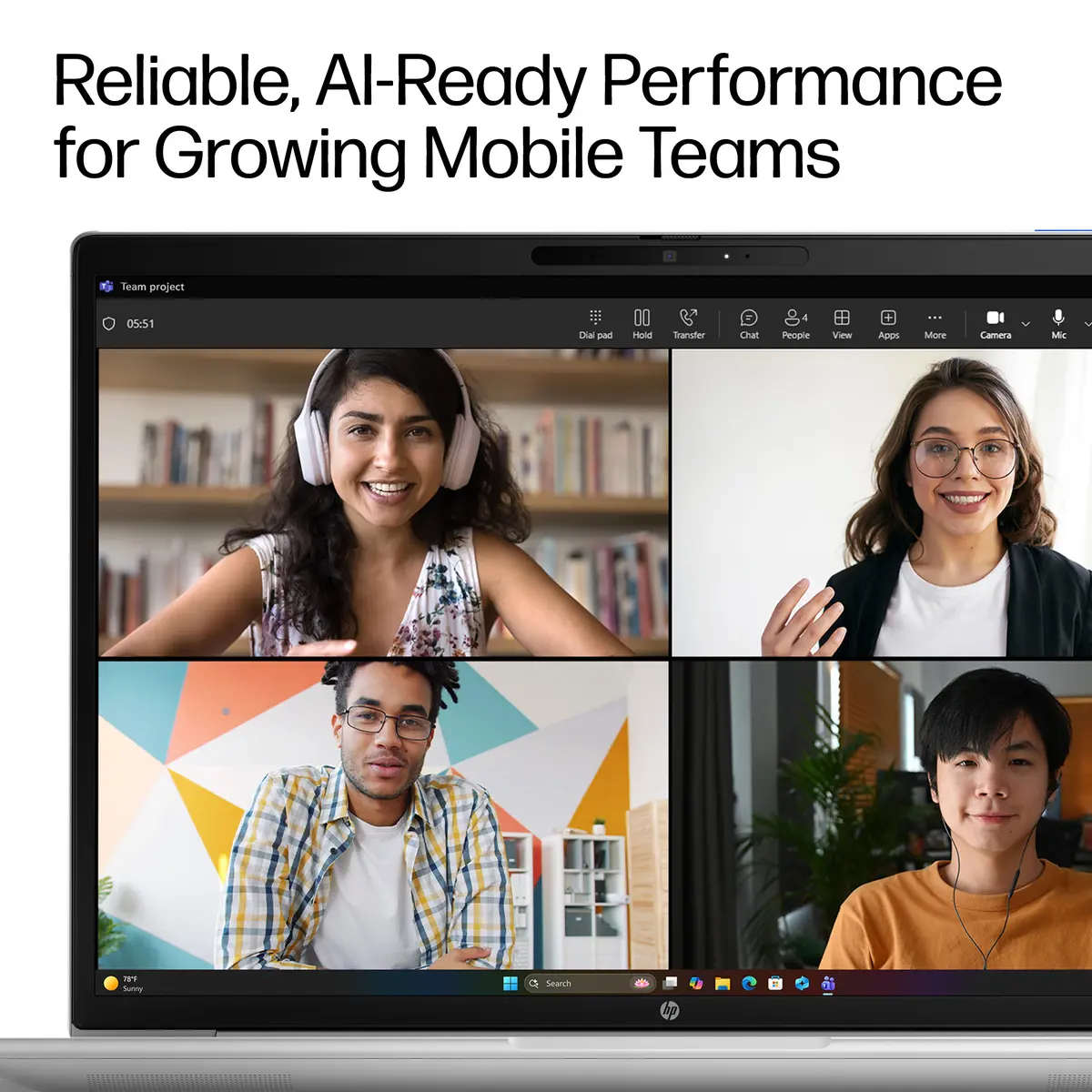
Make the best of the spotlight with an HDR camera and audio expertly tuned for immersive engagement—no matter where you work.
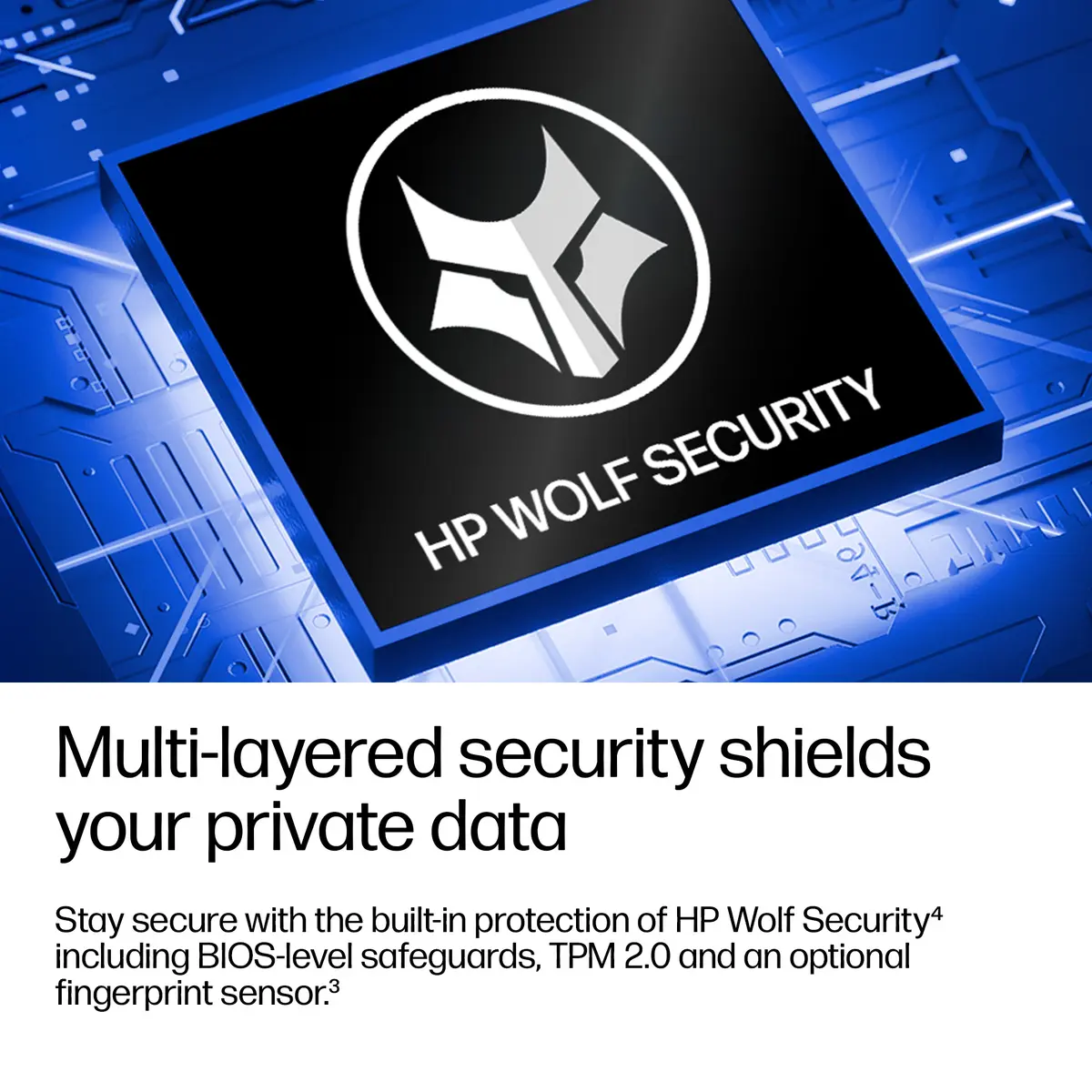
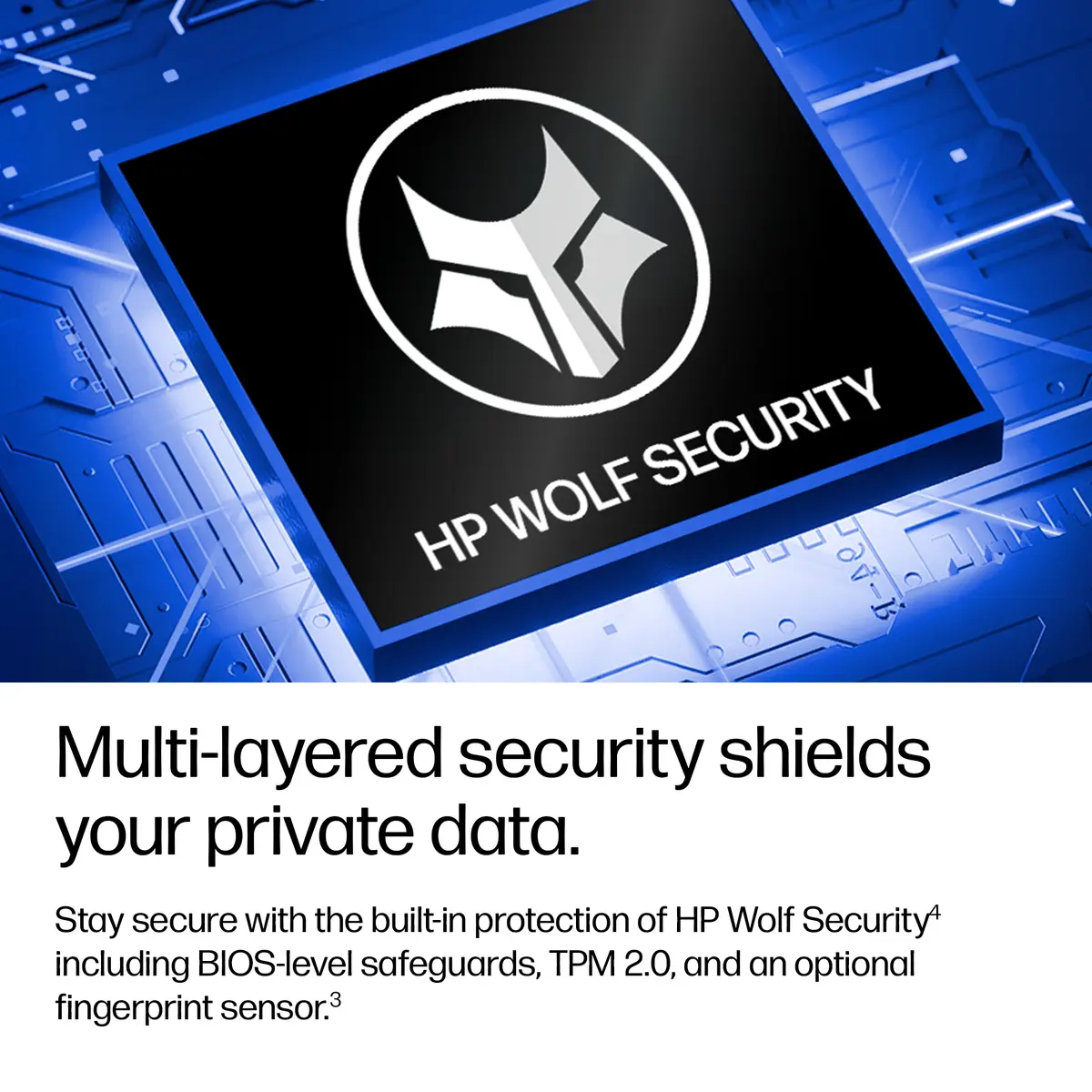
Fortify your most essential data with built-in, multi-layered protections from HP Wolf Security for Business.[6]
The HP ProBook 4 G2i 14 inch Notebook AI PC is built using 50% recycled aluminum in outside covers.[8]
{{highlightedFeature.featureTitle}}:
{{getProductFeatureValueById(product, highlightedFeature.featureId)}}
The HP DX0M8AT laptop is compared against several similar alternatives in the same category, including HP DX0M9AT, Acer Swift Go 14 AI, Lenovo ThinkPad T14 Gen 7, Lenovo ThinkPad L14 Gen 7, and HP E11NXAT. All these devices are designed for professional productivity, everyday office tasks, and mobile computing, sharing 14-inch WUXGA displays, fast 512 GB SSD storage, and Wi-Fi 7 connectivity. The primary differences lie in memory capacities, processor performance, battery sizes, touchscreen availability, and mobile network support.
⚙️ The table below compares specifications such as the processor, internal memory, display type, battery capacity, mobile network support, and operating system to help you evaluate performance and autonomy.
| Parameter | HP DX0M8AT | HP DX0M9AT | Acer Swift Go 14 AI | Lenovo ThinkPad T14 Gen 7 | Lenovo ThinkPad L14 Gen 7 | HP E11NXAT | Practical conclusion |
|---|---|---|---|---|---|---|---|
| Processor | Intel Core 5 | Intel Core 5 | Intel Core Ultra 9 386H | Intel Core Ultra 5 325 | Intel Core Ultra 5 325 | Intel Core Ultra 5 325 | The Acer model delivers the highest raw processing power for heavy workloads, while the other alternatives use balanced efficiency processors. |
| Internal memory | 16 GB | 32 GB | 16 GB | 16 GB | 16 GB | 16 GB | The HP DX0M9AT stands out with double the memory capacity for intensive multitasking, whereas the others feature standard 16 GB. |
| Display | 14" WUXGA | 14" WUXGA | 14" WUXGA | 14" WUXGA (Touchscreen) | 14" WUXGA | 14" WUXGA | All options feature the same screen resolution, but the Lenovo ThinkPad T14 adds touchscreen capability for enhanced convenience. |
| Battery capacity | 48 Wh | 48 Wh | 71 Wh | 60 Wh | 57 Wh | 68 Wh | The Acer and HP E11NXAT models offer significantly larger batteries for extended runtimes away from power outlets. |
| Mobile network | No | No | No | No | Yes (4G) | No | The Lenovo ThinkPad L14 includes built-in mobile connectivity for reliable remote work without Wi-Fi. |
| Operating system | Windows 11 Pro | Windows 11 Pro | Windows 11 Home | Windows 11 Pro | Windows 11 Pro | Windows 11 Pro | Most devices run the professional version of Windows, except for the Acer model which includes Windows 11 Home. |
◎ The table below evaluates which product is most suitable for different user needs and practical usage scenarios.
| Use case | Recommended product | Why |
|---|---|---|
| Standard office work and daily productivity | HP DX0M8AT | Offers a well-balanced configuration for everyday office applications without paying for excess hardware. |
| Heavy multitasking and demanding software | HP DX0M9AT | The 32 GB memory capacity provides ample headroom for running multiple heavy applications simultaneously. |
| Maximum processing performance | Acer Swift Go 14 AI | Equipped with a high-end processor designed for demanding computational tasks. |
| Touch-based navigation | Lenovo ThinkPad T14 Gen 7 | The touchscreen display allows for intuitive interaction and easier content browsing. |
| Remote work without reliable Wi-Fi | Lenovo ThinkPad L14 Gen 7 | Built-in mobile network connectivity ensures internet access anywhere. |
| Long battery life during travel | HP E11NXAT | The higher-capacity 68 Wh battery ensures extended operation away from a charger. |
The HP DX0M8AT laptop is a well-rounded and dependable choice for everyday professional multitasking and office productivity. Compared to the HP DX0M9AT with expanded memory or alternatives featuring larger batteries or touchscreens, this model is best suited for users who need a reliable Windows 11 Pro device for standard daily workflows without requiring specialized upgrades.