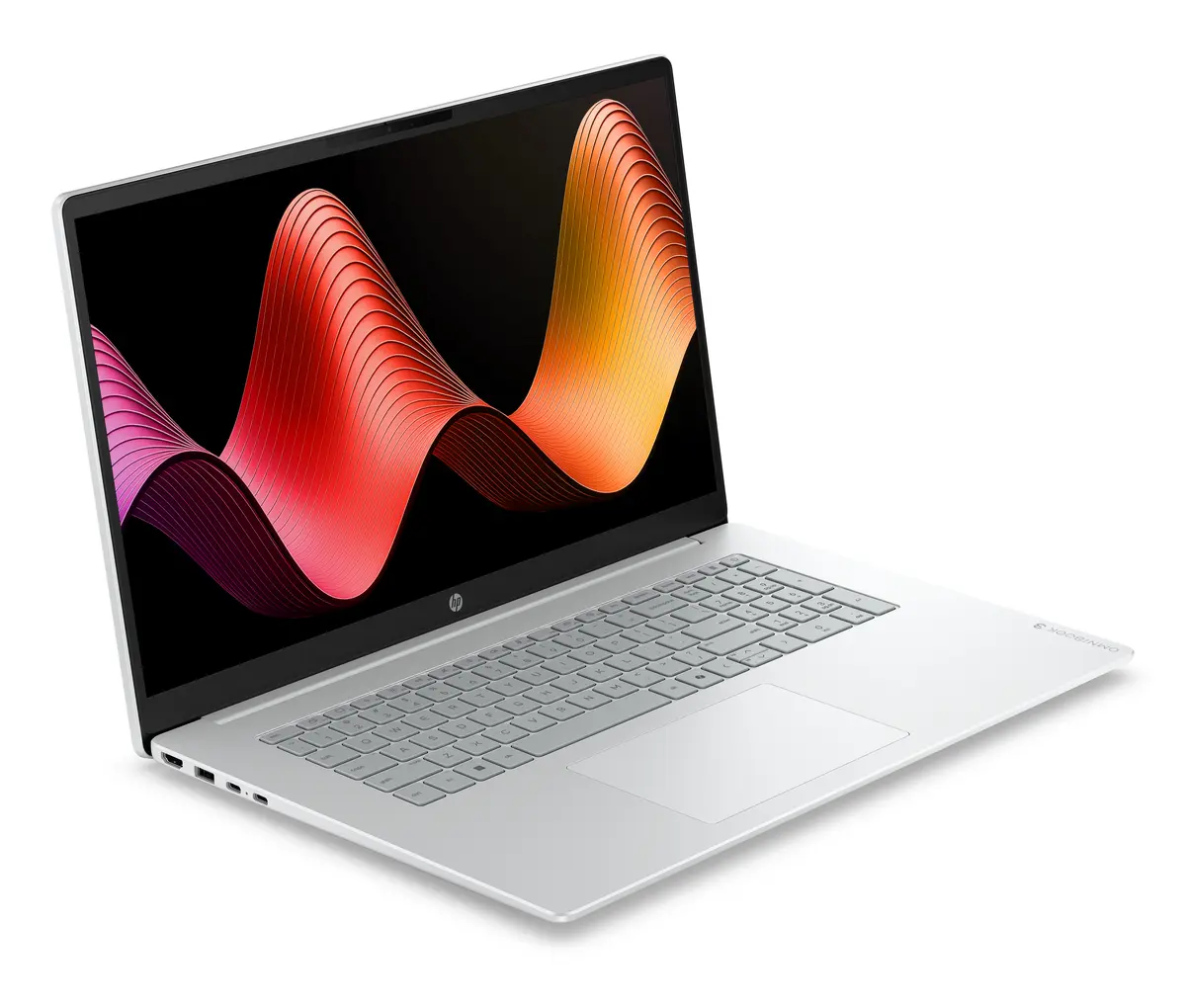
The HP OmniBook 3 17-dp0157ng laptop is compared against several similar alternatives within the HP OmniBook 3 lineup. All these devices share common foundational specifications such as 512GB SSD storage and similar processor families, but differ in screen size, RAM capacity, and preinstalled operating system. The main advantage of this specific model is its combination of a 17.3-inch FHD IPS display, 16GB of RAM, and FreeDOS delivery, making it better suited for heavier multitasking compared to 8GB variants.
⚙️ The specifications comparison table below evaluates key characteristics including screen size and type, processor, memory capacity, storage, and operating system to help you understand performance and practical differences.
| Parameter | HP OmniBook 3 17-dp0157ng | HP OmniBook 3 16-by0170ng | HP OmniBook 3 17-dp0159ng | HP OmniBook 3 17-dp0156ng | HP OmniBook 3 17-dp0130ng | HP OmniBook 3 17-dp0158ng | Practical conclusion |
|---|
| Processor | AMD Ryzen 5 7520U | AMD Ryzen 5 7520U | AMD Ryzen 5 7520U | AMD Ryzen 5 7520U | AMD Ryzen 3 | AMD Ryzen 5 7520U | Most models share the same Ryzen 5 processor for capable everyday performance, whereas the Ryzen 3 option offers entry-level processing. |
| Memory | 16GB RAM | 8GB RAM | 8GB RAM | 16GB RAM | 8GB RAM | 8GB RAM | 16GB RAM provides better headroom for running multiple applications simultaneously compared to the 8GB configurations. |
| Display Size & Type | 17.3" FHD IPS | 16" FHD IPS | 17.3" FHD IPS | 17.3" FHD IPS | 17.3" FHD IPS | 17.3" FHD IPS | The 17.3-inch models offer more screen workspace, while the 16-inch version provides a slightly more compact footprint. |
| Storage | 512GB SSD | 512GB SSD | 512GB SSD | 512GB SSD | 512GB SSD | 512GB SSD | All compared devices feature the same fast and responsive 512GB solid-state drive for ample everyday storage. |
| Operating System | FreeDOS | FreeDOS | FreeDOS | Windows 11 | FreeDOS | Windows 11 | FreeDOS versions let you install your preferred OS freely, while Windows 11 variants are ready to use right out of the box. |
◎ The suitability table below outlines specific user needs, workflows, and buyer profiles to help you determine which model fits your requirements.
| Use case | Recommended product | Why |
|---|
| Intensive office work and multitasking | HP OmniBook 3 17-dp0157ng | The higher RAM capacity (16GB) and spacious 17.3-inch screen are best suited for handling multiple programs at once. |
| Ready-to-use Windows environment | HP OmniBook 3 17-dp0156ng | Comes with Windows 11 preinstalled while retaining the high-performance 16GB RAM and 17.3-inch display combination. |
| Standard office tasks and study on a budget | HP OmniBook 3 17-dp0130ng | Uses a more basic Ryzen 3 processor while keeping the large screen and fast SSD storage. |
| More portable media consumption | HP OmniBook 3 16-by0170ng | Features a slightly smaller 16-inch display for easier transport while maintaining the Ryzen 5 processor. |
HP OmniBook 3 17-dp0157ng is recommended for users who require a balanced configuration of a capable Ryzen 5 processor, expanded 16GB RAM, and a spacious 17.3-inch screen for office tasks and media. It is ideal for buyers who prefer to install their own operating system via FreeDOS and want better multitasking endurance than the 8GB alternatives.