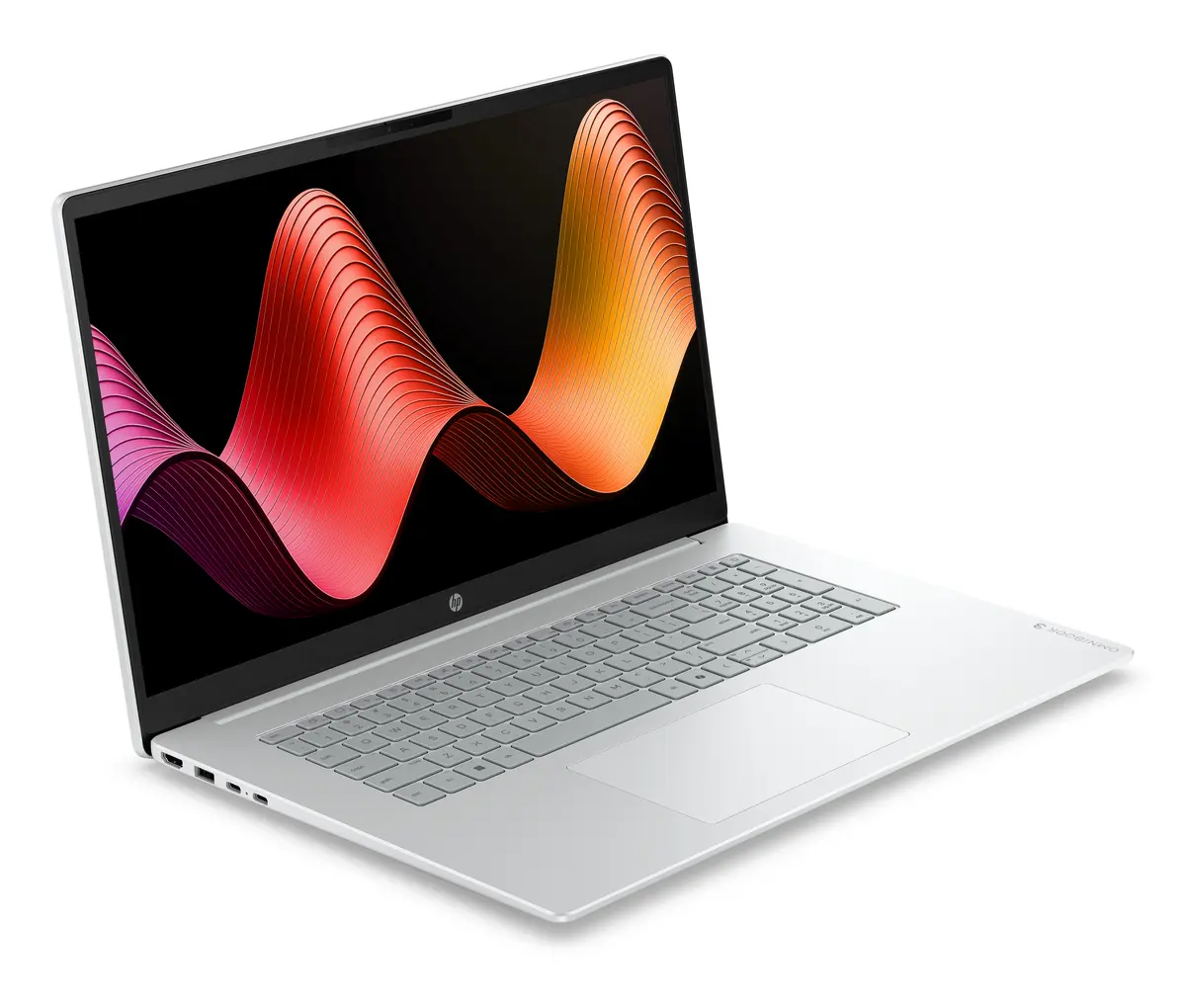
The HP OmniBook 3 17-dp0159ng laptop is compared against several alternative models within the HP OmniBook 3 lineup, featuring variations in memory capacity, screen size, processors, and preinstalled operating systems. All compared devices share a reliable 512GB solid-state drive, AMD Ryzen series processors, and a primary focus on daily productivity, office tasks, and multimedia consumption. The main differences lie in screen dimensions, processor tier, RAM capacity, and the operating system status.
⚙️ Below is a comparison of key specifications such as screen size and type, processor model, RAM capacity, storage size, and operating system to help evaluate practical differences between the devices.
| Parameter | HP OmniBook 3 17-dp0159ng | HP OmniBook 3 17-dp0157ng | HP OmniBook 3 16-by0170ng | HP OmniBook 3 17-dp0158ng | HP OmniBook 3 17-dp0130ng | HP OmniBook 3 17-dp0156ng | Practical conclusion |
|---|
| Screen size | 17.3 inches | 17.3 inches | 16 inches | 17.3 inches | 17.3 inches | 17.3 inches | The 17.3-inch display offers an expansive workspace for spreadsheets and media, while the 16-inch model provides a more compact form factor. |
| Display type | FHD IPS | FHD IPS | FHD IPS | FHD IPS | FHD IPS | FHD IPS | All models deliver clear and consistent visuals with comfortable viewing angles. |
| Processor | AMD Ryzen 5 7520U | AMD Ryzen 5 7520U | AMD Ryzen 5 7520U | AMD Ryzen 5 7520U | AMD Ryzen 3 | AMD Ryzen 5 7520U | The Ryzen 5 processor delivers higher performance for multitasking compared to the Ryzen 3 alternative. |
| RAM | 8 GB | 16 GB | 8 GB | 8 GB | 8 GB | 16 GB | 16GB RAM versions are better suited for heavier multitasking, whereas 8GB configurations are ideal for standard daily tasks. |
| Storage | 512 GB SSD | 512 GB SSD | 512 GB SSD | 512 GB SSD | 512 GB SSD | 512 GB SSD | A fast SSD of identical capacity across all devices ensures quick system boots and responsive application loading. |
| Operating system | FreeDOS | FreeDOS | FreeDOS | Windows 11 | FreeDOS | Windows 11 | FreeDOS models allow custom OS installation, while Windows 11 versions are ready to use right out of the box. |
◎ The table below evaluates which model is most suitable for specific use cases, performance needs, and user preferences.
| Use case | Recommended product | Why |
|---|
| Daily office work and study with standard multitasking | HP OmniBook 3 17-dp0159ng | Provides a well-balanced combination of Ryzen 5 performance and a 17.3-inch screen for everyday tasks with the flexibility to install your preferred OS. |
| Heavier multitasking with numerous apps and browser tabs open | HP OmniBook 3 17-dp0157ng | The doubled RAM capacity (16GB) ensures smoother performance under heavier workloads. |
| Frequent travel and enhanced portability | HP OmniBook 3 16-by0170ng | The 16-inch chassis is easier to carry while retaining the capable Ryzen 5 processor. |
| Ready-to-use experience without manual OS installation | HP OmniBook 3 17-dp0158ng | Comes with Windows 11 preinstalled while maintaining the large screen and memory configuration. |
| Cost-effective option for basic daily computing | HP OmniBook 3 17-dp0130ng | Features a Ryzen 3 processor to lower costs while keeping the spacious screen and reliable storage. |
HP OmniBook 3 17-dp0159ng is the ideal choice for users seeking a large 17.3-inch display and a capable Ryzen 5 processor for everyday productivity, office tasks, and media consumption, while preferring the freedom to install their own operating system. Choose this model if you do not require preinstalled Windows 11 and find 8GB of RAM sufficient for your routine workload.