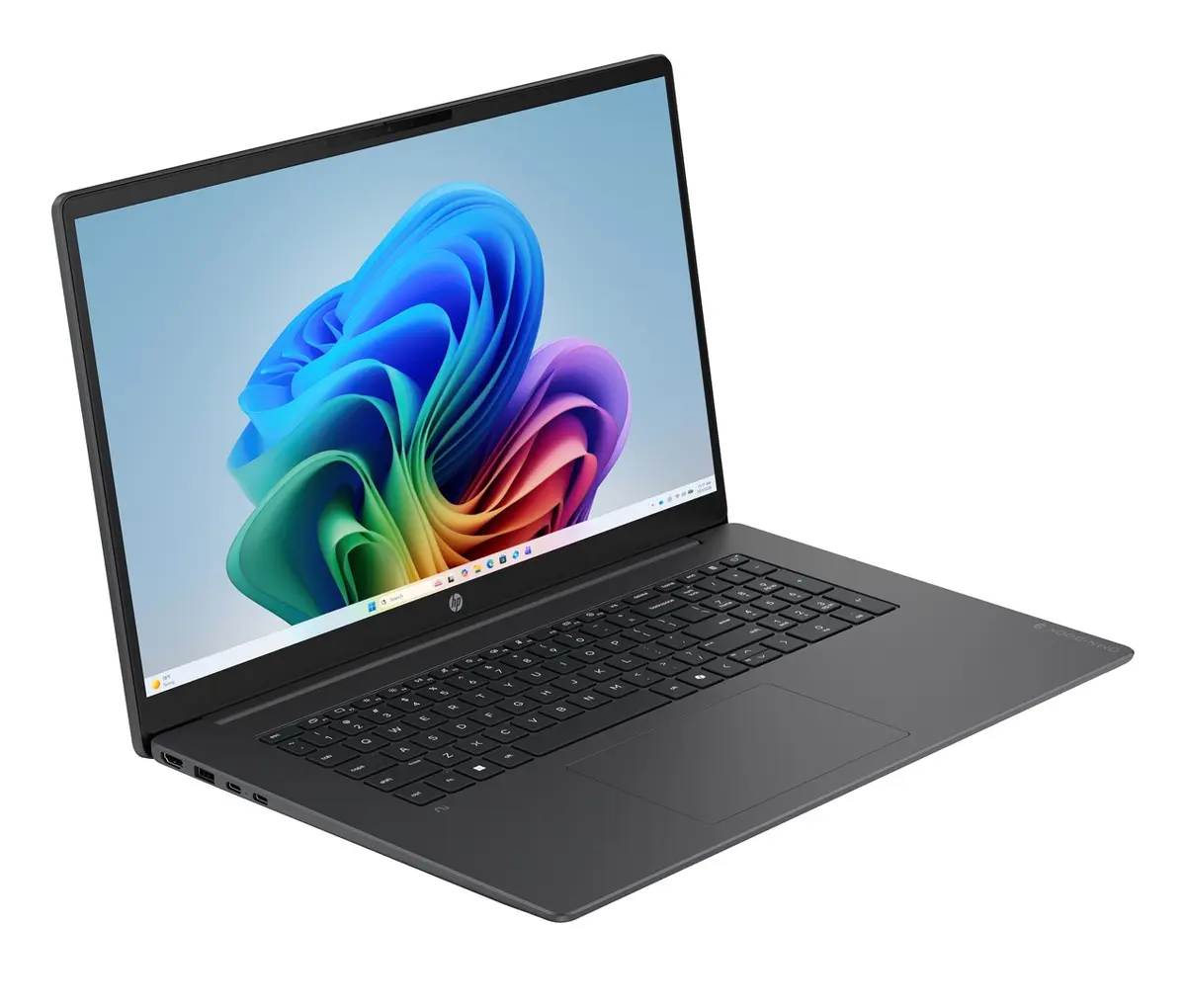
The HP OmniBook 3 AI PC 17-dg0002nwx laptop is compared against several alternative HP OmniBook series models, including the HP OmniBook X 17-de0010nwx, two versions of the HP OmniBook 7 17-dc, and two OmniBook 3 models powered by AMD processors. All devices share a large 17.3-inch display with Full HD resolution and an IPS panel, alongside a standard 16 GB of RAM (with one OmniBook 7 model featuring 32 GB) and a fast 512 GB or 1 TB SSD storage. The primary differences lie in the processor types (Intel Core, Intel Core Ultra, or AMD Ryzen), touchscreen availability, graphics capabilities, and the pre-installed operating system.
⚙️ The specifications comparison table below evaluates display sizes and types, touch control, processors, RAM capacity, storage space, and operating system to help understand the technical foundation of each model for various tasks.
| Parameter | HP OmniBook 3 AI PC 17-dg0002nwx | HP OmniBook X 17-de0010nwx | HP OmniBook 7 17-dc0001nwx | HP OmniBook 7 17-dc0004nwx | HP OmniBook 3 17-dp0157ng | HP OmniBook 3 17-dp0451ngx | Practical conclusion |
|---|
| Display | 17.3" FHD IPS | 17.3" FHD Touch IPS | 17.3" FHD Touch IPS | 17.3" FHD Touch IPS | 17.3" FHD IPS | 17.3" FHD IPS | All devices feature a large 17.3-inch Full HD display, while the OmniBook X and OmniBook 7 models additionally include touch control. |
| Processor | Intel Core 7 350 | Intel Core Ultra 5 325 | Intel Core Ultra 7 258V | Intel Core Ultra 5 226V | AMD Ryzen 5 7520U | AMD Ryzen 5 40 | Intel Core Ultra and Core 7 processors deliver high performance for computing and workloads, whereas the AMD Ryzen variants focus on everyday productivity. |
| RAM | 16GB DDR5 | 16GB LPDDR5X | 32GB LPDDR5X | 16GB RAM | 16GB RAM | 16GB RAM | Most models feature 16 GB of RAM, sufficient for multitasking, while the OmniBook 7 with 32 GB is better suited for resource-heavy professional applications. |
| Storage | 512GB SSD | 512GB SSD | 1TB SSD | 512GB SSD | 512GB SSD | 512GB SSD | A 512 GB drive is standard for everyday files and apps, while the 1 TB version provides more room for large media libraries and projects. |
| Operating system | Windows 11 Home | Windows 11 Home | Windows 11 Home | Windows 11 Home | FreeDOS | Windows 11 Home | Models with Windows 11 Home are ready to use out of the box, whereas the FreeDOS version offers the flexibility to install a preferred operating system. |
◎ The suitability table below evaluates how well each model matches different user needs and use cases, such as general computing, professional work, multimedia, and artificial intelligence workloads.
| Use case | Recommended product | Why |
|---|
| General computing and AI tasks | HP OmniBook 3 AI PC 17-dg0002nwx | A balanced choice for everyday tasks, office workloads, and entry-level AI features with pre-installed Windows 11 Home. |
| Touchscreen navigation | HP OmniBook X 17-de0010nwx | Features a bright 400-nit touchscreen IPS display and an Intel Core Ultra 5 processor for smooth multimedia and interaction. |
| Demanding professional work | HP OmniBook 7 17-dc0001nwx | Provides an upgraded 32 GB RAM, a spacious 1 TB SSD, and a powerful Intel Core Ultra 7 processor for heavy applications. |
| Flexible OS installation | HP OmniBook 3 17-dp0157ng | Delivered with FreeDOS, allowing the user to configure and install their preferred operating system independently. |
The HP OmniBook 3 AI PC 17-dg0002nwx differs from alternatives through its combination of an Intel Core 7 processor, 16 GB of fast DDR5 memory, and Windows 11 Home, making it a well-rounded option for general computing and AI workloads on a large screen. Buyers looking for touch control should consider the OmniBook X, while professional users handling demanding tasks may prefer the higher-end OmniBook 7 variants.