
Save time and money with our discounts!
In cart {{totalProductsCount}} item(s)
Your cart is empty
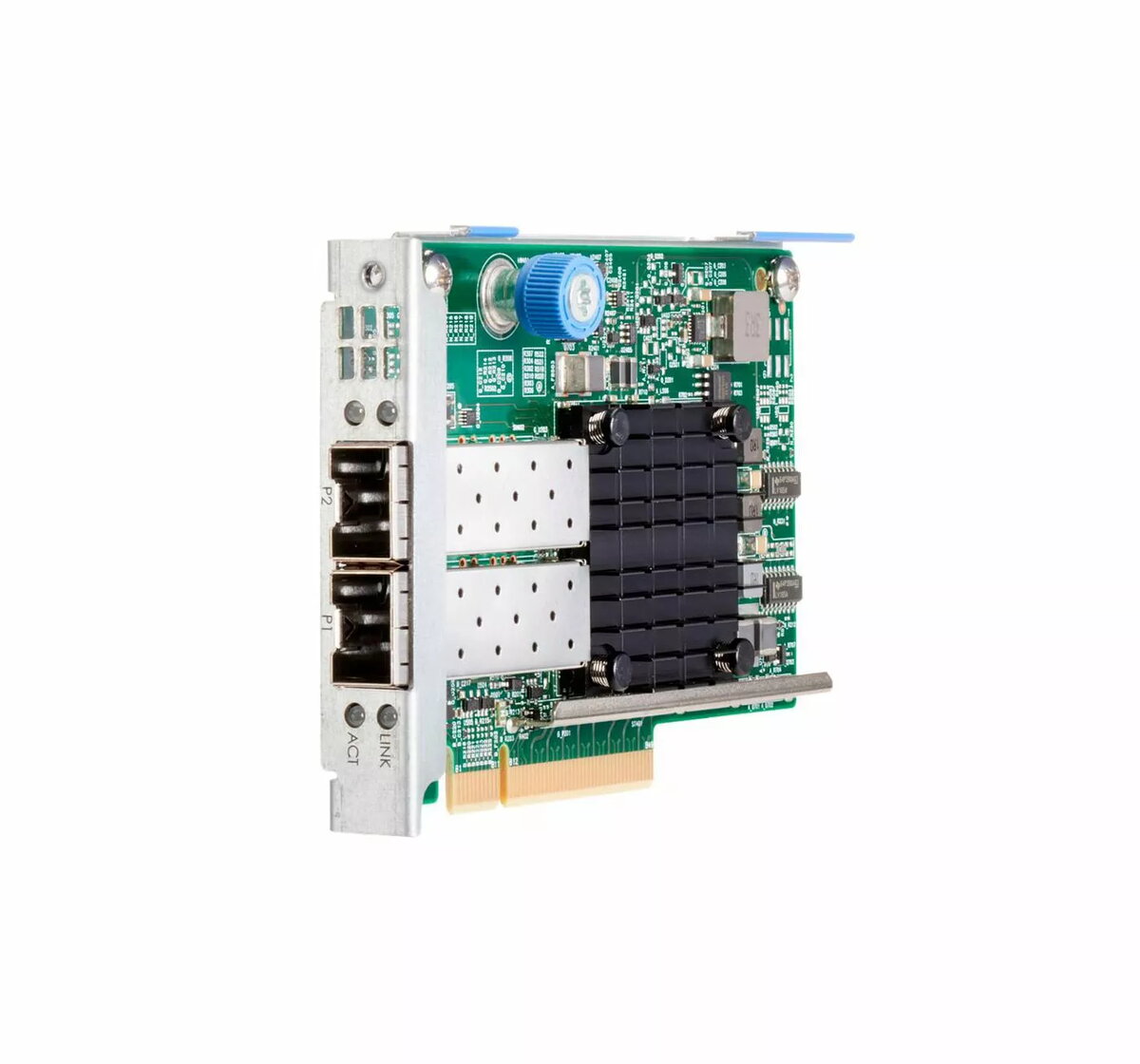
Network adapter HP 10GbE 2-port 537FLR-SFP (P08440-B21-RFB)
HP Network Adapter 537FLR-SFP (P08440-B21-RFB) is a 10 Gigabit Ethernet, 2‑port SFP network card in an FLR form factor designed for server environments with compact PCIe profiles. The adapter accepts SFP modules for multimode or single‑mode fiber transceivers or direct attach copper (DAC) SFPs, enabling flexible high‑speed connectivity. It is intended for data center networking, virtualization hosts and high‑throughput workloads where low latency and efficient use of server I/O resources are required.
The HP 10GbE 2‑port 537FLR‑SFP provides dual SFP ports for flexible transceiver choices and supports 10 Gigabit Ethernet performance to meet demanding network throughput. Its FLR form factor conserves PCIe slot space in dense server configurations while maintaining full 10GbE capability. The adapter is compatible with common SFP modules and DACs, allowing administrators to select fiber or copper links to match distance and budget requirements. Designed for server use, it prioritizes predictable low latency and efficient CPU and I/O utilization.
Install the adapter into a supported server FLR PCIe slot following the server manufacturer’s installation guide. After physical installation, insert compatible SFP transceivers or DAC modules into the SFP ports according to the required link type (fiber or copper). Ensure the server firmware and operating system have the correct HP drivers or firmware updates applied so the adapter is recognized and configured. Configure network settings via the OS network manager or server management tools to assign IP addressing, link aggregation, VLANs or other network policies as required for your environment.
Use vendor‑approved SFP modules or DACs to ensure compatibility and maintain link reliability. When deploying in data center racks, verify the server’s FLR slot compatibility and keep firmware and drivers up to date. For optimal performance in virtualized environments, assign dedicated physical NIC resources or use SR-IOV (if supported by the platform) to reduce latency and CPU overhead.
{{highlightedFeature.featureTitle}}:
{{getProductFeatureValueById(product, highlightedFeature.featureId)}}
{{ productComparisonGenerationError }}
