
Powerful EcoFlow stations for energy anywhere!
In cart {{totalProductsCount}} item(s)
Your cart is empty
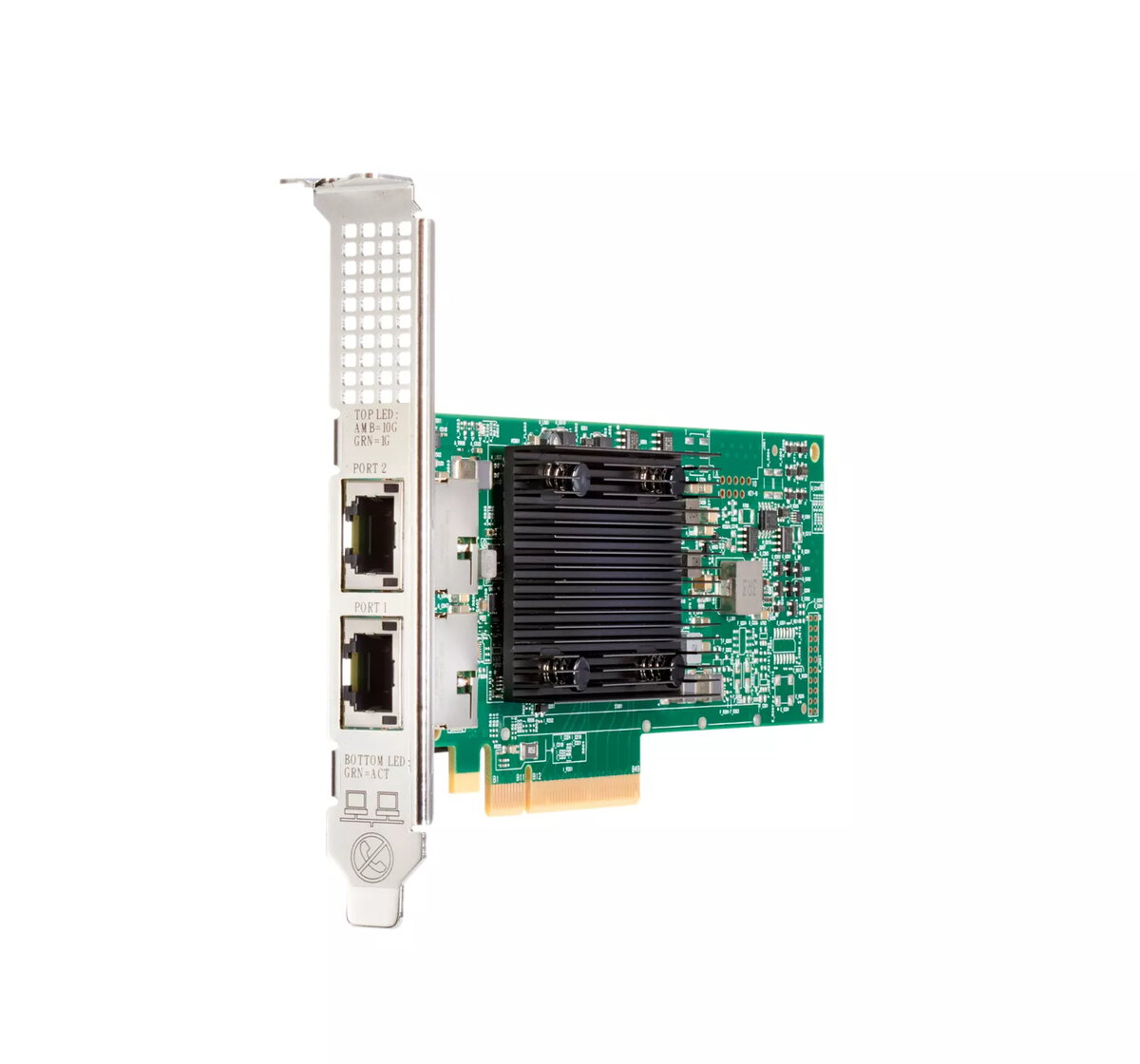
Network adapter HP Broadcom BCM57416 10Gb 2‑port BASE‑T, PCIe, 10000 Mbit/s
The HPE Broadcom BCM57416 Ethernet 10Gb 2-port BASE-T internal adapter provides dual 10 Gbit/s BASE-T ports for servers requiring higher wired network throughput. Designed for use with HPE Gen10 Plus servers, this PCI Express network interface offers wired Ethernet connectivity and supports bandwidth-sensitive workloads such as virtualization, storage access, and media streaming while integrating into HPE server and networking ecosystems.
This dual-port 10Gb BASE-T adapter delivers increased network capacity while reducing CPU overhead through support for I/O offloads including RDMA and tunneling. It is compatible with HPE Gen10 Plus servers and fits into a seamless HPE infrastructure of adapters, transceivers, cables, and switches, supporting reliable data flow and centralized management. Firmware authentication and signed update checks help protect the adapter from unauthorized firmware installations.
This 10Gb BASE-T adapter is not optimal for deployments that need only 1Gb connectivity or where fiber-based 10/25/40/100Gb interfaces are required. Environments that lack appropriate cabling (Cat6A or better for 10Gb BASE-T at longer distances) or that mandate a different form factor or onboard NIC may need alternative solutions.
Install the adapter into an available PCI Express slot on a compatible HPE Gen10 Plus server following server service manual instructions. Connect standard Cat6A (or higher) copper cabling to the RJ45 ports for 10Gb links and configure network settings in the operating system or hypervisor. Enable and configure supported offloads (for example RDMA) as required by the workload and update firmware using authenticated, signed packages to maintain device integrity.
Use shielded, high-quality Cat6A cabling for reliable 10Gb BASE-T performance and keep firmware updated with signed images. Where low latency and CPU efficiency are needed, enable RDMA and other offloads supported by the adapter and your server software stack.
{{highlightedFeature.featureTitle}}:
{{getProductFeatureValueById(product, highlightedFeature.featureId)}}
{{ productComparisonGenerationError }}
