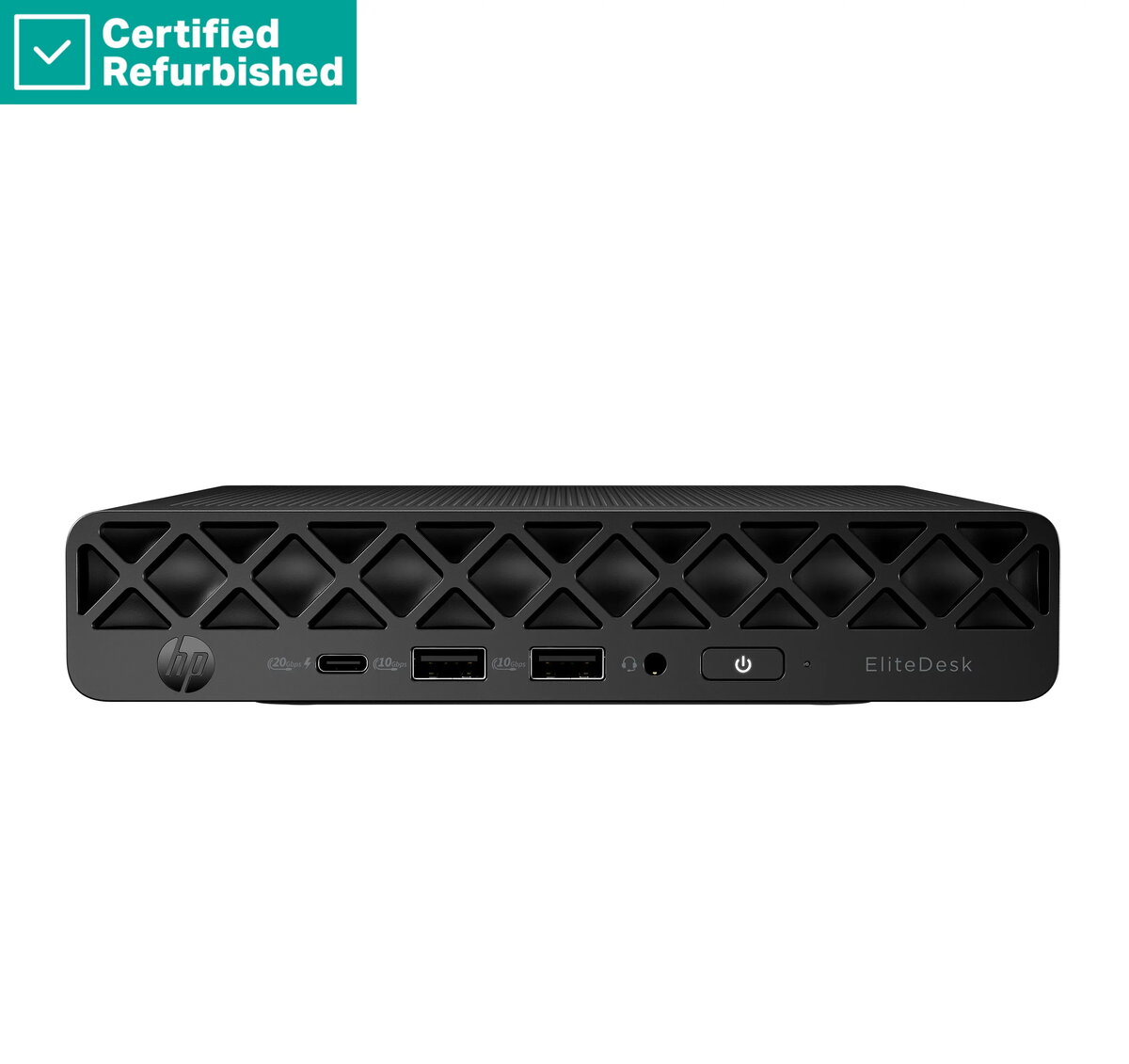
The HP RENEW EliteDesk 8 G1i Mini Desktop PC is a high-performance, compact computing solution engineered for professional environments where space efficiency and reliability are paramount. This workstation combines the power of an Ultra 5-235 processor with 16GB of RAM and a 512GB SSD, ensuring rapid system responsiveness and ample storage for demanding office applications. Pre-installed with Windows 11 Pro, it provides a secure and productive operating environment right out of the box, making it an ideal choice for businesses and home offices alike.
Advantages
The primary benefit of this desktop is its ultra-compact form factor, which allows it to fit seamlessly into crowded workspaces, behind monitors, or in minimalist desk setups without sacrificing performance. The inclusion of a high-speed solid-state drive significantly reduces boot times and file access speeds, while the generous 16GB of memory supports smooth multitasking across multiple professional software suites. Furthermore, as part of the HP RENEW program, this unit offers a cost-effective way to acquire enterprise-grade hardware backed by a 1-year warranty, ensuring long-term operational stability and peace of mind for the user.
Suitable for
- General office productivity and document management
- Professional multitasking and web-based applications
- Space-constrained home office environments
- Educational and administrative workstations
When it may not be suitable
This desktop PC is not intended for high-end gaming, intensive 3D rendering, or complex video editing tasks that require dedicated graphics hardware. Users looking for a machine to handle heavy graphical workloads or massive data processing may find the integrated hardware configuration insufficient for their specific needs.
Key specifications
- Processor: Ultra 5-235
- Memory: 16GB RAM
- Storage: 512GB SSD
- Operating System: Windows 11 Pro
- Form Factor: Mini Desktop
How to use
To set up the HP RENEW EliteDesk 8 G1i Mini, connect your monitor via the available video output ports, attach a keyboard and mouse, and plug in the power adapter. Once connected, press the power button to initiate the initial Windows 11 Pro configuration process. Follow the on-screen prompts to connect to your network and set up your user account. The compact design allows for flexible placement, including mounting options behind compatible displays to maximize desk space.
What to consider before purchase
- Verify that your existing monitor connections are compatible with the ports on the device.
- Assess whether your software requirements align with the integrated graphics capabilities.
- Consider if additional external storage is needed for large media libraries.
Usage recommendations: To maintain optimal performance, keep the ventilation areas clear of obstructions to ensure proper airflow. Regularly update the Windows 11 Pro operating system and drivers to benefit from the latest security patches and performance enhancements.