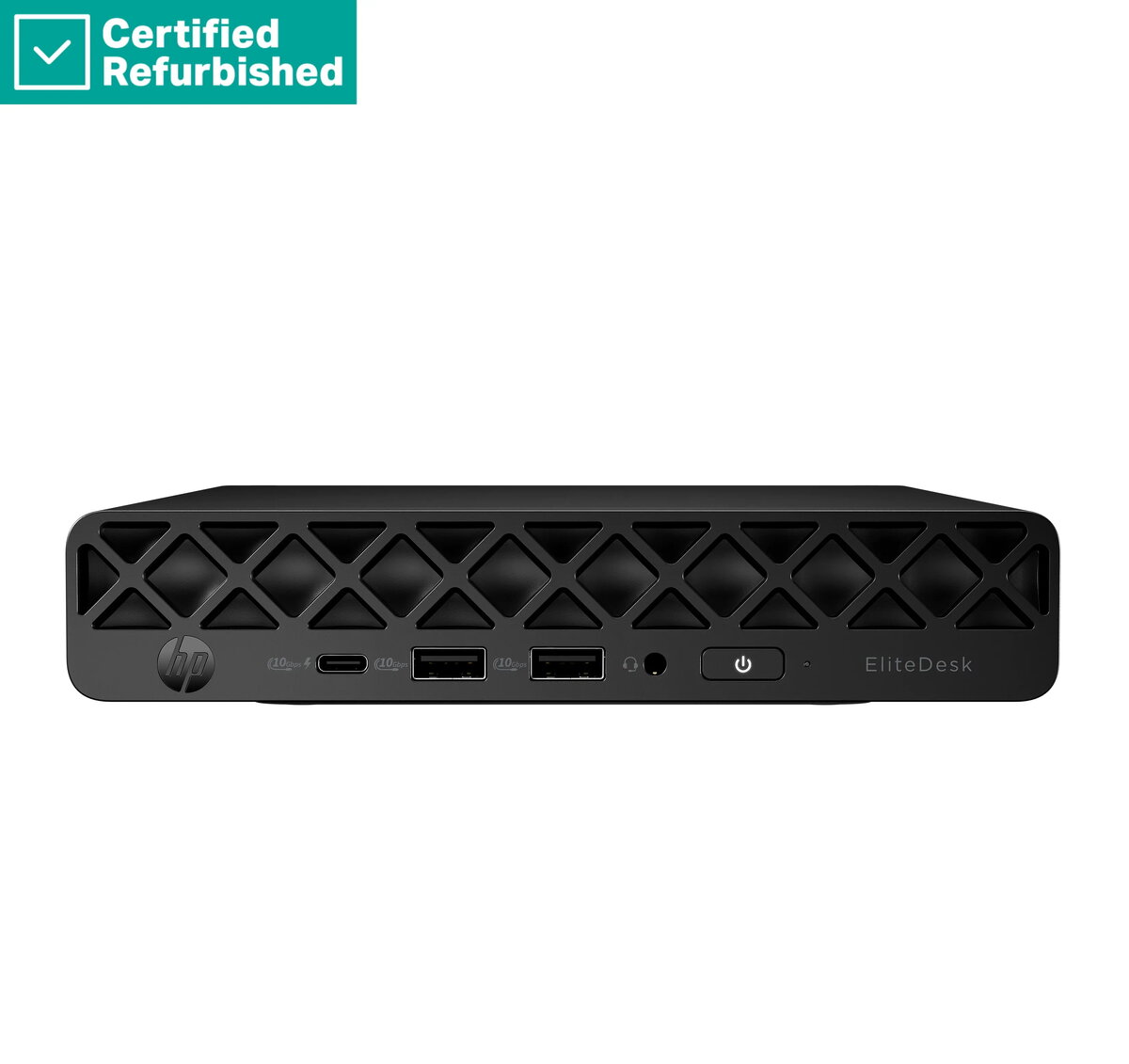
The HP EliteDesk 8 G1a Mini Desktop PC is a compact, high-performance workstation engineered for professional environments where space efficiency and reliability are paramount. Powered by a Ryzen 5 PRO 215 processor and equipped with 16GB of RAM, this system delivers responsive performance for demanding business applications and daily multitasking. The inclusion of a 512GB SSD ensures rapid boot times and quick access to files, while the pre-installed Windows 11 Pro operating system provides a secure and productive environment for modern workflows.
Advantages
This renewed desktop offers a significant advantage in terms of space management, as its ultra-small form factor allows it to fit seamlessly into any workspace, including under monitors or mounted behind displays. The combination of a robust processor and ample memory ensures that users can handle multiple office applications simultaneously without performance degradation. Furthermore, the system is designed for durability and consistent operation, making it an excellent choice for businesses looking to standardize their hardware without compromising on power or efficiency.
Suitable for
- General office productivity and document management
- Multitasking with multiple web browser tabs and applications
- Space-constrained home office setups
- Business environments requiring reliable, compact workstations
This desktop may not be suitable for high-end gaming, professional video editing, or 3D rendering tasks that require dedicated graphics cards and high-performance cooling systems. It is also not intended for users who require extensive internal hardware expansion or multiple internal storage drives.
Key specifications
- Processor: Ryzen 5 PRO 215
- Memory: 16GB RAM
- Storage: 512GB SSD
- Operating System: Windows 11 Pro
- Included Accessories: USB mouse
To begin using the HP EliteDesk 8 G1a Mini, connect your monitor via the available video output ports, plug in the included USB mouse, and attach a keyboard. Connect the power adapter to a standard wall outlet and press the power button to initiate the Windows 11 Pro setup process. Follow the on-screen instructions to configure your network, user account, and system preferences.
What to consider before purchase
- Verify that your monitor connection type is compatible with the available ports on the device
- Ensure your workspace has adequate ventilation despite the compact size
- Confirm that your specific software requirements do not exceed the capabilities of the integrated graphics
For optimal performance, keep the device in a well-ventilated area and ensure that the operating system and drivers are regularly updated through the Windows Update service.