
JBL speakers and headphones for pure and deep sound!
In cart {{totalProductsCount}} item(s)
Your cart is empty
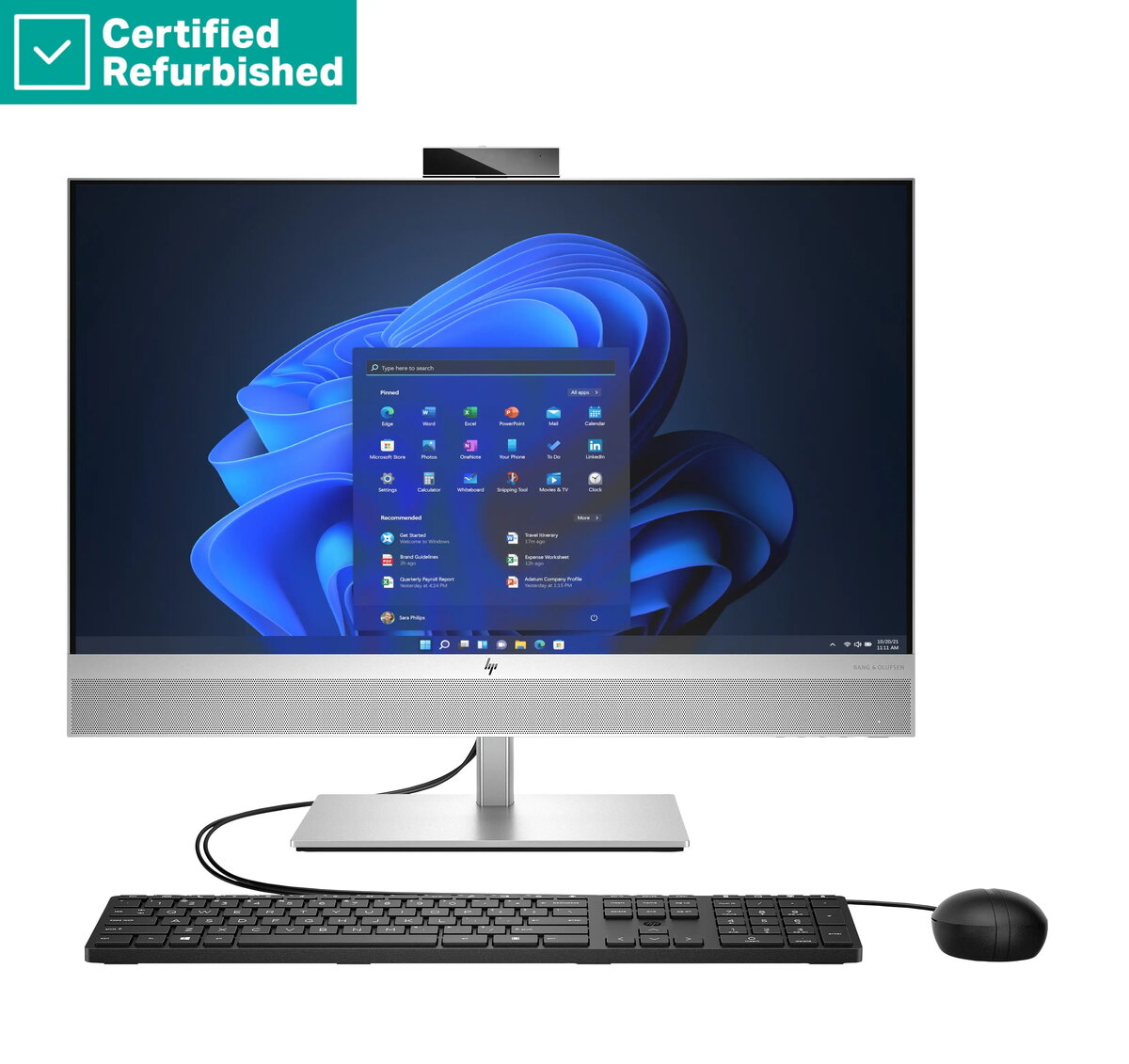
All‑In‑One PC HP RENEW Elite 870 G9 AIO 27" QHD — Intel i7-14700, 32GB RAM, 1TB SSD, Non‑Touch AG, Height Adjustable, USB Mouse, Win 11 Pro
HP RENEW Elite 870 G9 All‑In‑One PC is a refurbished 27" workstation combining a QHD non‑touch anti‑glare display with a compact integrated system. Powered by an Intel Core i7‑14700 processor, equipped with 32 GB of RAM and a 1 TB solid‑state drive, the unit is supplied with an adjustable height stand, a USB mouse and Windows 11 Pro. The design integrates display, compute and basic peripherals in a single chassis to save desk space while providing the performance expected for office and professional desktop tasks.
The QHD anti‑glare panel reduces reflections and delivers detailed visuals at 2560 × 1440 resolution while the 27" diagonal provides a balance between screen real estate and a compact footprint. The Intel Core i7‑14700 processor and 32 GB RAM support responsive multitasking and business applications. A 1 TB SSD provides fast system boot and application load times and sufficient storage for work files. The adjustable height stand allows ergonomic positioning for different users, and the included USB mouse ensures immediate plug‑and‑play use. Supplied with Windows 11 Pro for business features and security updates, this system is ready for professional deployment.
Place the all‑in‑one on a stable desk surface and adjust the height stand to a comfortable viewing position. Connect power and plug the included USB mouse into an available USB port. Follow the Windows 11 Pro on‑screen setup to configure user accounts, network settings and updates. Install required business applications from your organization or preferred vendors and migrate files to the 1 TB SSD. For network access, connect via Ethernet or Wi‑Fi according to your environment.
For reliable performance, keep system drivers and Windows updates current, use regular backups for important data stored on the SSD, and place the display to avoid strong direct light on the anti‑glare surface. When using the adjustable stand, ensure cables have sufficient slack to prevent strain.
{{highlightedFeature.featureTitle}}:
{{getProductFeatureValueById(product, highlightedFeature.featureId)}}
{{ productComparisonGenerationError }}