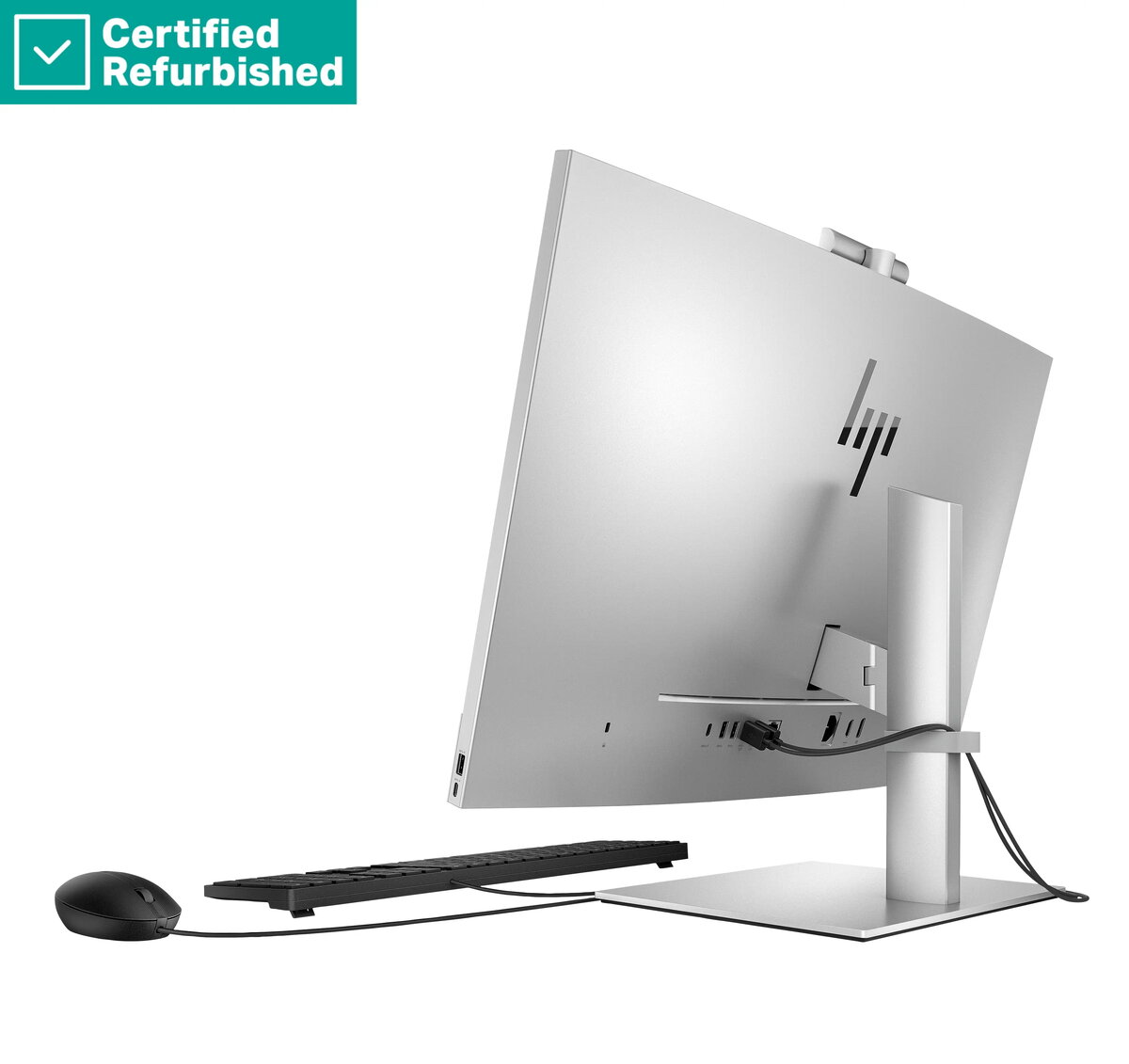
The HP Elite 870 G9 is a high-performance All-in-One desktop computer designed to meet the demands of modern professional environments. Featuring a spacious 27-inch Full HD anti-glare display, this system combines a sleek, space-saving design with powerful internal components. Equipped with an Intel Core i7-14700 processor, 16GB of RAM, and a 1TB SSD, it ensures fast multitasking and efficient data storage for business-critical applications.
Advantages
This All-in-One PC offers a significant advantage in office settings by consolidating the computer and monitor into a single, streamlined unit, which helps reduce cable clutter and maximizes desk space. The anti-glare display technology minimizes reflections, enhancing visual comfort during extended work sessions. With the inclusion of Windows 11 Pro, users benefit from advanced security features and management tools tailored for professional use, while the robust processor provides the necessary speed for demanding software workflows.
Suitable for
- General office productivity and administrative tasks
- Professional multitasking with multiple applications
- Video conferencing and collaborative business communication
- Data management and content creation
This device may not be suitable for users requiring high-end dedicated graphics for professional 3D rendering, complex video editing, or intensive gaming, as it utilizes integrated graphics. Additionally, it is not designed for users who prefer modular systems that allow for extensive internal hardware upgrades or component customization.
Key specifications
- 27-inch Full HD anti-glare display
- Intel Core i7-14700 processor
- 16GB RAM
- 1TB SSD storage
- Windows 11 Pro operating system
- Includes USB mouse
How to use
To set up the HP Elite 870 G9, place the unit on a stable, flat surface and connect the power cable to a grounded electrical outlet. Connect the included USB mouse and your preferred keyboard to the available ports. Press the power button to initiate the Windows 11 Pro setup process, following the on-screen instructions to configure your network, user account, and system preferences. Once initialized, you can begin installing your necessary business software and connecting peripheral devices.
What to consider before purchase
- Verify that the 27-inch screen size fits your available workspace dimensions.
- Assess whether the 16GB of RAM meets the requirements of your specific software suite.
- Ensure that your connectivity needs are met by the available port selection.
- Consider if the integrated graphics performance is sufficient for your daily tasks.
Usage recommendations: To maintain optimal performance, keep the system software updated through the Windows Update service and ensure the ventilation areas remain unobstructed to prevent overheating during heavy workloads.