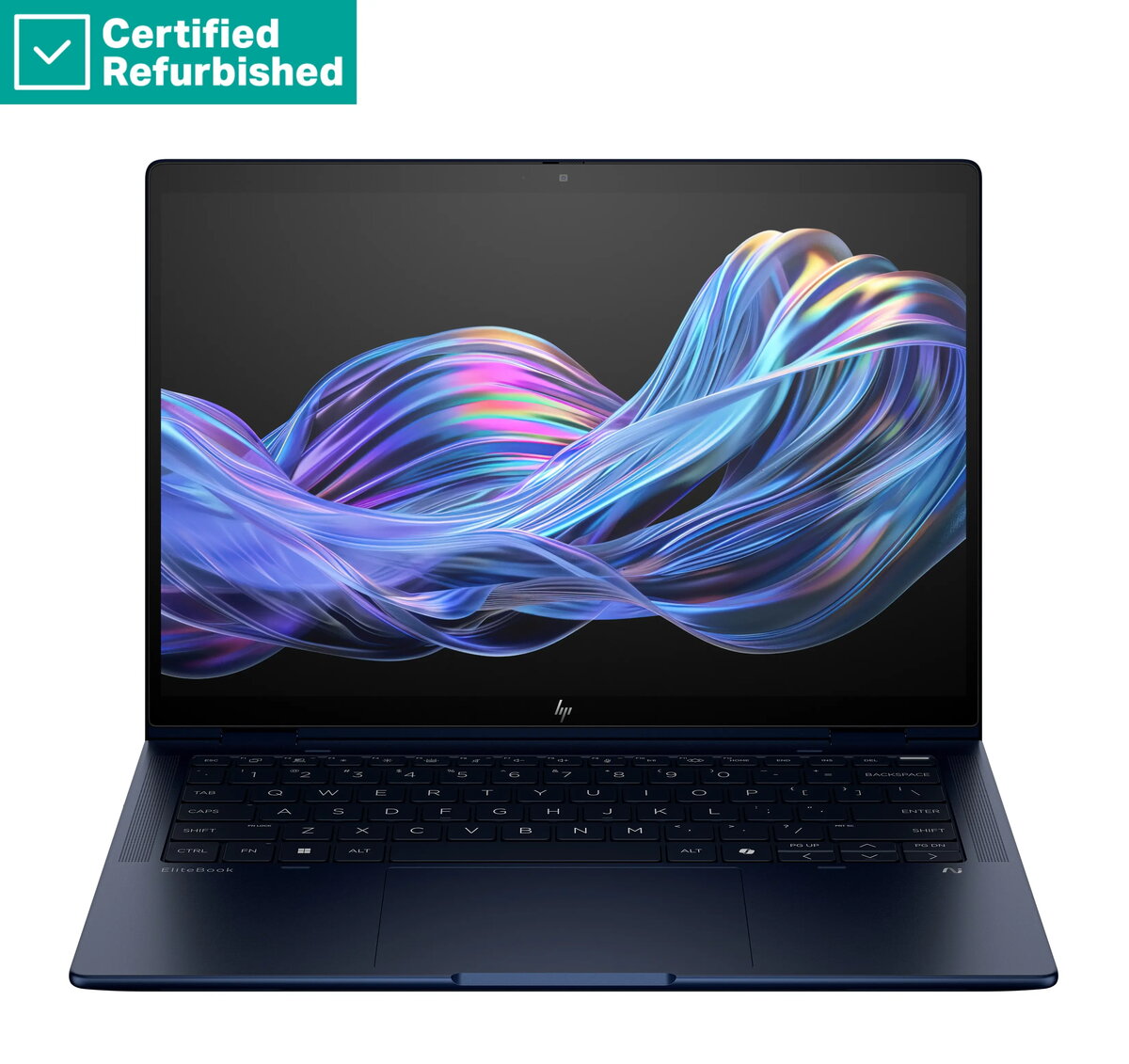
The HP RENEW EliteBook X Flip G1i AI 14 is a premium, high-performance laptop engineered for professionals who require reliability and efficiency in a portable form factor. Featuring the advanced Intel Ultra 7-258V processor, this device handles complex multitasking and demanding business applications with ease. Its sleek Atmospheric Blue chassis houses a 14-inch WUXGA anti-glare display that provides clear visuals even in bright environments, while the integrated AI capabilities enhance overall system responsiveness and productivity.
Advantages
This laptop offers a significant performance boost thanks to its 32GB of RAM and a spacious 1TB SSD, ensuring rapid data access and smooth operation across multiple software platforms. The inclusion of a 5MP IR camera and a fingerprint reader provides robust security and high-quality video conferencing capabilities. With its versatile design, the device includes a dedicated pen, allowing for precise input and creative work. The backlit keyboard ensures comfortable typing in low-light conditions, making it an ideal companion for mobile professionals.
Suitable for
- Business professionals requiring high-performance computing on the go.
- Creative tasks involving digital note-taking and precision input with the included pen.
- Video conferencing and remote collaboration using the high-resolution IR camera.
- Multitasking across data-heavy applications and professional software suites.
When it may not be suitable
This device may not be the optimal choice for users primarily focused on high-end 3D gaming or intensive video rendering, as it is specifically optimized for business productivity and professional workflows rather than dedicated graphics processing.
Key specifications
- Processor: Intel Ultra 7-258V
- Memory: 32GB RAM
- Storage: 1TB SSD
- Display: 14-inch WUXGA, 400-nit, anti-glare
- Camera: 5MP IR camera
- Security: Fingerprint reader
- Operating System: Windows 11 Pro
- Battery: 56Wh
How to use
To begin using the HP RENEW EliteBook X Flip G1i AI 14, connect the power adapter to charge the 56Wh battery fully. Power on the device using the dedicated button and follow the Windows 11 Pro setup prompts to configure your user profile and security settings, including the fingerprint reader. Use the included pen for navigation or creative tasks on the touchscreen interface. For optimal performance, ensure the laptop is placed on a flat, stable surface to allow for proper ventilation during intensive tasks.
What to consider before purchase
- Verify that the keyboard layout matches your regional requirements.
- Ensure the 14-inch screen size meets your needs for both portability and workspace visibility.
- Check if your specific professional software is compatible with the Windows 11 Pro environment.
Usage recommendations
To maintain the longevity of your device, keep the firmware updated through the official support channels and clean the anti-glare screen only with a soft, dry microfiber cloth. Avoid exposing the laptop to extreme temperatures or moisture to protect the internal components.