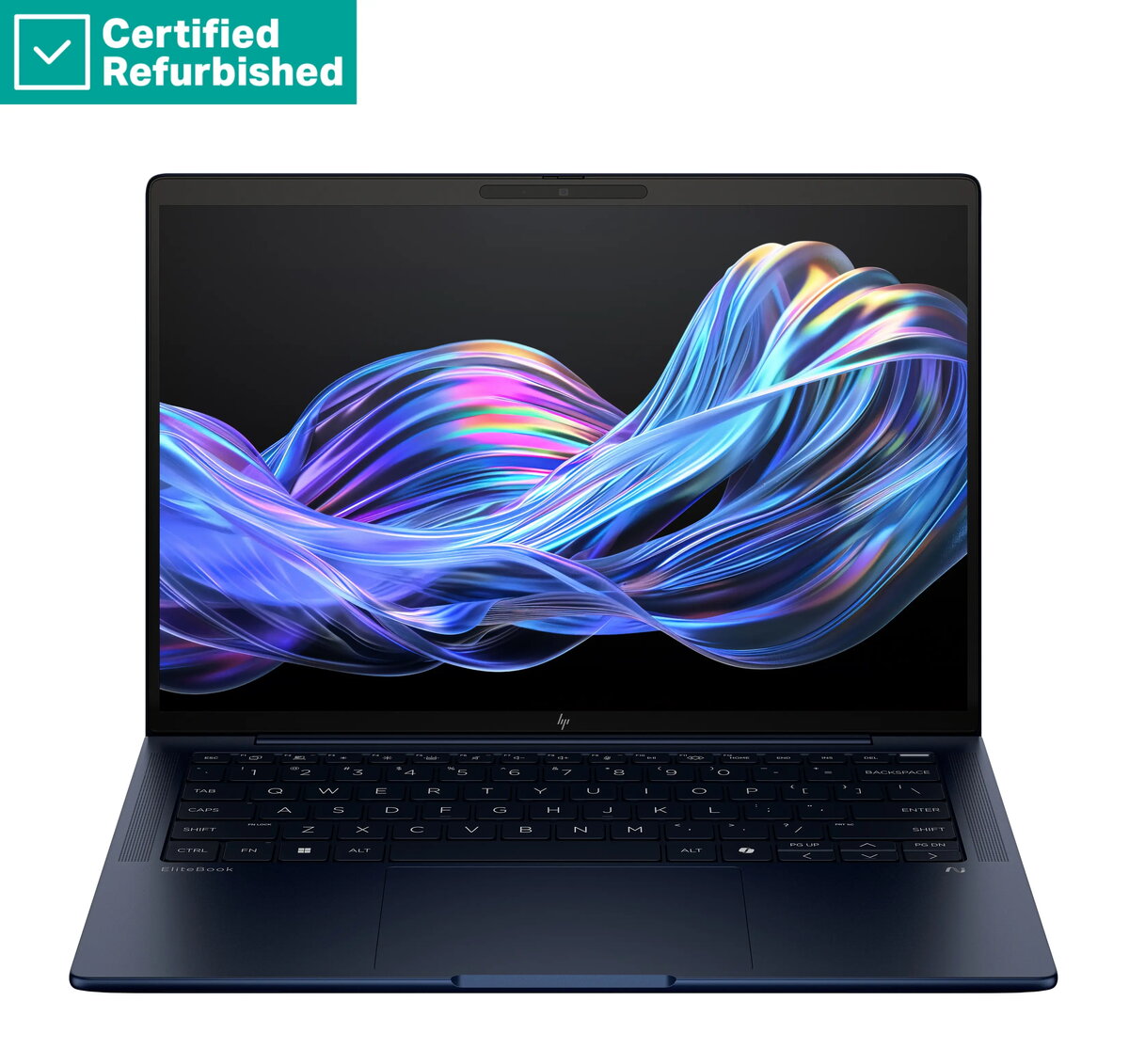
The HP RENEW EliteBook X G1i AI 14 is a premium business laptop engineered for professionals who require high performance, mobility, and security. Powered by the Intel Ultra 5-228V processor and equipped with 32GB of RAM, this device handles demanding multitasking and complex workflows with ease. The 1TB SSD provides ample high-speed storage for large files and applications, while the 14-inch WUXGA display with 400-nit brightness and anti-glare coating ensures excellent visibility in various lighting conditions. With integrated 5G connectivity, this laptop allows for seamless remote work, keeping you connected wherever your business takes you.
Advantages
This laptop offers a sophisticated balance of power and portability, making it an ideal tool for modern business environments. The inclusion of an advanced AI-ready processor enhances efficiency for specialized tasks, while the robust 32GB memory configuration ensures smooth operation across multiple professional applications. Security is prioritized through the integrated fingerprint reader and 5MP IR camera, which facilitate secure biometric authentication and high-quality video conferencing. The durable design, combined with a long-lasting 68Wh battery, supports extended productivity sessions without frequent recharging.
Suitable for
- Corporate professionals requiring high-performance mobile computing
- Remote workers needing reliable 5G cellular connectivity
- Frequent travelers who prioritize portability and display quality
- Users managing data-intensive applications and multitasking workflows
This device may not be suitable for users primarily focused on high-end gaming or professional 3D rendering, as it is optimized for business productivity rather than dedicated graphics performance. Additionally, those who require a larger screen size for specialized design work may find the 14-inch display limiting.
Key specifications
- Processor: Intel Ultra 5-228V
- Memory: 32GB RAM
- Storage: 1TB SSD
- Display: 14-inch WUXGA, 400-nit, anti-glare
- Connectivity: Integrated 5G modem
- Camera: 5MP IR camera
- Security: Fingerprint reader
- Operating System: Windows 11 Pro
- Battery: 68Wh
To begin using the laptop, connect the power adapter to charge the battery fully before the initial setup. Power on the device and follow the on-screen instructions provided by Windows 11 Pro to configure your user account, network settings, and security features such as the fingerprint reader. Insert your SIM card into the designated slot to activate the 5G mobile connectivity. Keep the system updated through the manufacturer's software utility to ensure optimal performance and security.
What to consider before purchase
- Verify that your local mobile carrier supports the 5G modem specifications
- Ensure the 14-inch form factor meets your requirements for screen real estate
- Confirm that the port selection aligns with your peripheral connectivity needs
For optimal longevity, keep the laptop in a well-ventilated area during heavy use and regularly clean the screen with a microfiber cloth. Ensure the battery is charged periodically even if the device is not in daily use to maintain its health.