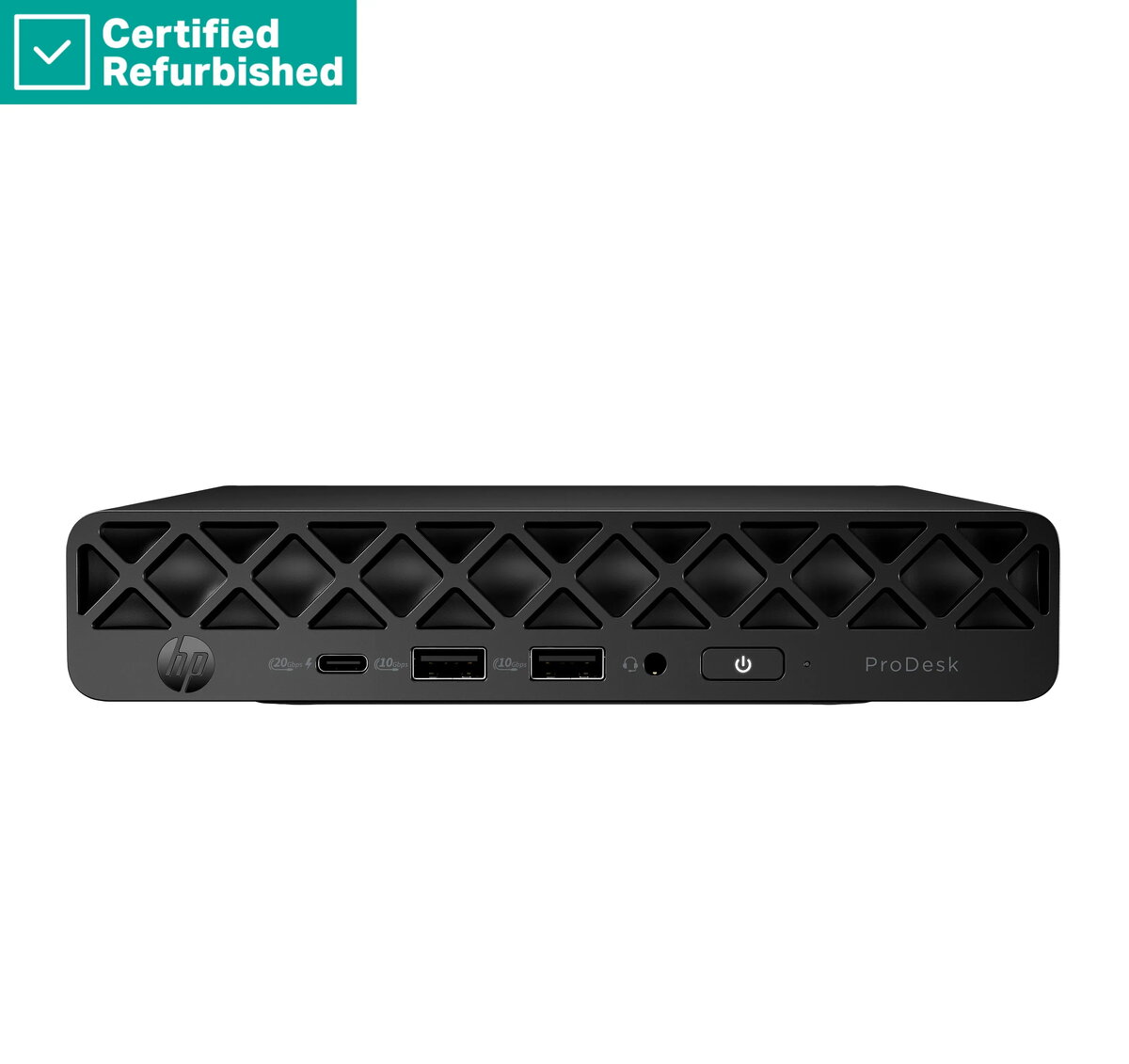
The HP ProDesk 4 G1i Mini is a compact and efficient desktop computer engineered to meet the demands of modern professional and home office environments. This space-saving system combines a powerful Ultra 5-235 processor with 16GB of RAM and a high-speed 512GB SSD, ensuring smooth multitasking and rapid data access. Pre-installed with Windows 11 Pro, this desktop provides a secure and productive operating environment right out of the box, making it a reliable choice for users who prioritize performance and desk space optimization.
Advantages
The primary benefit of this mini desktop is its ultra-compact form factor, which allows it to fit seamlessly into any workspace, including small desks or areas with limited room. The inclusion of a high-performance Ultra 5-235 processor ensures that daily business applications, web browsing, and document management tasks are handled with ease. Furthermore, the 512GB SSD significantly reduces boot times and improves overall system responsiveness compared to traditional hard drives. With 16GB of RAM, the system is well-equipped to handle multiple open applications simultaneously, providing a stable and efficient user experience for professional workflows.
Suitable for
- General office productivity and administrative tasks
- Home office setups and remote work environments
- Educational purposes and student research
- Media consumption and web-based applications
This device may not be suitable for users requiring high-end graphical performance, such as professional video editing, 3D rendering, or modern high-fidelity gaming. Due to its compact design, it also offers limited internal expansion options for additional hardware components.
Key specifications
- Processor: Ultra 5-235
- Memory: 16GB RAM
- Storage: 512GB SSD
- Operating System: Windows 11 Pro
- Included Accessories: USB mouse
To begin using the HP ProDesk 4 G1i Mini, connect your monitor, keyboard, and the included USB mouse to the available ports on the chassis. Connect the power adapter to a wall outlet and press the power button to initiate the Windows 11 Pro setup process. Follow the on-screen instructions to configure your network settings, user account, and system preferences. Once the initial setup is complete, you can begin installing your preferred software and transferring your files to the internal SSD.
What to consider before purchase
- Verify that your existing monitor supports the available video output ports
- Ensure your peripheral devices are compatible with the available USB ports
- Consider if your specific software requirements align with the integrated graphics capabilities
Usage recommendations: Place the unit in a well-ventilated area to ensure optimal cooling performance. Regularly update your Windows 11 Pro operating system to maintain security and system stability.