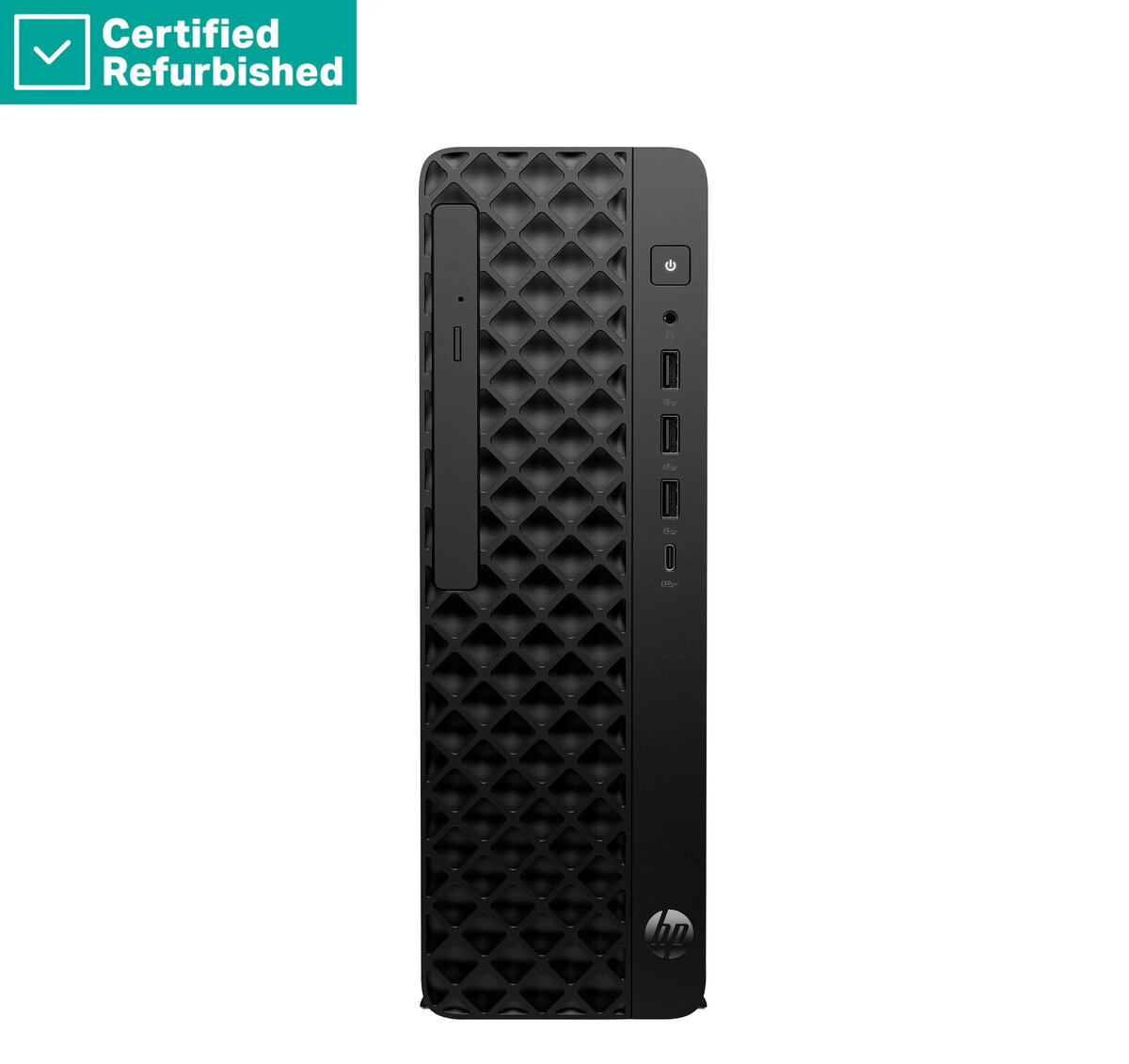
The HP ProDesk 2 G1i SFF is a high-performance desktop computer engineered to meet the demands of modern professional office environments. This compact system combines the power of an Intel Core i5-14400 processor with 16GB of RAM, ensuring smooth multitasking and efficient handling of business applications. With a 512GB SSD, users benefit from rapid boot times and quick access to essential files, while the integrated DVD-RW drive provides versatile media support. Pre-installed with Windows 11 Pro, this Renew Silver unit offers a secure and productive computing experience right out of the box.
Advantages
This desktop PC stands out due to its space-saving Small Form Factor design, which allows it to fit seamlessly into crowded workspaces or under monitors without sacrificing performance. The inclusion of a modern Intel Core i5 processor ensures that the system remains responsive during intensive office tasks, such as data analysis, document management, and web-based collaboration. Furthermore, the Renew Silver program provides a cost-effective way to acquire reliable, professional-grade hardware that has been verified for quality, backed by a 1-year warranty for added peace of mind.
Suitable for
- General office productivity and administrative tasks
- Educational environments and classroom use
- Small business accounting and data management
- Web browsing and multimedia consumption
When it may not be suitable
This desktop is not designed for high-end gaming or professional-grade video editing, as it lacks a dedicated graphics card. It may also be limited for users who require extensive internal hardware expansion or custom cooling solutions due to its compact chassis.
Key specifications
- Processor: Intel Core i5-14400
- Memory: 16GB RAM
- Storage: 512GB SSD
- Optical Drive: DVD-RW
- Operating System: Windows 11 Pro
- Form Factor: Small Form Factor (SFF)
- Included Accessories: USB Mouse
How to use
To set up the HP ProDesk 2 G1i SFF, connect your monitor to the appropriate video output port on the rear of the unit. Plug in the included USB mouse and your preferred keyboard into the available USB ports. Connect the power cable to a grounded wall outlet and press the power button on the front panel. Follow the on-screen instructions provided by the Windows 11 Pro setup wizard to configure your user account, network settings, and security preferences.
What to consider before purchase
- Ensure your monitor is compatible with the available video output ports.
- Check if your workspace has sufficient ventilation for the compact chassis.
- Verify that your specific software requirements do not exceed the capabilities of integrated graphics.
Usage recommendations
For optimal performance, keep the system updated via Windows Update and ensure the ventilation vents remain unobstructed to maintain efficient cooling during extended operation.