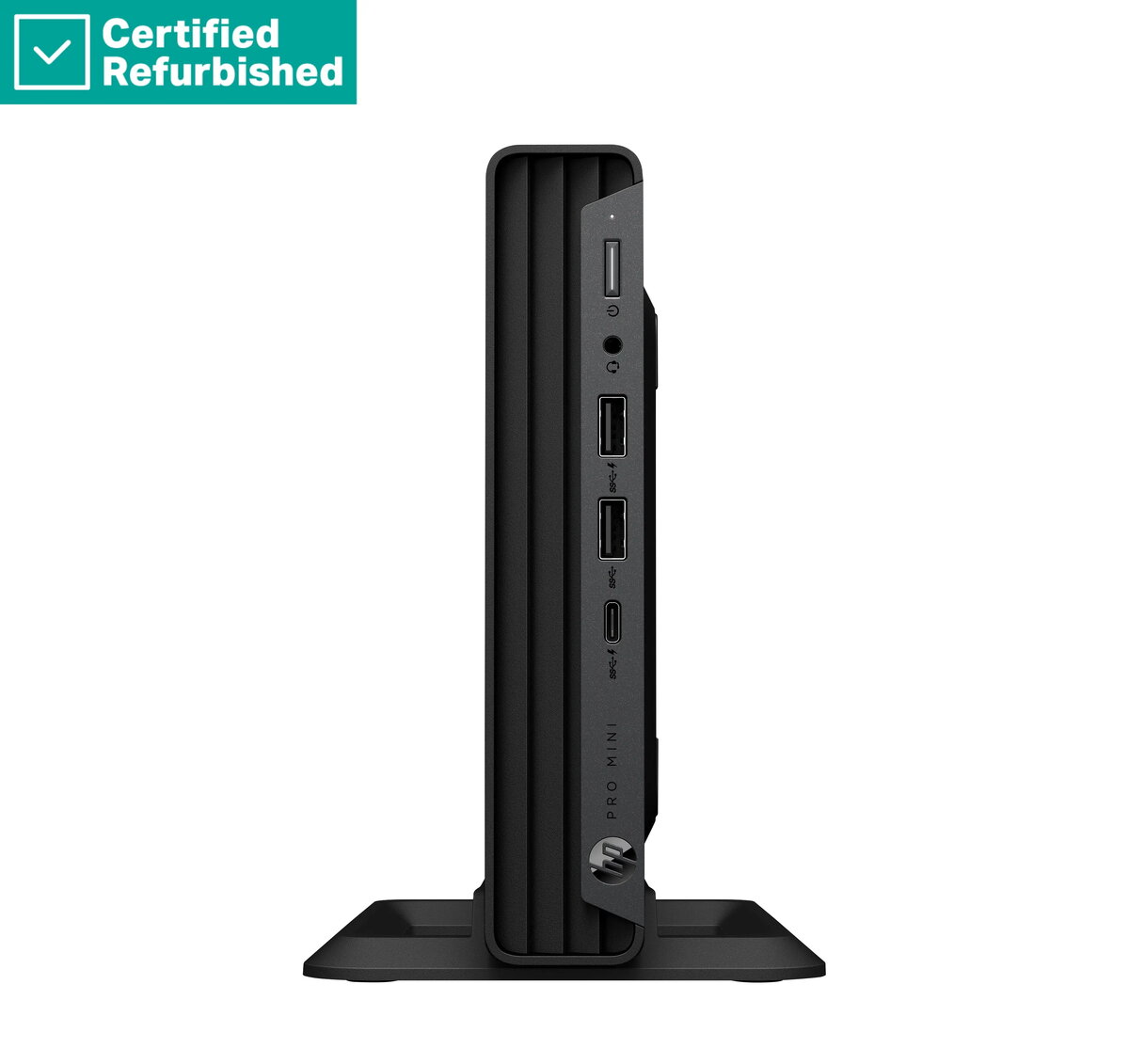
The HP Pro 400 G9 Mini Desktop PC is a high-performance, space-saving computing solution engineered for modern professional environments. This compact desktop combines the power of an Intel Core i5-14500T processor with 16GB of RAM and a spacious 1TB SSD, ensuring rapid system responsiveness and efficient multitasking capabilities. Pre-installed with Windows 11 Pro, this unit is ready for immediate deployment in business settings, offering a secure and reliable platform for daily operations.
Advantages
The primary benefit of this mini desktop is its ultra-compact form factor, which allows it to fit seamlessly into small workspaces, behind monitors, or on crowded desks without sacrificing performance. The inclusion of a high-speed SSD significantly reduces boot times and application loading, while the robust processor handles demanding office software with ease. Furthermore, the Renew Silver finish provides a professional aesthetic that integrates well into any corporate or home office environment, and the included USB mouse ensures you have the necessary peripherals to get started immediately.
Suitable for
- General office productivity and document management
- Multitasking across multiple business applications
- Space-constrained workstations and reception areas
- Professional remote work setups
When it may not be suitable
This device is not designed for high-end gaming, intensive 3D rendering, or professional video editing, as it lacks a dedicated graphics card. It is also not intended for users who require extensive internal hardware expansion, such as adding multiple internal hard drives or full-sized PCIe expansion cards.
Key specifications
- Processor: Intel Core i5-14500T
- Memory: 16GB RAM
- Storage: 1TB SSD
- Operating System: Windows 11 Pro
- Form Factor: Mini Desktop
- Included Accessories: USB Mouse
How to use
To set up the HP Pro 400 G9 Mini, connect your monitor via the available video output ports, plug in the included USB mouse, and attach your keyboard. Connect the power adapter to a standard wall outlet and press the power button on the front panel. Follow the on-screen instructions provided by Windows 11 Pro to configure your user account, network settings, and security preferences. Once the initial setup is complete, you can begin installing your preferred business software and transferring your files.
What to consider before purchase
- Verify that your monitor supports the available video output ports on the device
- Ensure you have a compatible keyboard, as only a mouse is included
- Assess your need for wired versus wireless network connectivity
- Confirm that the compact size meets your specific desk layout requirements
Usage recommendations
For optimal performance and longevity, ensure the device is placed in a well-ventilated area to allow for proper airflow. Regularly update your Windows 11 Pro operating system and drivers to maintain system security and stability.